
Description
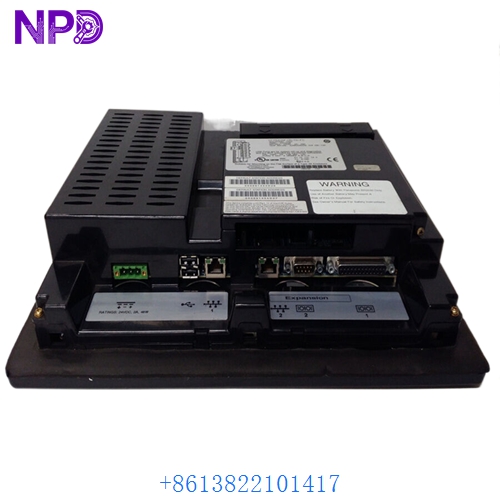
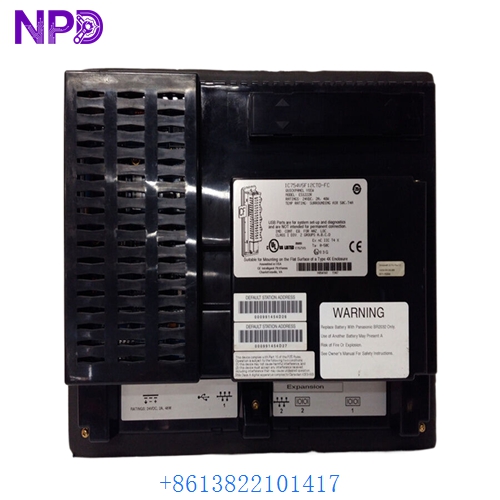
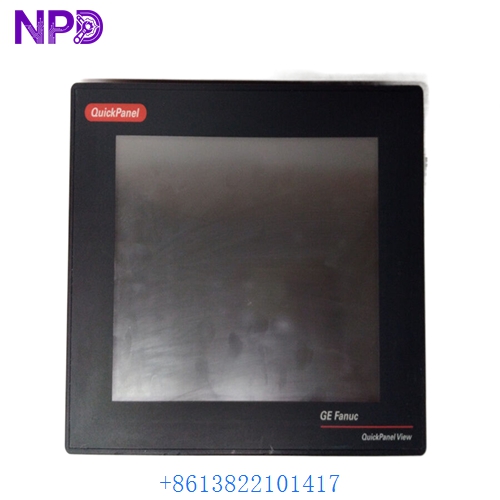
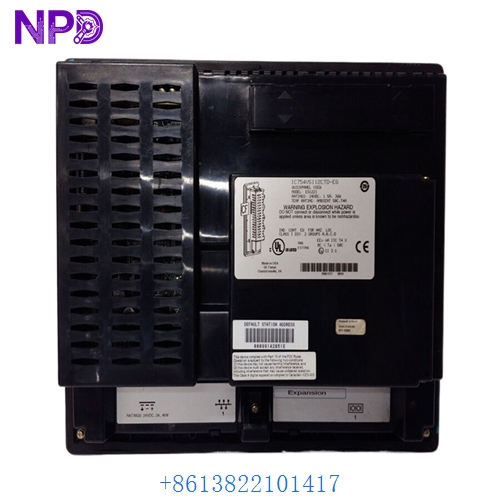
The GE IC754VSI12CTD is a 12.1-inch QuickPanel View Intermediate Human Machine Interface (HMI). This touch-screen terminal is designed to provide high-resolution visualization and control for industrial automation systems, running on the Microsoft Windows CE operating system.
Product Parameters (Datasheet)
- Model Number: IC754VSI12CTD
- Display Size: 12.1-inch Diagonal
- Display Type: Color TFT LCD (64K Colors)
- Resolution: 800 x 600 SVGA
- Processor: Intel PXA255 (400 MHz)
- Memory: 64 MB DRAM / 32 MB Flash
- Input Voltage: 24V DC (18V to 30V range)
- Touchscreen: Resistive Analog
- Communication Ports: * 1x Ethernet (10/100 Mbps)
- 2x Serial (RS-232 / RS-485)
- 1x USB Port
- 1x CompactFlash (CF) Slot
- Operating System: Microsoft Windows CE.NET
GE IC754VSI12CTD
GE IC754VSI12CTD
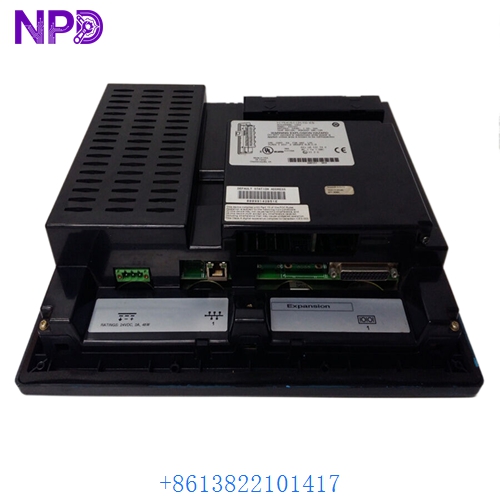
GE IC754VSI12CTD
Country of Origin
This HMI terminal was engineered and manufactured by GE Fanuc (now GE Automation & Controls) in the USA, designed for global industrial deployment.
Application Fields
The IC754VSI12CTD is widely used as a local control interface in:
- Manufacturing Lines: Monitoring machine status and adjusting production parameters.
- Water Treatment: Visualizing pump cycles, tank levels, and chemical dosing.
- Food & Beverage: Managing recipe selection and clean-in-place (CIP) sequences.
- Oil & Gas: Interfacing with remote PLCs for wellhead monitoring.
- Automotive: Coordinating conveyor speeds and robot cell status.
Product Usage Instructions
- Panel Mounting: Cut a hole in the enclosure door according to the template. Insert the HMI and secure it using the integrated mounting clips and gasket to maintain its NEMA 4/IP65 rating.
- Power Connection: Connect a regulated 24V DC power source to the terminal block. Ensure the polarity is correct and the unit is properly grounded to the chassis.
- Communication Setup: Connect the Ethernet port to your local area network (LAN) for PLC communication. Use the serial ports for legacy point-to-point connections with older GE Fanuc or third-party controllers.
- Software Configuration: Projects are typically developed using Proficy Machine Edition (View option). Download the project from your PC to the HMI via Ethernet or USB.
- Touch Calibration: If the touch response is inaccurate, use the Windows CE control panel settings to run the calibration utility.
Product Technical Description
Technically, the IC754VSI12CTD is more than just a display; it is an industrial computer. By utilizing Windows CE, it supports advanced features like data logging, alarm management, and multi-language support. Its fanless design and solid-state storage (Flash) make it resistant to vibration and dust common in factory environments. The “Intermediate” series balances cost and performance, providing enough processing power for complex graphical animations and multiple simultaneous PLC drivers without the higher cost of a full “Advanced” or “Industrial PC” model.
Q&A (Common Questions)
Q: Can I upgrade the memory on this unit? A: The internal DRAM is fixed. However, you can expand the storage for data logs and project files using the integrated CompactFlash (CF) slot.
Q: What is the difference between the “CTD” and “CTX” models? A: “CTD” indicates a 24V DC power input. “CTX” models are typically designed for AC power inputs or have different environmental certifications.
Q: How do I back up the project from the HMI? A: You can upload the project using Proficy Machine Edition if the “Allow Upload” option was enabled during the original download. Alternatively, you can copy the project folder from the internal Flash via the Windows CE explorer.
Q: My screen is blank but the power LED is on. What is wrong? A: This often indicates a failure of the CCFL backlight or the inverter board. In some cases, adjusting the brightness/contrast via software can resolve visibility issues.
Similar Model Recommendations
- GE IC754VSI06CTD (6-inch version)
- GE IC754VSI08CTD (8-inch version)
- GE IC754VSI15CTD (15-inch version)
- GE IC755CSW12CTD (QuickPanel+ newer series)
- GE IC754VBL12CTD (Basic/Entry level variant)
For technical support or to procure the GE IC754VSI12CTD, please contact our HMI specialists today.