Description
- Model: GE IS220UCSAH1A (Functional Acronym: UCSA)
- Brand: General Electric (USA)
- Series: Mark VIe Control System
- Core Function: Standalone primary processing and control engine executing critical control loop algorithms for gas/steam turbines, New Surplus condition
- Type: Main Control Processor Module (CPU)
- Key Specs: Intel Celeron 600 MHz ultra-low-voltage processor, 256 MB DDR2 SDRAM, 3x redundant IONet Ethernet ports (10/100 Mbps)
- Processor Core: Intel Celeron Ultra-Low-Voltage (ULV) operating at a native 600 MHz clock frequency
- System Memory: 256 MB high-speed DDR2 SDRAM internal memory array
- Non-Volatile Storage: 128 MB internal flash memory for configuration, operating system images, and application partitions
- Network Infrastructure Interface: 3x 10/100Base-TX RJ45 Ethernet communication channels dedicated to redundant IONet linking
- Auxiliary Interfaces: 1x RS-232 serial port via RJ45 interface for local engineering station/diagnostic setup, 2x USB 2.0 expansion connection pathways
- System Power Input Requirements: Dual-redundant 28 V DC inputs (Acceptable functional range: 18 V to 32 V DC)
- Operating Current Consumption: 1.5 A maximum draw at 24 V DC base supply
- Operating System Base: Real-time deterministic QNX Operating System architecture
- Local Visual Diagnostics: Dedicated status LEDs (Power, Online, Flash, Diagnostic active status, individual Ethernet link/activity)
- Mechanical Format Structure: Slimline vertical panel-mount protective sheet metal shroud enclosure
- Physical Envelope Constraints: 21.0 cm H x 4.8 cm W x 18.2 cm D
- Ambient Thermal Parameters: 0 °C to +65 °C free-convection airflow operating environment
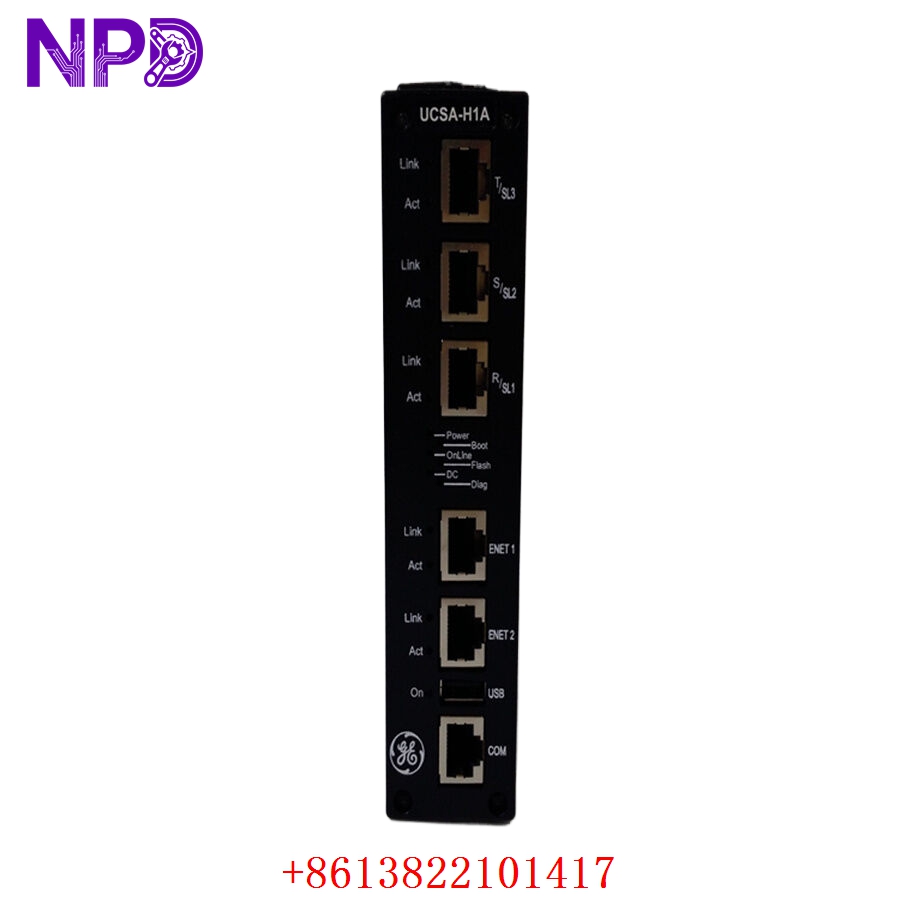
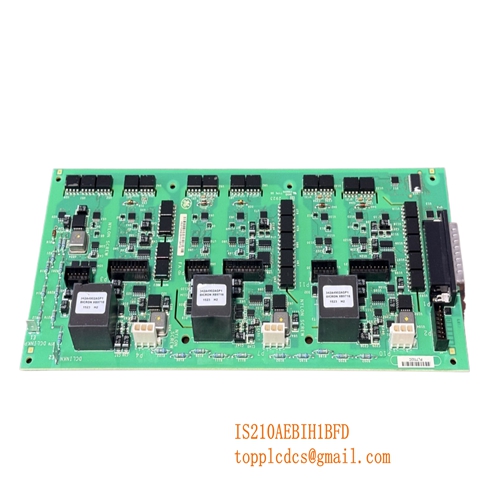
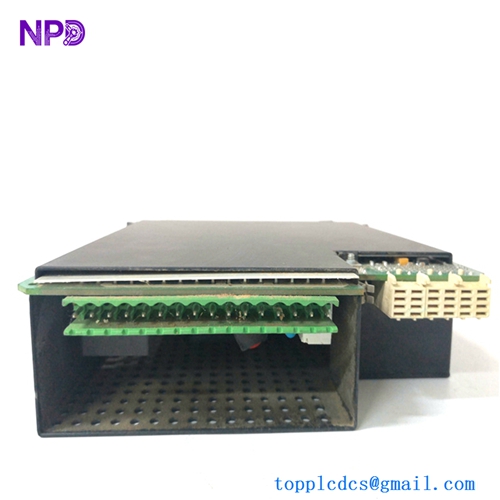
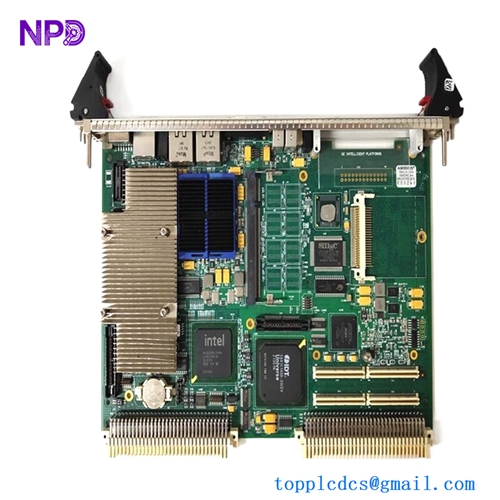
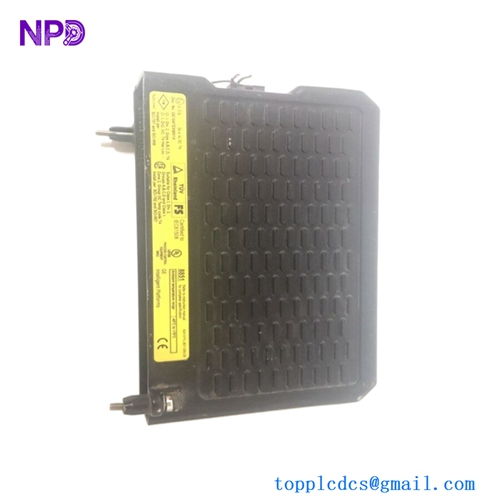
GE IS220UCSAH1A
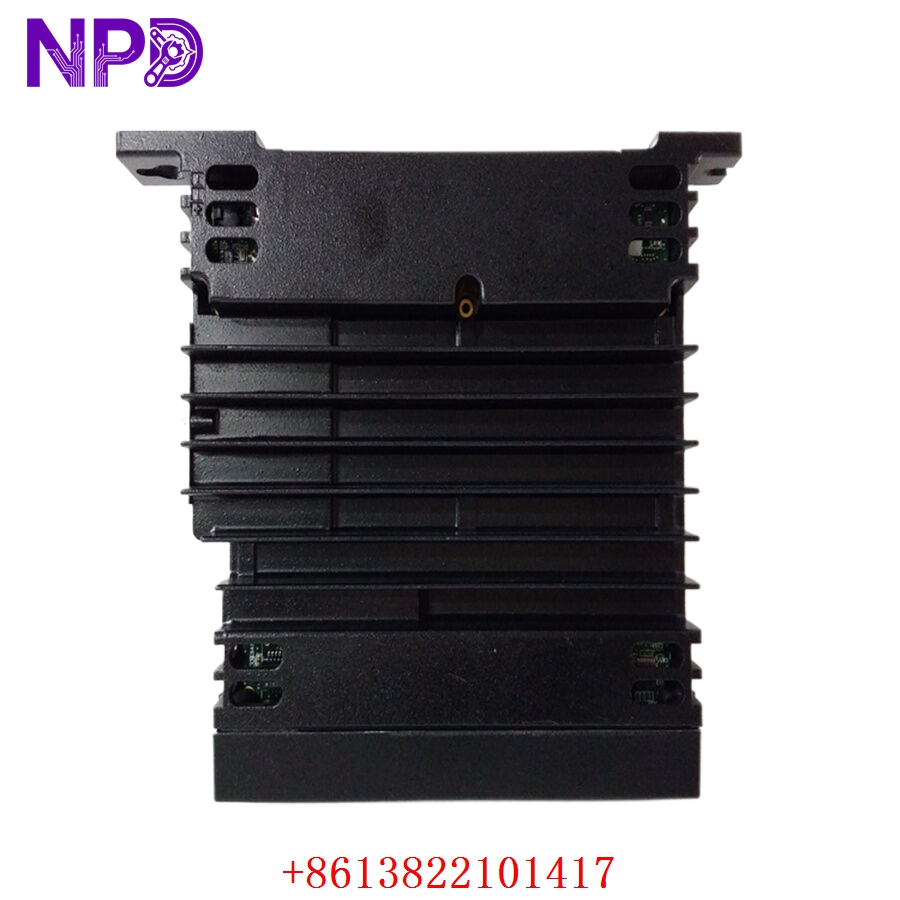
GE IS220UCSAH1A
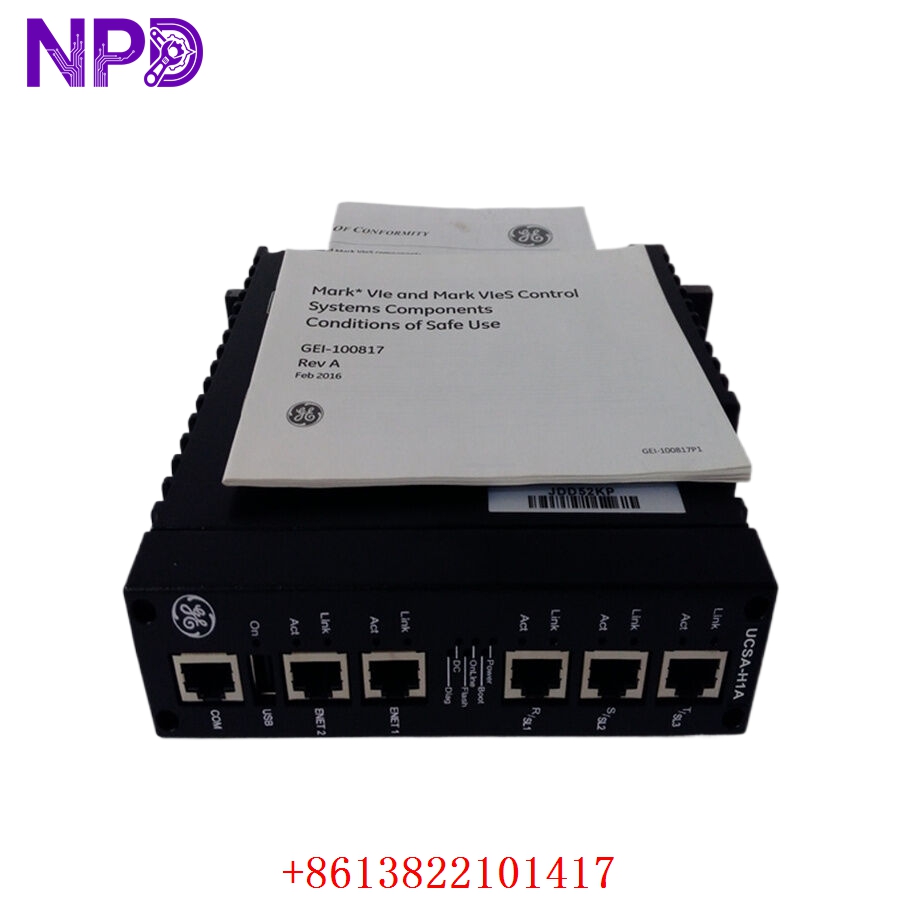
GE IS220UCSAH1A
Application Scenarios & Pain Points
In modern utility-scale power generation blocks utilizing GE Mark VIe control infrastructure, the UCSA module functions as the computational brain executing turbine speed, load, and temperature-limiting control equations. If the central processor drops out due to severe memory degradation, hardware latch-ups, or internal power rail failure, the entire power train trips offline instantly. Finding an exact firmware-matched and hardware-validated replacement assembly is critical for utility control engineers. Slotting in an untested processor or one running mismatched boot code blocks can stall communication across the entire internal distributed IONet tier, resulting in extended commissioning times during forced shutdown events.
Typical Application Scenarios
- Power Generation – Main Steam / Gas Turbine Automation
Executes high-speed turbine governing algorithms, automatic synchronization matrices, and exhaust temperature monitoring protection routines.
- Combined Cycle Facilities – Master Block Control Coordination
Manages automated plant coordination and interfaces directly with distributed I/O modules, heat recovery steam generators (HRSGs), and auxiliary plant loops.
- Heavy Industrial Processes – Large Synchronous Compressor Control
Acts as the central logic solver for high-horsepower process compressors used in petrochemical facilities, handling surge controls and performance mapping.
Real-World Field Case: Eliminating Intermittent Dual-Redundant Split Errors
Background: A 350 MW combined-cycle thermal generation facility in East China was operating a dual-redundant Mark VIe configuration on its main gas turbine block. The backup controller started throwing random data drops.
The Problem: The secondary controller rack was showing intermittent “IONet Synchronization Lost” errors inside Workmaster ToolboxST. Although the primary controller held the load, the redundancy safety net was compromised. If the active master failed during one of these sync-loss frames, the entire unit would trip. The plant maintenance crew isolated the issue to a failing physical Ethernet port controller on the older UCSA processor board, which would randomly reset when cabinet internal temperatures spiked past 50 °C.
The Solution: The lead control systems engineer contacted our depot. We retrieved a matching IS220UCSAH1A controller module from our warehouse, verified its functionality on an original Mark VIe panel frame, executed a clean QNX operating system boot sector check across its Flash partitions, and sent it via an express overnight hot-shot delivery courier.
The Result:
- Turnover Speed: Delivered to the facility within 16 hours of order processing.
- Remediation: The control technicians applied the site’s unique system image configurations via ToolboxST, swapped the faulty hardware block during a scheduled off-peak period, and watched the internal clock match up with the running loop. Dual-redundant tracking stabilized immediately with zero subsequent error notifications.
Compatible Replacement Models
Be careful when evaluating upgraded iterations of the Mark VIe processing line. Modifying processing units requires matching your existing software configuration framework version.
- IS220UCSAH1A (Exact Match Module) → Direct Drop-in Replacement
- Differences: This represents the standard Celeron 600 MHz standalone UCSA processor layout. It slides onto your existing mounting plate and connects to the standard network cables.
- Action: Transfer the network lines, boot the unit, and download your targeted software build partition from ToolboxST.
- IS220UCSAM1A / IS220UCSAM1B → Software / Architecture Modification Required
- Differences: The UCSA family focuses on standalone, mid-range processing, while the UCSM series incorporates higher performance dual-core architectures intended for massive, high-density I/O distributions.
- Recommendation: Do not substitute a UCSA module with a UCSM variant unless you plan to execute a full system-wide hardware re-allocation and code re-compilation process within a matching, updated version of ToolboxST.
Troubleshooting Quick Reference
When troubleshooting a suspect UCSA processing unit during an active fault status alert, consult this reference guide to pinpoint the issue.
| Front Panel Observation | Potential Root Cause | Core Module Relevancy | Field Diagnostic Test Steps | Remediation Strategy |
| “Power” LED stays OFF while input rails are energized | Blown internal input fuse or failed DC/DC power stage | ✅ High | Measure voltage across the external 28 V DC terminal source blocks with a multimeter. | If 28 V DC is present at the connector pins but the power LED remains dark, the internal power rail is dead. Replace the module. |
| “Online” LED dark; “Diag” LED solid orange | Boot sequence failure or missing QNX system partitions | ✅ High | Establish a direct terminal link via the RJ45 serial port to observe the primary boot cycle logs. | If memory checksum errors appear during the boot process, reload the core system files or replace the module if flash sectors are degraded. |
| “Link” LED stays dark when connected to IONet switches | Damaged RJ45 port or broken network cabling | ⚠️ Medium | Test the patch cable on an adjacent functional port or verify switch port activity parameters. | Swap out the network patch cable. If a known good cable fails to establish a link light on that specific port, the internal transceiver is damaged. Swap the processor. |
| Erratic system timeouts or high code jitter | High processor load or internal memory leaks | ✅ High | Open the diagnostic window within ToolboxST and check current CPU and memory utilization statistics. | Check for unoptimized or looping application logic tasks. If memory usage climbs continuously without leveling off, contact support to clear firmware memory blocks. |
❗ CRITICAL APPLICATION DOWNLOADING NOTE: When preparing to swap a faulty IS220UCSAH1A module, ensure you have the exact site-specific Control System ToolboxST topology files matching the running firmware revision of your existing controller set. Attempting to download application code blocks with mismatched firmware definitions will cause a network build rejection and prevent the replacement module from entering an online state.
If your plant floor technicians need to verify our current inventory’s exact firmware compatibility profiles or require a detailed walkthrough of our automated validation processes before placing a shipment block, connect with our support desk today. We will deliver the data you need within two hours.