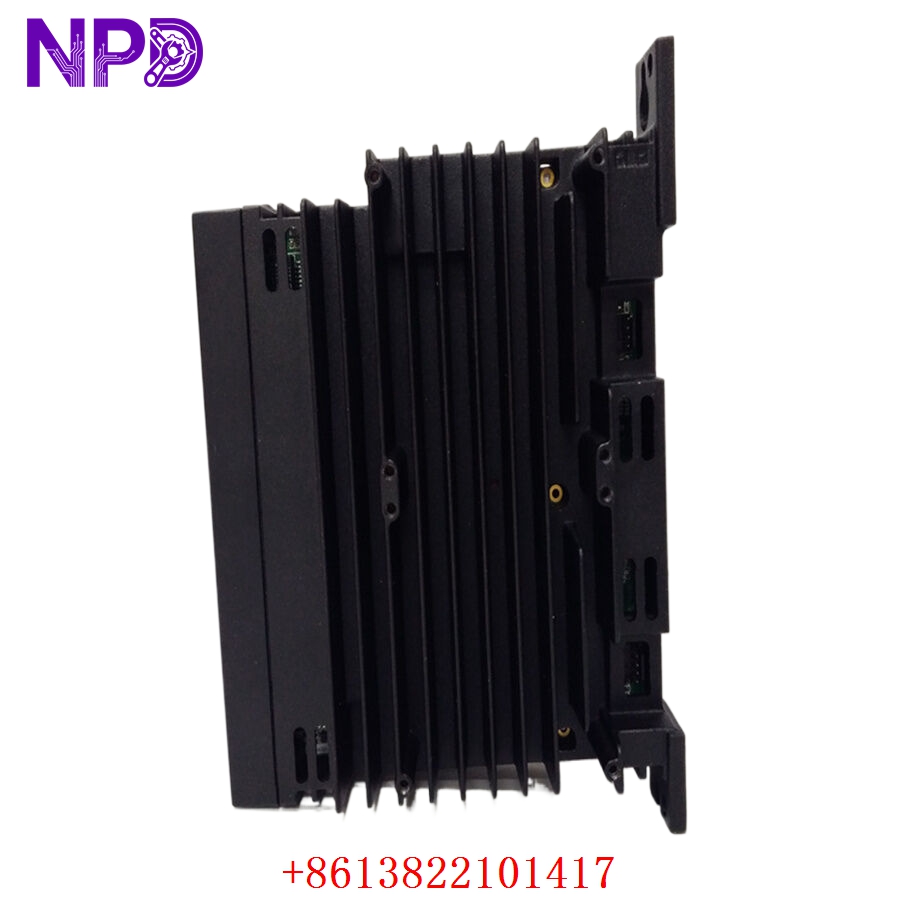

Description
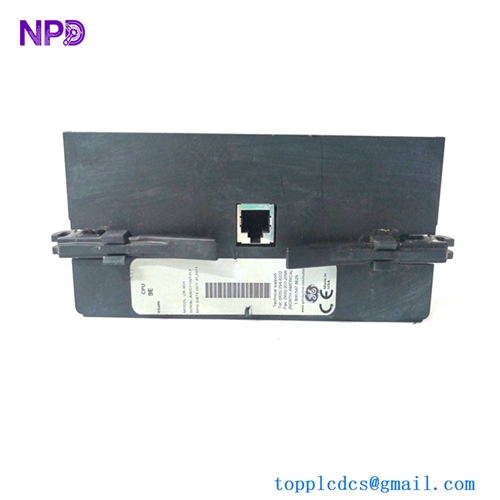
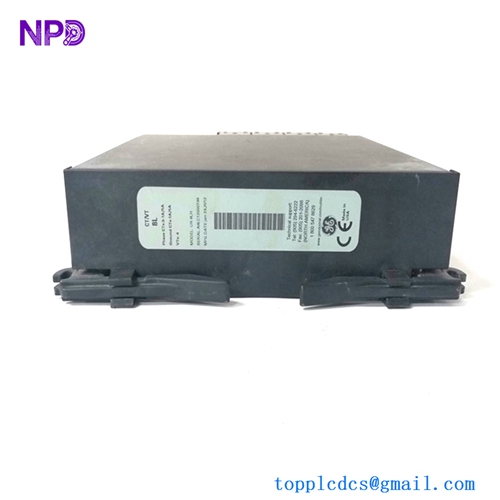
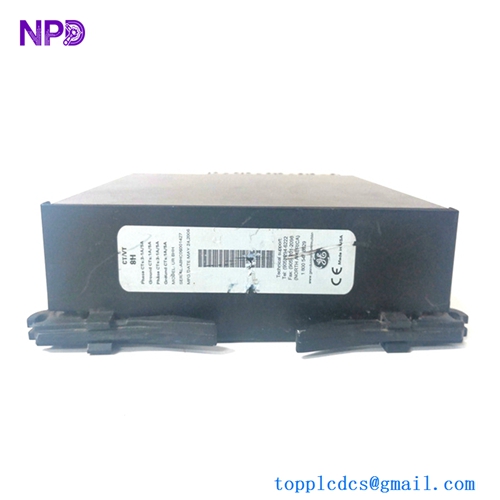
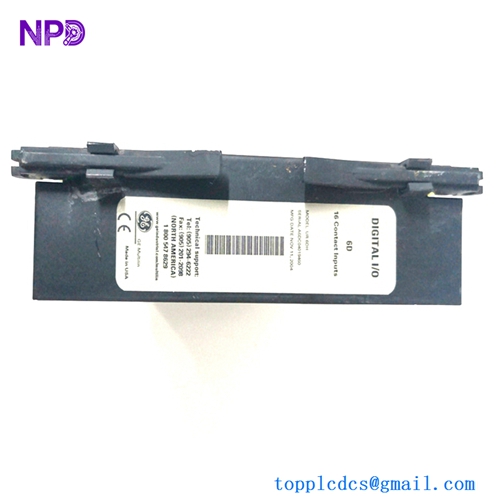
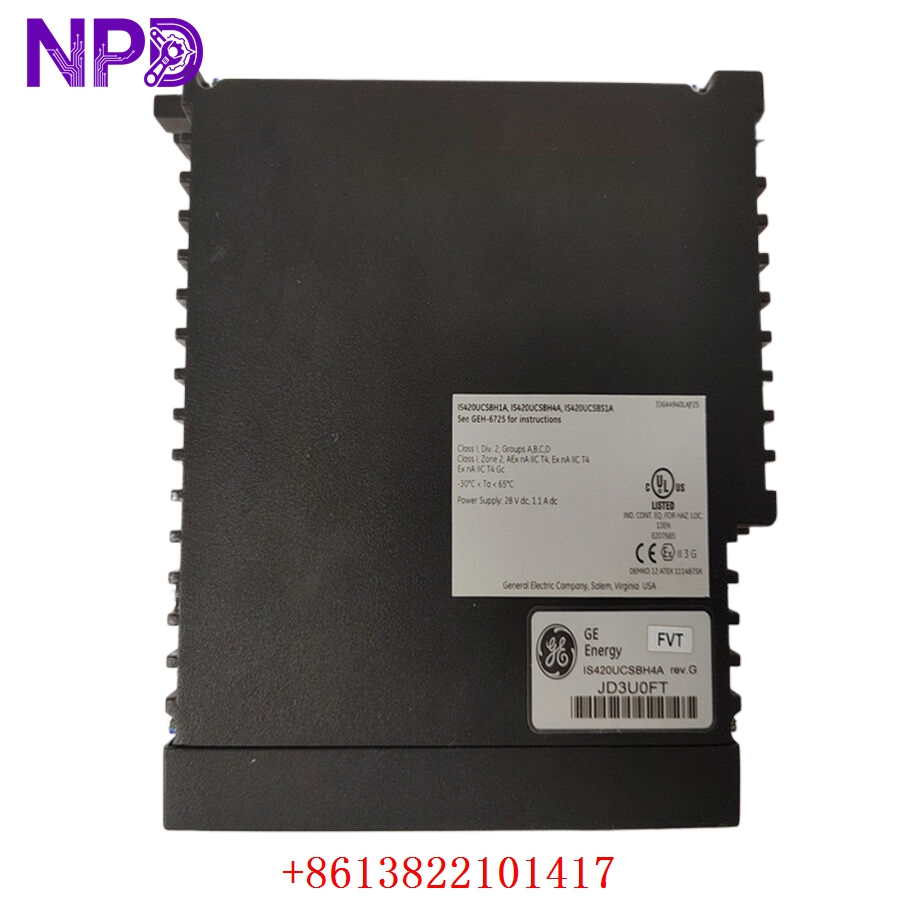
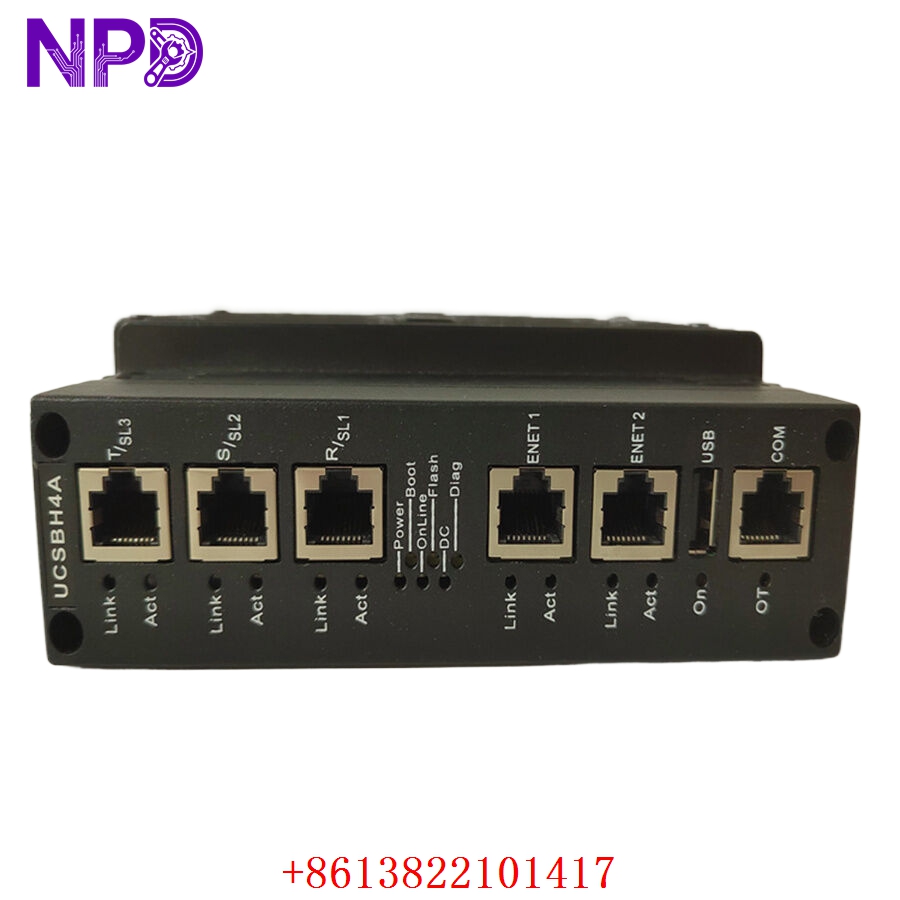
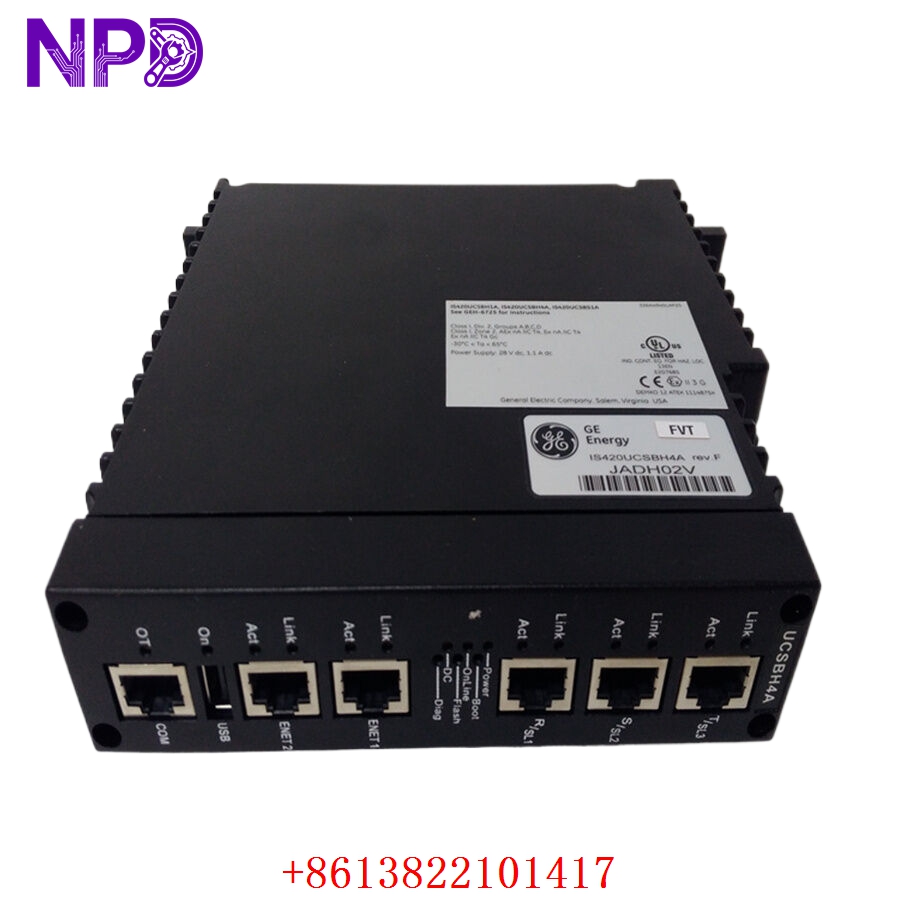
- Model: GE IS420UCSBH4A
- Brand: General Electric (GE Vernova)
- Series: Mark VIe Control System
- Core Function: Serves as the primary controller for distributed control and monitoring, executing complex industrial logic and I/O management, Original New Surplus condition
- Type: Universal Controller Station Block (UCSB)
- Key Specs: 32-Bit high-speed processor | Integrated Ethernet ports | Real-time I/O data acquisition
- Processor Core: High-performance processor specifically engineered for Mark VIe Control System applications
- Ethernet Connectivity: Integrated redundant 10/100/1000 Mbps Ethernet ports for I/O and supervisory network communication
- Memory: High-speed RAM and non-volatile flash memory for logic execution and storage
- Operating Environment: Designed for industrial environments, operating temperature range -30 °C to +65 °C
- Power Supply: 24 V DC power input via the rack-based power distribution system
- Physical Mounting: Designed for mounting within a GE Mark VIe control rack, utilizing the system-specific I/O pack connection hardware
GE IS420UCSBH4A
GE IS420UCSBH4A
GE IS420UCSBH4A
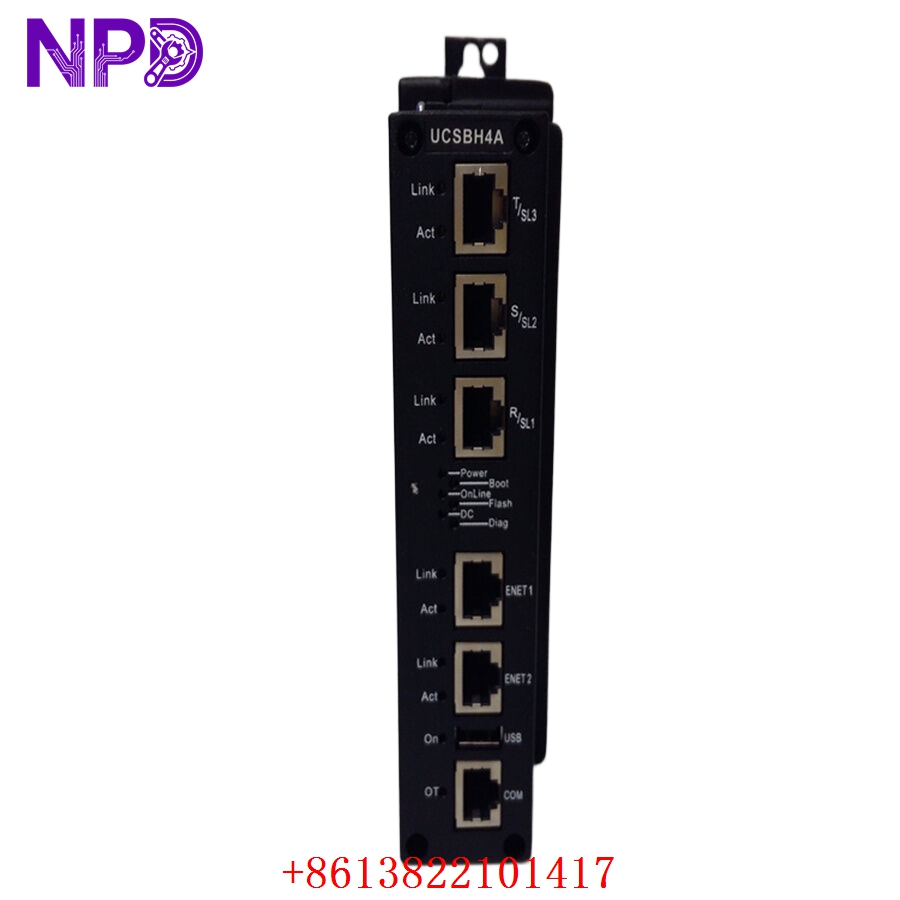
GE IS420UCSBH4A
Part 4: Installation & Configuration Guide
Phase 1: Pre-Installation (Estimated Time: 15 minutes)
⚠️ Safety First:
- Verify the control system is in a safe state for maintenance, typically meaning the turbine or process unit is shut down and locked out (LOTO).
- Ensure you have the appropriate ESD (Electrostatic Discharge) protection, such as an anti-static wrist strap, before handling the board.
- Power down the corresponding I/O rack section before removing any components.
Tool Preparation:
- ESD-safe workstation
- Flathead and Phillips screwdrivers
- Ethernet cable for configuration/diagnostics
- Multimeter for checking voltage supply rails
Phase 2: Removal & Installation (Estimated Time: 20 minutes)
- Unplug: Disconnect all Ethernet communication cables and I/O pack connections from the module faceplate.
- Remove: Release the locking tabs on the module faceplate and slide the unit out of the rack chassis.
- Install: Slide the new IS420UCSBH4A module into the correct slot until the backplane connectors seat firmly.
- Lock: Ensure the locking tabs are fully engaged to provide structural and grounding security.
- Connect: Reconnect the Ethernet cables and any necessary communication lines.
Phase 3: Configuration & Initialization (Estimated Time: 20 minutes)
- Power Up: Restore power to the rack.
- Initialization: The module will undergo a self-diagnostic routine. Verify that the status LEDs (typically green for Power/Run, Amber/Red for Faults) display a healthy state.
- Software Configuration: Connect your programming terminal to the controller via the dedicated maintenance port. Use the GE ControlST configuration software to download the application code to the new module.
- Verification: Confirm network connectivity by verifying that the controller is visible in the network management tool and that all I/O points report expected values.
Part 5: Customer Cases & Industry Applications
Case 1: Urgent Turbine Controller Replacement
A gas-fired power generation facility experienced a critical failure of a main controller module during a high-demand period. The IS420UCSBH4A controller was identified as faulty due to a persistent diagnostic error preventing I/O communication. By sourcing an original new surplus unit, the customer bypassed long lead times and restored plant operational capability in under 48 hours.
Case 2: Control System Upgrade
An industrial plant was undergoing an upgrade to their control architecture. They required reliable hardware to integrate into their existing Mark VIe framework. The use of verified IS420UCSBH4A units ensured seamless integration and long-term reliability for their continuous process automation.
Part 6: Frequently Asked Questions (FAQ)
Q1: Is this module compatible with existing Mark VIe racks?
A: Yes, the IS420UCSBH4A is designed as a drop-in replacement for modules within the GE Mark VIe architecture. Always verify your existing hardware revision and firmware requirements before installation.
Q2: What should I do if the module shows a “Fault” light after installation?
A: A fault light often indicates a configuration mismatch. Ensure that the application code for the specific turbine or process has been correctly loaded into the module via the ControlST suite. Verify that all network cables are securely connected.
Q3: Why is New Surplus better than refurbished?
A: Refurbished equipment may have high-stress operational hours that degrade internal components. Our New Surplus units are factory-unused and stored in optimal conditions, offering the same reliability and lifespan as a brand-new factory-shipped unit, backed by a 12-month warranty.