
Description
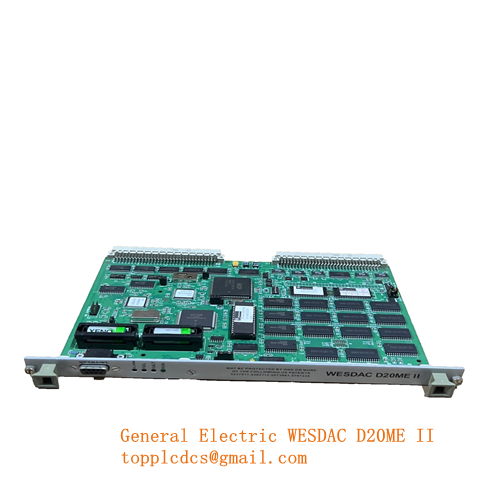
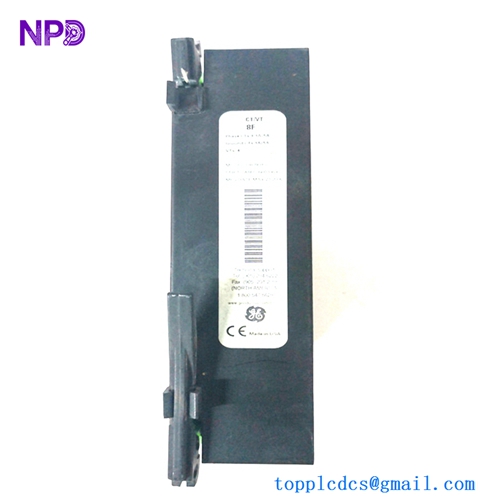
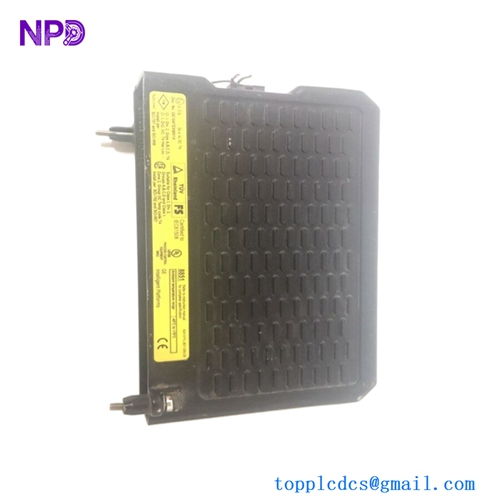
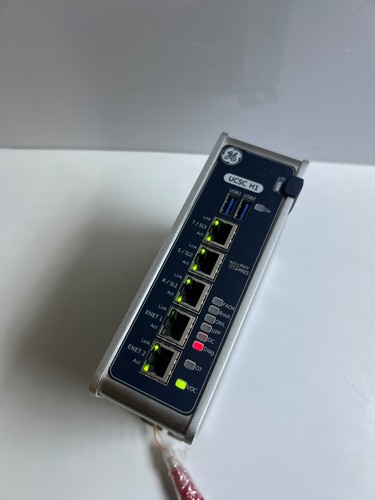
The GE IS420UCSCH1B-B-V0.1-A, commonly referred to as the UCSC H1 controller module, is an advanced processing and control component designed for Mark VIe and Mark VIeS industrial control systems. This controller module provides high-speed execution of application code, robust system communication, and reliable control functions for complex gas and steam turbine management, as well as general industrial automation environments. It is engineered with high reliability and diagnostic features to minimize system downtime.
📋 Technical Specifications
- Device Series: Mark VIe / UCSC
- Part Number: IS420UCSCH1B-B-V0.1-A
- Module Type: Controller Module (H1)
- Processor Type: High-Performance Multi-Core Processor
- Memory: Enhanced Flash and RAM configuration
- Communication Ports: Dual RJ45 Ethernet ports
- Operating Voltage: 24 VDC nominal
- Mounting Style: Rack or Baseplate Mount
- Dimensions: Standard Mark VIe form factor
- Country of Origin: USA
⚙️ User Instructions Installation of the UCSC H1 controller module must be executed by certified professionals familiar with GE Mark VIe control systems. Ensure that the system power is completely powered down before inserting or removing the module from its rack slot. Handle the module using standard electrostatic discharge (ESD) precautions. Secure the module firmly into its designated slot and connect the appropriate communication cables to the onboard Ethernet ports. After installation, initialize the module through the ToolboxST application software to load the correct configuration and verify system diagnostics.
❓ Frequently Asked Questions
- Q: What is the primary function of the IS420UCSCH1B-B-V0.1-A controller?
A: It serves as the core processing unit for executing control logic, handling I/O communication, and managing system diagnostics within the Mark VIe architecture.
- Q: How do I configure this controller module?
A: Configuration is performed using the GE ToolboxST software suite, which allows users to download application code, set network parameters, and monitor health status.
- Q: What should I do if the module indicates a hardware fault?
A: Check the diagnostic logs via ToolboxST to identify the specific error code, ensure the module is fully seated in its slot, and verify power supply stability.
🔗 Recommended Series Models
- IS420UCSCH1A
- IS420UCSCH1B
- IS420UCSCH2A
- IS420UCSCH2B
- IS420UCSCH3A
- IS420UCSCH3B
- IS420PCCAH1A
- IS420PCCAH1B
- IS420ESWBH1A
- IS420TSIOH1A