
Description
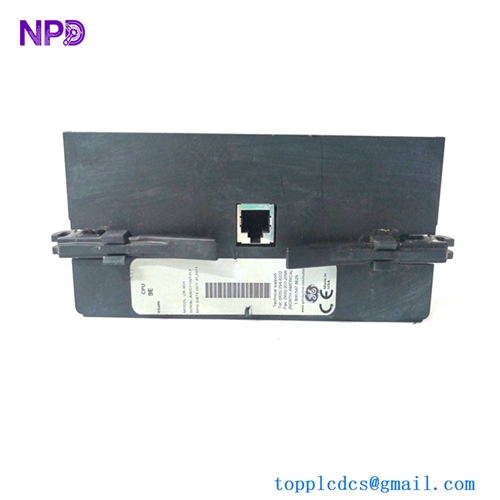
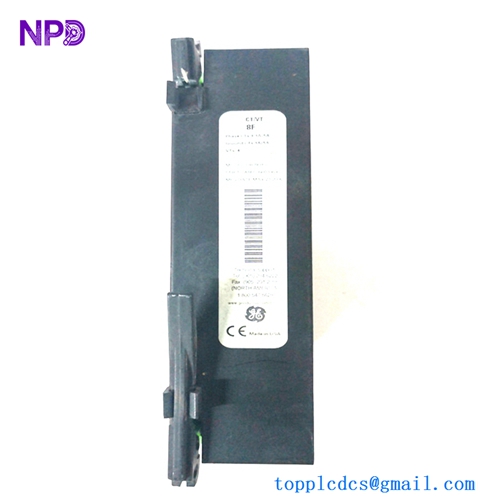
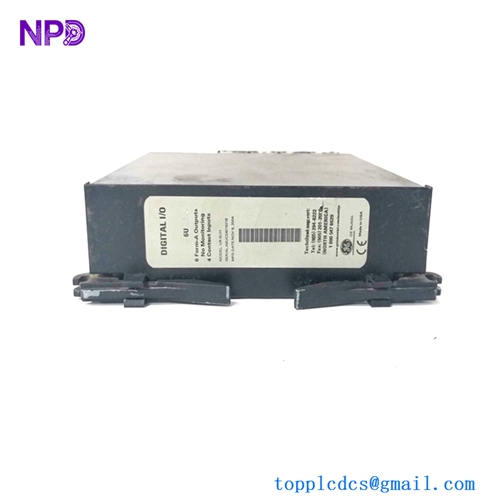
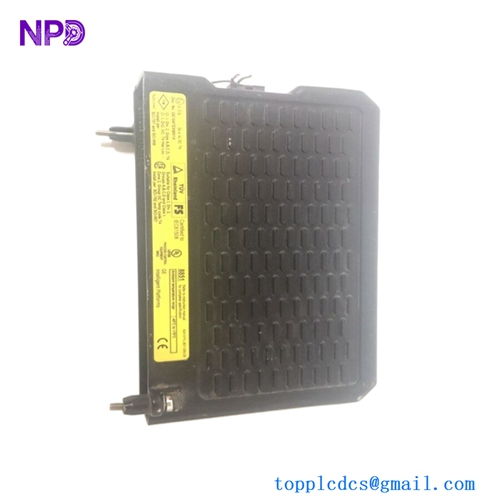
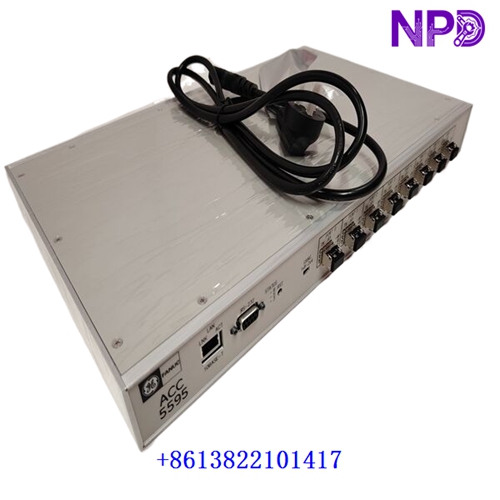
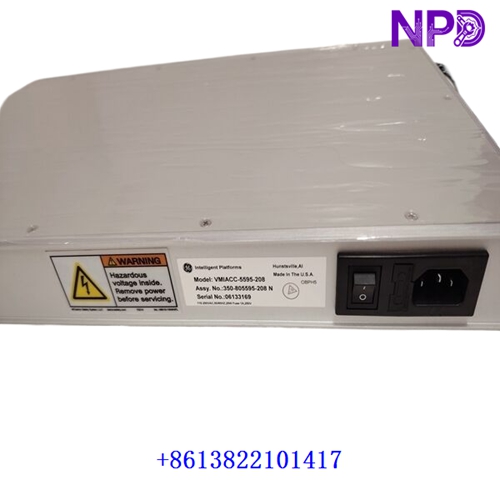
The GE / VMIC ACC-5595-208 (Manufacturer Part Number: 350-805595-208N / VMIACC-5595-208) is a high-performance, 2 Gb/s managed reflective memory hub assembly. Designed to work in tandem with the 5565 family of real-time reflective memory network products, this hardware unit facilitates ultra-fast, deterministic data sharing across multiple nodes in demanding industrial automation, defense, simulation, and turbine control environments.
| Parameter | Specification |
| Brand / Manufacturer | GE Fanuc / VMIC (Abaco Systems heritage) |
| Model / Part Number | ACC-5595-208 (Assy: 350-805595-208N) |
| Product Type | 2 Gb/s Reflective Memory Managed Hub Assembly |
| Compatibility | VMIxxx-5565 Series Reflective Memory Networks |
| Port Configuration | 8-port Small Form-Factor Pluggable (SFP) interface architecture |
| Network Scaling | Supports cascading multiple hub arrays for networks up to 256 nodes |
| Signal Management | Automatic/manual port bypass for defective or disconnected nodes; full signal/jitter regeneration per port |
| Remote Management | RS-232 serial port (9-pin D-sub) and 10/100 Ethernet port (HTML web browser / CLI support) |
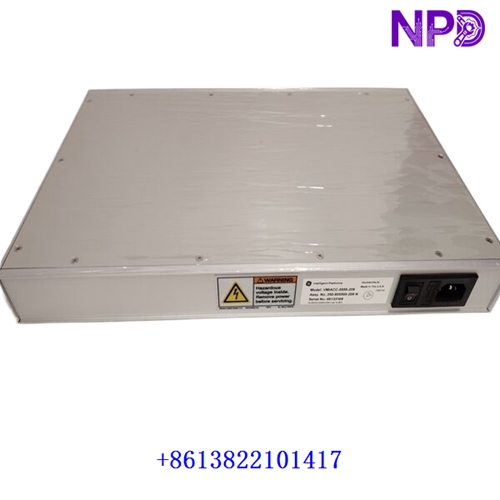
| Form Factor | 19-inch 1U rack-mountable or desktop enclosure |
| Power Supply | Universal AC input (90 to 264 VAC, 47 to 440 Hz) |
| Product Status | Industrial Automation Spare Part / Legacy & Surplus Support |
First-Run Inspection Checklist
- ☑ Physical & Chassis Integrity
Inspect the enclosure, rack brackets, front SFP slots, and rear power entry module for any physical transit damage or structural wear.
- ☑ SFP Transceiver Verification
Confirm that the installed SFP optical transceivers (multimode or single-mode variants) match network design specifications and are securely seated in their sockets.
- ☑ Power & Grounding Check
Ensure that the universal AC power cable is firmly connected and that the cabinet earth grounding meets electrical safety requirements prior to system energization.
Routine Maintenance & Servicing
- 🛠 Environmental Monitoring
Verify that control enclosures or server racks maintain stable ambient temperatures and prevent the buildup of dust or airborne contaminants around ventilation paths.
- 🔌 Fiber-Optic & Port Inspection
Periodically check LC fiber-optic connectors for cleanliness, ensure proper bend radii on optical lines, and verify that status LEDs reflect active sync links.
Troubleshooting & Common Issues
- ⚠️ Port Auto-Bypass Triggered
If a port automatically shuts down or enters bypass mode, inspect the corresponding fiber-optic cable for attenuation/breaks, check transceiver cleanliness, and verify that the connected node is powered on.
- ⚠️ Web Interface / Network Unreachability
If remote configuration via the Ethernet port fails, verify IP settings, check physical Ethernet link status, or utilize the front RS-232 serial interface for local diagnostic extraction.
Safety Precautions
- 🔐 Qualified Personnel Only
Installation, configuration, and hardware swaps must be executed exclusively by certified technicians familiar with high-speed optical networks and industrial control infrastructure.
- ⚠️ Laser & Electrical Safety
Avoid direct eye exposure to active SFP optical transceiver ports. Always isolate AC mains power before servicing internal fuses or power supply components.
Frequently Asked Questions (Q&A)
- ❓ Q1: What is the primary role of the ACC-5595-208 hub in a network?
A: It acts as a managed hub for reflective memory systems, aggregating optical nodes, regenerating signals to eliminate cable attenuation losses, and automatically bypassing faulted links to keep the broader network operational.
- ❓ Q2: Can multiple hubs be linked together to expand node capacity?
A: Yes. Hub assemblies can be cascaded to build managed arrays supporting up to 256 interconnected nodes.