Description
- Model: WESDAC D20ME
- Part Number: 526-2004-03A-270957
- Brand: GE / GE Harris
- Series: D20 RTU (Remote Terminal Unit)
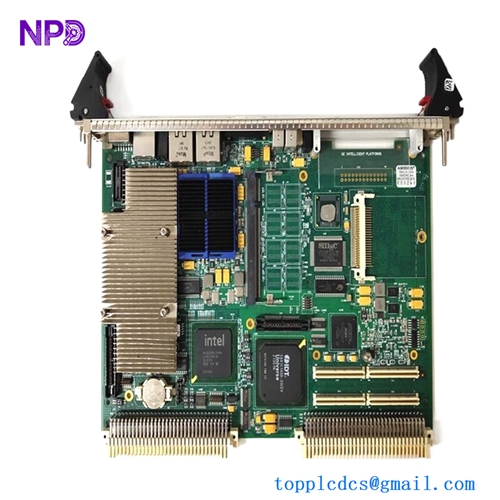
- Core Function: Main Processing Module (VME-based) for Substation Automation
- Condition: Brand New Surplus (Original New), Non-refurbished
- Type: RTU Controller / Processor Board
- Key Specs: VMEbus compatible Redundant communication support D20 Peripheral interface
- Processor: High-performance microprocessor for real-time substation logic
- Interface: VMEbus (Standard 6U height)
- Communications:
- Dual redundant D.20 Peripheral Link
- Support for DNP3, Modbus, and various legacy protocols
- Memory: Integrated Flash for firmware and Battery-backed RAM for database/SOE (Sequence of Events)
- Diagnostic Ports: Front-access Serial port for configuration and maintenance
- LED Indicators: Status, Fail, and Communication Activity
- Power Consumption: Optimized for low-draw substation environments
- Environment: Designed for high EMI/RFI immunity (IEEE 1613 compliant)
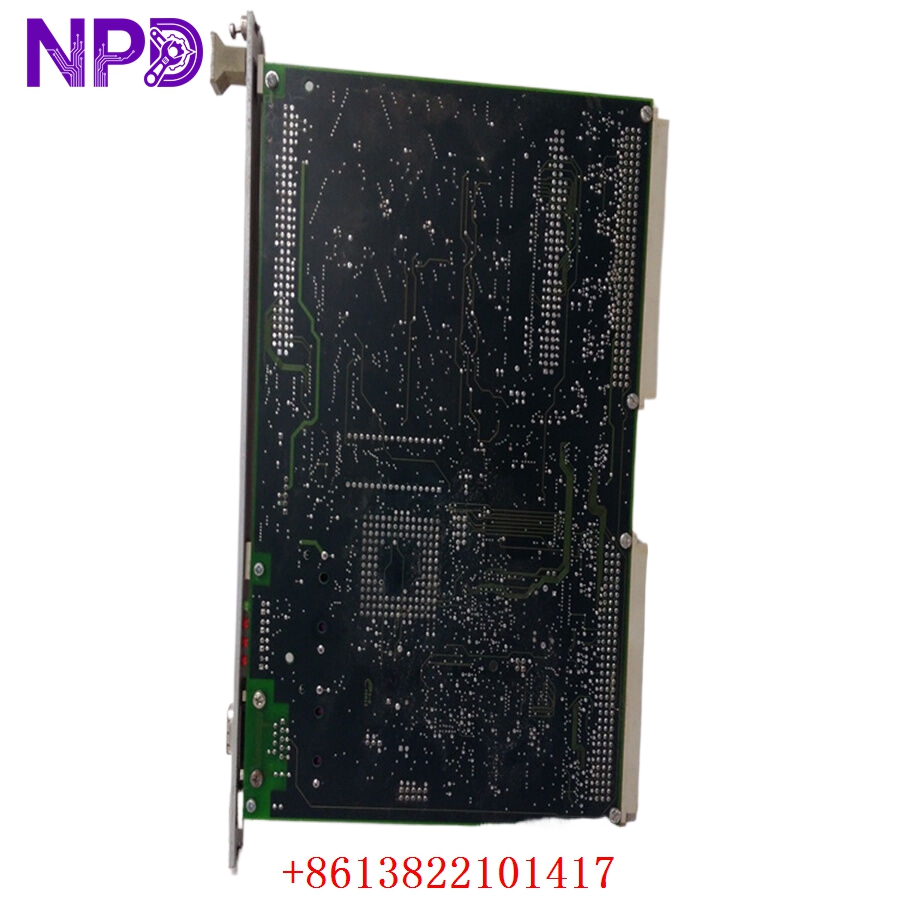
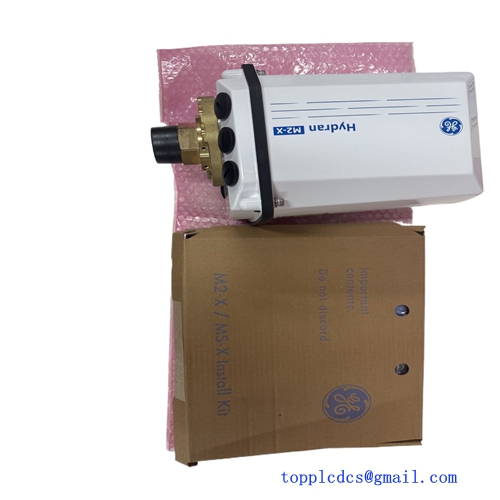
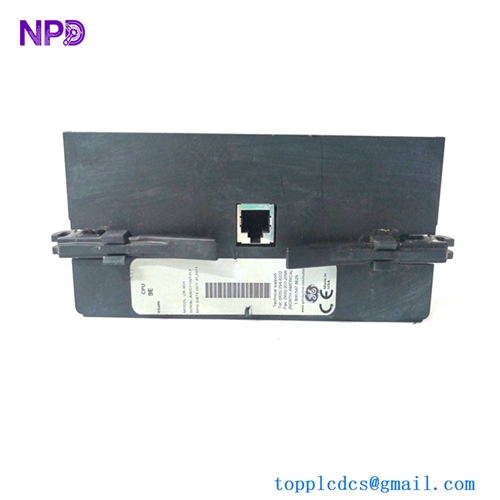
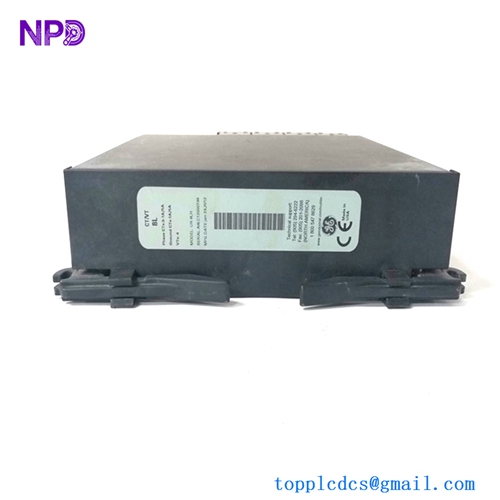
GE WESDAC D20ME 526-2004-03A-270957
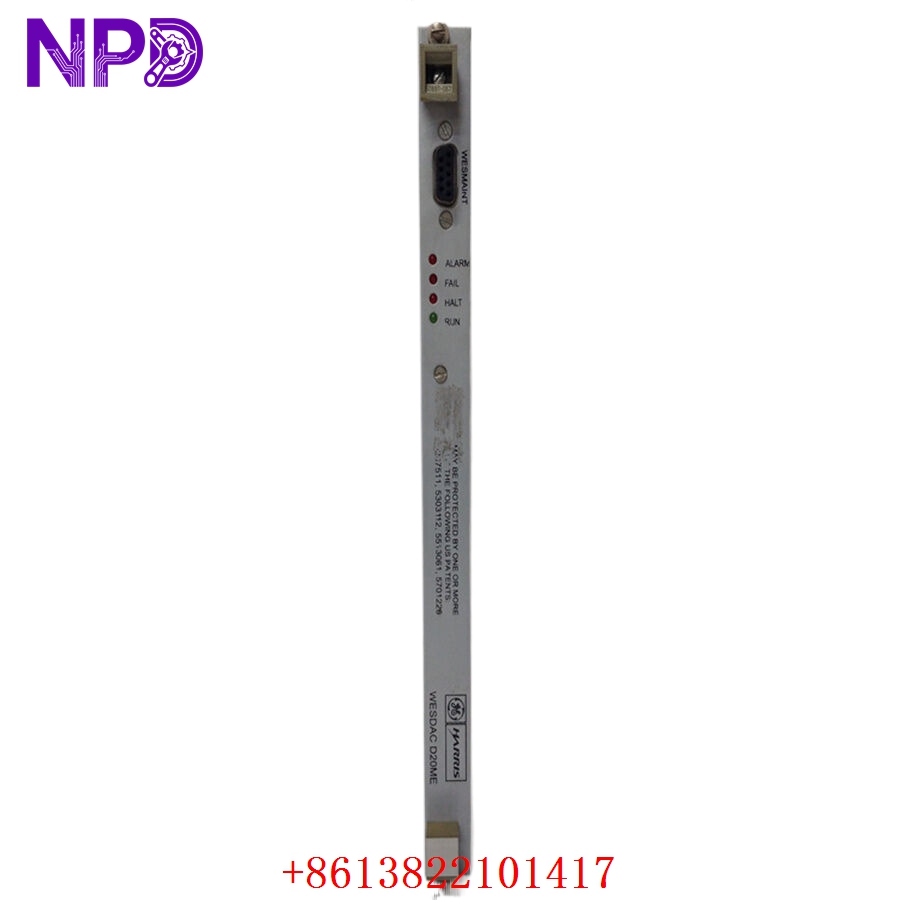
GE WESDAC D20ME 526-2004-03A-270957
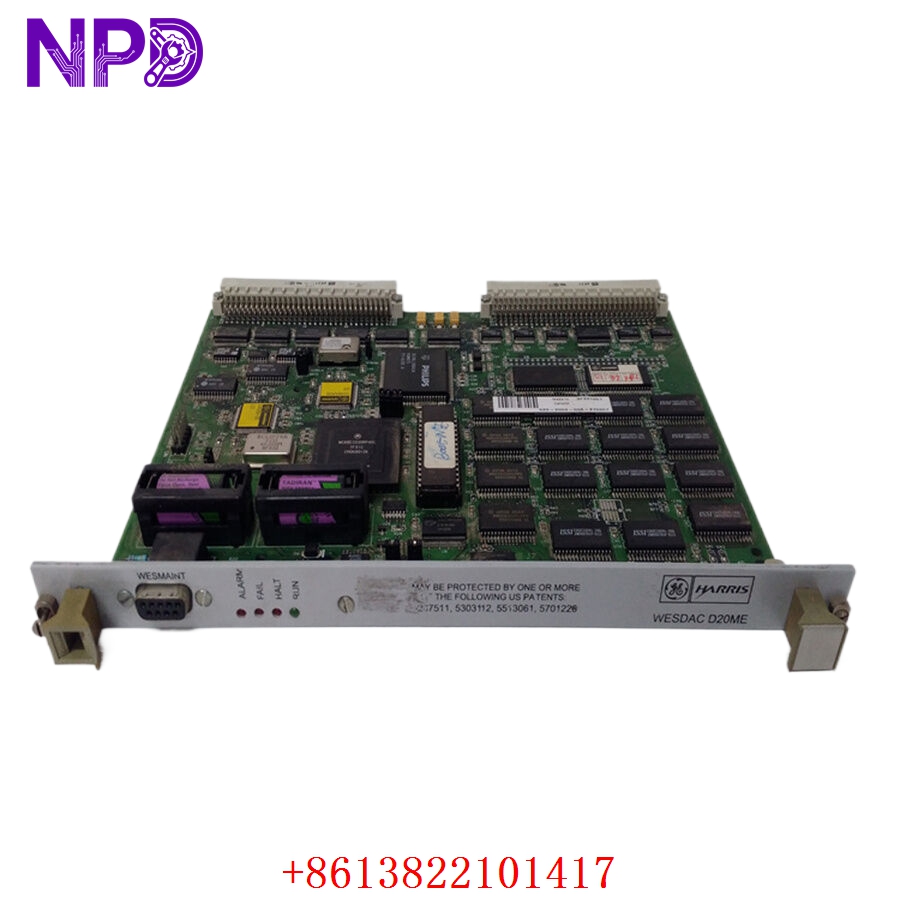
GE WESDAC D20ME 526-2004-03A-270957
Installation & Configuration Guide
Phase 1: Preparation (15 Minutes)
⚠️ Safety First:
- The D20ME is a VMEbus module. Never insert or remove the module while the D20 rack power is ON. This can cause electrical spikes that damage the backplane or the processor.
- Confirm you have a valid backup of the configuration file (typically a
.binor.cfgfile used with GE ConfigPro). - Verify that the station address switches (if applicable) match the module being replaced.
Tools & Protection:
- ESD wrist strap (The D20ME contains many static-sensitive CMOS components).
- Flat-head screwdriver for the captive front panel screws.
- Laptop with ConfigPro or WESMAINT software installed.
Phase 2: Removal (5 Minutes)
- Power Down: Switch off the D20 rack power supply.
- Unlocking: Loosen the two captive screws at the top and bottom of the 526-2004 faceplate.
- Extraction: Use the pull-handles (if present) or grasp the edges of the faceplate to slide the module straight out of the VME slot.
- Inspection: Check the VME backplane for any bent pins or debris.
Phase 3: Installation (15 Minutes)
- Alignment: Align the PCB edges with the plastic card guides in the rack.
- Insertion: Slide the module in until you feel the connectors meet the backplane. Apply firm, even pressure to seat the module.
- Securing: Tighten the captive screws to ensure the module is grounded to the rack frame.
- Cabling: Reconnect any serial or peripheral link cables to the front or rear ports as required.
Phase 4: Power-On & Testing (30 Minutes)
- Boot Check: Turn the power on. The “FAIL” LED should light briefly and then turn off as the module passes its self-test.
- Software Connection: Connect your laptop to the maintenance port. Use WESMAINT to verify the module is communicating.
- Database Upload: Upload the station configuration. Ensure all peripheral D20K, D20S, or D20A modules are successfully “polling.”
- Verification: Confirm that data is reaching the SCADA Master (Check DNP3 or Modbus link status).
Customer Cases & Industry Applications
Case 1: Restoring Scada Visibility in a Utility Substation
Situation: A regional utility provider lost all data from a key distribution substation. The D20 RTU was unresponsive, and the issue was traced to a failed D20ME main processor. Task: Restore SCADA visibility immediately to maintain grid stability. Action: We provided an Original New 526-2004-03A-270957 from our “New Surplus” stock. Result: The module was installed and the database reloaded within hours of arrival. The utility restored full monitoring and avoided the high cost of a complete RTU upgrade.
Case 2: Strategic Spare for Aging Infrastructure
Situation: A hydroelectric plant used legacy GE Harris D20 systems for its gate control. They were concerned about the 526-series modules becoming harder to find. Task: Secure “zero-hour” hardware to extend the life of the existing system by 10 years. Action: The customer purchased two D20ME modules as critical spares. Result: They chose New Surplus over used parts because the capacitors and logic chips in a “New” unit have not been subject to the 24/7 heat of a substation cabinet, ensuring maximum reliability.
Frequently Asked Questions (FAQ)
Q: Is the 526-2004-03A compatible with all D20 racks? A: It is compatible with standard D20 VME racks. However, check the revision (03A) against your existing module to ensure firmware and hardware feature parity.
Q: Does this module come with the configuration software? A: No. The software (ConfigPro/WESMAINT) is a GE licensed product. We provide the hardware module only.
Q: What is the significance of the “270957” suffix? A: This is often a specific build or lot code. The primary functional part number is 526-2004-03A. If your unit ends in a different 6-digit code, the 526-2004-03A is generally still the correct replacement.
Q: Can I hot-swap the D20ME? A: No. The VMEbus architecture used in the D20 series does not support hot-swapping for the main processor module. Always power down the rack before replacement.
Q: Why buy “New Surplus” for an older GE Harris part? A: GE has moved many D20 parts to “Mature” or “Obsolete” status, leading to lead times of many months. We offer Original New units from our local inventory, allowing for immediate shipping with a full 1-year warranty.