Description
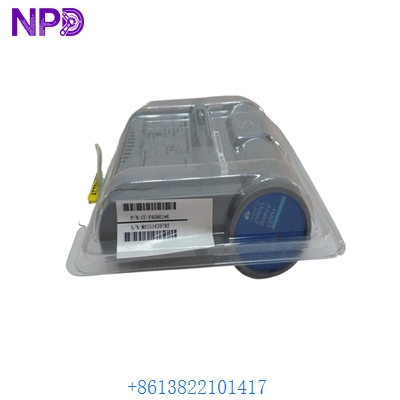
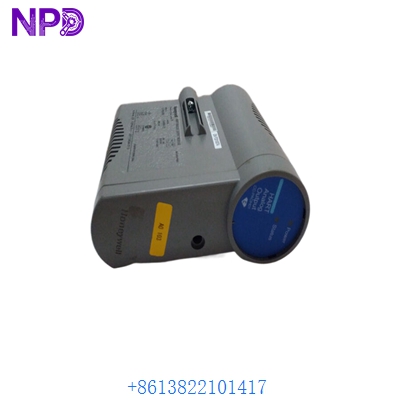
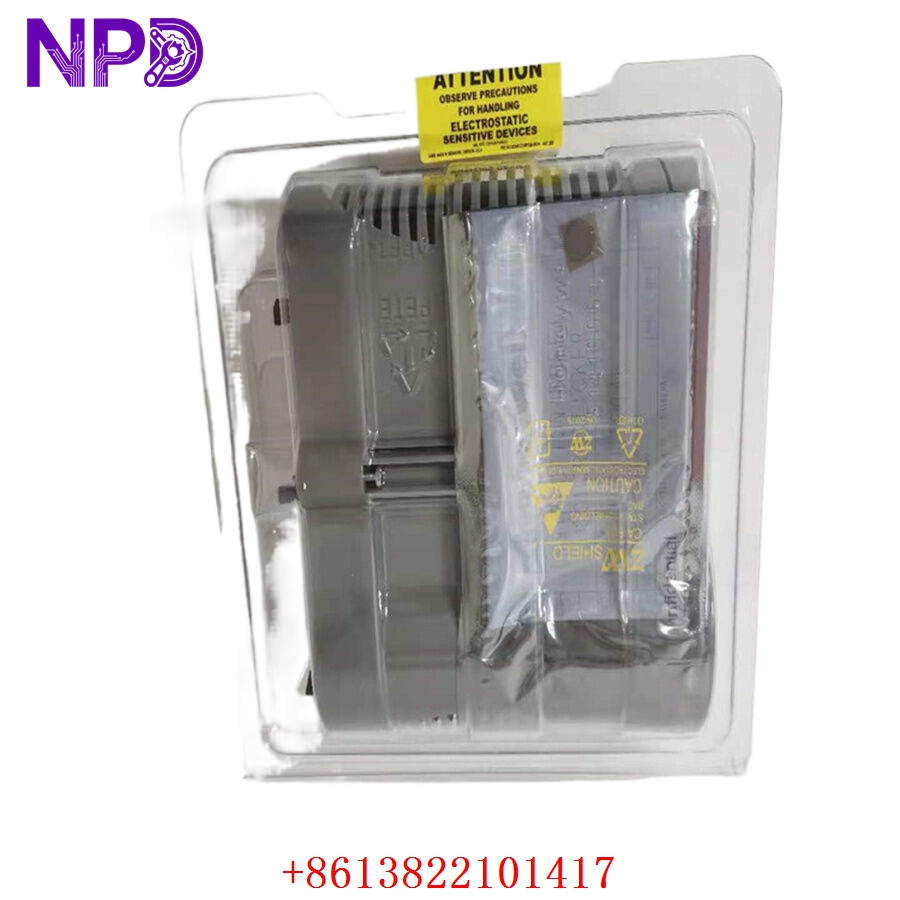
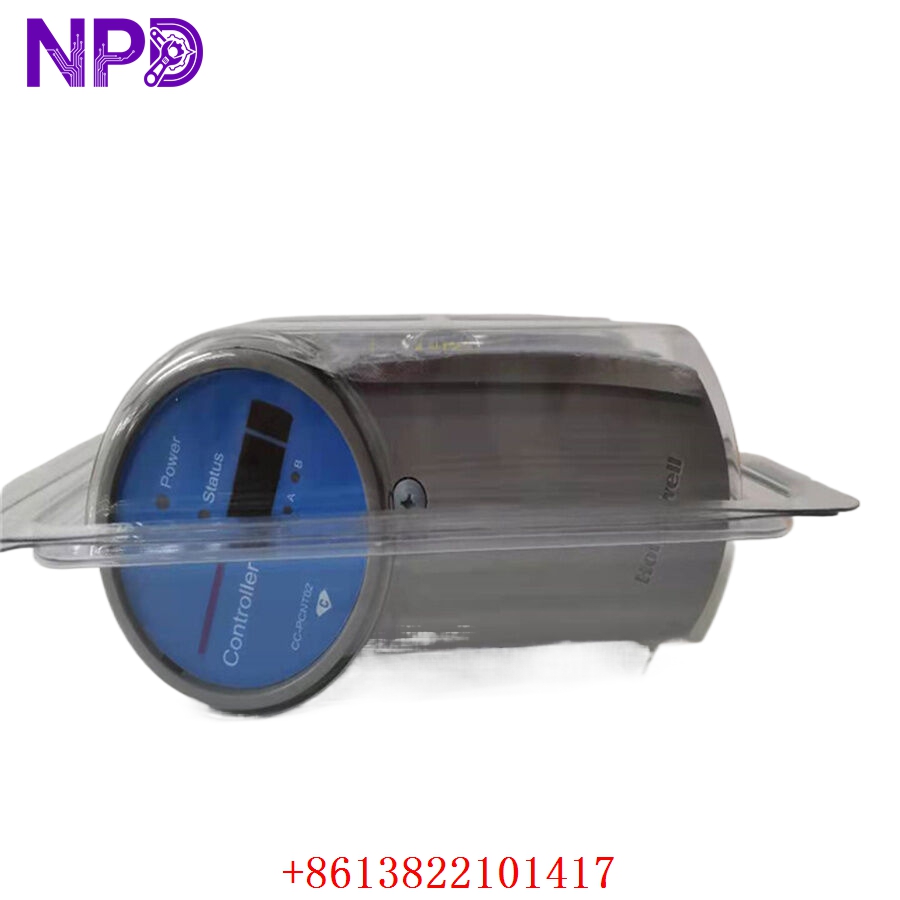
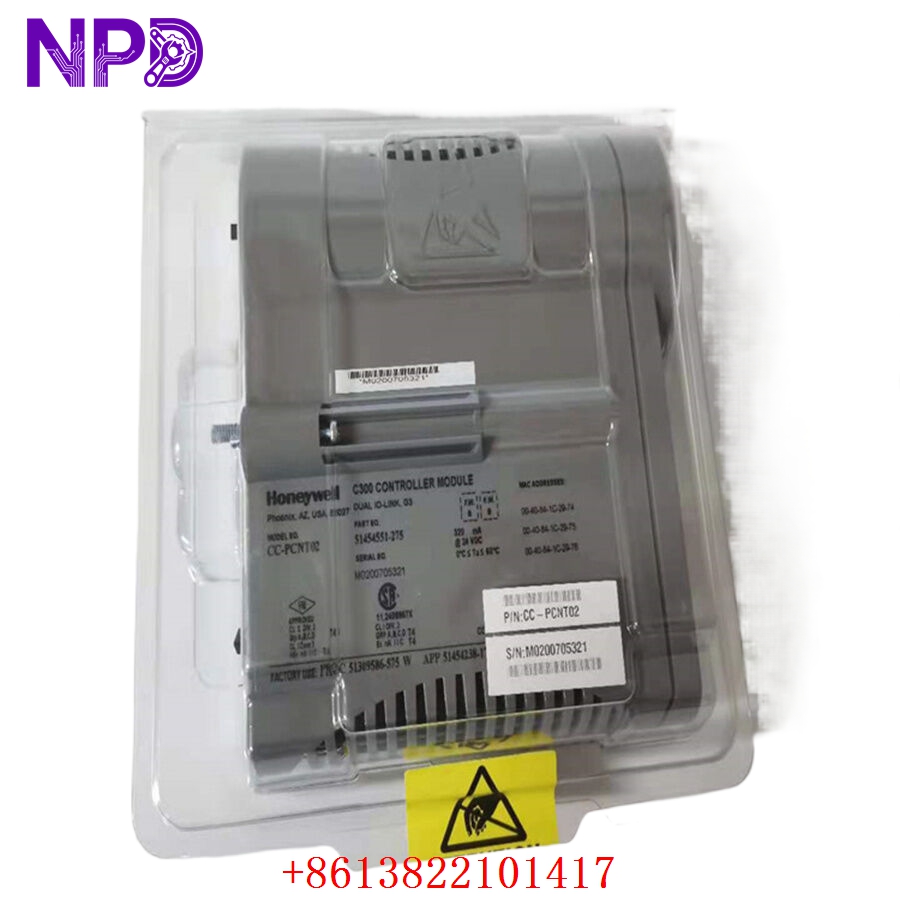
- Model: Honeywell CC-PCNT02 (Part of the C300 Controller family)
- Brand: Honeywell (Process Solutions)
- Series: Experion PKS (Process Knowledge System)
- Core Function: Executes control strategies (Logic, Regulatory, Sequential) within the C300 Control Execution Environment (CEE).
- Product Type: Controller Module
- Key Specs: Peer-to-peer communication, deterministic execution, redundancy support
- Execution Environment: Control Execution Environment (CEE) for deterministic control
- Communication: Fault Tolerant Ethernet (FTE) for secure, redundant network connectivity
- Redundancy: Supports fully redundant controller pairs (Primary/Secondary)
- Processing: High-speed, high-availability microprocessor for complex process loops
- Diagnostics: Built-in self-test, status reporting, and peer health monitoring
- Mounting: Vertical rack-mount module (plugs into the I/O termination assembly)
- Environment: Rated for harsh industrial control room and cabinet conditions
Application Scenarios & Engineering Pain Points
The CC-PCNT02 is the heart of the Honeywell Experion PKS architecture. The most significant engineering challenge with this controller is “Network Synchronization” in a redundant pair. When replacing a failed controller, the new unit must be physically and logically identical. If the firmware revision on the new module differs from the existing primary controller, the redundancy synchronization will fail, potentially forcing a total process loop restart.
Typical Application Scenarios:
- Refining & Petrochemical – Integrated Control Manages complex distillation column loops, pressure regulation, and emergency shutdown logic.
- Power Generation – Boiler/Turbine Management Provides the high-speed processing required for multi-loop combustion control and safety-related logic.
- Water/Wastewater – Plant-wide Automation Centralizes control logic for pump stations, chemical dosing, and level monitoring across a large site.
Case Study: Redundant Controller Swap A large chemical processing facility experienced a hard failure on their secondary C300 controller. The primary was running smoothly, but the loss of redundancy put their facility at risk of a forced shutdown if the primary failed. We provided a CC-PCNT02 matching their specific hardware revision. By performing a “warm-standby” insertion—where the module syncs its database from the primary—the facility restored its redundancy without interrupting the process loops.
Troubleshooting Quick Reference
If you are seeing a “Controller Fault” on your Experion Station, do not initiate a module replacement until you confirm the nature of the fault through the diagnostic software.
| Failure Symptom | Possible Cause | Quick Check Method | Recommended Action |
|---|---|---|---|
| “Fault” LED Red | Internal CEE Error | Review “Controller Diagnostic” log | Check log for memory/parity errors |
| FTE Network Error | FTE Cable/Switch Fault | Ping controller IP on FTE network | Verify switch ports and FTE cable |
| Redundancy Fail | Firmware Mismatch | Check “Controller Details” version | Upgrade/Downgrade firmware to match |
| Loop “Frozen” | Processor Overload | Check CPU usage in Station | Optimize control strategy scan times |
Engineer’s Note: ❗ Crucial Advice: Always verify the FTE network configuration. When installing a CC-PCNT02, it must be properly assigned to the correct FTE node address. If the node address is incorrectly configured in the module’s dip switches or software settings, it will not join the network, leading to a “Network Isolation” fault.