
Description
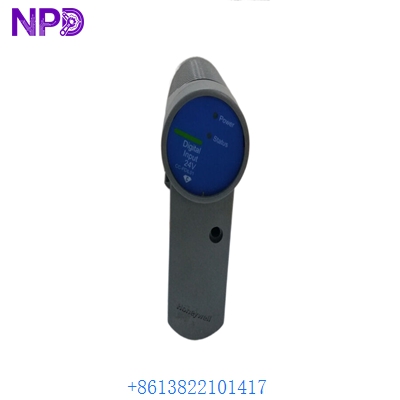
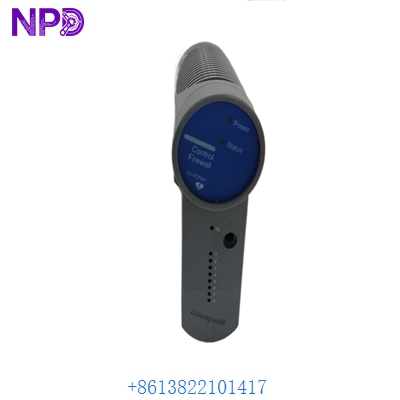
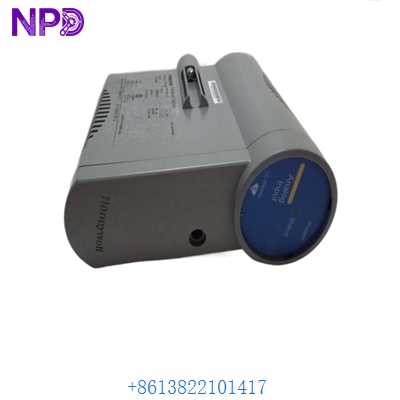
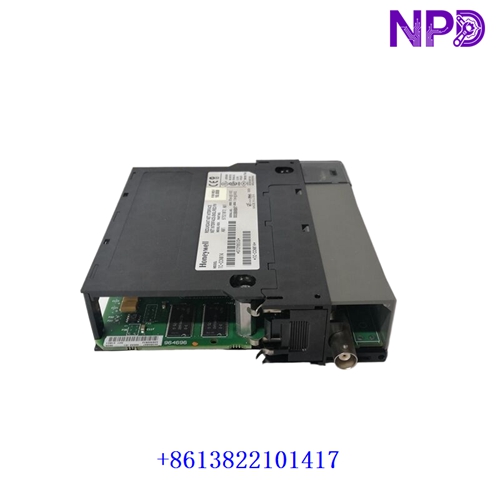
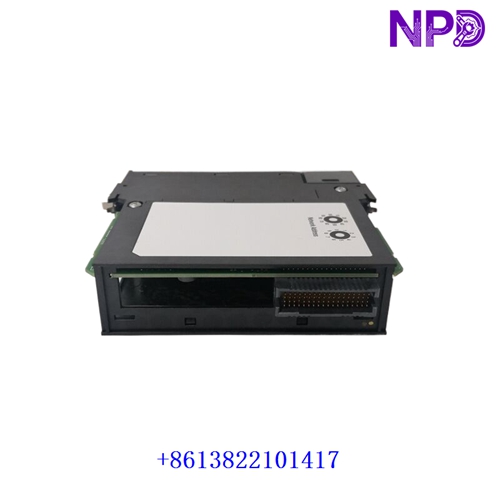
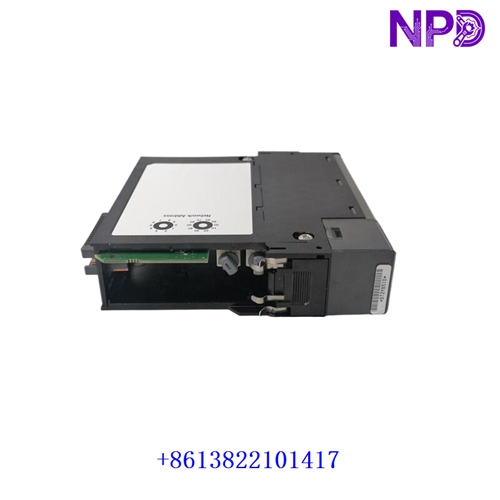
The Honeywell TC-CCN014 is a ControlNet Interface (CNI) module designed for the Experion PKS control system, specifically engineered to operate with C200 and C300 controller hardware architectures. It provides reliable single media communication connectivity, facilitating high-speed data exchange between process controllers, supervisory systems, and field I/O devices.
- Manufacturer: Honeywell
- Part Number: TC-CCN014
- Product Series: Experion PKS (C200 / C300 Controller Family)
- Product Type: Controller Network Interface (CNI) Module
- Media Type: Single Media (Coaxial / Network connection variant)
- Operating Environment: Industrial process control rooms and automation cabinets
- Form Factor: Modular plug-in card for standard controller backplane / IOTA baseboard
- Approximate Weight: ~0.3 kg to 0.5 kg
Inspection & Installation Guidelines
- Packaging Check: Unpack the module carefully on an ESD-safe surface and ensure that anti-static shielding is undamaged.
- Part Verification: Confirm that part number
TC-CCN014matches your system architecture drawings. Note: Ensure you are not substituting a single-media card for a redundant-media slot (such as TC-CCR014), as media mismatches cause communication failures. - Visual Inspection: Check front-panel connectors, LED indicators, and rear backplane pins for dust, debris, or mechanical wear.
- Secure Seating: Guide the module evenly into its designated rack slot and push firmly to engage the backplane connectors completely before fastening retaining screws.
Maintenance Recommendations
- Dust Control: Keep control cabinets clean and free of particulate buildup using dry, oil-free compressed air during scheduled maintenance windows.
- Cable Audit: Periodically check network cables and connectors to prevent vibration-induced loosening in industrial operating environments.
- Thermal Monitoring: Ensure that enclosure cooling systems and ventilation paths maintain operating temperatures within safe electronic thresholds.
- Diagnostic Checks: Observe front-panel status LED indicators regularly to monitor network link activity and module power health.
Troubleshooting & Common Faults
- Network Link Failure (Solid/Flashing Red LED): Verify that the physical network cable is securely plugged into the correct port and check switch or tap configurations.
- Controller Offline on HMI: Confirm that the module part number matches the project configuration (Single Media vs. Redundant Media).
- Module Not Initialized / Recognized: Power down the chassis completely, remove the module, inspect backplane pins for bending or debris, and reseat it securely.
Safety & Handling Precautions
- Power Isolation: Always disconnect and lock out system power before installing, servicing, or removing control and network interface modules.
- Qualified Personnel: Installation, network configuration, and hardware replacement must be performed exclusively by certified industrial automation engineers.
- ESD Protection: Always wear a properly grounded ESD wrist strap when handling the bare circuit board to prevent static discharge damage.
Frequently Asked Questions (Q&A)
- Q: What is the primary function of the Honeywell TC-CCN014?
-
- A: It serves as a single-media ControlNet interface module for Honeywell Experion controllers, managing network data exchange across the control infrastructure.
-
- Q: Is TC-CCN014 interchangeable with TC-CCR014?
-
- A: No. TC-CCN014 is designed for single media networks, whereas TC-CCR014 is built for redundant media configurations. Installing the wrong media type will result in communication failures.
-