Description
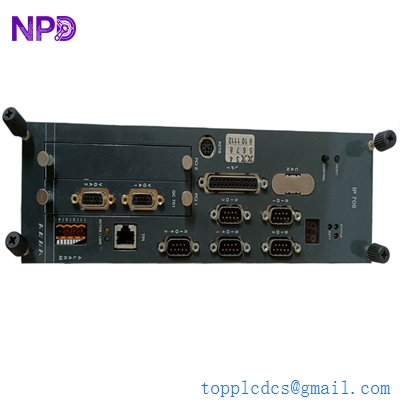
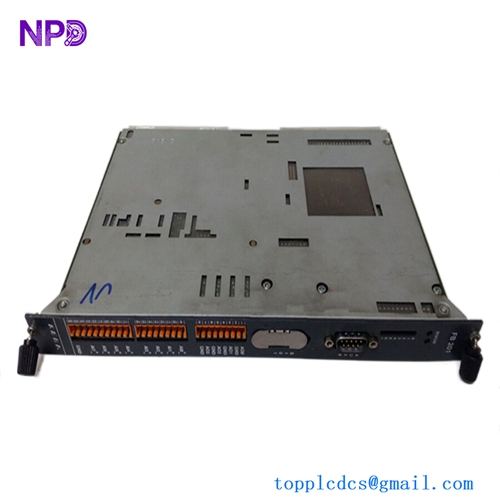
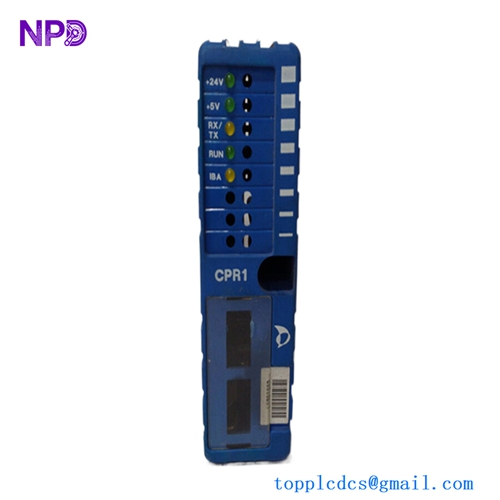
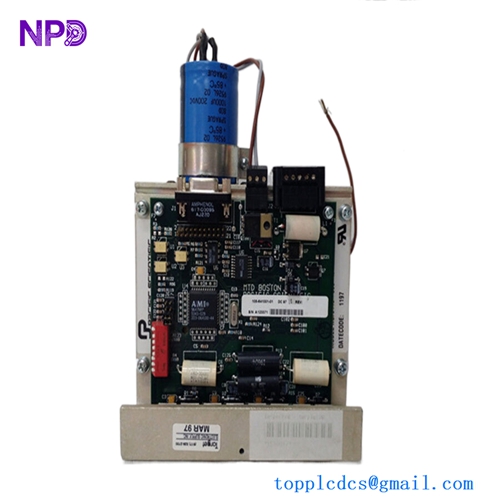
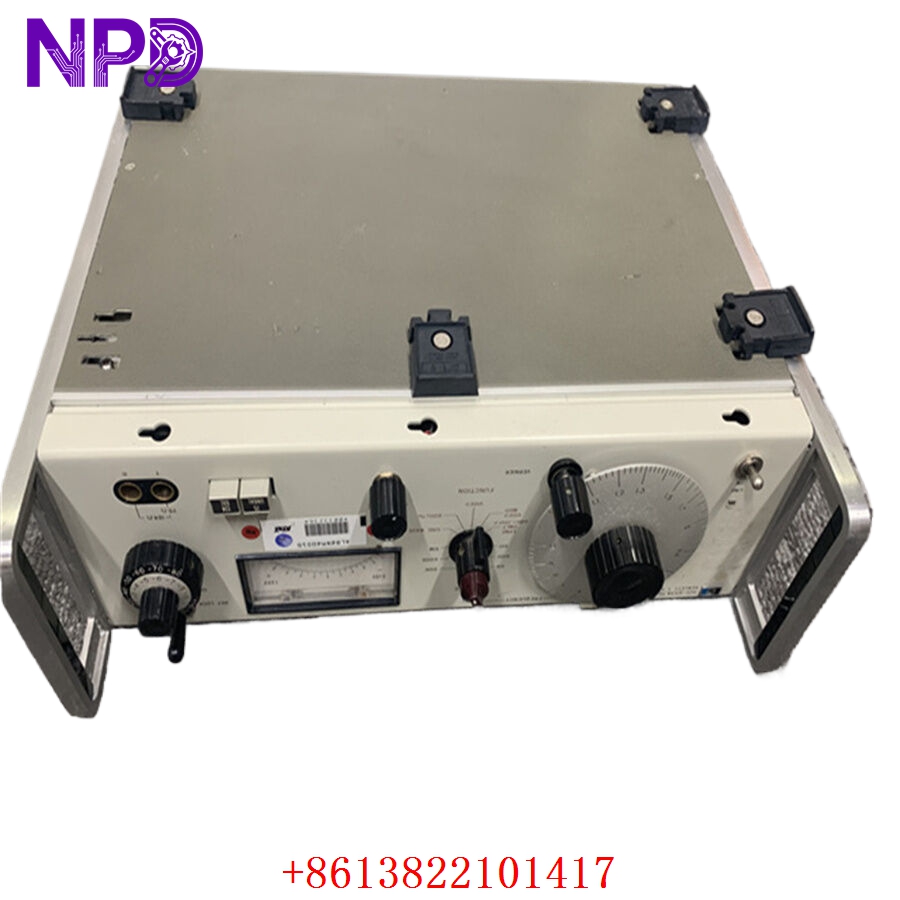
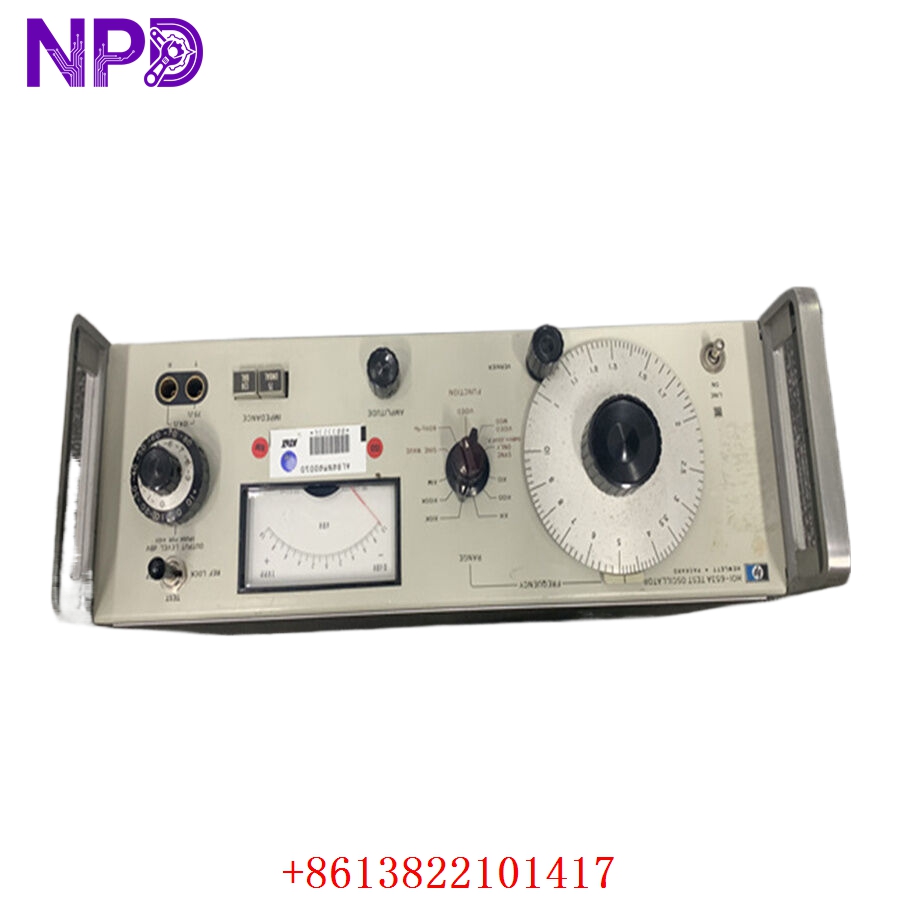
The HP HOI-653A is a sophisticated interface module engineered for high-speed data acquisition and system communication. Typically utilized in complex HP (Hewlett-Packard) or compatible industrial automation and computing platforms, this module facilitates the efficient transfer of digital signals between external hardware and the central processing unit. It is designed to maintain high signal integrity in high-throughput environments.
Technical Specifications
| Parameter | Detail |
| Model | HOI-653A |
| Manufacturer | Hewlett-Packard (HP) |
| Device Type | Interface Module |
| Function | Signal Routing / Data Acquisition |
| Connectivity | Standardized high-density interface connector |
| Mounting | Rack/Chassis mount |
| Operating Temperature | 0°C to 50°C |
| Application | Industrial Automation / Data Systems |
Fields of Application
The HOI-653A is widely deployed in:
- Industrial Automation: Interfacing with programmable logic and motion control systems.
- Test and Measurement: Facilitating high-speed data streaming in laboratory environments.
- Telecommunications Infrastructure: Managing data signal hand-offs in legacy control platforms.
- Research and Development: Custom instrumentation control and feedback loops.
Product Introduction
The HOI-653A serves as the critical bridge for input/output management. By utilizing high-bandwidth architecture, it ensures that data streams from field sensors or external equipment are correctly parsed and transmitted without latency. Its design prioritizes low error rates and high resilience against electrical noise, which is essential for consistent operation in heavy industrial settings.
Product Use Instructions
To integrate the HOI-653A into your infrastructure:
- Ensure the host system is completely powered down and the chassis is grounded.
- Carefully align the HOI-653A with the specified expansion slot.
- Slide the module into position, ensuring the interface pins seat firmly into the backplane connector.
- Fasten the module using the provided locking screws to secure it against vibration.
- Connect your data cables to the front-panel interface, ensuring strain relief is applied to the cabling.
- Power on the system and perform a hardware initialization check via your system management software.
Product Use Precautions
Handle the module by the edges or the faceplate to avoid contact with sensitive electronic circuits. Use of anti-static protection is highly recommended during installation. Ensure the operating environment remains free of moisture and conductive particles, as these can bridge contacts and lead to signal corruption or hardware failure. Do not modify the firmware or hardware jumpers without consulting the technical manual, as doing so can cause permanent damage to the interface logic.
Frequently Asked Questions (Q&A)
Q: What does the “HOI” designation stand for?
A: In this context, it generally refers to “High-speed Output/Input” interface series.
Q: How can I verify that the module is communicating?
A: Check the system’s device manager or command-line diagnostic tools to see if the module is detected as “Ready.” The module also typically features a “Link” LED that will indicate active data transmission.
Q: Is this module hot-swappable?
A: Generally, no. Unless your specific chassis documentation explicitly states that the backplane supports live insertion for the HOI-653A, you must power down before removal.
Product Operation Methods
The module operates by monitoring incoming data buffers and translating them into signals that the primary CPU can process. It manages handshaking protocols to ensure data is not lost during periods of high traffic. During standard operation, the module runs autonomously; it requires no manual configuration after the initial setup. Users monitor the status of the module through the software interface, which reports on buffer health and error rates.