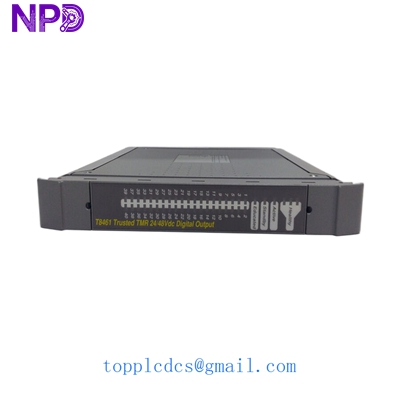
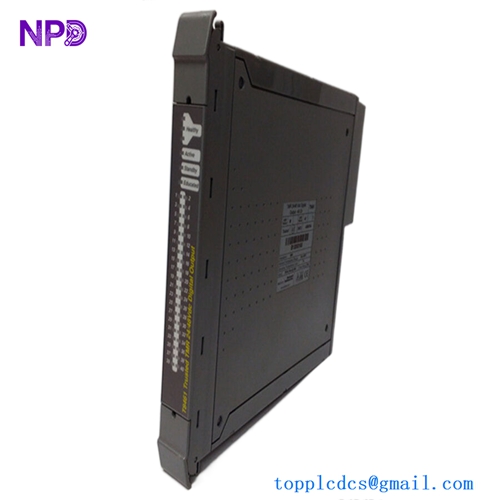
Description
- Model: Trusted T8110B
- Brand: ICS Triplex (now Rockwell Automation)
- Series: Trusted TMR (Triple Modular Redundant) System
- Core Function: Main Processor Module / Central Processing Unit
- Condition: Brand New Surplus (Original New), Non-refurbished
- Type: TMR Safety Controller
- Key Specs: SIL 3 Rated Triple Processor Architecture Fault Tolerant
- Safety Integrity Level: SIL 3 (IEC 61508)
- Architecture: Triple Modular Redundant (TMR) – 3-2-0 Degraded Mode
- Processors: Three independent Motorola PowerPC processors
- Scan Time: Typically 10 ms to 50 ms (Application dependent)
- Memory:
- 8 MB Non-volatile Flash (Application)
- 8 MB Battery-backed RAM (Data)
- Communication Ports:
- 2 x RS-232/485 Serial Ports (MODBUS)
- Dual redundant high-speed communication bus (to I/O)
- Diagnostic Coverage: >99.9%
- Clock Speed: High-speed synchronization between three redundant channels
- Operating Temperature: 0 °C to +60 °C (32 °F to 140 °F)
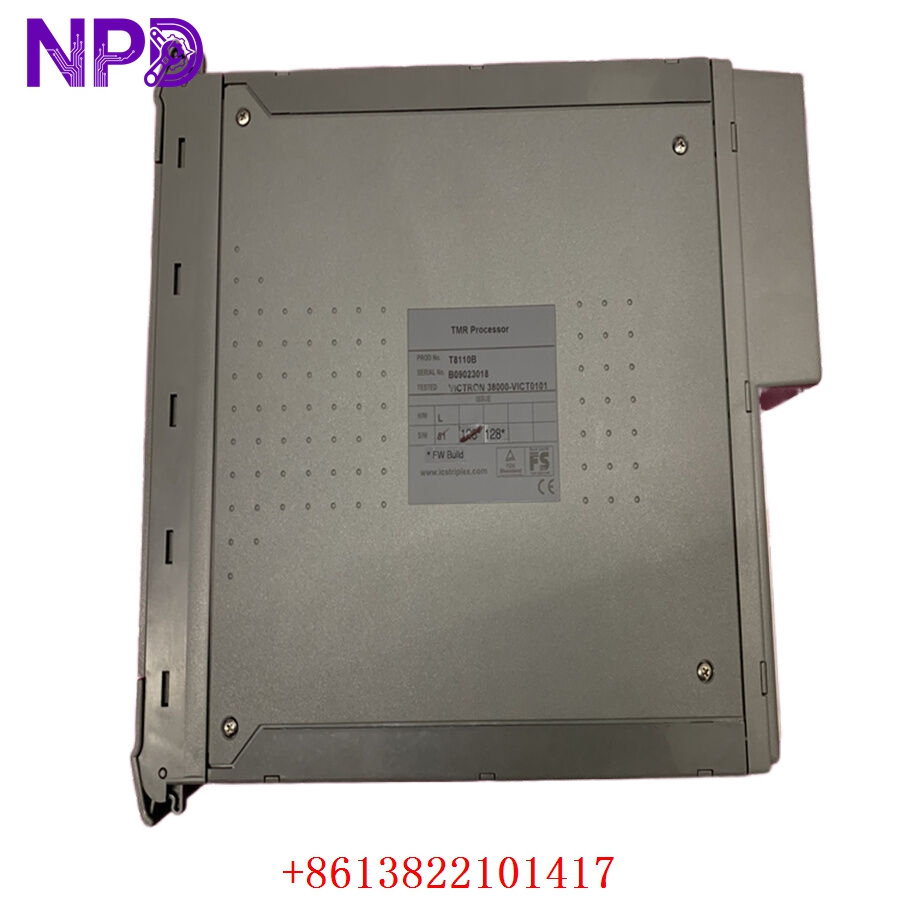
ICS TRIPLEX T8110B
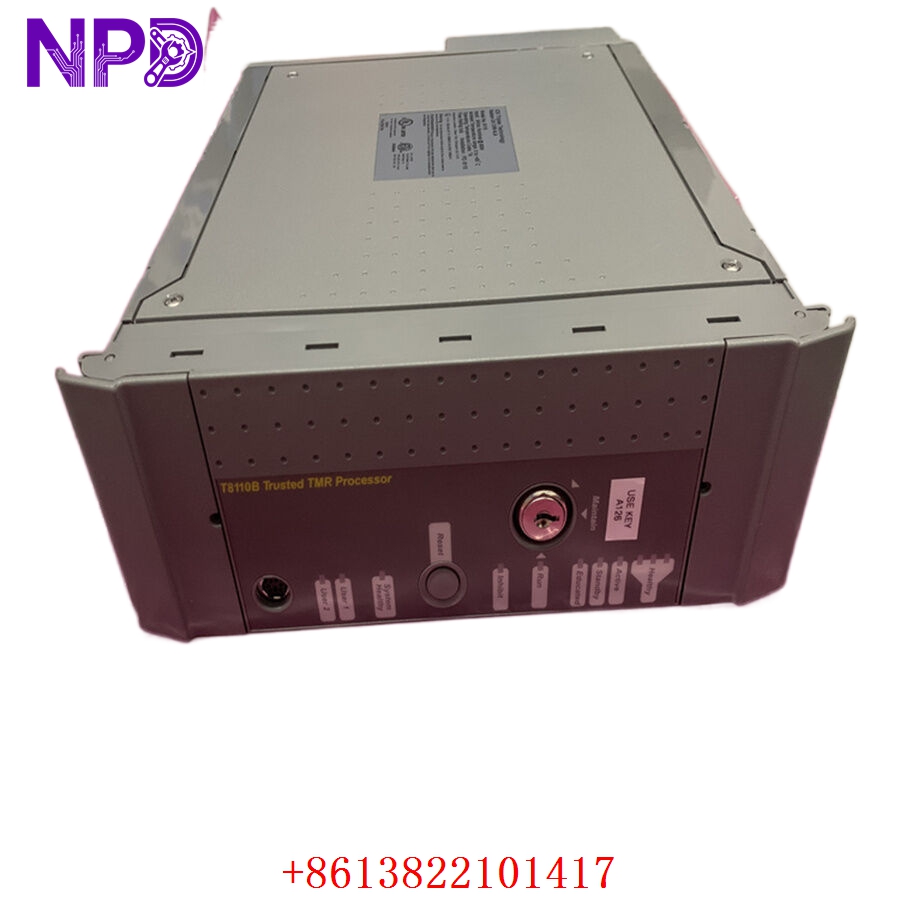
ICS TRIPLEX T8110B
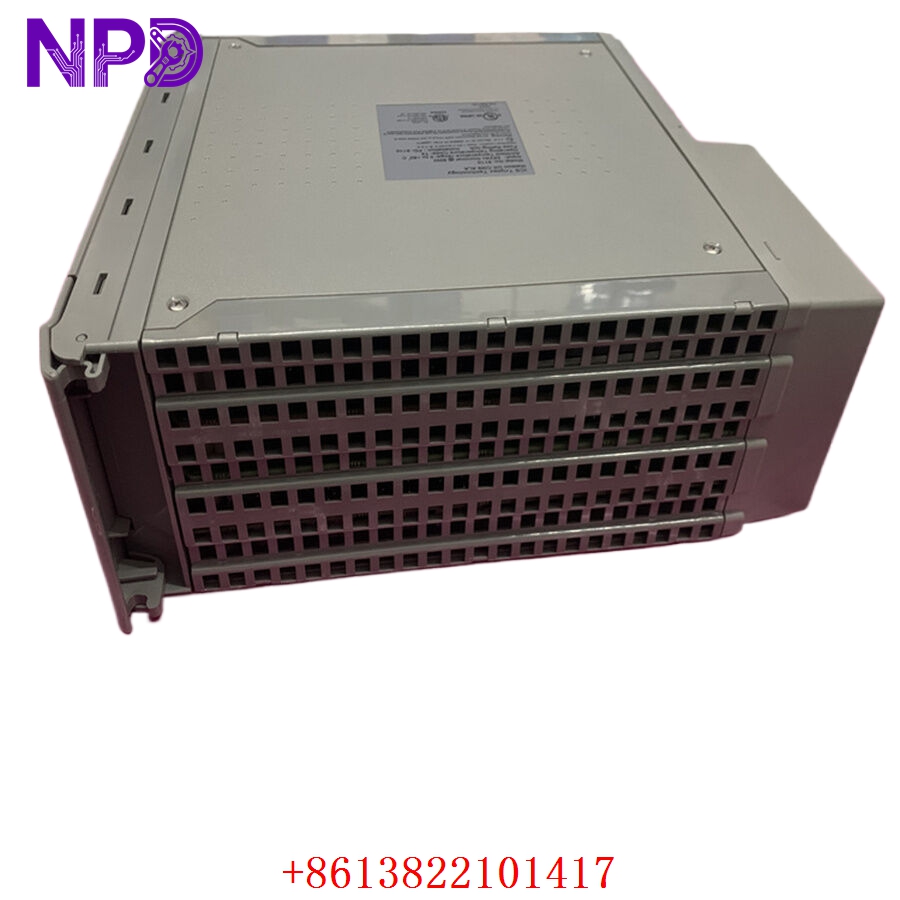
ICS TRIPLEX T8110B
Installation & Configuration Guide
Phase 1: Preparation (20 Minutes)
⚠️ Safety First:
- The T8110B is the “brain” of a safety-instrumented system (SIS). Incorrect installation can lead to a “False Trip” or, worse, a “Fail to Trip” scenario.
- Ensure you have the latest project backup and the correct version of the TOOLSET software.
- Verify that the system is in a “Stable” state. In a redundant chassis, ensure the partner processor is “Active” and “Healthy” before attempting a swap.
Tools & Protection:
- ESD wrist strap (Absolutely mandatory for TMR electronics).
- Laptop with Trusted Toolset installed.
- Communication cable (Serial or Ethernet depending on your setup).
Phase 2: Removal (10 Minutes)
- Unlocking: Locate the two locking levers on the top and bottom of the T8110B faceplate.
- Disengagement: Simultaneously depress the release catches and pull the levers outward. This will safely disconnect the high-density backplane connectors.
- Extraction: Slide the module out of the chassis.
- Connector Audit: Inspect the backplane for any bent pins or dust. The Trusted system uses high-density connectors that are sensitive to debris.
Phase 3: Installation (20 Minutes)
- Alignment: Align the T8110B with the guide rails in the specific CPU slot.
- Insertion: Slide the module in until the levers begin to engage the chassis.
- Seating: Close both levers simultaneously until they click into the locked position.
- Boot Sequence: Observe the front panel LEDs. The module will go through a Power-On Self-Test (POST) which may take up to 2 minutes as the three processors synchronize.
Phase 4: Power-On & Testing (45 Minutes)
- LED Verification:
- HEALTHY (Green): Should be solid.
- ACTIVE (Amber): Will light up if this is the designated primary processor.
- FAULT (Red): Must be OFF.
- Synchronization: In the Toolset software, monitor the status. The new T8110B must “re-educate” itself (copying the application from the active partner). This happens automatically over the backplane.
- Check Version: Ensure the firmware version of the new module matches the system requirements. If they differ, you may need to perform a firmware flash to maintain SIL 3 compliance.
Customer Cases & Industry Applications
Case 1: Offshore Platform Emergency Shutdown (ESD)
Situation: An offshore oil platform in the North Sea reported a “Processor Discrepancy” fault on their ICS Triplex system. One of the three processors in the TMR set failed, leaving the system in a 2-2-0 degraded mode. Task: Restore the SIL 3 integrity by replacing the faulty CPU before the next safety audit. Action: We supplied a New Surplus T8110B from our inventory. Result: The module was hot-swapped during live operations. It synchronized within minutes, restoring the system to full TMR status without a platform shutdown.
Case 2: Petrochemical Refinery Upgrade
Situation: A refinery was performing a planned turnaround and wanted to refresh their aging SIS hardware to prevent mid-cycle failures. Task: Source original, high-reliability processor modules that are no longer in mass production. Action: The customer purchased two T8110B modules as “Strategic Spares.” Result: By keeping these in their climate-controlled warehouse, they eliminated the risk of a 12-week lead time from the OEM, ensuring their safety systems remain supported for another decade.
Frequently Asked Questions (FAQ)
Q: What is the difference between T8110 and T8110B? A: The T8110B is an improved revision of the original T8110. It features enhanced memory management and better thermal performance. In almost all cases, the B version is a direct, backward-compatible replacement for the original T8110.
Q: Does this module require a battery? A: Yes, the T8110B uses a battery to maintain the application data during a total power loss. Our New Surplus units come with a battery, but we recommend checking the date code and replacing it if it has been in storage for over 3 years.
Q: Can I hot-swap this module? A: Yes, the Trusted TMR architecture is specifically designed for hot-swapping. However, you must follow the correct procedure in the Toolset software to ensure the system recognizes the new module and initiates the synchronization (re-education) process.
Q: Why is “New Surplus” critical for ICS Triplex parts? A: ICS Triplex hardware is used in critical safety applications. Used or “refurbished” modules carry the risk of hidden thermal stress. A New Surplus T8110B provides the “zero-hour” reliability required for SIL 3 environments where failure is not an option.
Q: Do you provide a test report for this module? A: Yes, every T8110B we ship undergoes a diagnostic power-up test in our lab to verify that all three processor channels initialize and synchronize correctly. We provide this report with the shipment.