
Description
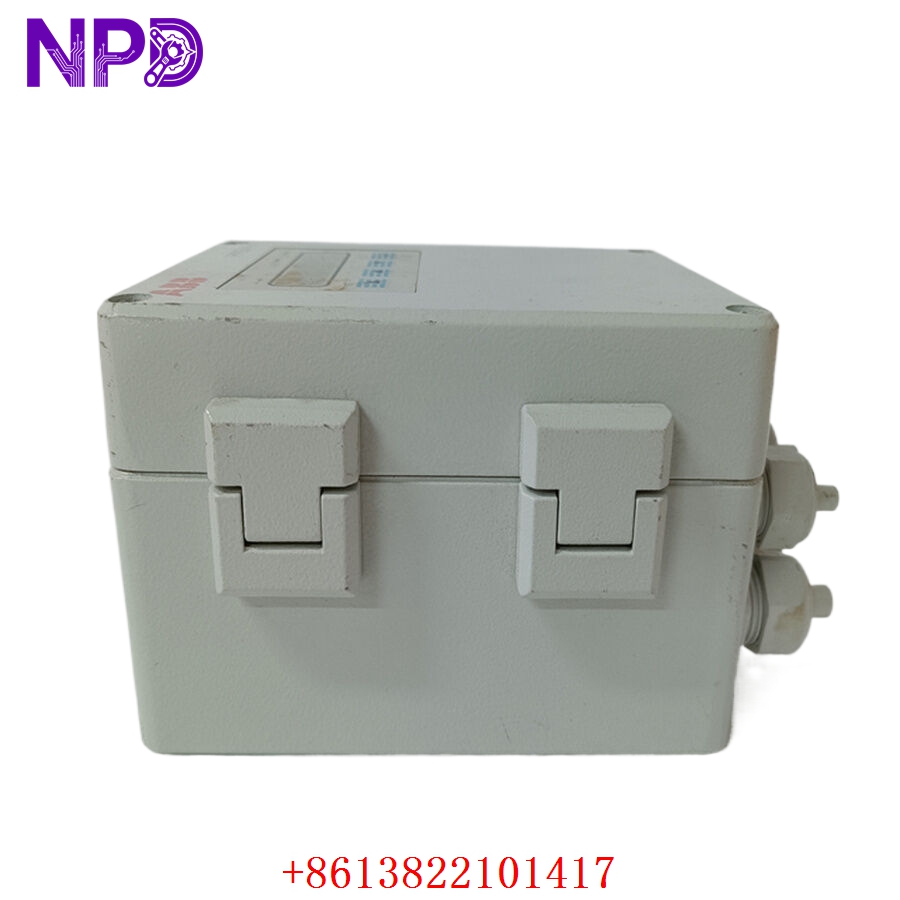
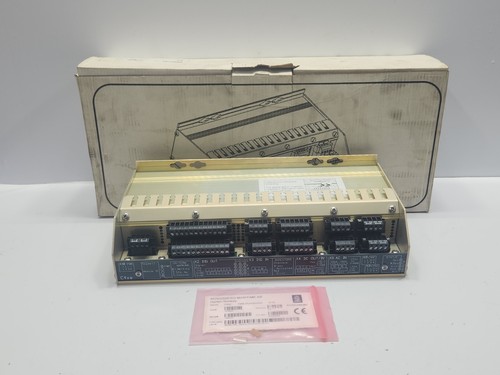
The Kongsberg C4XE (Part Number: 334894) is a high-performance Distributed Processing Unit (DPU) designed for mission-critical maritime and offshore applications. As a core component of Kongsberg’s automation and control platforms, the C4XE is engineered to process real-time data from various sensors and actuators, ensuring deterministic performance for dynamic positioning, vessel management, and subsea control systems. Its robust architecture provides the computational power necessary to handle complex control logic in harsh environments.
📋 Technical Specifications
- Model Number: 334894
- Series: C4XE
- Manufacturer: Kongsberg
- Function: Real-time data processing and I/O management
- Data Interface: High-speed internal bus / Industrial Ethernet
- Operating Temp: -15°C to 70°C
- Dimensions: Standard Kongsberg automation rack module (approx. 10 x 9 x 4 inches)
- Weight: 3.3 lbs (1.5 kg)
- Country of Origin: Norway
⚙️ Application Areas
- Dynamic Positioning (DP) Systems
- Vessel Management Systems (VMS)
- Subsea Production Control
- Offshore Platform Automation
- Integrated Bridge Systems
🛠️ Operating Instructions & Guidelines
- Installation: Ensure the unit is mounted in a climate-controlled, EMC-shielded cabinet. Use high-quality shielded cables for all I/O connections to maintain signal integrity in the presence of heavy maritime electrical noise.
- Environmental Requirements: While rated for industrial use, ensure the enclosure provides adequate ventilation. Keep the unit free of saltwater spray, excessive humidity, and vibration, which are common in marine environments.
- Maintenance: Regularly audit the system log files for communication timeouts. Ensure that firmware versions are synchronized across the distributed network to prevent protocol mismatches.
⚡ Power Sequence & Operation
- Power-On Sequence: 1. Confirm that the input power supply (typically 24VDC) is stable. 2. Ensure all communication bus cables (e.g., redundant CAN or Ethernet) are terminated correctly. 3. Power up the unit and observe the LED status indicators. 4. The unit will perform an internal Power-On Self-Test (POST); wait for the “CPU Ready” or “System OK” status.
- Power-Off Sequence: 1. Notify the master system or bridge station of the impending shutdown. 2. Remove software-level tasks from the unit to prevent data corruption. 3. Power down the unit. 4. Verify that the secondary redundant unit has taken over the process loop (if configured in a redundant pair).
- Step-by-Step Operation: 1. Initialize the unit via the Kongsberg maintenance terminal. 2. Download the site-specific configuration file. 3. Validate sensor data inputs on the main HMI. 4. Initiate the control loop and monitor process variables for stability.
❓ Frequently Asked Questions (Q&A)
- How do I identify if the unit is in a redundant mode? Check the status LEDs on the front panel. In a redundant pair, one unit will typically display “Active” while the other displays “Standby.”
- What should I do if the unit displays a “Comm Fault”? First, verify the integrity of the communication cables and connectors. If the physical link is intact, check the network settings in the configuration file to ensure the unit address is correct and not conflicting with another node.
- Can I upgrade the firmware in the field? Firmware upgrades are possible but must be performed using the official Kongsberg service tool. Always back up the current configuration before initiating an update.
- Why does the unit have multiple communication ports? These ports support redundant network architectures to ensure that if one cable or switch fails, the control system remains operational, which is critical for maritime safety.