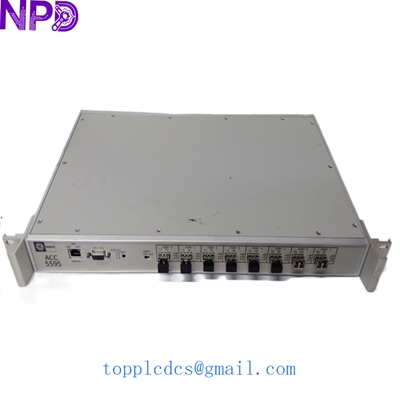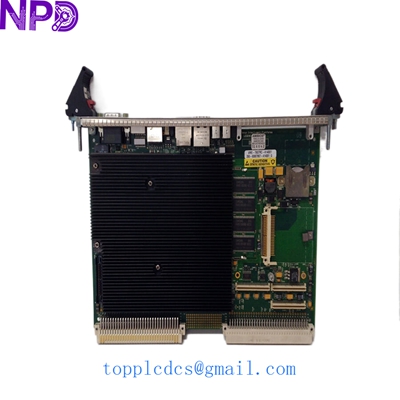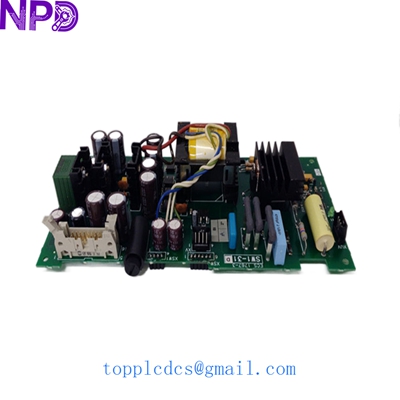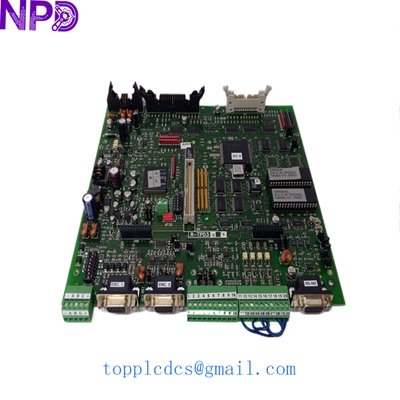

Description
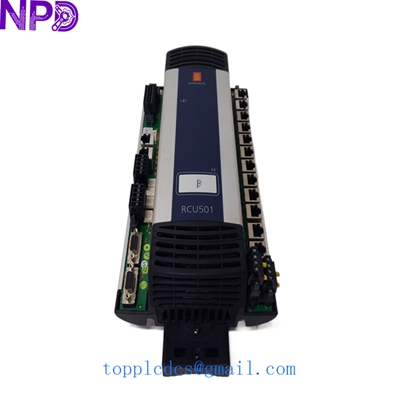
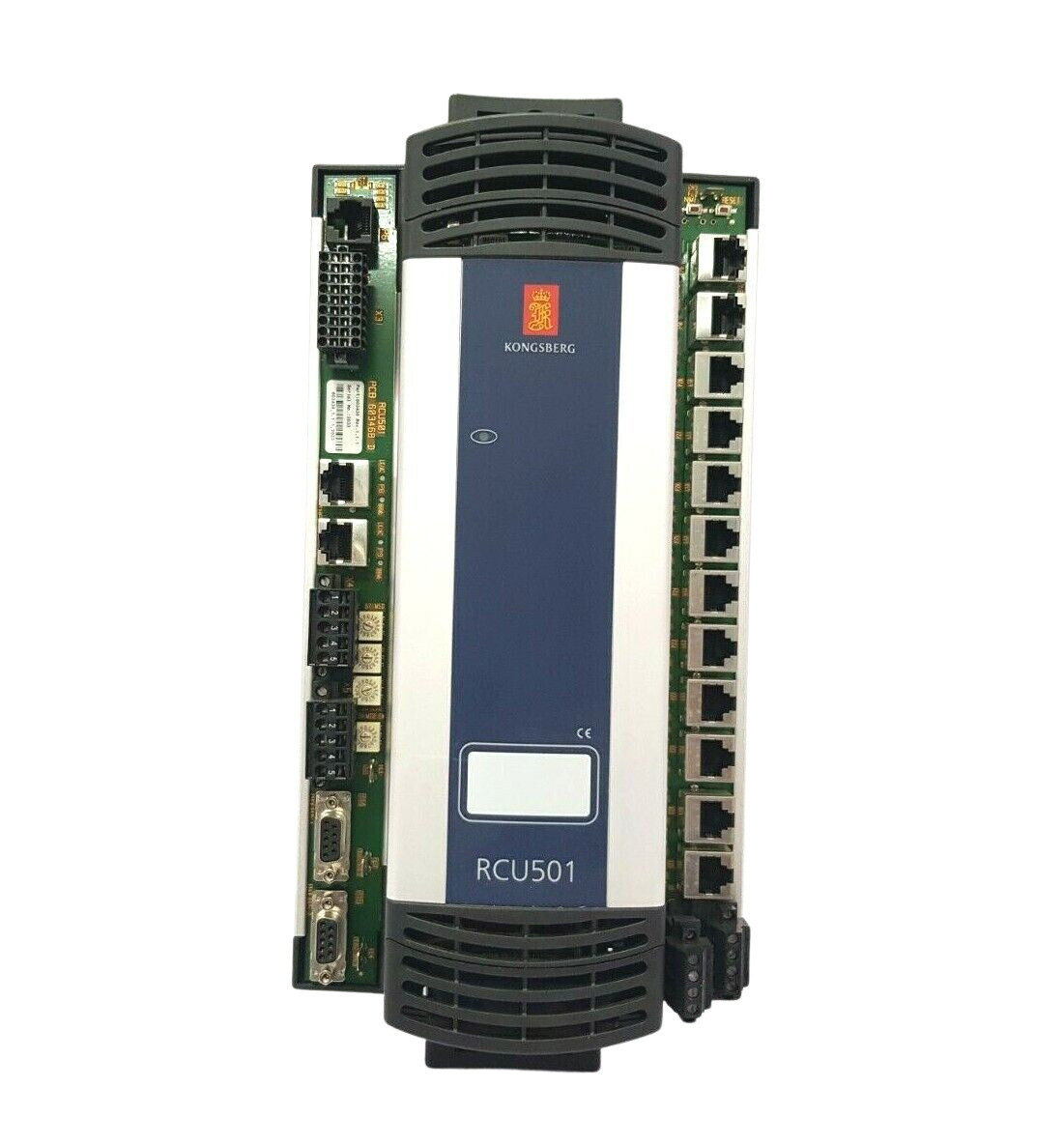
- Model: KONGSBERG RCU501 (Remote Control Unit)
- Brand: KONGSBERG Maritime (Norway)
- Series: K-Chief / AutoChief Automation Systems
- Core Function: Processing and communication hub for marine control systems; New Surplus
- Product Type: Remote Control Unit / Processor Module
- Key Specs: Dual Ethernet ports, RS-485/422 serial interfaces, 24 V DC power input
- Processor Type: High-performance embedded industrial processor
- Supply Voltage: 24 V DC (nominal), range 18-32 V DC
- Power Consumption: Approx. 15 W
- Communication Ports: 2 x 10/100 Base-T Ethernet (Redundant support)
- Serial Interfaces: Isolated RS-485 / RS-422 for fieldbus connectivity
- Operating Temperature: -15°C to +70°C (designed for engine room environments)
- Humidity: Up to 96% RH (non-condensing)
- Mounting: Standard 19-inch rack or cabinet sub-plate mounting
- Protection Rating: IP20
- Certification: DNV GL, ABS, Lloyd’s Register marine type approval
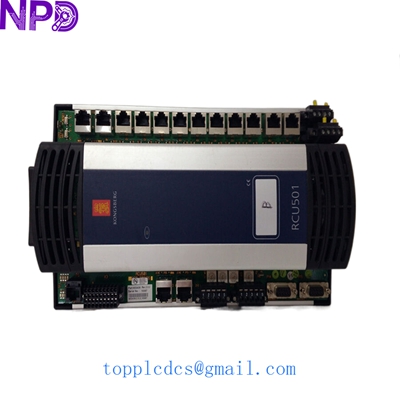
KONGSBERG RCU501
Installation & Configuration Guide
Phase 1: Pre-Installation (Est. 15 mins)
⚠️ Safety First:
- Notify the bridge and engine room watch officers of the planned downtime.
- Ensure the redundant controller (if applicable) has taken over the load.
- Power down the specific RCU sub-rack and verify with a multimeter.
Tools & Preparation:
- Anti-static wrist strap (Mandatory for Kongsberg PCBs)
- 3mm Flat-head screwdriver
- Flashlight and smartphone for documenting cable positions.
- Latest backup of the K-Chief/AutoChief project file.
Phase 2: Removal (Est. 10 mins)
- Labeling: Use cable markers to identify every Ethernet and serial cable. These units often have complex cross-linking; one swapped cable can crash the network.
- Disconnecting: Unplug the Phoenix-style power connector first, then the RJ45 and DB9 serial connectors.
- Unmounting: Loosen the mounting screws on the chassis. Carefully slide the RCU501 out, ensuring you don’t snag any internal ribbon cables if it’s a sub-module version.
Phase 3: Installation (Est. 20 mins)
- DIP Switch Sync: This is the most critical step. Check the side or back of the RCU501 for DIP switches. These define the Station ID and Network IP. Match them exactly to the old unit.
- Insertion: Align the module with the guide rails. Push firmly until the backplane connectors seat fully.
- Wiring: Reconnect serial and network cables. Ensure the grounding wire (PE) is securely fastened to the chassis to prevent signal noise.
Phase 4: Power-On & Testing (Est. 30 mins)
- Initial Boot: Switch on the 24 V DC power. Observe the “Power” and “Run” LEDs.
- Network Ping: Use a laptop on the same subnet to ping the RCU501 IP address. If it doesn’t respond, double-check your DIP switch settings.
- Software Reload: Open the Kongsberg engineering station. If the module is blank, you will need to “Download” the node configuration and logic.
- Verification: Check the HMI (Human Machine Interface) to ensure all I/O data associated with this RCU is reporting “Normal” rather than “Sensor Error.”
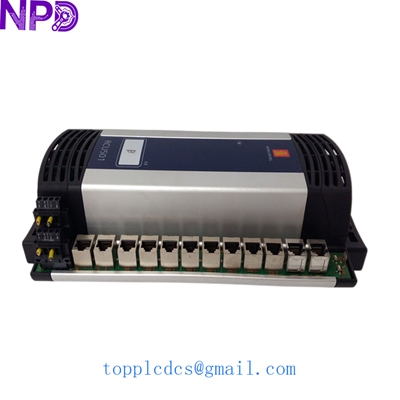
KONGSBERG RCU501
Customer Cases & Industry Applications
Case 1: Offshore Supply Vessel (OSV) Emergency Repair A DP2-rated OSV in the South China Sea experienced a sudden failure of its RCU501 in the aft control station. Without this unit, the vessel lost its redundancy certification, meaning it couldn’t operate near the oil platform. Original factory lead times were quoted at 14 weeks due to the model’s age. We dispatched a tested New Surplus unit from our Shenzhen warehouse via helicopter courier. The vessel was back to full DP capability within 48 hours, saving the operator over $50,000 in daily charter penalties.
Case 2: Strategic Inventory for an LNG Tanker Fleet A Greek shipping management company operates five LNG carriers using the Kongsberg K-Chief 500 system. Recognizing that the RCU501 is moving toward the “End of Life” phase, they proactively purchased three units as strategic “insurance.” Last year, during a scheduled dry-docking, one unit failed to reboot after a power cycle. Because they had the spare on hand, they avoided a 3-day delay in departure. To be honest, in the marine world, a spare on the shelf is worth ten in the factory.
Case 3: Retrofit Integration for a Power Plant A land-based turbine power plant used Kongsberg modules for auxiliary control. When a serial port on their primary RCU failed, they struggled to find a replacement. We provided not just the hardware, but a copy of the original firmware revision matching their 2012-era system. They were able to swap the module and restore communication with their SCADA system without having to hire a specialist to rewrite the control logic.
Frequently Asked Questions (FAQ)
Q: Is the RCU501 interchangeable with the newer RCU502 or RCU601? A: Generally, no. While they perform similar functions, the backplane pinouts and the software environment (K-Chief 500 vs. K-Chief 600) are different. Upgrading usually requires a significant software migration and potentially changing the I/O bus architecture. If your system is designed for an RCU501, it is almost always more cost-effective to replace it with the same model.
Q: Why should I buy “New Surplus” instead of a cheaper used unit from a shipbreaker? A: Truthfully? Reliability at sea is everything. A unit pulled from a scrapped ship has been exposed to salt air, vibration, and heat for 15+ years. Electrolytic capacitors in those units are “timed bombs.” Our New Surplus units have never been energized in a field environment; we test them on a Kongsberg test rig to ensure all ports are active, then seal them in anti-static packaging.
Q: Does it come with the application software pre-loaded? A: No. The RCU501 is a “blank” processor. You must load your specific ship’s configuration using the Kongsberg maintenance tool. If you don’t have the backup files, we strongly recommend contacting a Kongsberg certified technician before attempting a swap.
Q: How do I know if my RCU501 has a hardware fault or just a software glitch? A: Check the “System” LED. If it’s steady Red, it’s usually a hardware watchdog failure. If it’s flashing, it might just be a loss of communication. In our experience, if the unit doesn’t respond to a serial console boot-up sequence, the internal flash memory or CPU has likely failed.
Current Inventory Highlights
In addition to the RCU501, we maintain stock of the following related marine automation components:
- Kongsberg www.newplcdcs.com RDIU (Remote Digital Input Unit)
- Kongsberg RAIO (Remote Analog I/O)
- Kongsberg PBI (Process Bus Interface)
- ABB PM866K01 Controller
- Bently Nevada 3500/22M Interface Module
- Honeywell CC-PAIH01 Analog Input
- Siemens 6ES7 414-3XM05-0AB0
- Schneider Modicon BMEP582020