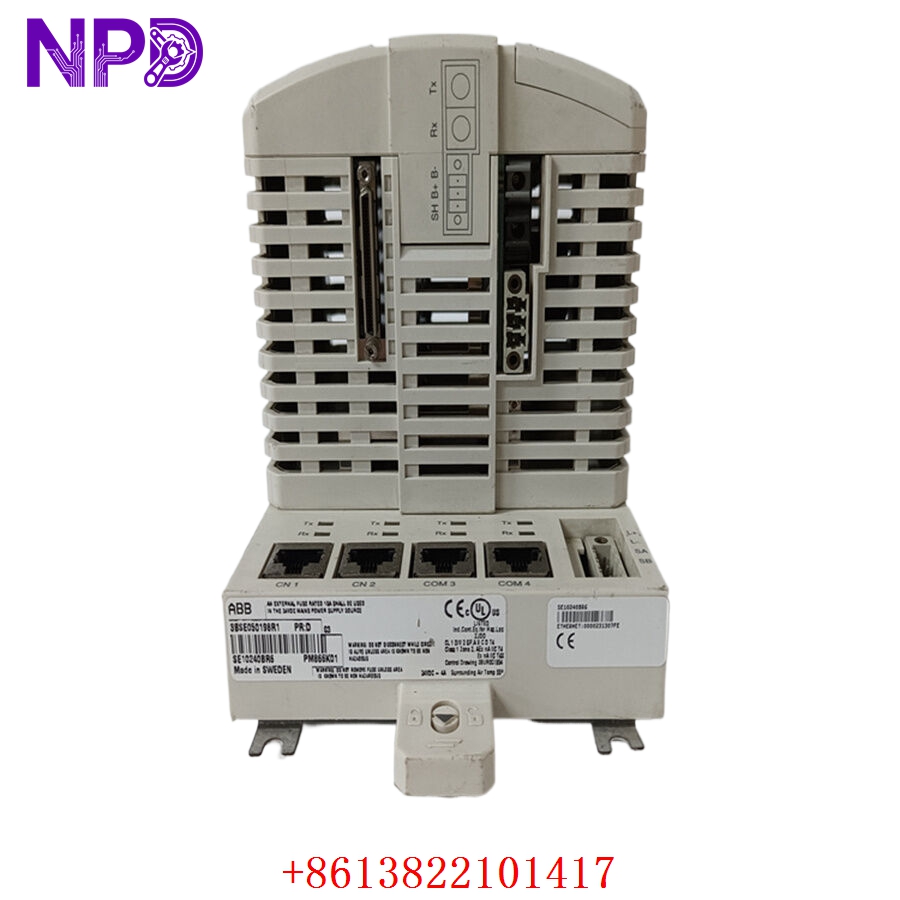

Description
The KT-NAVICON-B4 by KT Electric is a specialized navigation light control and monitoring panel engineered for maritime safety. Designed to meet stringent international marine standards, this panel provides centralized control, status monitoring, and automatic fault detection for vessel navigation lights. It ensures that critical signaling lights remain operational, providing visual and audible alerts in the event of bulb failure or circuit interruption.
⚙️ Technical Specifications
- Dimensions: 480 mm x 260 mm x 120 mm (Standard Console/Bulkhead Mount)
- Weight: 4.2 kg
- Country of Origin: South Korea
- Power Supply: 24V DC / 110-230V AC (Dual Input)
- Operating Temperature: -25°C to +55°C
- Ingress Protection: IP22 (Front Panel)

🏗️ Application Areas
- Commercial Vessels and Cargo Ships
- Passenger Ferries and Cruise Ships
- Offshore Support Vessels
- Marine Navigation and Signaling Systems
- Emergency Bridge Equipment
📖 Product Usage Instructions
Install the panel in a central navigation console or designated bridge position. Ensure the unit is connected to both the main and emergency power supplies for redundancy. All lamp circuits must be routed through the appropriate terminal blocks on the rear of the unit. Periodic testing of the bulb integrity and alarm buzzer is required by maritime regulations.
🌐 Communication Configuration Steps
- IP Address: For models equipped with network connectivity, access the “Network Setup” menu via the front interface to assign a static IP address for integration with the Vessel Management System (VMS).
- Station Number: Configure the internal address in the “System ID” settings if the unit is part of a multi-panel bridge network.
- Baud Rate: If using serial RS-422/485 communication for remote monitoring, adjust the baud rate settings (commonly 9600 or 19200) to match the central automation bridge.
⚡ Power-Up Debugging Flow
- Check the primary and emergency AC/DC power supply connections.
- Ensure all navigation light fuses are correctly rated and installed.
- Switch on the power; the system will perform a self-diagnostic test of all LED indicators and the buzzer.
- Verify that the “System Healthy” indicator is illuminated.
- Manually toggle each navigation light channel to confirm relay activation and lamp illumination.
✅ Initial Run Checklist
- Perform a “Lamp Test” to ensure all status LEDs are functional.
- Simulate a lamp failure (disconnect a load) to verify that the audible and visual alarms activate.
- Check the dimming functionality of the front panel illumination for night navigation.
- Validate that the alarm acknowledgment button silences the buzzer as expected.
- Ensure all channel labels on the front panel accurately match the physical light locations.
❓ Frequently Asked Questions (Q&A)
Q: What does it mean if the alarm buzzer sounds continuously? A: A continuous buzzer typically indicates a bulb failure or a short circuit in one of the navigation light channels. Check the channel LED indicator to identify which specific circuit is faulted.
Q: Can this panel be used with LED navigation lights? A: Yes, the KT-NAVICON-B4 is compatible with LED navigation lights provided that the current draw is within the specified channel range. Ensure the system is set to the correct mode if required.
Q: How do I perform a software reset? A: A system reset can be performed by power-cycling the unit. If the unit remains unresponsive, consult the technical manual for the location of the internal “Master Reset” switch.
Q: Is the unit compliant with IMO regulations? A: Yes, KT Electric navigation panels are built to meet or exceed International Maritime Organization (IMO) and classification society standards for bridge equipment.