Description
- Model: SST-PB3-CLX
- Brand: Molex / Brad Communications / Woodhead
- Series: SST Communication Modules for Rockwell Automation
- Core Function: Connects Allen-Bradley ControlLogix PLCs to Profibus DP networks.
- Product Type: Profibus DP Master (Scanner) or Slave Module
- Key Specs: Single-slot ControlLogix module Supports DP-V0 and DP-V1 Up to 125 Slaves
- Compatibility: Allen-Bradley ControlLogix Series (1756-L6x, L7x, L8x).
- Network Protocol: Profibus DP-V0 (Cyclic) and DP-V1 (Acyclic).
- Communication Rate: 9.6 Kbps to 12 Mbps.
- Capacity:
- Up to 125 DP Slaves in Master mode.
- Up to 244 bytes of Input and 244 bytes of Output data per slave.
- Configuration: Uses Molex console software (SST Console) or Add-On Profiles (AOP) for Logix Designer.
- Ports: 1 x 9-pin D-Sub (Profibus) and 1 x USB (Configuration/Diagnostics).
- Isolation: 500V DC galvanic isolation between Profibus and backplane.
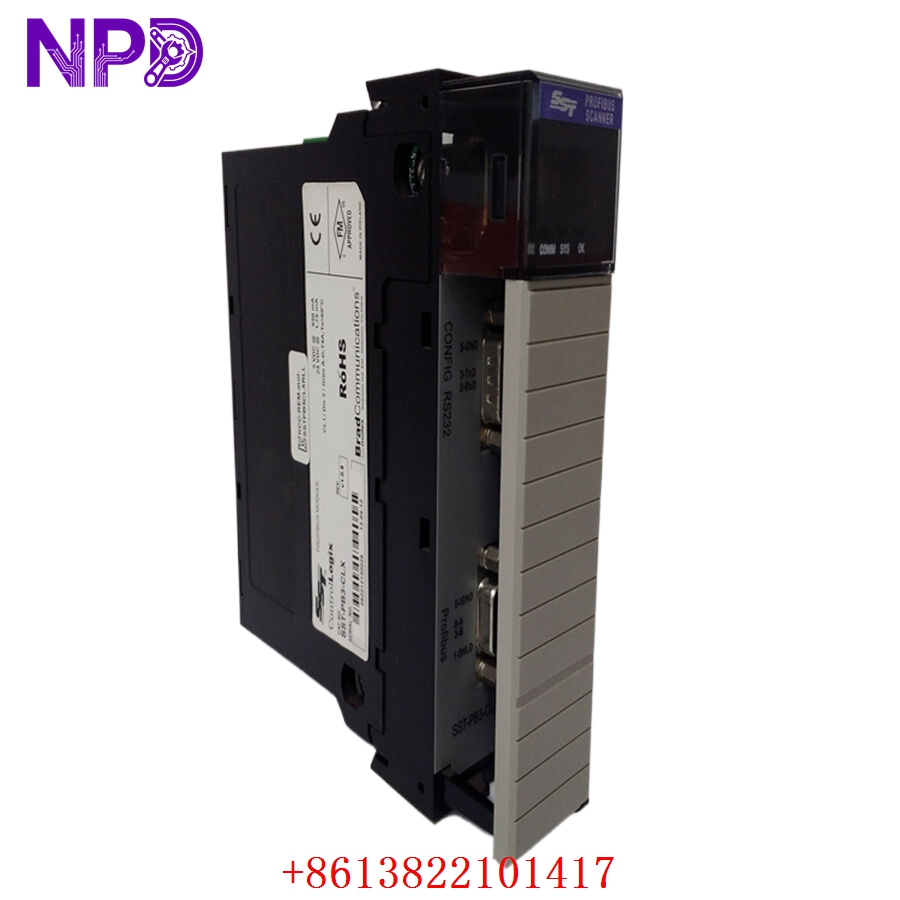
MOLEX SST-PB3-CLX
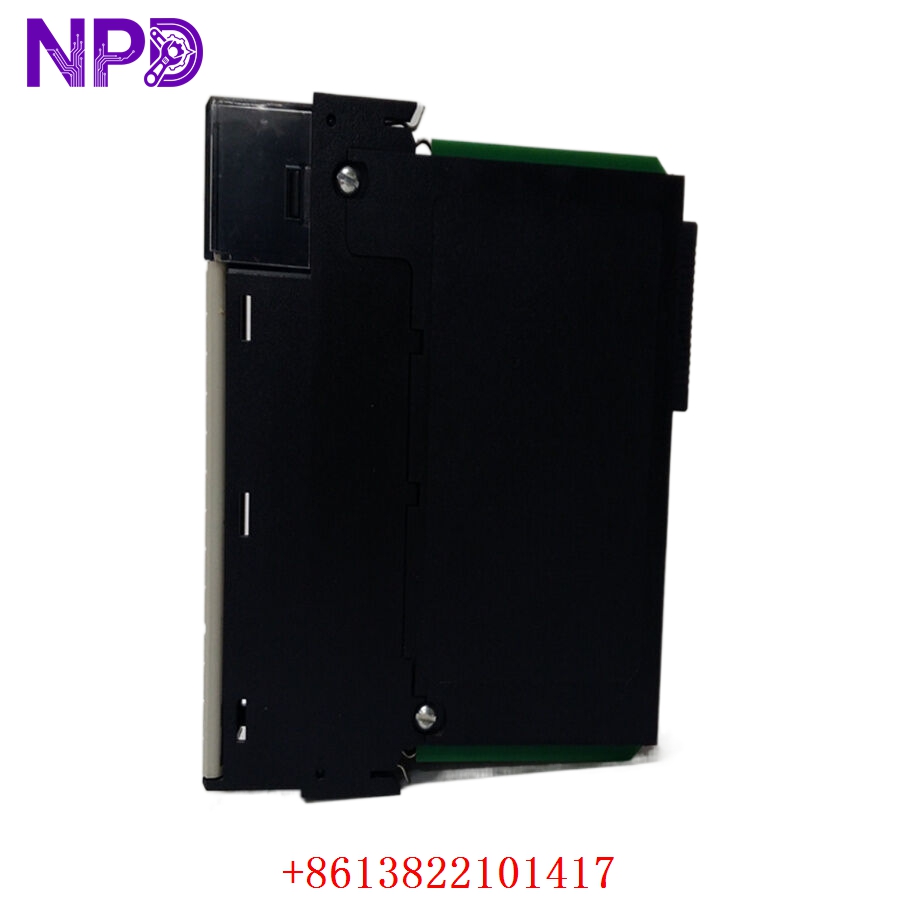
MOLEX SST-PB3-CLX
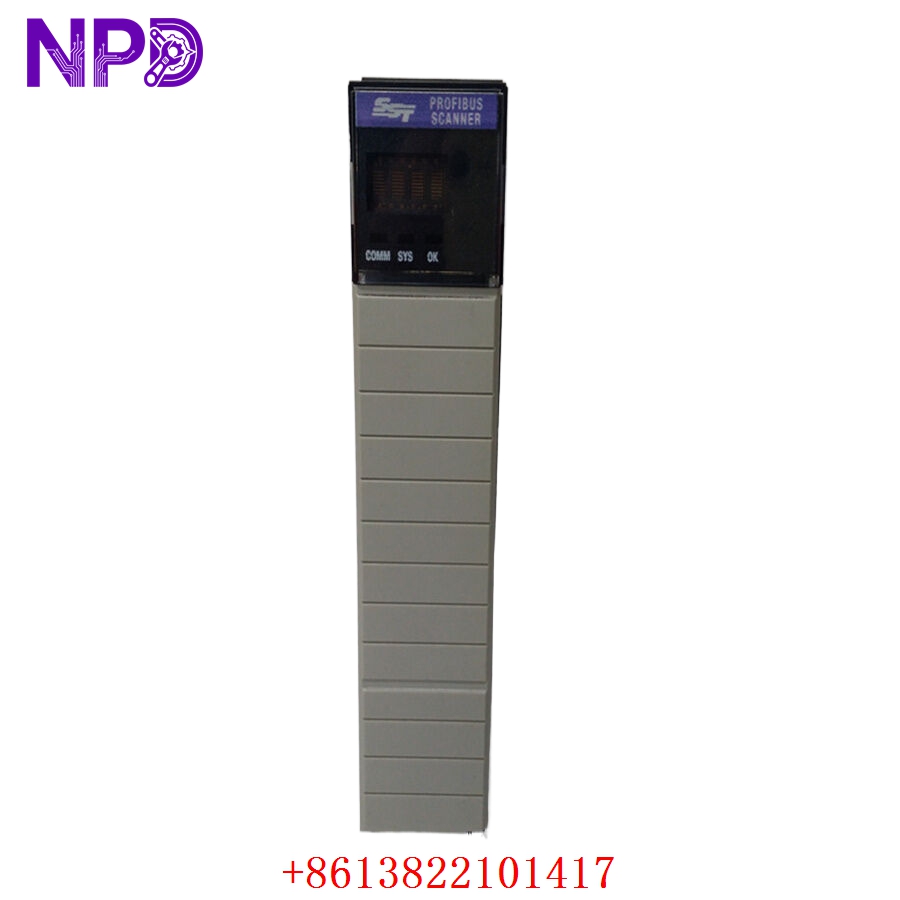
MOLEX SST-PB3-CLX
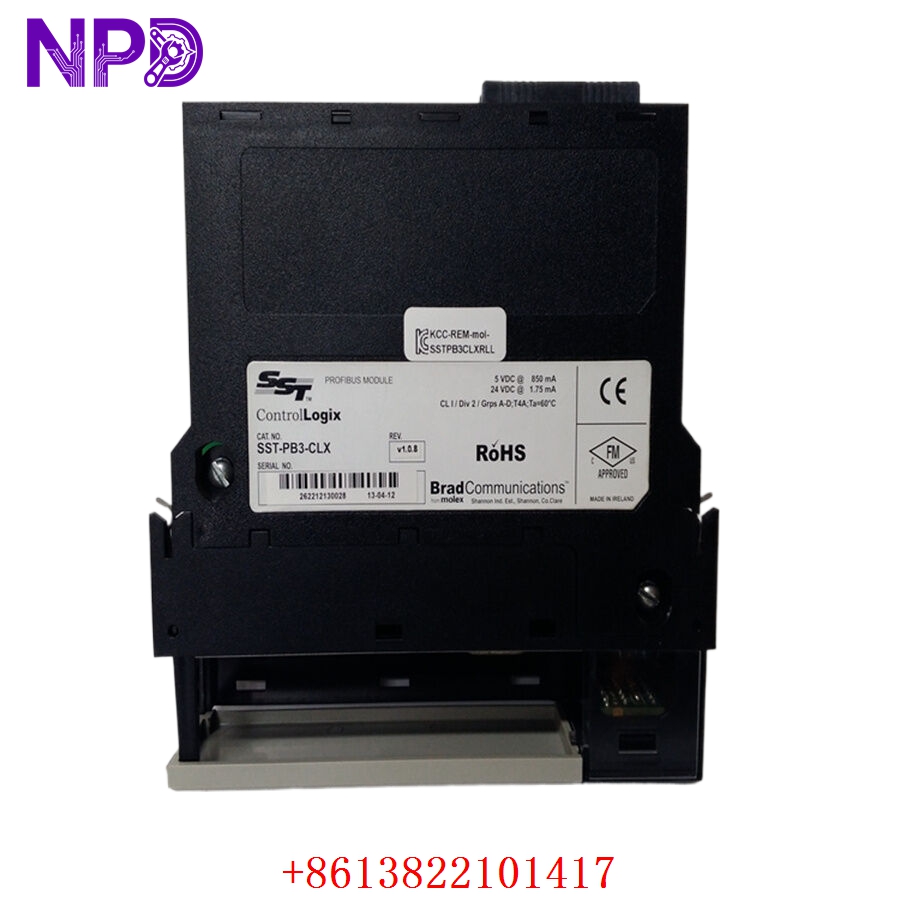
MOLEX SST-PB3-CLX
Application Scenarios & Pain Points
The SST-PB3-CLX is a “translator” module. In many factories, the main controller is an Allen-Bradley ControlLogix, but the field devices (drives, sensors, or instruments) are from European manufacturers like Siemens, ABB, or Danfoss that use Profibus. This module allows the ControlLogix to “own” those Profibus devices as if they were native I/O. The primary pain point for users is the configuration overhead. Setting up GSD files and memory mapping between Profibus and the Logix Tag database can be complex. If the configuration is misaligned, you will see “I/O Not Responding” or “Format Errors,” which can halt a production line.
Typical Application Scenarios:
- Automotive Manufacturing
Interfacing a ControlLogix PLC with Siemens SINAMICS drives or SEW Eurodrive motors on a Profibus ring.
- Water/Wastewater Treatment
Collecting data from flow meters and analyzers that only offer Profibus DP communication.
- Food & Beverage
Managing a packaging line where different machine OEMs used a mix of Rockwell and Siemens-standard components.
- Retrofit Projects
Replacing a Siemens S7 PLC with a Rockwell ControlLogix while keeping all existing Profibus field wiring and I/O.
Case Study: The “Language Barrier” in a Dairy Plant
Background:
A dairy facility in New Zealand was upgrading its control system to Rockwell. However, all their pasteurization valves and specialized sensors were Profibus-based and would cost $200,000 to replace with EtherNet/IP versions.
The Problem:
The new 1756-L73 PLC couldn’t “talk” to the valves. The plant needed a reliable way to bridge the two protocols without adding significant latency to the valve timing.
The Solution:
We supplied the SST-PB3-CLX. We helped the client verify the firmware version to ensure compatibility with their RSLogix 5000 V20 software.
The Result:
The module successfully scanned all 45 Profibus slaves. By spending a few thousand dollars on the Molex module, the plant saved $200,000 in hardware costs and avoided weeks of rewiring.
SOP Quality Transparency
Communication modules require rigorous testing of the physical port and the backplane interface.
- Profibus Port Audit:
We inspect the 9-pin D-sub port for bent pins or debris. We perform a “Full Baud Rate Test,” ensuring the module can maintain a stable link at the maximum 12 Mbps speed.
- Logix Backplane Test:
- Scanning Verification: We seat the SST-PB3-CLX in a 1756-A7 rack and verify the Logix PLC recognizes the module.
- Data Throughput: We simulate a small Profibus network and monitor the data transfer to Logix tags to ensure no “packet dropping.”
- USB Diagnostic Check: We connect to the front USB port to verify the diagnostic tools can read the module’s internal health.
- Firmware Integrity:
We check for the latest stable firmware. Many older SST modules have bugs related to acyclic messaging; we ensure our stock is updated to avoid these issues.
- Packaging:
The module is placed in a static-shielding bag and shipped in a reinforced box. We include the mounting screws and, where available, the original software CD (though we recommend downloading the latest SST Console from the Molex site).
Technical “Pitfall” Guide
The SST-PB3-CLX is powerful, but it’s not “plug-and-play.”
- The “GSD” File Requirement ❗
To make this module work, you must have the
.GSDfiles for every slave device on your network.The Fix: Collect these from the device manufacturers’ websites before you start the configuration. The SST Console software needs these to build the scan list.
- Termination Resistors:
Profibus is a daisy-chain network. If you don’t have the termination resistors set to “ON” at the first and last physical devices, the network will be plagued by “Reflection Noise.”
The Fix: Check the switch on your 9-pin Profibus connectors. Only the two ends of the line should be “ON.”
- Memory Mapping ❗
Data from the Profibus network is mapped into the ControlLogix as “Arrays.” If you don’t keep a spreadsheet of which byte belongs to which device, troubleshooting becomes impossible.
The Fix: Use the Molex Add-On Profile (AOP) if your Logix version supports it; it makes tag naming much easier than the old-school “Generic Module” method.
- Power Consumption:
This module draws significant current from the ControlLogix backplane (approx. 1.2A at 5V).
The Fix: Ensure your 1756-PA72 or PB72 power supply isn’t already overloaded with other heavy-draw modules like EN2Ts or SERCOs cards.
Troubleshooting Quick Reference
| Symptom | Possible Cause | Relevance | Quick Check | Recommendation |
| “COMM” LED Red | Network Fault / No Slaves | ✅ High | Check if all slave devices are powered. | Check termination; check cable. |
| “SYS” LED Red | Module Hardware Failure | ✅ High | Cycle power; check Logix fault code. | Replace module. |
| I/O LED Blinking | Configuration Mismatch | ✅ High | Verify GSD file versions vs. hardware. | Update scan list in SST Console. |
| Intermittent “Bus Fail” | Electrical Noise / Speed | ⚠️ Med | Lower the baud rate to 1.5 Mbps. | Use shielded Profibus cable. |
| Module “Not Owned” | Slot/Inhibitor Issue | ✅ High | Check Logix “Module Properties.” | Ensure module isn’t inhibited. |
Pro Tip: If you’re having trouble getting the network up, use the front USB port and the SST Profibus Scanner software. It has a “Listen Mode” that lets you see exactly which slaves are responding and which are throwing errors before you even involve the Logix PLC.