
Description
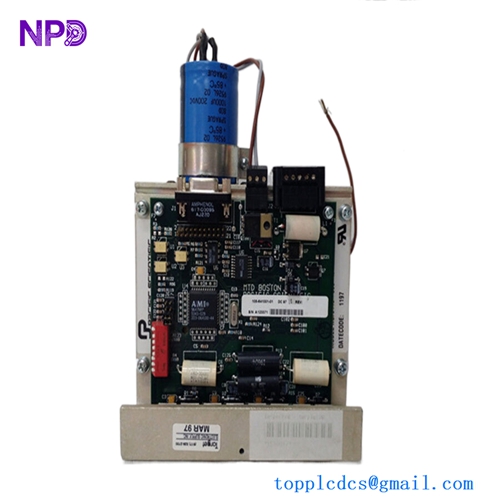
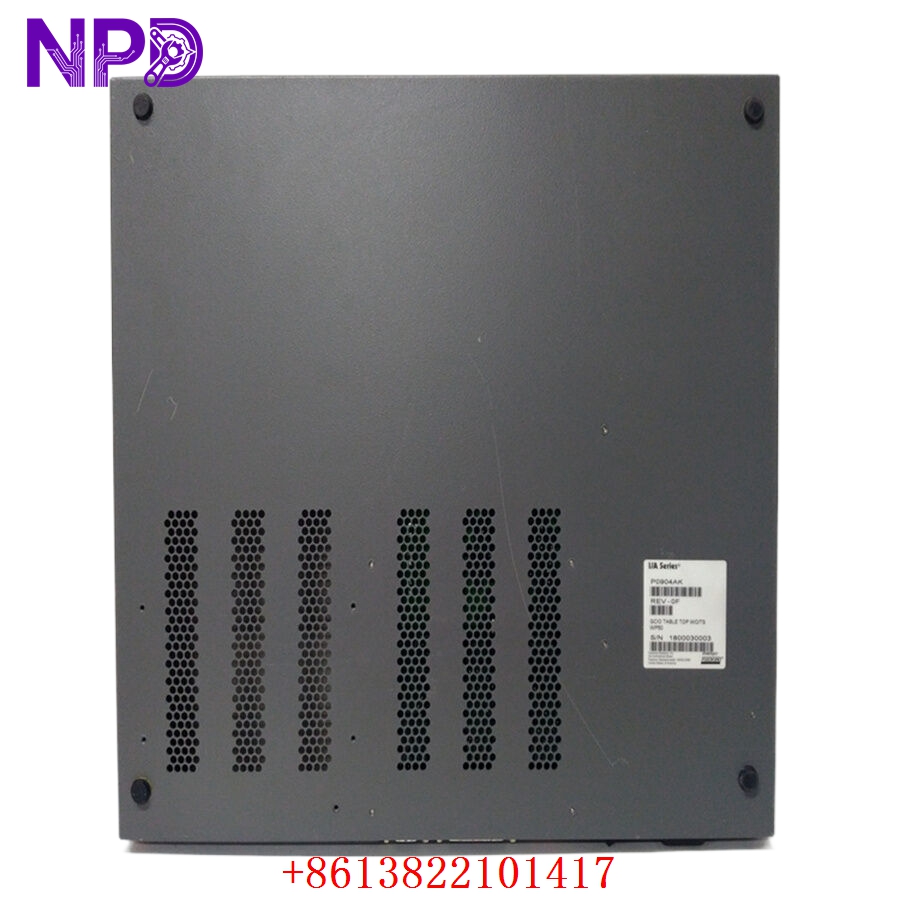
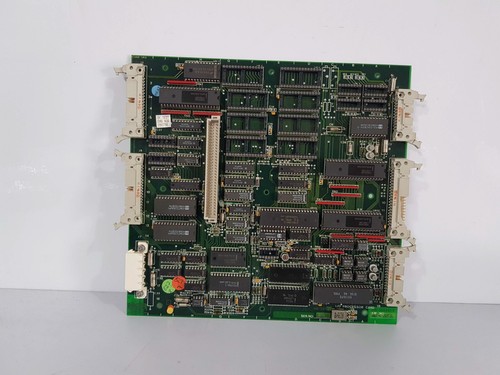
The NORCONTROL NN-791.12 is a high-performance I/O processor card, specifically designed to ensure seamless data acquisition and process control in demanding maritime and industrial environments. As a core component of the NORCONTROL automation ecosystem, the HER100261 module provides reliable communication bridging between field instrumentation and the central control system.
📋 Technical Specifications
🔹 Dimensions: 280mm x 220mm x 40mm 🔹 Weight: Approximately 0.85 kg 🔹 Country of Origin: Norway
🚀 Application Fields
⚡ Marine Automation Systems ⚓ Engine Room Monitoring and Control 🏭 Industrial Process Management 🚢 Integrated Bridge Systems
🛠️ Product Instructions
The NN-791.12 is designed for rack-mounting within standard NORCONTROL cabinets. Ensure that the backplane connector is free from debris before insertion. Always disconnect power supply before installing or removing the card to prevent electrical damage to the sensitive internal circuitry.
⚙️ Communication Configuration Steps
⚙️ IP Address: Access the module via the onboard serial maintenance port or the dedicated network configuration utility. Assign a static IP address consistent with the control network subnet. ⚙️ Station Number: Set the rotary switch or software register on the card front panel to match the intended node address defined in the project configuration file. ⚙️ Baud Rate: Configure the communication baud rate (e.g., 9600, 19200, or 38400 bps) to align with the peripheral device requirements via the internal setup menu.
🔋 Power-up Debugging Process
✅ Step 1: Verify input voltage stability (typically 24V DC). ✅ Step 2: Connect the communication cables ensuring correct polarity. ✅ Step 3: Apply power and monitor the status LEDs; wait for the “READY” indicator to stabilize. ✅ Step 4: Initiate the handshake protocol from the master controller to verify data link establishment.
📋 First-time Operation Checklist
✔️ Confirm all wiring terminal connections are tightened. ✔️ Verify that the firmware version is compatible with the main control processor. ✔️ Check that ambient temperature and humidity are within operating limits. ✔️ Ensure the ground connection is securely attached to the cabinet chassis.
❓ Frequently Asked Questions (Q&A)
❓ Q: What does a flashing red LED indicate? 💡 A: It typically indicates a communication timeout or a hardware self-test fault. Verify cable integrity and network termination.
❓ Q: Can I replace this module while the system is live? 💡 A: No. Hot-swapping is not recommended for the NN-791.12. Please shut down the power to the specific rack before replacement.
❓ Q: How to reset to factory defaults? 💡 A: Hold the “RESET” button located on the front panel for 10 seconds while the unit is powered, until the status LEDs cycle through a specific blink pattern.