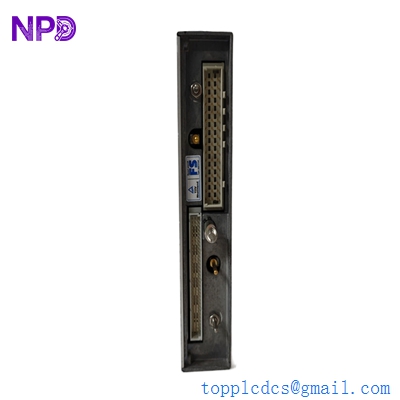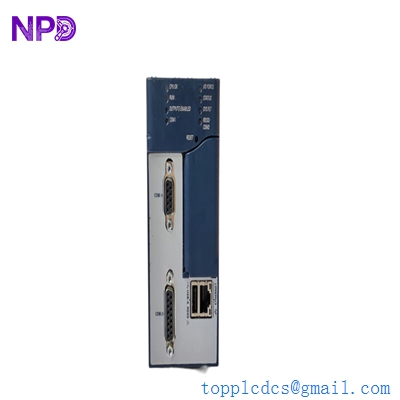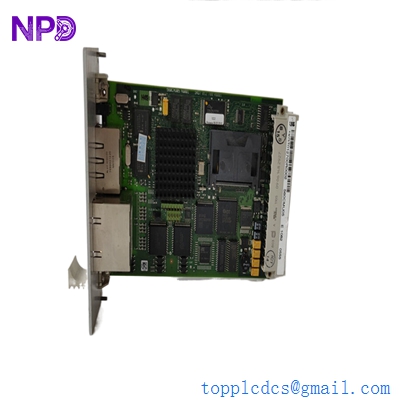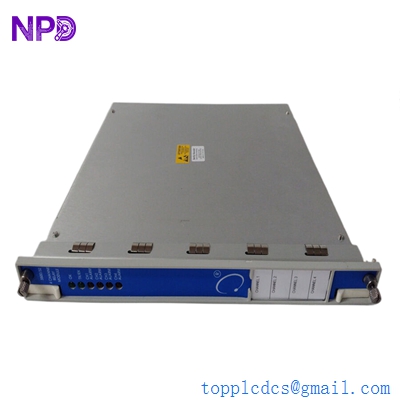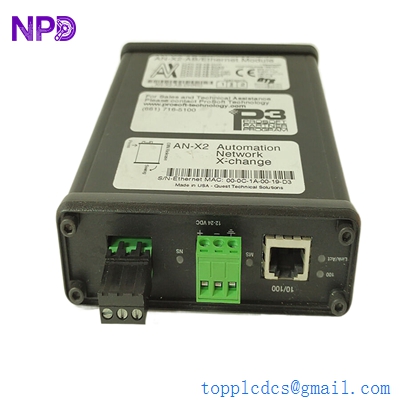
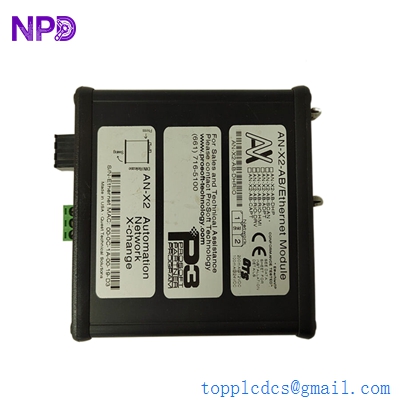

Description
ProSoft ANC-100E
- Model: ANC-100E
- Brand: ProSoft Technology
- Series: Ethernet to DH+ (Data Highway Plus) Bridge
- Core Function: High-speed Ethernet/IP to DH+ communication converter
- Key Specs: 10/100 Mbps Ethernet, DH+ up to 230.4 Kbps, DIN-rail mount
- Series: Multi-protocol Communications Gateway
- Core Function: Flexible bridge for DH+ or Remote I/O (RIO) to Ethernet/IP
- Key Specs: Firmware-selectable modes (Bridge, Drive, or HMI), Web-based config
- Supply Status: ✅ In-Stock (Limited Quantity)
- Warranty: 12 months (starts from shipment date)
- Ship From: Xiamen, China (Domestic: 1-2 days; International: 5-7 days)
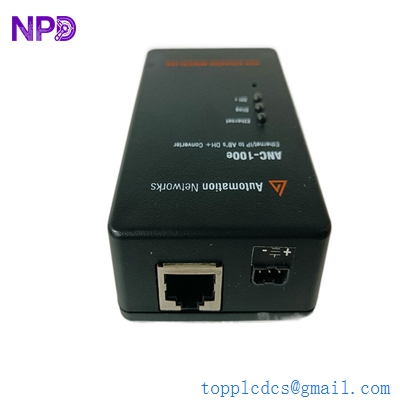
PROSOFT ANC-100E AN-X2-AB-DHRIO
Key Technical Specifications
- Network Protocols: EtherNet/IP (Master/Slave), DH+, and Remote I/O (AN-X2 specific)
- Configuration: Built-in web server (no specialized software required for basic setup)
- DH+ Speed: Auto-detects 57.6k, 115.2k, or 230.4k Baud
- RIO Support: Supports all RIO baud rates and up to 32 racks (AN-X2 only)
- Power Supply: 12–24 V DC (ANC-100E: ~300 mA; AN-X2: ~500 mA)
- Operating Temp: 0 °C to +50 °C (32 °F to 122 °F)
- Diagnostic Port: Front-access Ethernet for local monitoring
- Isolation: Optical isolation between network ports to prevent ground loops
- Physical Interface: Phoenix-style 3-pin connector for DH+/RIO
Application Scenarios & Pain Points
These gateways are the “lifelines” for aging Allen-Bradley systems. If you have a plant full of PLC-5s or SLC 5/04s on Data Highway Plus (DH+), you know that getting data into a modern SCADA or a new ControlLogix PLC is a massive headache. You don’t want to rip out miles of blue hose (Belden 9463) just to get a few tags. The ANC-100E and AN-X2 solve this by putting that old DH+ network onto your modern Ethernet backbone.
1. PLC-5 / SLC 5/04 Modernization
Allows modern Ignition, Wonderware, or FactoryTalk SCADA systems to communicate with legacy processors without adding expensive sidecar modules.
2. Remote I/O to Drive Upgrade (AN-X2-AB-DHRIO)
Specific to the AN-X2: it can act as a bridge to replace old 1336 drives with new PowerFlex drives while keeping the original RIO scanner in place.
3. Data Acquisition & Historian Integration
Connecting old machine cells to a central data historian (like OSIsoft PI) via Ethernet, even if the machine logic is 30 years old.
Case Study: The “Blue Hose” Survival Strategy
Background: A large food and beverage facility had 12 legacy SLC 5/04 processors scattered across a massive warehouse. Management wanted a central dashboard to track real-time production numbers, but the SLCs were only linked via DH+.
The Problem: A full Ethernet upgrade was quoted at $450,000 due to the cost of running new conduit and replacing all processors. The ROI simply wasn’t there.
The Solution: We supplied two ANC-100E units. We placed one at each end of the DH+ “trunk” line. By bridging the DH+ to the plant’s existing fiber-optic Ethernet, we made all 12 SLCs visible to the new SCADA system instantly.
The Result: The plant got their data in 3 days instead of 3 months.
- Avoided Loss: Saved over $400,000 in capital expenditure and avoided weeks of downtime.
- Takeaway: Don’t kill the “Blue Hose” if it’s still working. Just bridge it.
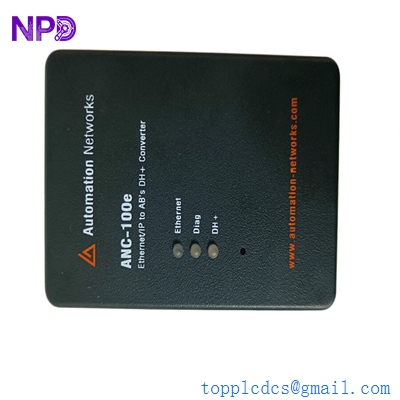
PROSOFT ANC-100E AN-X2-AB-DHRIO
Compatible Replacement Models
| Feature | ANC-100E | AN-X2-AB-DHRIO | Decision Factor |
| DH+ Support | ✅ Yes | ✅ Yes | Both work for DH+ |
| Remote I/O (RIO) | ❌ No | ✅ Yes | Need RIO? Buy AN-X2 |
| HMI Mode | ❌ No | ✅ Yes | Replacing an old PanelView? Use AN-X2 |
| Configuration | Easy Web | Advanced Web | ANC-100E is faster to set up |
| Cost | 💲 Lower | 💲💲 Higher | Use ANC-100E for simple DH+ bridging |
Engineer’s Advice: If you only need to get data out of a PLC-5 or SLC, the ANC-100E is the smarter choice—it’s cheaper and takes 10 minutes to configure. However, if you are doing a “Drive Upgrade” or “HMI Replacement” on a Remote I/O network, you must use the AN-X2-AB-DHRIO. It’s the only one with the “smarts” to handle RIO timing.
Troubleshooting Quick Reference
| Symptom | Possible Cause | Gateway Related? | Quick Check | Action |
| “Link” LED Off | Ethernet cable fault | ❌ Low | Check switch port activity | Replace RJ45 cable |
| “DH+ Err” LED Red | Baud rate mismatch | ✅ High | Check web config vs. PLC settings | Match Baud (57.6k/115.2k) |
| Duplicate Node | Conflict on DH+ | ✅ High | Ping the node list via web tool | Change gateway DH+ Node ID |
| Intermittent Loss | Termination missing | ⚠️ Medium | Check for 82Ω or 150Ω resistor | Install resistor at both ends |
Expert Integration Notes:
- The 82-Ohm Resistor: ❗ Critical! If your DH+ network is running at 230.4k, you need an 82-ohm resistor at each end. If it’s at 57.6k, you need 150-ohm. I’ve seen these gateways get blamed for “dropping packets” when the only real problem was a missing $0.10 resistor.
- Node ID Conflicts: The gateway needs its own unique Node ID on the DH+ network (0-63 octal). Most people forget this and set it to Node 0, which is often already taken by a PLC or a PanelView. Check your Node list first!
- Power Grounding: ProSoft gateways are sensitive to ground loops. Ensure your 24V DC power supply common is grounded at the same point as your DH+ shield.