
Description
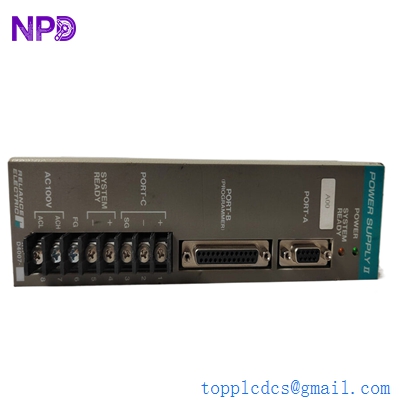
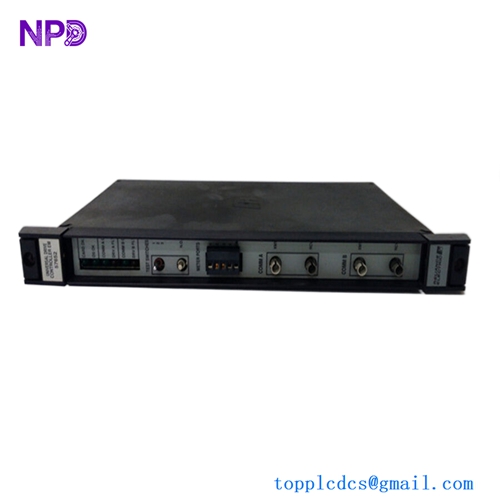
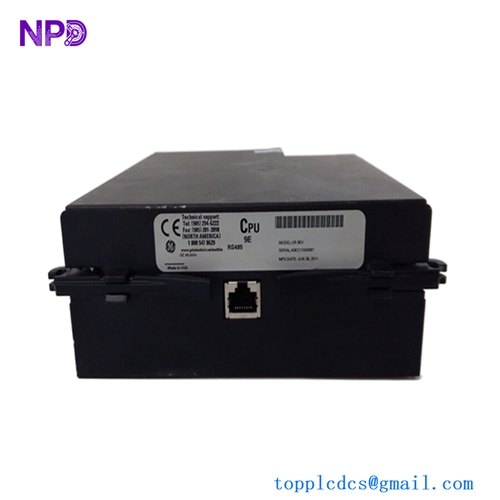
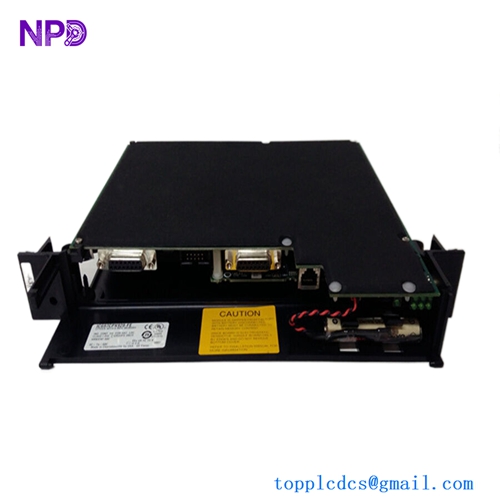
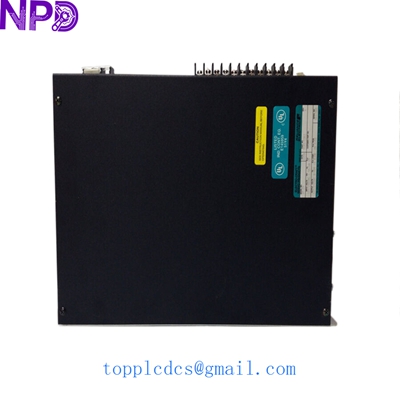
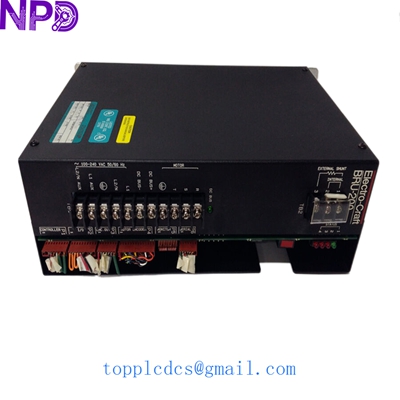
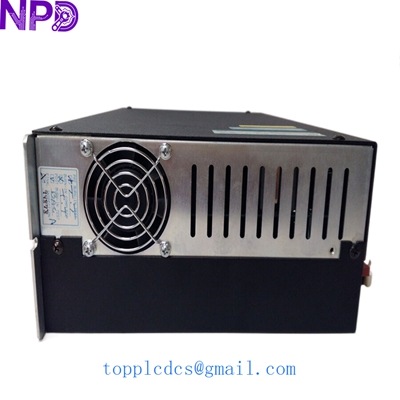
Model: RELIANCE DM-20 (Part No: 0-51854-3 / 0-51854) · Brand: Reliance Electric (Rockwell Automation / Baldor) · Series: GV3000 / SE Series AC Drives · Core Function: Main digital control and feedback interface board · Condition: Brand New Surplus (Original New), non-refurbished · Type: Control Module / PCB · Key Specs: Logic control interface Encoder feedback support Diagnostic LED port
- Manufacturer: Reliance Electric
- Module Type: Digital Control Board (DM-20)
- Compatibility: GV3000 and GV3000/SE Drives
- Part Number Cross-Ref: 0-51854-3, 0-51854-1
- Input Voltage: Low-voltage DC (sourced from drive power supply)
- Connectivity: Multi-pin ribbon cable headers for power and I/O
- Mounting: Snap-in plastic standoffs
- Communication: Internal Bus / RS-232 Diagnostic Port
- Operating Temp: 0°C to +50°C
- Enclosure: Open-frame PCB (requires drive housing for protection)
RELIANCE DM-20
Installation & Configuration Guide
Phase 1: Pre-Installation (Preparation)
⚠️ Safety First:
- Total Isolation: Disconnect all AC input power to the GV3000 drive.
- Discharge Time: Wait at least 15 minutes. The large capacitors in these drives can hold lethal voltages (600V+) even after power is pulled. Measure the DC bus terminals to be 100% sure.
- Static Shielding: Wear an ESD wrist strap. The DM-20 logic chips are notoriously sensitive to static discharge.
Tools Needed:
- Phillips #2 screwdriver.
- Small needle-nose pliers (for standoff clips).
- Anti-static bag for the old board.
Phase 2: Removing the Old DM-20 Board
- Access: Open the front cover of the GV3000 drive. The DM-20 is usually the main board located near the front or top.
- Connector Check: Carefully unplug the ribbon cables. These connectors are often brittle from years of heat; use your fingers to pull the plastic housing, not the cable itself.
- Standoffs: Use pliers to gently squeeze the plastic standoff tabs and pull the board forward.
- Firmware: Check if your old board has a socketed EPROM (a chip with a sticker). You may need to move this chip to the new board to keep your drive parameters and program.
Phase 3: Installing the New Board
- Seating: Snap the new DM-20 onto the standoffs. You should feel all four corners “click” into place.
- Cabling: Reconnect the ribbon cables. Ensure they are fully seated and the locking ears (if present) are engaged.
- Grounding: Verify that the grounding screw or spring contact is making firm contact with the drive’s metal chassis.
Phase 4: Startup & Self-Test
- Minimal Power: Apply control power only (if possible) to verify the logic.
- Display Check: The drive’s 4-digit LED display should light up. If the DM-20 is working, you will see a standard status code (like “n-on” or “0”).
- Error Codes: If you see “F-01” or “F-02” immediately, double-check your ribbon cable seating.
- Auto-Tune: If the motor characteristics have changed, you may need to run a new “Tune” routine via the GV3000 keypad.
RELIANCE DM-20
Customer Cases & Industry Applications
Case 1: Rubber Mixing Plant Emergency
A rubber factory in Ohio had a main mixer drive fail on a Monday morning. The Reliance GV3000 drive was throwing a “Digital Processor Fault,” traced to the DM-20 board. The OEM had declared the drive “End of Life” five years ago. We shipped a New Surplus DM-20 via FedEx Overnight. The maintenance team installed it Tuesday morning, and the mixer was back in production by noon, saving the plant from wasting a $30,000 batch of raw rubber.
Case 2: HVAC System for Clean Room
A pharmaceutical facility used Reliance GV3000 drives to control the air handlers in their ISO-7 clean room. Replacing the entire drive system would have required a re-validation process taking weeks. By purchasing two DM-20 boards as strategic spares from us, they were able to repair a faulty unit in 30 minutes, keeping the clean room pressurized and avoiding a massive production stoppage.
Frequently Asked Questions (FAQ)
Q: Can I use the DM-20 to replace a DM-10 board? A: Generally, no. While they look similar, the DM-20 has more processing power and different firmware capabilities designed for the GV3000 series. Always replace like-for-like to avoid communication errors.
Q: Does this board come with firmware pre-installed? A: Our New Surplus boards usually have the standard factory firmware. However, if your drive uses a custom “Application Chip,” you must move that specific socketed chip from your old board to the new one.
Q: Why is the Reliance DM-20 so hard to find? A: Rockwell Automation (who bought Reliance) discontinued this series over a decade ago. Most “New” stock has been exhausted, and many vendors only sell refurbished units. We pride ourselves on maintaining a small stock of authentic “New Surplus” units for critical infrastructure.
Q: What if the board doesn’t fix my drive? A: If the DM-20 doesn’t solve the issue, the fault may lie in the power gate-driver board or the IGBT modules. We recommend a full diagnostic of the power section before installing a new control board.
Related Inventory Models
- RELIANCE 0-51854-1
- RELIANCE GV3000/SE-20
- ABB PM866
- GE IS215UCVEH2AE
- Bently Nevada 3500/42M
- Triconex 3008
- Honeywell MC-TAMT03
- Siemens 6ES7315-2AH14-0AB0
For current pricing and volume discounts, please visit newplcdcs www.newplcdcs.com.