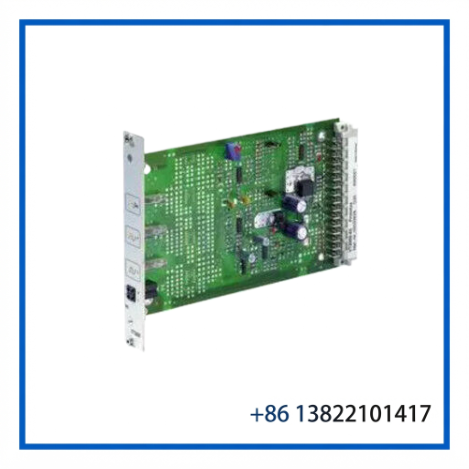
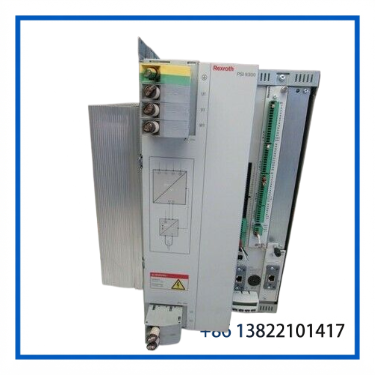
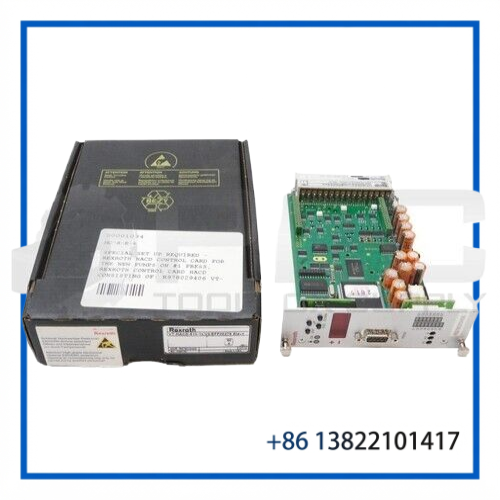
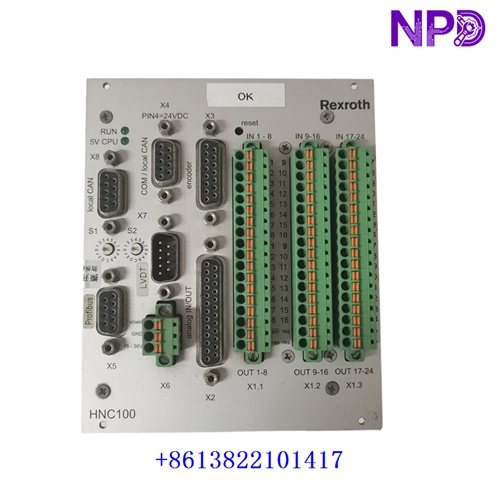
Description
- Model: BTV04.2GN-FW (Full configuration: BTV04 Series)
- Brand: Bosch Rexroth (Indramat Division)
- Series: BTV Series / Visualisation Devices and Operator Terminals
- Core Function: Compact Human-Machine Interface (HMI) text/graphics panel for machine operation and parameter editing
- Product Type: Small Operator Terminal / Display Panel
- Key Specs: Graphic LCD Display | Integrated Keypad Matrix | Serial/Fieldbus Interface Interconnect Ports
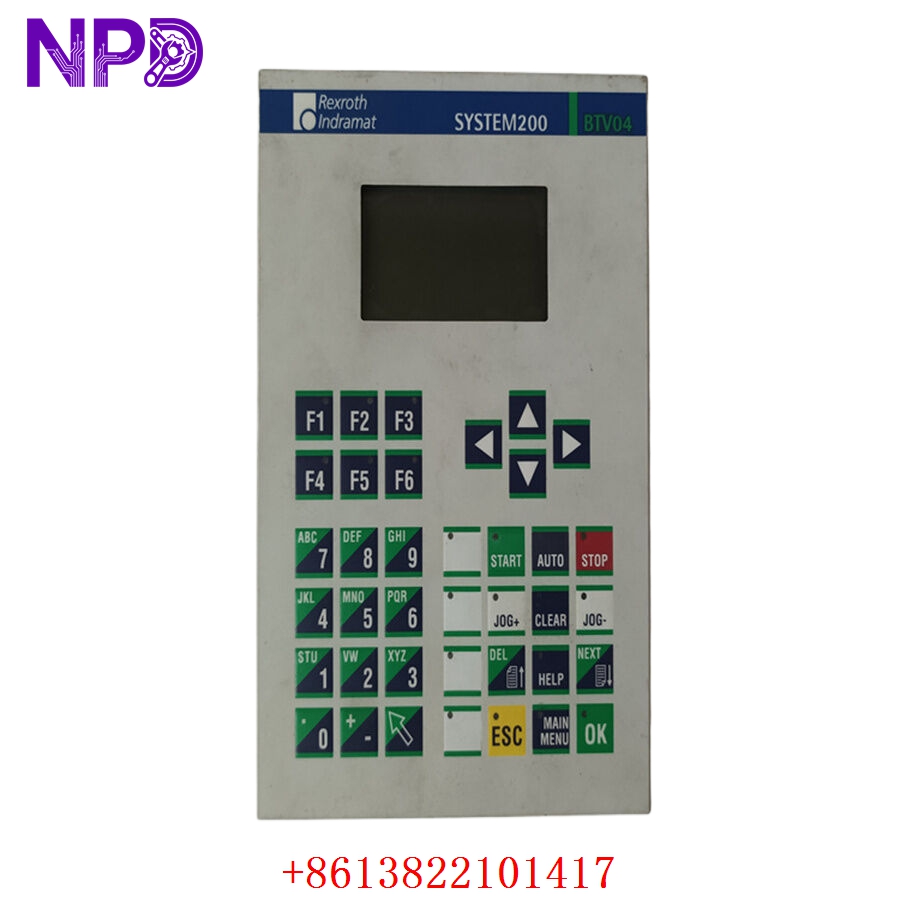
- Display Properties: High-contrast graphic Liquid Crystal Display (LCD) screen with backlight support
- Operator Interface Layout: Mechanical tactile membrane keyboard with programmable function keys, numeric entry pad, and directional navigation inputs
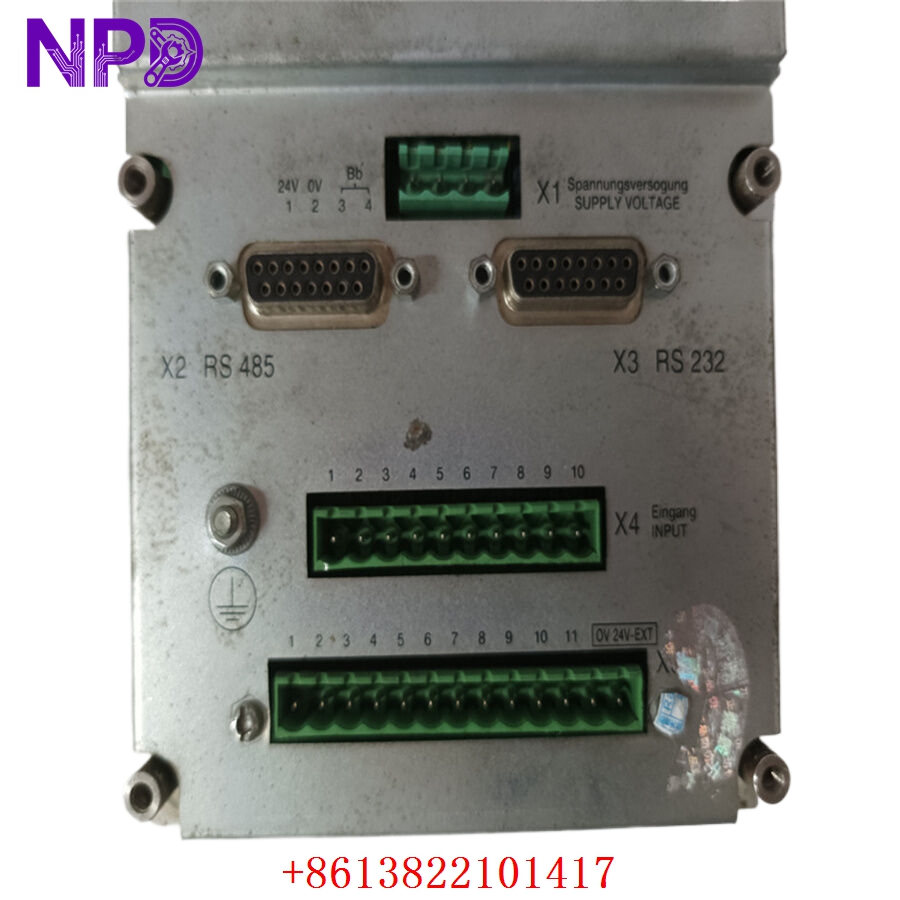
- Power Supply Requirement: Nominal 24 V DC external supply line (typically accepts standard 19.2 to 30 V DC industrial voltage windows)
- Firmware Configuration (“-FW”): Shipped ready for firmware installation or pre-loaded with standard system operating baselines
- Communication Host Ports: Integrated serial interface lines (RS-232 / RS-485 / RS-422) alongside options for dedicated fieldbus interconnect networks
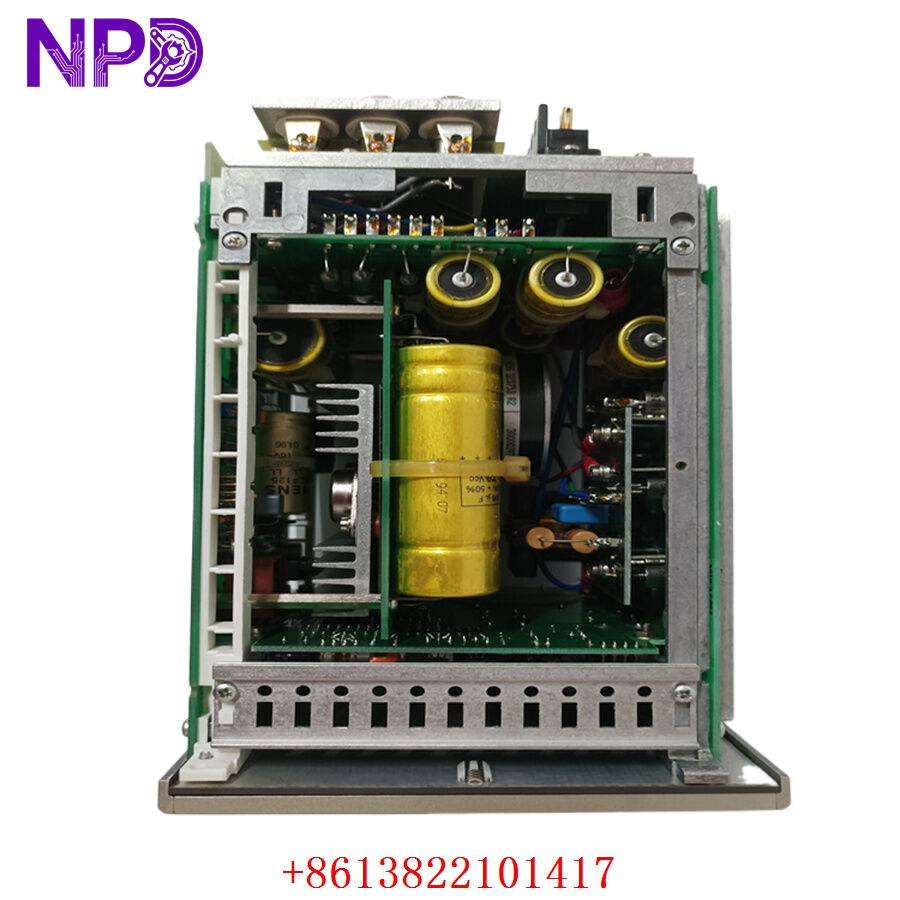
- Memory Architecture: Onboard Flash and EEPROM storage blocks protecting application screens and user parameter sets
- Front Panel Rating: IP65 ingress protection rating against dust and water sprays when correctly flush-mounted into an enclosure door
- Enclosure Footprint: Compact, shallow-depth metal or rugged polycarbonate frame layout designed to save space in crowded operator stations
Application Scenarios & Engineering Pitfalls
The On-Site Reality
In automated manufacturing lines utilizing Rexroth Indramat drive systems—such as high-speed packaging machines, printing presses, or metal stamping lines—the operator panel is the primary bridge to the machinery. The Rexroth BTV04.2GN-FW gives field technicians the ability to clear drive faults, change processing speeds, and monitor real-time machine metrics. When this display panel goes blank or the membrane keyboard stops responding, the entire machine line becomes an unmanageable island, blocking production. Because this compact series belongs to a legacy lifecycle tier, finding a fully tested, ready-to-run replacement is vital to prevent minor component issues from causing extended factory outages.
Typical Deployment Scenarios
- Packaging Systems – Coordinated Wrapper and Cartoning Stations
Serves as the local station terminal, allowing operators to adjust sealing temperatures, cut lengths, and timing parameters.
- Printing Infrastructure – Multi-Station Web Printing Press Lines
Provides localized adjustment control for tension parameters, roll-feed speeds, and color alignment overrides near the print cylinders.
- Machine Tools – Automated Loading and Destacking Frameworks
Manages simple part setups, cylinder step diagnostics, and cycle counts for peripheral material handling gantries.
- General Motion Control – Multi-Axis Assembly Modules
Interfaces with Indramat EcoDrive or DIAX drive families to view active status codes and input mechanical home offset values.
Plant Survival Case Study: Blown HMI Panel on a High-Speed Packaging Line
- Background: A major consumer goods packaging plant was running an automated filling and sealing line. The local operator input station utilized a legacy Rexroth Indramat BTV04.2GN-FW panel communicating with an Indramat drive controller.
- The Problem: During an facility-wide electrical storm, a severe power surge slipped past the main panel’s isolation transformers. The surge damaged the internal DC-DC converter components on the BTV04 unit’s motherboard, turning the HMI screen completely black. Without this screen, the operators could not enter new product packaging recipes or reset a latching safety block, leaving a high-output machine line completely stuck. The local distributor noted the unit was long obsolete with an unknown factory lead time, risking massive daily production losses.
- The Solution: The plant’s technical leader bypassed standard procurement backlogs by contacting our support team directly. We pulled an original, unused surplus BTV04.2GN-FW module from our clean inventory core, ran it through our comprehensive multi-channel signal injection validation, keyboard matrix, and communication loop test, and shipped it out via priority air freight within hours.
- The Result: The unit was delivered to the plant gate early the next morning. The maintenance team completed the mechanical swap, uploaded the application software file, and reconnected the serial data line. The machine terminal initialized perfectly, returning the line to full production capacity and avoiding a costly multi-week delay.
Compatible Replacement Models
When working with vintage Rexroth operator interfaces, verifying the full configuration string and firmware status prevents software and communication driver mismatch errors.
| Original Part Number | Alternative Model | Compatibility Level | Key Differences / Structural Variances | Required On-Site Modification Steps | Cost Variance |
| BTV04.2GN-FW | BTV04.2GN-NA | ⚠️ Software Compatible | Standard hardware variant configured without pre-loaded firmware structures or alternative memory configurations. | Requires manually flashing the correct application firmware and project parameters using your Rexroth programming software tools. | -15% |
| BTV04.2GN-FW | BTV04.2GN-FW Exact Match | ✅ Drop-in Replacement | Exact hardware build and engineering lineage match; contains standard firmware compatibility and identical connector positions. | Direct panel swap. Mount the chassis, plug in the 24 V DC power block, and load your archived machine software file. | Baseline Cost |
| BTV04.2GN-FW | BTV05.2 Family | ❌ Hardware Incompatible | Next-generation operator panel layout featuring a larger screen area and an alternative cutout footprint pattern. | Requires substantial control panel modifications. The metal door must be re-cut, and the communication software variables require migration. | +45% |
Quality Assurance & Testing Standard Operating Procedure
To eliminate performance concerns regarding legacy inventory or warehouse-aged electronics, every single Rexroth operator panel goes through a documented, step-by-step technical evaluation before being cleared for shipment.
[Inbound Traceability Check] ➔ [Optical Membrane/LCD Audit] ➔ [Power Rail Insulation Check] ➔ [Keyboard Matrix & Communication Loop Test] ➔ [Secure Ingress Sealed Packing] 1. Inbound Traceability and Structural Screening
- Authenticity Profiling: Verifying the physical manufacturer nameplate, internal board traces, and manufacturing revision codes against Rexroth Indramat’s production history.
- Chassis Assessment: Detailed checking of the IP65 rubber sealing rings, casing alignment tabs, and terminal connection paths to ensure complete panel integrity.
2. Optical Membrane and LCD Substrate Inspection
- Keyboard Analysis: High-magnification optical inspection of the front membrane surface, checking for cracks, localized layer wear, or damaged button bubbles.
- Display Screening: Testing the LCD glass array to confirm there are no bleed spots, matrix lines dropouts, or fading backlight elements.
3. Power Rail Insulation Verification
- Insulation Resistance Execution: Using a specialized digital insulation tester to apply 500 V DC between the 24 V DC power input traces and the chassis grounding lug pin.
- Acceptance Threshold: The insulation barrier must measure above 10 MΩ to ensure absolute protection against field spikes bridging into the low-voltage logic structures.
4. Keyboard Matrix & Communication Loop Simulation
- The Testing Environment: The BTV04.2GN-FW terminal is mounted into our specialized technical diagnostic bench and linked to a host test controller over its serial communication channels.
- Button Matrix Audit: Every single keyboard button is pressed sequentially to confirm responsive tactile transitions and verify that the correct digital code registers within the testing program.
- Data Transmission Audit: We run active communication loops across the RS-232 and RS-485 interfaces at full rated baud speeds to confirm stable data packet transfer without transmission errors.
5. Final Quality Sign-Off and Secure Packaging
- Tagging Protocol: The testing technician signs and applies a dated, serialized “QC Passed” label directly onto the anti-static enclosure layer.
- ESD and Moisture Protection: The unit is wrapped in heavy anti-static bubble wrap and sealed inside a vapor-barrier bag packed with fresh desiccant.
- Shock Protection: Housed inside custom shock-absorbing foam layers within a heavy shipping box to eliminate any transportation risks.
Operator Terminal Panel Field Troubleshooting Quick Reference
❗ SAFETY FIRST: Disconnect and lock out the primary power line feeding the operator panel station before disconnecting communication plugs or removing the panel frame from the cabinet door. Handling live electrical wires inside an active enclosure exposes you to severe high-voltage contact risks.
Q: The screen backlight turns on when power is applied, but the panel displays a frozen boot screen or hangs on a “Firmware Missing / Loading Error” message.
A: Correlation: High. This symptom typically points to corrupted application software or a failure of the internal EEPROM storage components on the BTV04.2GN-FW card.
- Cycle the 24 V DC power off and on to force a hard system reset.
- Connect your PC to the HMI module using the designated Rexroth serial interface programming cable. Attempt to reload the factory firmware and user screens.
- If the download utility fails to establish a stable handshake or throws an internal memory write fault code, the internal flash storage memory has failed. Replace the terminal panel assembly.
Q: The display functions normally, but pressing specific keys on the numeric entry pad or function row registers no response or triggers adjacent inputs.
A: Correlation: High (Membrane matrix failure). The internal conductive layers within the front membrane keyboard have broken down, typically due to age, high physical impact forces, or exposure to harsh cleaning solvents.
- Shut down the system power lines.
- Inspect the front panel membrane window under a bright light for any tiny puncture marks, creases, or bubbles.
- Honest technical truth: Do not try to patch these internal ribbon paths on-site. If a button path is open or shorted internally, the membrane layer must be replaced, or the entire terminal unit swapped out for a fully tested spare.
Q: The panel display goes active and displays your custom screens, but logs a continuous “Host Communication Interrupted” or “PLC Link Dead” fault flag.
A: Correlation: Medium-High. This error means that while the panel’s internal processor is healthy, it cannot pass data back and forth across its serial or fieldbus interconnect line.
- Check the data cable plug terminations on the back of the BTV04 module housing. Ensure that all locking screws are turned down tight.
- Use a multimeter to verify continuity across all pins within the communication cable to check for broken wires inside the cable jacket.
- If the cable is fully intact but the link stays down when connected to a verified-good host drive, the internal communication transceiver chip on the HMI board has failed. Swap out the panel assembly.
❗ Critical Installation Guidelines for On-Site Technicians
- Ensure an Even Front Plate Gasket Seal: When mounting the panel into the cabinet cutout opening, turn down the rear clamping nuts gradually using an alternating pattern. Over-tightening one side can warp the polycarbonate frame, creating an uneven seal that allows moisture or cutting oils to leak inside the panel tracks.
- Verify Wetting Line Power Grounding: Ensure that your 24 V DC power supply common line is tied to a clean instrumentation ground grid point. Floating DC paths can build up floating voltage potentials that generate high-frequency communication noise or damage sensitive logic circuits over time.
- Keep Backup Software Files Safely Archived: Always maintain a secure, off-site copy of your machine’s specific HMI project application files. A replacement BTV04 module requires these specific files to display the correct screens and communication variables needed to interface with your industrial machinery.