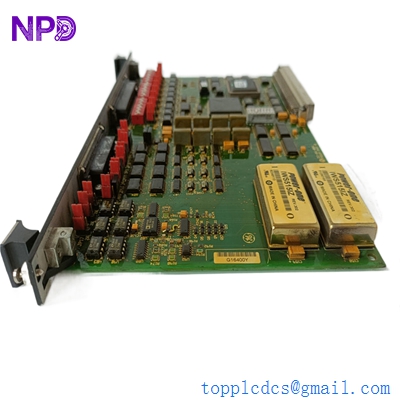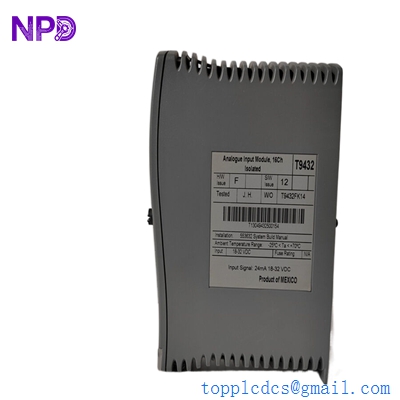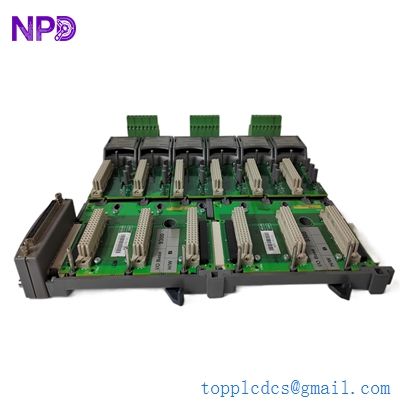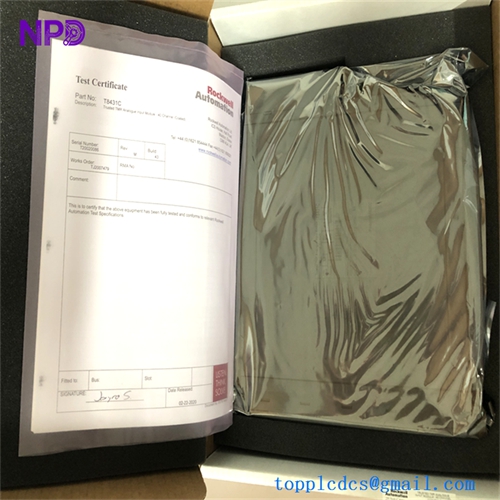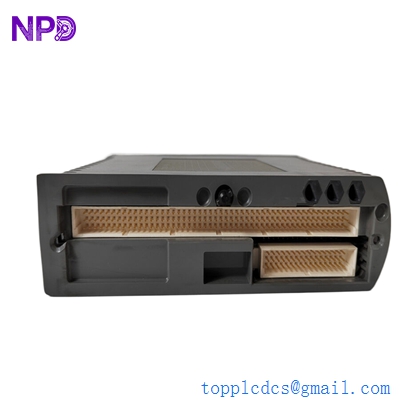

Description
- Model: ICS TRIPLEX T9110
- Brand: ICS Triplex / Rockwell Automation (USA/UK)
- Series: Trusted™ TMR (Triple Modular Redundant) System
- Core Function: Central Processing Unit for SIL 3 safety-critical applications.
- Condition: Brand New Surplus (Original New), Non-Refurbished.
- Product Type: Main Processor Module
- Key Specs: Triple Modular Redundant (TMR) | SIL 3 Rated | Dual Ethernet | IRIG-B Time Sync.
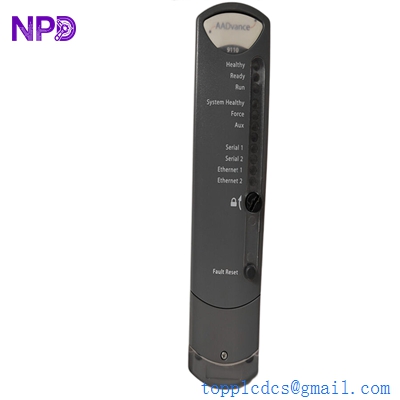
Key Technical Specifications
- Architecture: TMR (Triple Modular Redundant) with 3-2-0 degradation mode.
- Safety Rating: IEC 61508 SIL 3 Certified.
- Processor Clock: High-speed dedicated safety processor.
- Memory: 32MB Flash (User Program) | 16MB Mirror RAM.
- Communications: 2x 10/100Base-T Ethernet ports (Shielded RJ45).
- Time Synchronization: IRIG-B Support for high-precision SOE (Sequence of Events).
- Self-Diagnostics: Extensive internal testing every 10ms.
- Programming: Toolset (IEC 61131-3 compliant).
- Power Consumption: 45W (Maximum).
- Enclosure: Robust metal housing for EMI/RFI protection.
- Weight: 2.5 kg (Approx. 5.5 lbs).
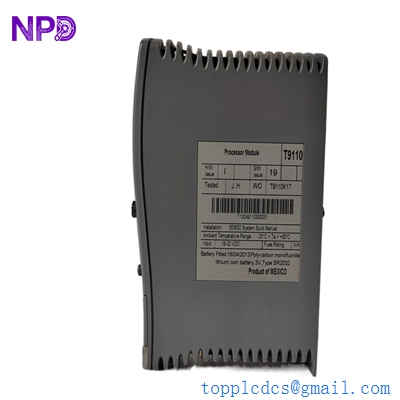
ICS TRIPLEX T9110
Installation & Configuration Guide
Replacing a T9110 is a “Heart Transplant” for your safety system. Since this module manages the safety logic for the entire Trusted rack, you must follow the Hot-Swap or Cold-Start procedures with extreme precision.
Phase 1: Pre-Installation (Est: 30 mins)
⚠️ Safety Integrity Warning:
- Redundancy Check: If you are running a “Duplex” processor configuration, verify that the partner T9110 is “Healthy” and “Active” via the Trusted System Workbench.
- Firmware Version: The T9110 firmware must match the existing system version. If the new module has a different firmware revision, you may need to update it before it will join the TMR triad.
- ESD Protection: Use a grounded wrist strap. The internal ASIC chips in the T9110 are highly sensitive to static.
Phase 2: Hardware Swap (Est: 10 mins)
- Unlock: Release the top and bottom ejector levers.
- Extraction: Pull the old module out slowly. If the system is live (and you have a redundant partner), the system will transition to “Duplex” mode without a trip.
- Insertion: Slide the new T9110 into the slot. Push until the levers can be fully locked.
- Boot Sequence: The module will undergo a Power-On Self-Test (POST). Watch the front panel LEDs for “PASS” or “FAIL” status.
Phase 3: Synchronization (Est: 20 mins)
- Joining the Triad: The module will attempt to “re-educate” itself from the other processors. This involves copying the program and current data values.
- Verification: Once the “Active” LED is solid, check the System Workbench to ensure the module is “In-Sync” and participating in the voting logic.
Customer Cases & Industry Applications
Case 1: Offshore Gas Platform – Avoiding a Total Blackout Background: A North Sea gas platform’s ESD (Emergency Shutdown) system was running on a single T9110 after its partner failed. Task: The operator was under a “72-hour repair window” from the regulator. If the part didn’t arrive, they would have to shut down the platform, losing millions in daily revenue. Action: We dispatched a New Surplus T9110 via helicopter-ready express courier. Result: The module was installed and synchronized within 48 hours of the initial fault. The platform maintained its SIL 3 rating and avoided a mandatory production halt.
Case 2: Refinery Fire & Gas System – Legacy Support Background: A refinery in the Middle East used an older ICS Triplex Trusted system. The OEM recommended a full system upgrade to v12, but the client needed to keep the v10 system running for another 4 years. Task: They needed a guaranteed “New” processor as a shelf spare for their most critical rack. Action: We provided a factory-sealed T9110 with 12 months of warranty. Result: The procurement manager stated: “Having a new processor in the warehouse gives us the confidence to delay the $2M upgrade until the next major turnaround.”

ICS TRIPLEX T9110
Frequently Asked Questions (FAQ)
Q: Does the T9110 support Hot-Swap? A: Yes, provided you have a redundant (duplex/triplex) processor configuration. If you only have one T9110 in the rack, pulling it will immediately shut down the system. Always verify your redundancy status in the diagnostic software before pulling a module.
Q: Is the T9110 compatible with older T9100 systems? A: Generally, the T9110 is the successor to the T9100. However, backplane compatibility and firmware requirements vary by system version. Honestly, if you are replacing a T9100, you should check your “Toolset” software version first to ensure it recognizes the T9110 hardware.
Q: Why is “New Surplus” better than “Refurbished” for a T9110? A: For a safety-critical (SIL 3) module, “Refurbished” parts carry a higher risk. You don’t know the thermal history or the number of emergency trips the module has endured. Our New Surplus T9110 units have 0 run-hours, ensuring that the internal voting relays and capacitors are at their maximum life expectancy.
Q: What if the “Fault” LED stays on after I plug it in? A: This usually indicates a firmware mismatch or a failure to synchronize with the partner processors. Check the “Sequence of Events” (SOE) log in your diagnostic tool; it will tell you exactly why the module was rejected by the triad.