
Description
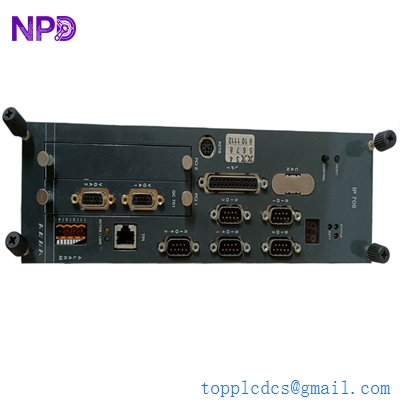
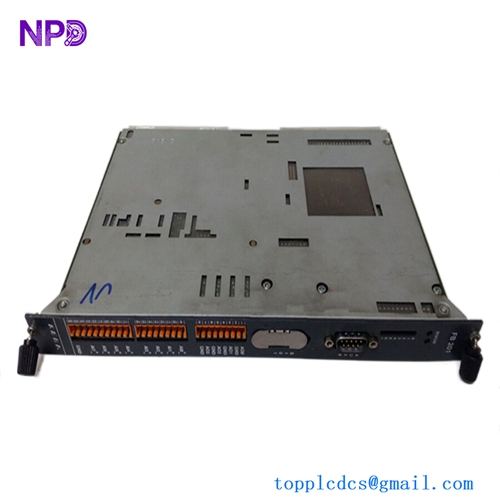
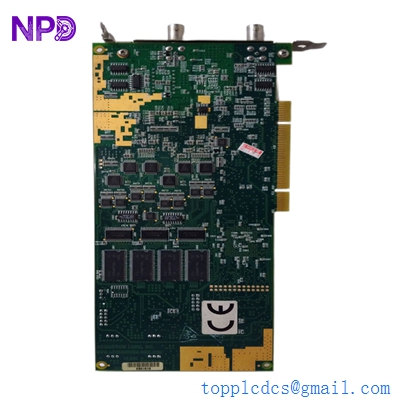
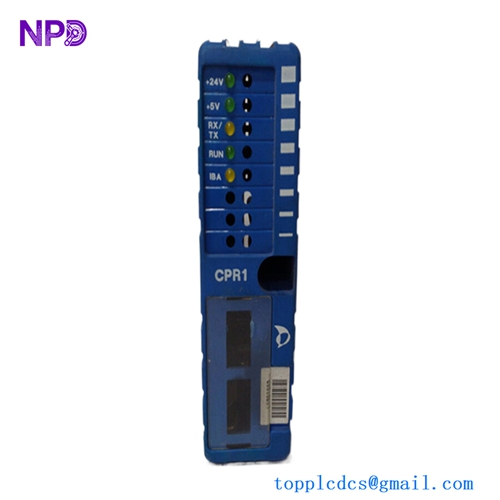
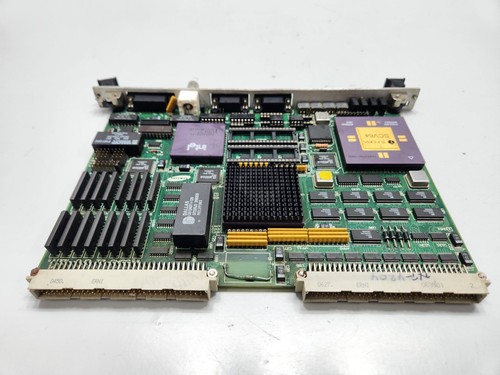
The Samsung SSAS-21 CPU-40B (Revision 2.0) is a dedicated processor board designed for the SSAS-21 series industrial control system. As the “brain” of the controller, this PCB card is responsible for executing real-time logic, managing I/O scan cycles, and maintaining communication with other system modules. It is typically deployed in factory automation, specialized machinery, or process control environments where high-speed, deterministic computing is required to manage complex electromechanical operations.
📋 Technical Specifications
- Model Number: CPU-40B
- Series: SSAS-21
- Revision: 2.0
- Manufacturer: Samsung
- Function: Central Processing Unit (CPU) / Main Logic Control
- Mounting: Backplane/Rack Mount (SSAS-21 chassis)
- Dimensions: Standard Samsung automation module form factor
- Weight: 0.75 lbs (0.34 kg)
- Country of Origin: South Korea
⚙️ Application Areas
- Industrial Factory Automation
- Precision Manufacturing Control Systems
- PLC-Based Process Regulation
- Legacy System Replacement
- Specialized Samsung Automation Infrastructure
🛠️ Operating Instructions & Guidelines
- Installation: The CPU-40B is a sensitive electronic module. Always utilize a grounded ESD wrist strap before handling. Slide the module into the designated slot on the SSAS-21 rack, ensuring the rear pins are aligned with the backplane connectors. Engage the locking handles firmly to seat the card.
- Environmental Requirements: Keep the operating environment stable at 0°C to 50°C with low humidity. The card is sensitive to conductive dust (e.g., metal shavings or carbon dust) which can bridge circuit traces; ensure the cabinet air filtration is maintained.
- Maintenance: Regularly inspect the module for signs of thermal aging or capacitor swelling. If the system experiences erratic logic behavior, use a lint-free cloth to gently clean the edge connector contacts with electronic-grade contact cleaner.
⚡ Power Sequence & Operation
- Power-On Sequence: 1. Ensure the system rack power supply is OFF. 2. Insert the CPU-40B and lock it into place. 3. Energize the rack. 4. Observe the status LEDs (typically “RUN,” “ERR,” and “COMM”). A successful power-on will result in a solid “RUN” indicator within seconds of the boot sequence.
- Power-Off Sequence: 1. Place the controller in “STOP” mode via the engineering terminal. 2. Remove the main power from the SSAS-21 rack. 3. Wait for the capacitors to fully discharge (approx. 1 minute) before attempting to remove the module.
- Step-by-Step Operation: 1. Connect the programming terminal to the CPU-40B communication port. 2. Upload/verify the current application software (logic). 3. Perform a cold boot to initialize all memory registers. 4. Monitor the diagnostic LEDs during the first cycle; a flashing “ERR” light during boot may indicate a checksum error in the loaded program.
❓ Frequently Asked Questions (Q&A)
- What does “Revision 2.0” imply? It signifies a specific iteration of the board’s circuit layout and components. If you are replacing a faulty unit, ensure you match the revision number, as Rev 2.0 may have different timing or bus compatibility compared to older Rev 1.0 versions.
- How do I reset the processor if it hangs? Most Samsung SSAS-21 racks include a “Reset” or “Warm Boot” button on the CPU faceplate. Pressing this will force the CPU to restart the program scan without cycling the main rack power.
- What is the most common cause of CPU failure in the SSAS-21 system? Aside from ESD damage during handling, common failure causes include degraded electrolytic capacitors due to long-term heat exposure and corruption of the battery-backed RAM which stores the logic program.
- Can I upgrade the firmware on the CPU-40B? Firmware upgrades are possible but require the specific Samsung engineering software and a compatible serial/interface cable. Always back up your existing program logic before attempting a firmware flash.