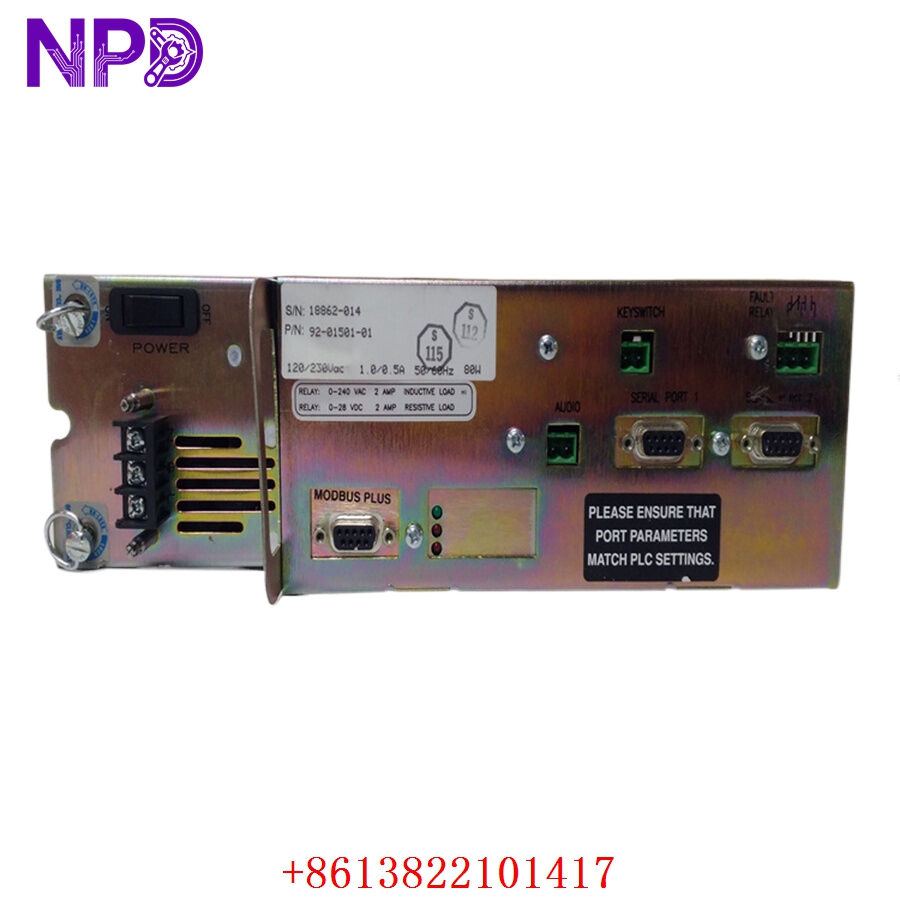

Description
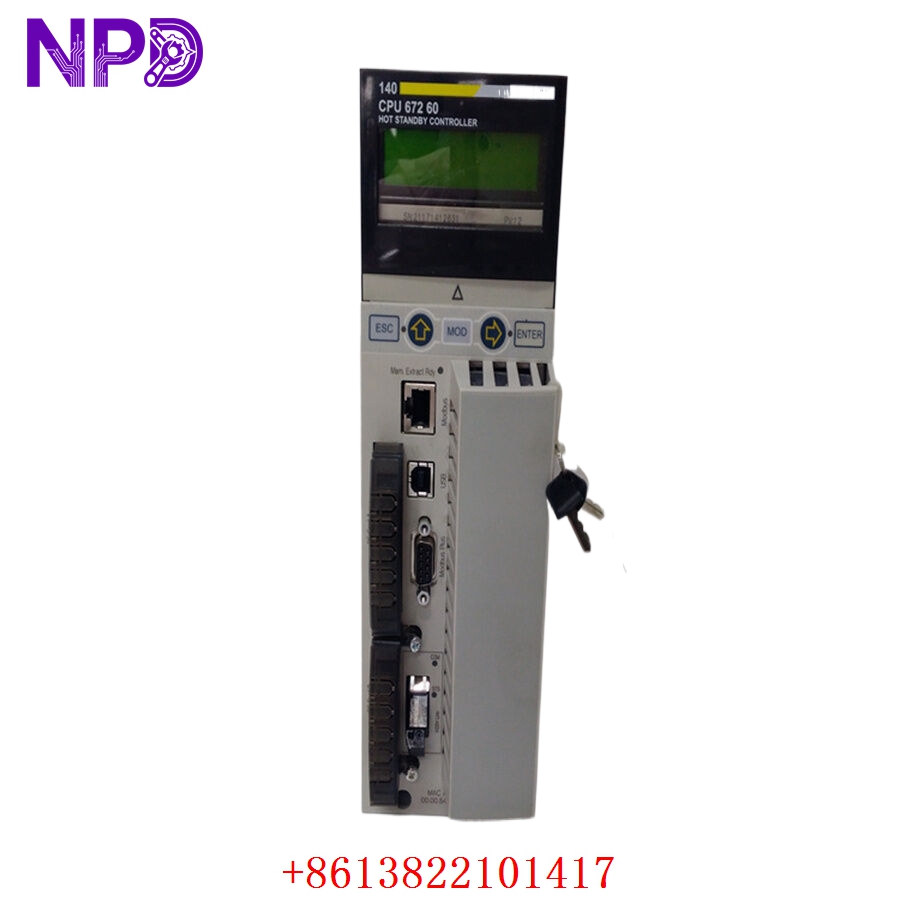
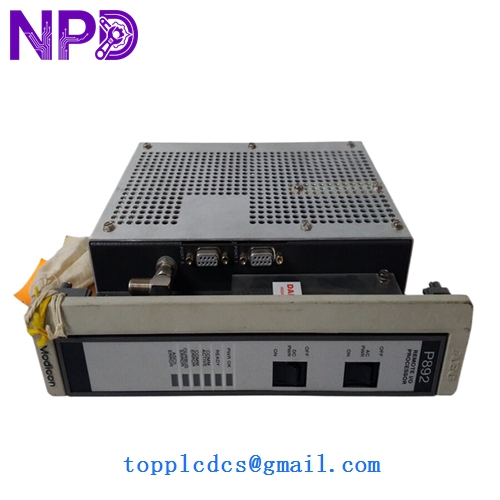
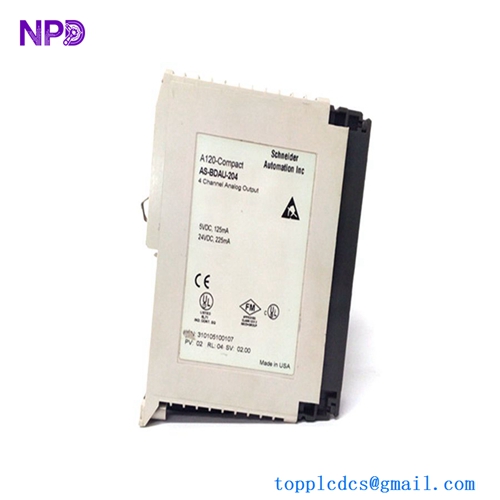
- Model: MM-PM41400CPM+4000
- Brand: Schneider Electric (Modicon)
- Series: Modicon / Specialized Power Series
- Core Function: High-capacity power management and distribution module
- Condition: Brand New Surplus (Original New), Non-refurbished
- Type: Power Supply / Power Distribution Module
- Key Specs: 4000 Series compatible High-amperage output Redundancy capable
- Input Voltage: Typically 24 V DC or 110/220 V AC (Configuration dependent)
- Output Current: High-density 4000-series power output
- Efficiency: >85% at full load
- Protection: Short-circuit, over-voltage, and over-temperature protection
- Isolation: 1500 V AC min (Input to Output)
- Form Factor: Modular plug-in design for 4000-series chassis
- Cooling: Passive convection (Heatsink integrated)
- Operating Temperature: -25 °C to +70 °C
- Status Indicators: LED for Power OK, Overload, and Fault
- MTBF: Rated at 120,000 hours
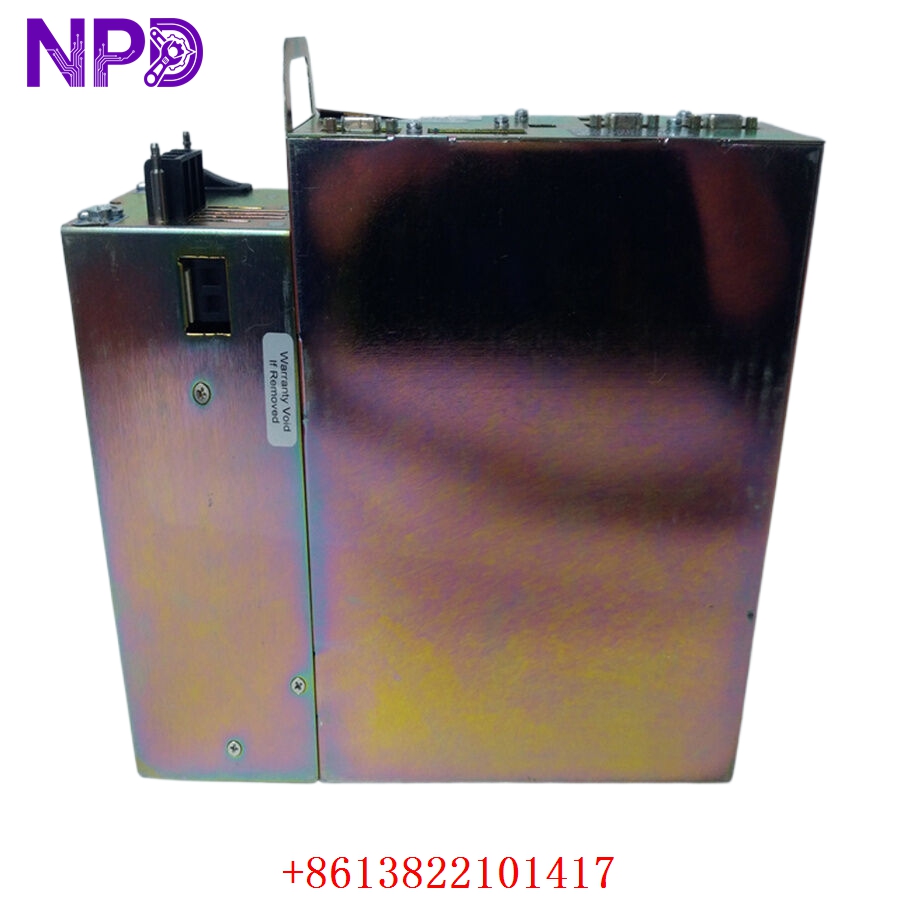
SCHNEIDER MM-PM41400CPM+4000
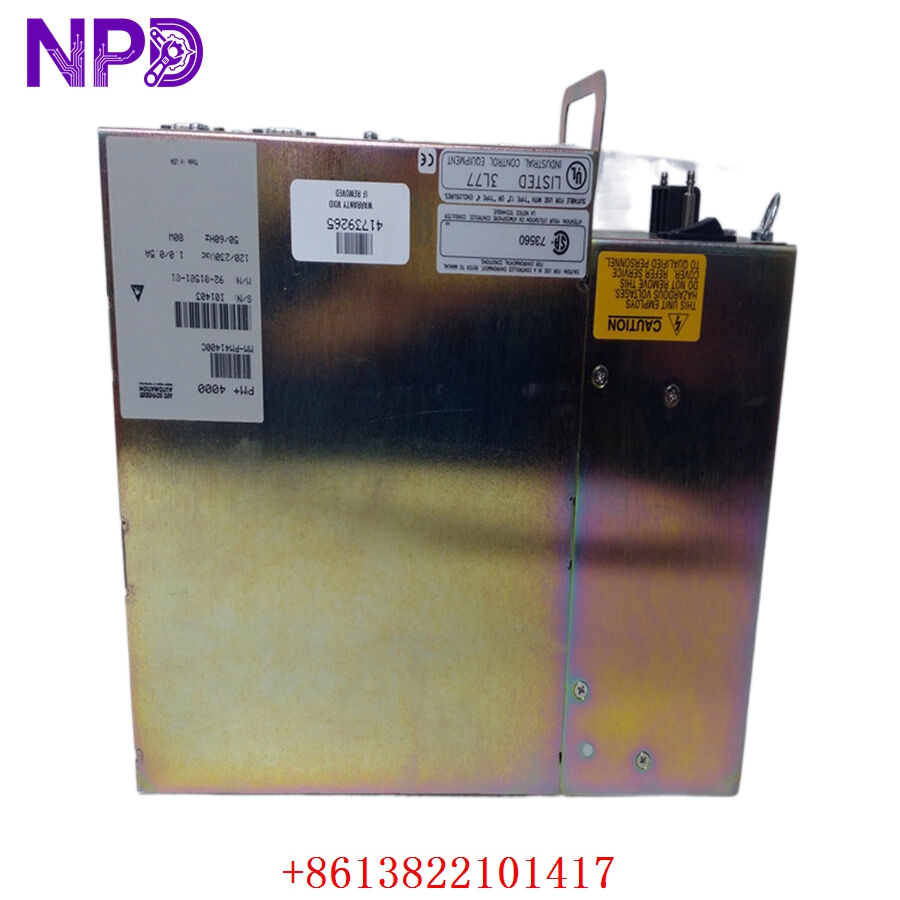
SCHNEIDER MM-PM41400CPM+4000
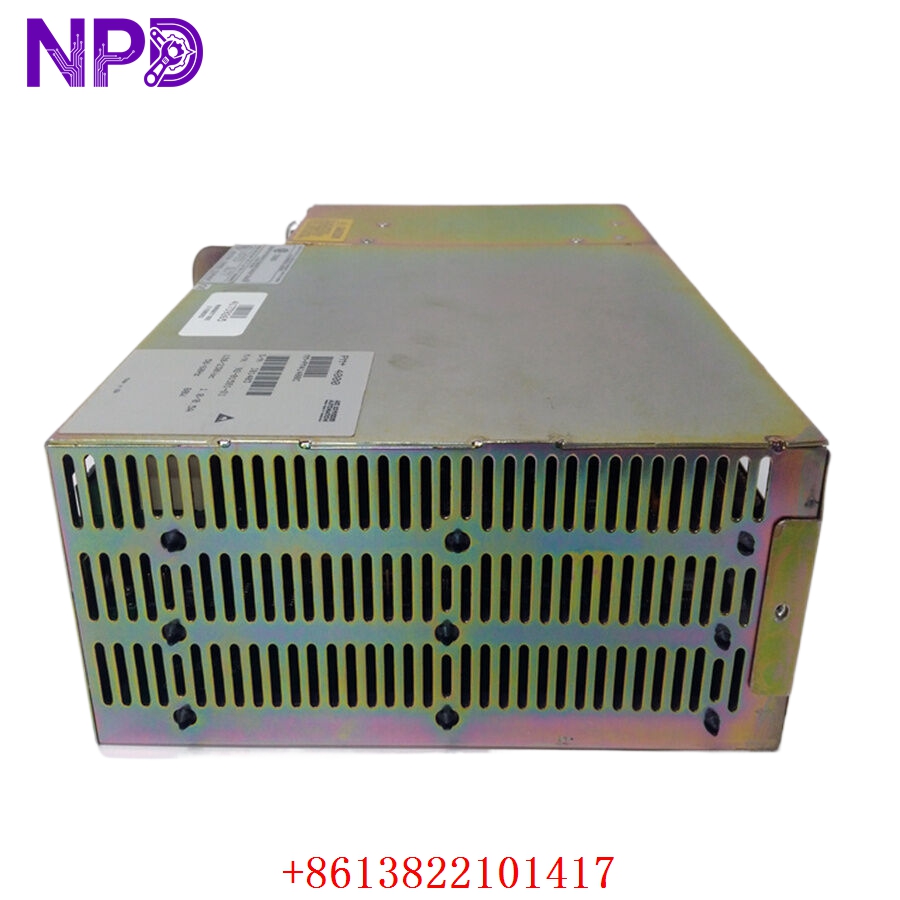
SCHNEIDER MM-PM41400CPM+4000
Installation & Configuration Guide
Phase 1: Preparation (10 Minutes)
⚠️ Safety First:
- Before installation, ensure the main power source is disconnected. Power modules handle high currents; an accidental short during insertion can cause severe arcing.
- Verify that the total power draw of your backplane modules does not exceed the rated capacity of the MM-PM41400CPM+4000.
- Inspect the module’s connector pins for any signs of shipping damage.
Tools & Protection:
- Anti-static wrist strap.
- Multimeter to verify input voltage levels before commissioning.
Phase 2: Removal (5 Minutes)
- Power Down: Switch off the chassis power and disconnect the input power terminal block (if external).
- Unlocking: Loosen the top and bottom retaining screws or release the side latches depending on your specific rack version.
- Extraction: Pull the old module straight out. Avoid rocking it side-to-side, as this can wear down the backplane female connectors.
Phase 3: Installation (15 Minutes)
- Alignment: Align the MM-PM41400CPM+4000 with the heavy-duty card guides in the power slot.
- Insertion: Slide the module in until you feel the power pins engage. Apply firm, even pressure until the faceplate is flush with the rack.
- Securing: Tighten the retaining screws. In high-vibration environments (like mining or marine), this step is critical to prevent micro-arcing on the power pins.
Phase 4: Power-On & Testing (20 Minutes)
- Initial Power: Apply input power.
- LED Verification:
- Power OK (Green): Should light up immediately.
- Fault (Red): If this flashes or stays on, immediately disconnect power and check for a short circuit on the backplane.
- Voltage Check: Use your multimeter at the test points (if available on the faceplate) to ensure the output voltage is stable under load.
- Integration: Verify that all dependent I/O or CPU modules are successfully receiving power and initializing.
Customer Cases & Industry Applications
Case 1: Mineral Processing Plant Recovery
Situation: A mineral processing facility in Western Australia experienced a power surge that wiped out the primary power module in their Modicon-based control rack. Task: The plant was losing thousands per hour in idle throughput. They needed a “New” unit—not a repair—to ensure the highest reliability in the dusty, hot environment. Action: We dispatched a MM-PM41400CPM+4000 via priority air freight. Result: The module was installed within 48 hours of the failure. The plant manager noted that our New Surplus unit was identical to their existing hardware, allowing for a seamless swap without any wiring changes.
Case 2: Water Treatment Plant Maintenance
Situation: During a routine maintenance audit, a water treatment facility noticed a high-pitched “whining” sound (coil whine) coming from their 10-year-old power module. Task: To prevent an unplanned outage of the filtration system, they decided to proactively replace it. Action: The customer purchased two MM-PM41400CPM+4000 modules—one for immediate replacement and one for their critical spares warehouse. Result: The noise issue was resolved, and the facility’s risk profile improved. They appreciated that we provided a 1-year warranty, which is often better than what they get for legacy parts elsewhere.
Frequently Asked Questions (FAQ)
Q: Is this module compatible with all Modicon 4000-series racks? A: The MM-PM41400CPM+4000 is designed specifically for the 4000-series ecosystem. However, you should check the “plus” suffix (+4000) to ensure it matches your specific backplane power requirements, as some high-density racks require this specific version for thermal management.
Q: Can I use this module in a redundant power configuration? A: Yes, this model is designed to support load-sharing and redundancy if your backplane is configured for dual power supplies. If one fails, the other takes over the full load without a system reset.
Q: Why is “New Surplus” better than “Refurbished” for power modules? A: Power modules contain electrolytic capacitors that have a finite lifespan. In a “Refurbished” unit, these capacitors are often old or replaced with lower-quality alternatives. A “New Surplus” MM-PM41400CPM+4000 has never been energized, meaning the capacitors have not been subjected to heat and electrical stress, ensuring a much longer service life.
Q: What should I do if the “Fault” LED is lit? A: First, check for an overload condition. You may have added too many I/O modules for a single power supply to handle. If the load is within limits, check for a short in the field wiring or the backplane itself. If the LED remains red with no load, contact us for a warranty replacement.
Q: Do you provide the 110V/220V terminal adapters? A: This module usually ships as the main power engine. If you need the specific external terminal blocks for AC input, please specify that in your inquiry so we can verify if they are included in the original packaging or if we need to source them separately.