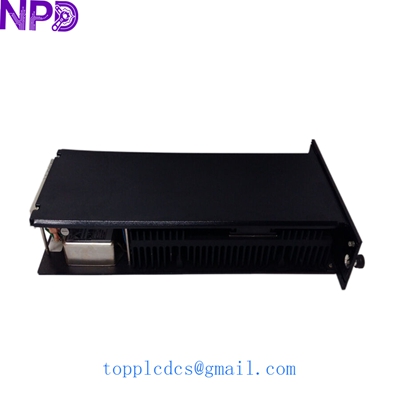
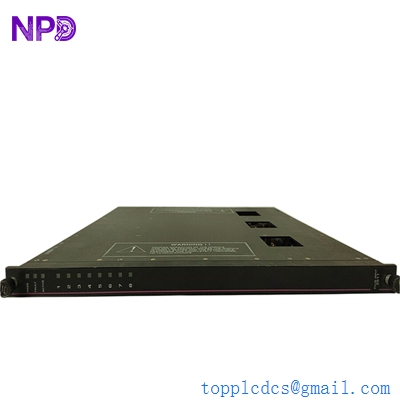
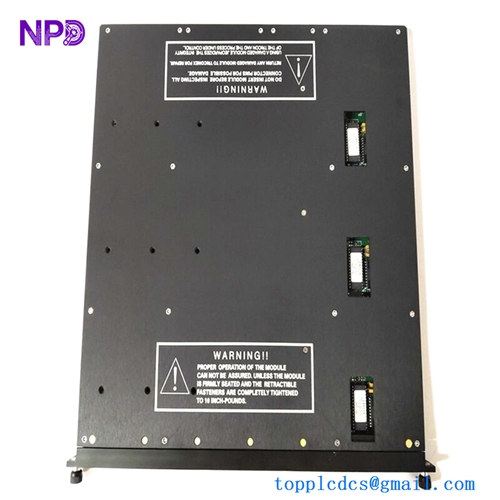
Description
- Model: Triconex 3009
- Brand: Triconex (Schneider Electric / Invensys legacy SIS platform)
- Series: Tricon Safety Instrumented System (TMR Architecture)
- Core Function: Executes safety logic and votes control signals in SIS system
- Product Type: Main Processor Module (MP / CPU Module)
- Key Specs: Triple Modular Redundancy (TMR), QorIQ P1021 dual-core, 256 MB DRAM + 2 MB NVRAM
- Processor Architecture: QorIQ P1021 dual-core CPU
- Redundancy: Triple Modular Redundancy (TMR), 2oo3 voting logic
- Memory: 256 MB DRAM (no battery backup), 2 MB NVRAM (battery-backed), 128 MB Flash
- System Compatibility: Tricon v9 / v10 / v11 systems
- Communication Bus: TriBus, 32-bit CRC-protected, high-speed redundant backplane
- I/O Synchronization: Synchronized scan execution across three processor legs
- Operating Voltage: 18–32 V DC
- Power Consumption: Approx. 14–22 W depending on chassis load
- Operating Temperature: -40 °C to +70 °C (industrial SIS cabinet conditions)
- Diagnostics: Continuous self-test of CPU, memory, and TriBus integrity
- Hot Swap Support: Supported in Tricon chassis (controlled replacement only)
- Clock Accuracy: ±2 seconds/day typical drift with battery backup support
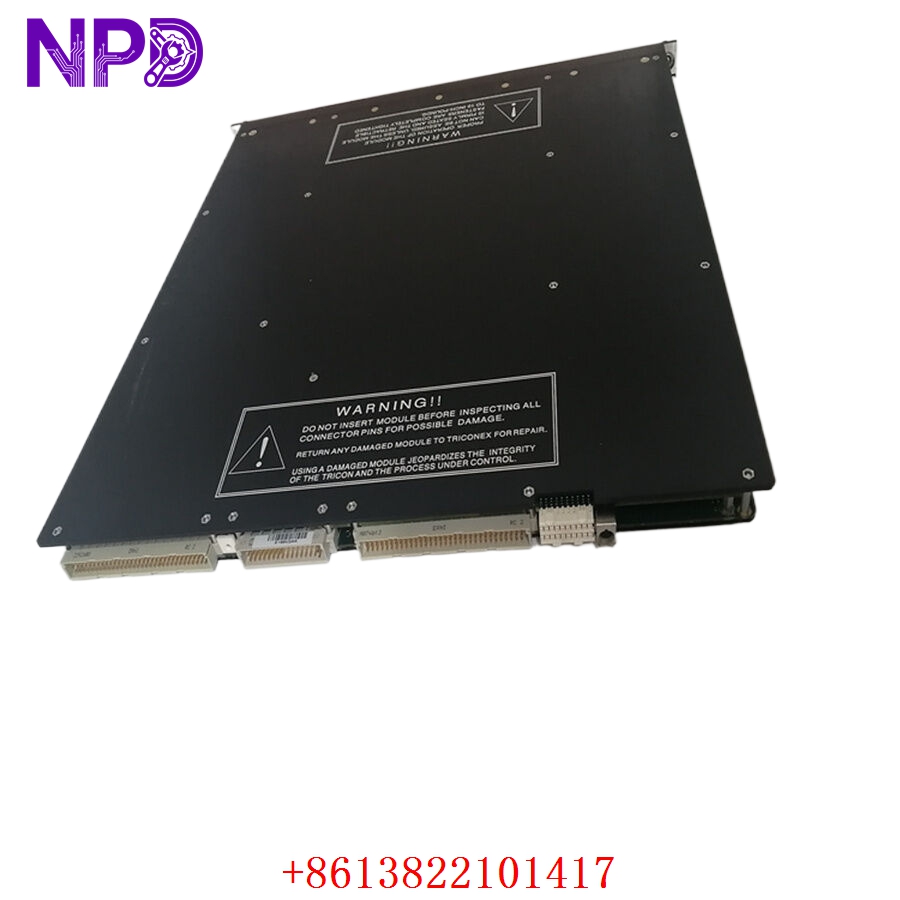
TRICONEX 3009
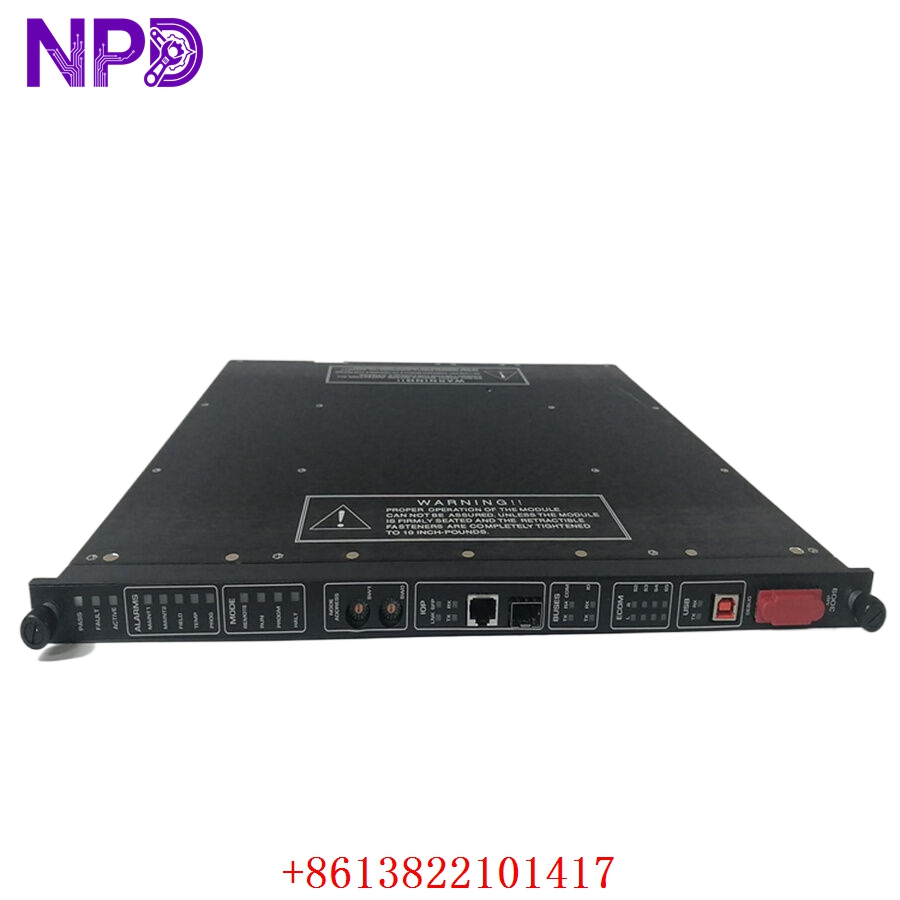
TRICONEX 3009
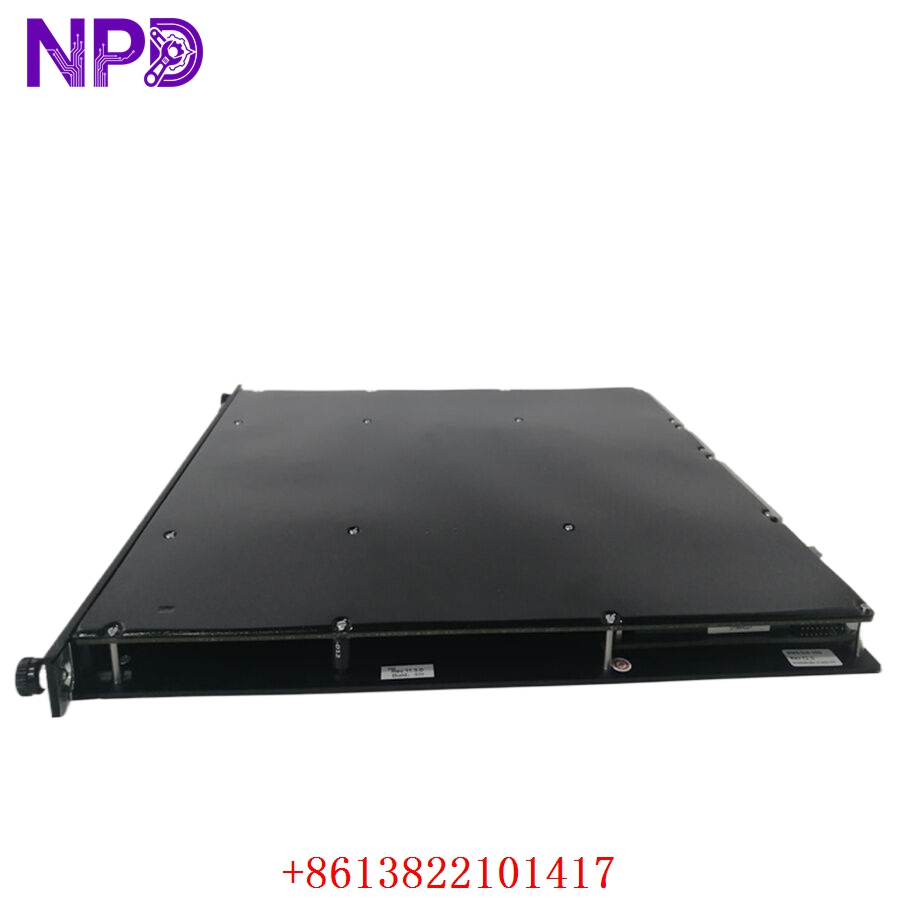
TRICONEX 3009
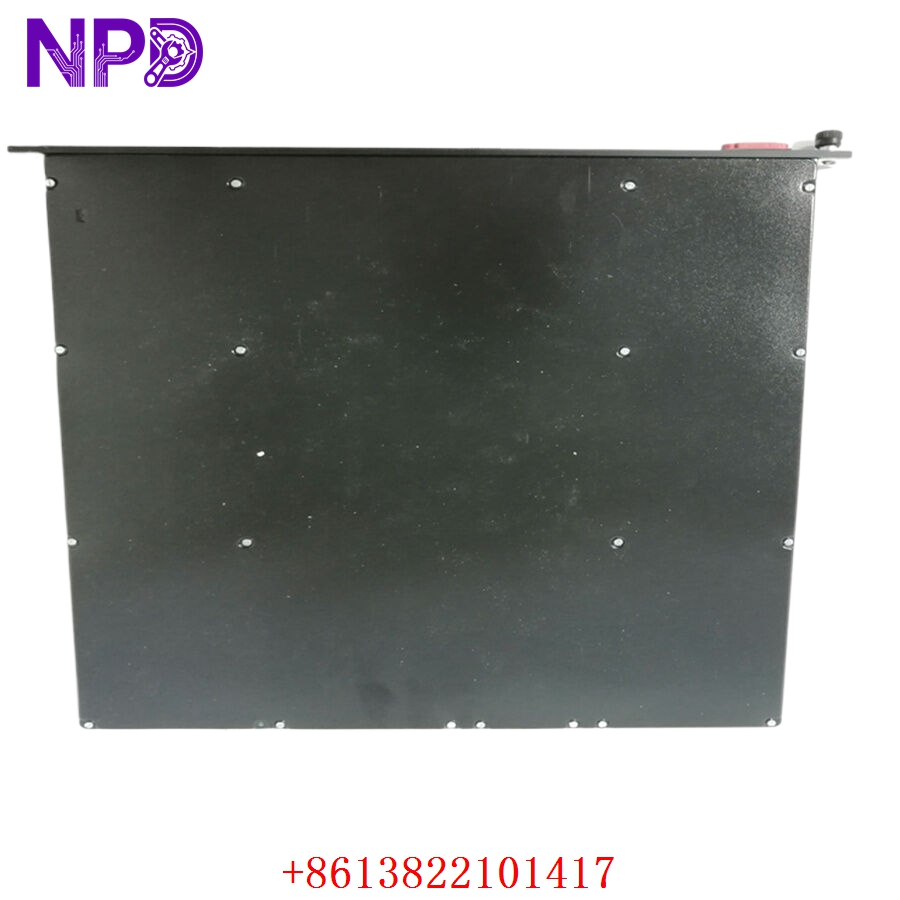
TRICONEX 3009
Installation & Configuration Guide
Pre-Installation Preparation (Estimated Time: 30–45 Minutes)
⚠️ This is not a standard PLC swap. It’s a safety system CPU replacement, so coordination matters more than tools.
Safety and system preparation:
- Notify operations, ESD engineers, and control room
- Confirm SIS bypass strategy (if permitted)
- Put unit in safe state (shutdown or controlled protection mode)
- Isolate power to Tricon chassis if required by procedure
- Wait at least 5 minutes for full discharge
Tools required:
- Anti-static wrist strap (mandatory)
- Laptop with TriStation 1131 installed
- Fluke 115 or equivalent multimeter
- Label tags for rack mapping
- Camera for backplane and module reference
Backup checklist:
- Upload complete Tricon application logic
- Save current configuration database
- Record firmware version of all MPs
- Photograph chassis slot arrangement
说实话,这一步如果省略,后面90%的“莫名其妙故障”都会变成现场加班问题。
Removal of Existing Module (Estimated Time: 15–20 Minutes)
- Confirm module fault status via diagnostics
- Ensure system is not actively voting on critical shutdown path
- Remove front protective cover if present
- Disconnect any diagnostic or serial interfaces
- Release chassis locking mechanism
- Pull module straight out — avoid angled force
⚠️ Critical point:
Do not touch TriBus backplane pins. Even slight bending can cause intermittent SIS instability later.