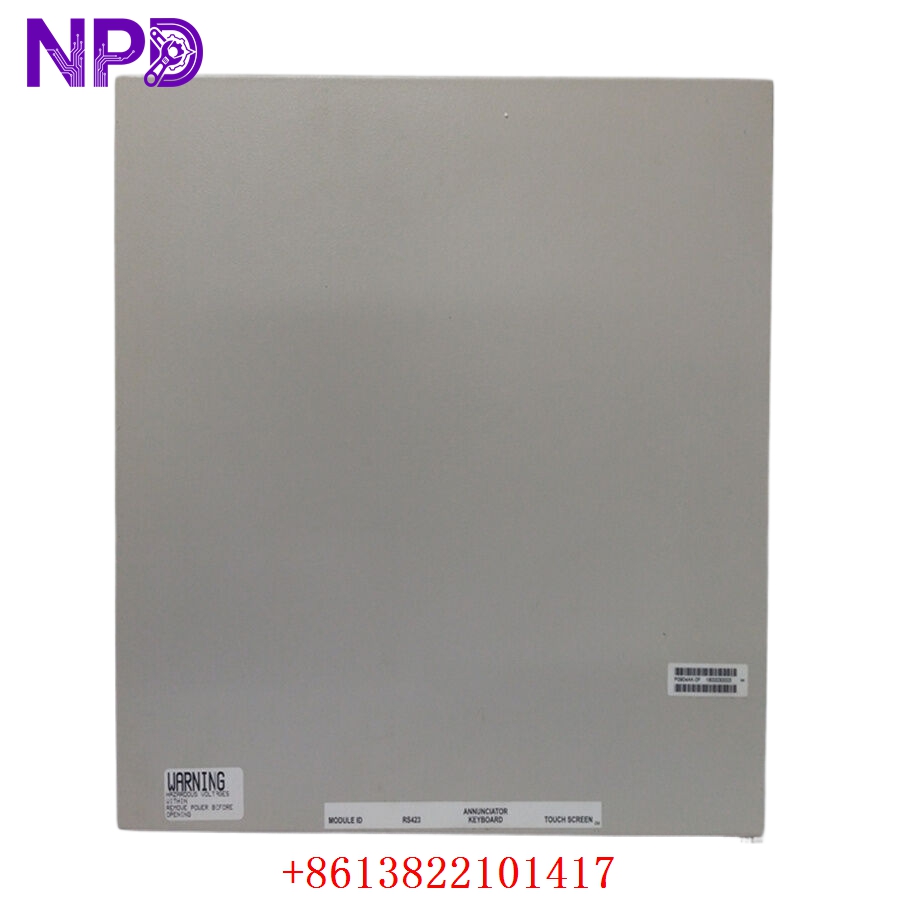

Description
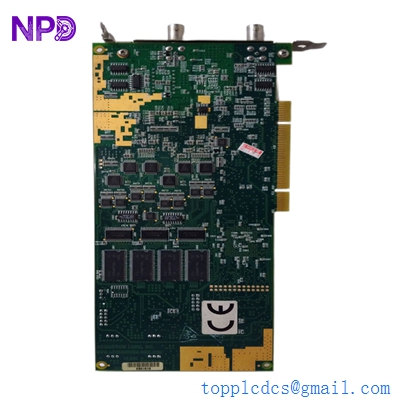
The UZUSHIO ELECTRIC URSX1 (Part No. 1240) is a high-precision PCB control card engineered for maritime automation and electrical power management systems. Uzushio Electric is widely recognized for its robust marine-grade electronics, and this specific control card is utilized to manage complex signal processing and switching logic within shipboard electrical distribution panels. It is designed to ensure reliable synchronization and monitoring of power systems, providing critical data for vessel engine room operations and power distribution.

Technical Specifications
| Parameter | Description |
| Model | URSX1 |
| Part Number | 1240 |
| Manufacturer | UZUSHIO ELECTRIC |
| Application | Marine Electrical Distribution/Control |
| Circuitry | Multi-layer PCB with signal isolation |
| Weight | Approximately 0.40 kg |
| Origin | Japan |
Operational Guidelines & Usage
🔹 Startup Sequence
- Inspect the card for any signs of physical damage or debris before installation.
- Ensure the PCB is securely seated in the rack or control chassis and that the locking mechanism is engaged.
- Verify that all terminal wiring associated with the URSX1 card is tight and corrosion-free.
- Energize the main control panel. The card should perform a hardware handshake with the master system.
- Monitor front-panel diagnostic indicators to ensure the “Healthy” status light is illuminated.
🔹 Shutdown Sequence
- Notify the engine control room before taking the associated circuit offline.
- Power down the control rack or specifically isolate the power feed to the slot occupied by the URSX1.
- Wait for residual energy to dissipate from the card capacitors.
- Carefully extract the PCB using an anti-static wrist strap to prevent ESD (Electrostatic Discharge) damage.
🔹 Normal Operational Flow
- The URSX1 card receives incoming electrical feedback (voltage/frequency) from the distribution system.
- It processes this data through internal logic circuits to monitor for deviations or instabilities.
- The card outputs control signals to actuators or relays to maintain balanced power conditions.
- It continuously transmits operational status updates to the vessel’s monitoring system for real-time visualization.
🔹 Parameter Configuration
- Configuration is typically managed through the main automation system’s software interface.
- Some versions of the URSX1 may have physical jumpers or dip-switches on the PCB to define specific address ranges or operating modes.
- If adjustments are made, document the change in the maintenance log and verify the system behavior after a power cycle.
🔹 Mode Switching
- Normal Operation: The card actively monitors and regulates the power loop.
- Standby/Test Mode: Used during system maintenance, allowing the card to remain powered for diagnostic purposes without executing external control commands. Switch via the central maintenance interface.
Common Questions & Answers (Q&A)
💡 Q: How can I clean the PCB if it shows signs of oxidation?
A: Use only high-purity electrical contact cleaner specifically approved for sensitive PCB assemblies. Apply sparingly with a soft-bristle brush and allow it to dry completely before re-inserting. Never use abrasive materials or standard household cleaning agents.
💡 Q: What should I do if the card shows inconsistent diagnostic signals?
A: This often points to unstable input voltage or communication interference. Verify the integrity of the shielded cables connecting the card to the distribution bus. If external wiring is verified and the issue persists, the card may have an internal component failure.
💡 Q: Is the URSX1 1240 card sensitive to temperature?
A: Yes, like most high-density marine PCBs, it is designed for controlled environments. Excessive heat in the control cabinet can shorten the lifespan of the electrolytic capacitors; ensure the cabinet’s cooling fans are fully operational.
💡 Q: Can I replace this card while the system is powered?
A: Hot-swapping is generally not recommended for URSX1 control cards due to the risk of electrical arcs or data corruption on the communication bus. Always de-energize the rack to ensure maximum safety for both the technician and the hardware.