Description
- Model: VMIVME-7807 (VMIVME-017807-413000)
- Part Number: 350-0001007807-413000
- Revision: D
- Brand: GE Fanuc (Abaco Systems / VMIC)
- Series: VMIVME-7800 Series
- Core Function: Single Board Computer (SBC) / VME Controller
- Processor: Intel Pentium 4 (M-Class)
- Key Specs: Up to 1GB DDR RAM PMC Expansion Slot Dual Ethernet USB/Serial/VGA
- Processor: Intel Pentium 4 Processor-M (typically 1.7 GHz or higher).
- Memory: High-speed DDR SDRAM (64-bit interface, up to 1GB).
- Storage:
- Onboard Flash Memory (for OS/Bootloader).
- Optional CompactFlash (CF) socket for industrial SSD storage.
- VME Interface: Universe II bridge (supports A32/A24/A16 and D64/D32/D16/D08).
- I/O Ports:
- Dual Ethernet: 10/100/1000 Mbps (Gigabit support).
- Video: High-resolution VGA output.
- USB: 2.0 compliant ports for peripherals.
- Serial: RS-232/422/485 configurable ports.
- Expansion: Single IEEE 1386.1 compliant PMC slot for adding specialized I/O.
- Operating Systems: Supports Windows, Linux, VxWorks, and QNX.
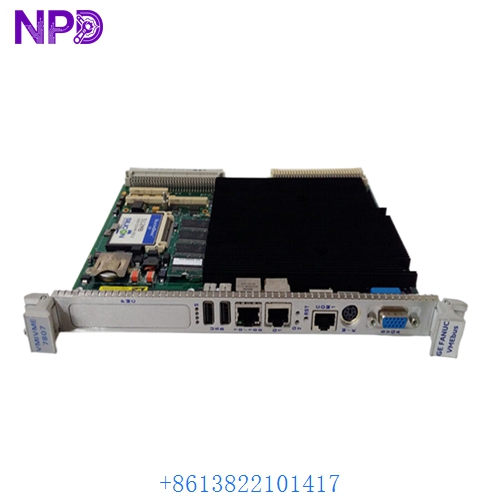
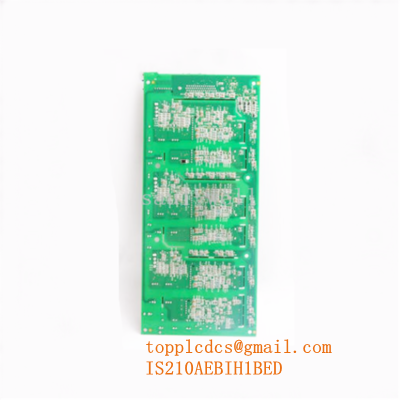
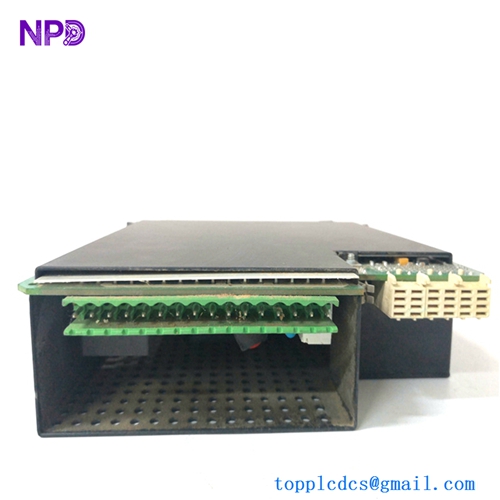
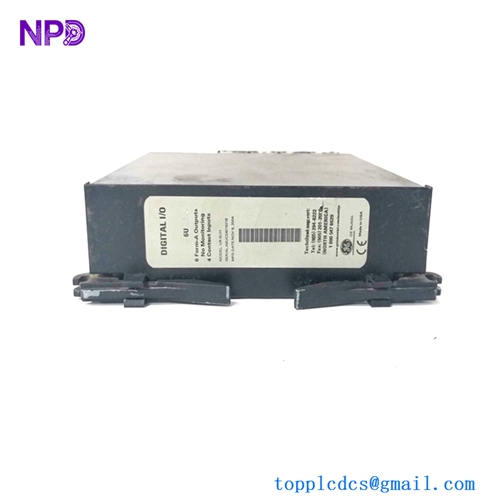
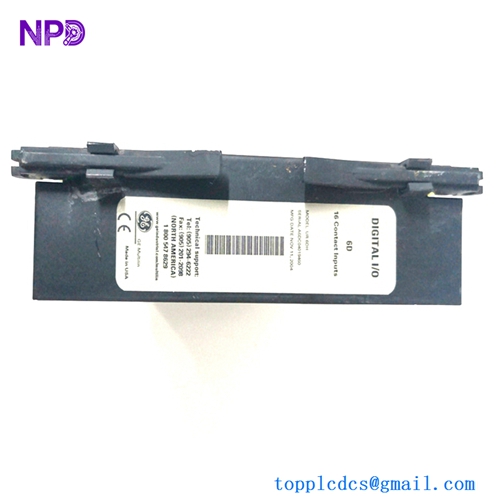
GE VMIVME-7807 VMIVME-017807-413000 350-0001007807-413000 D
GE VMIVME-7807 VMIVME-017807-413000 350-0001007807-413000 D
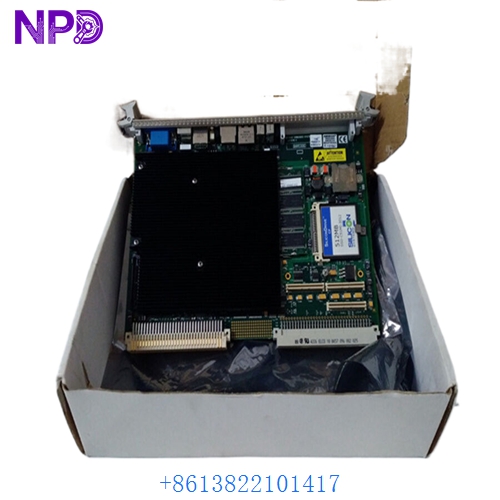
GE VMIVME-7807 VMIVME-017807-413000 350-0001007807-413000 D
Application Scenarios & Pain Points
In high-reliability VME systems, the VMIVME-7807 is often responsible for real-time OS execution. The primary pain point I see is “Thermal Stress and Boot Loops.” Because the Pentium 4 runs hot, these boards rely heavily on the VME rack’s cooling fans. If the fans fail or filters clog, the CPU throttles or the onboard capacitors begin to bulge. This leads to “Blue Screens” or the board simply hanging during the BIOS POST (Power-On Self-Test).
Typical Application Scenarios:
- GE Mark VIe Turbine Control Systems Acting as a processing node for complex PID loops and protection logic in power plants.
- Military & Aerospace Simulation Driving the high-speed data bus for flight simulators or radar processing units.
- Industrial Automation – Semiconductor Fabrication Managing the VME-based tool controllers where sub-millisecond response time is required.
Case Study: The “Dead HMI” at a Natural Gas Facility
Background: A gas pumping station was running its main control logic on a VMIVME-7807. One morning, the HMI reported “Loss of Communication,” and the VME rack was unresponsive.
The Problem: We pulled the 017807-413000 board and connected a VGA monitor to the front panel. The BIOS was stuck on a “CMOS Battery Low” error, which had wiped the boot priority settings, preventing the board from finding the OS on the CF card.
The Solution: We provided a “New Surplus” Rev D board. Before shipping, we updated the CMOS battery and pre-configured the BIOS to the client’s exact boot sequence.
The Result:
- Resolution: The client swapped the CF card into our board and plugged it in.
- Outcome: The system booted perfectly on the first try.
- Total Savings: Avoided a full system migration that would have cost over $150,000.
- Client Feedback: “The Revision D hardware was exactly what we needed to maintain compatibility with our existing backplane.”
Compatible Replacement Models
| Original Model | Replacement Model | Compatibility | Main Difference | Integration Effort |
|---|---|---|---|---|
| VMIVME-7807 | VMIVME-7750 | ⚠️ Limited | Pentium III; Slower | Check software requirements |
| VMIVME-7807 | VMIVME-7805 | ⚠️ Medium | Lower clock speed | Mostly drop-in |
| VMIVME-7807 | V7865 (Abaco) | ❌ Incompatible | Intel Core i7; Next-gen | Requires full software re-port |
Troubleshooting Quick Reference
| Symptom | Likely Cause | Board Related? | Quick Check | Action |
|---|---|---|---|---|
| ‘SYSFAIL’ LED Red | VME Bus Error | ⚠️ Medium | Check other boards in the rack for faults. | Reseat SBC; check VME jumpers. |
| No Video Output | Failed Video Chip | ✅ High | Try a different VGA cable and monitor. | Replace VMIVME-7807 board. |
| Stuck at BIOS | CMOS Battery Dead | ✅ High | Check if date/time is reset to 1999. | Replace 3V Lithium battery. |
| Random Reboots | Overheating | ✅ High | Check if the rack fans are spinning. | Clean filters; replace CPU heatsink fan. |
Integrator’s “Field Tips”:
- The “350-” Number is Vital: When ordering a 7807, the “350-” number (350-0001007807-413000) defines the specific memory and processor configuration. If this doesn’t match your original, your software (like VxWorks) may fail to initialize the memory map.
- CMOS Batteries: If you have a 7807 that has been in storage for 5+ years, replace the battery before trying to commission it. A dead battery on these VMIC boards often causes a “Checksum Error” that halts the boot process.
- CF Card Hygiene: These boards often use CompactFlash cards as “Hard Drives.” Always use an Industrial Grade CF card with high “MTBF” ratings. Consumer-grade cards will fail within months due to the constant “Write” cycles of industrial logging.