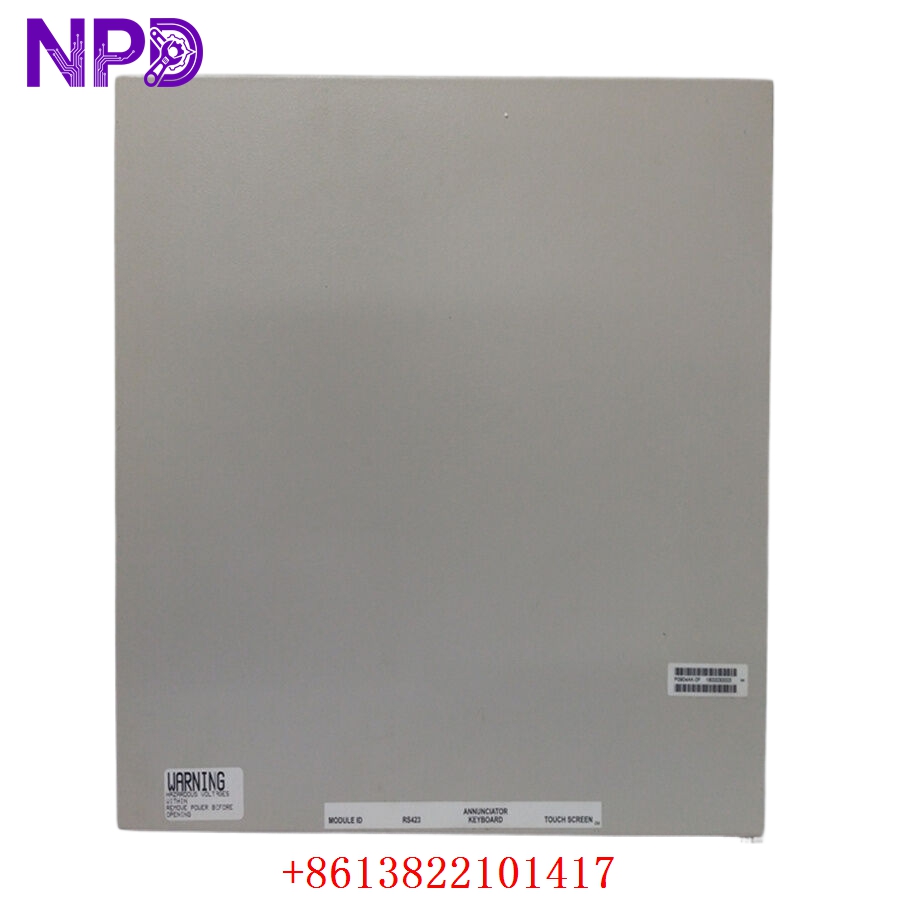

Description
The WARTSILA WIP-11, designated as the UNIC engine speed control system panel (Version WIP11_1.10), is a sophisticated human-machine interface and control processor designed for Wärtsilä marine engines. This system manages critical engine parameters, including governor control, speed regulation, and synchronization. By providing real-time oversight of engine dynamics, the WIP-11 ensures precise power management and operational efficiency, making it an essential component for maritime propulsion and auxiliary power generation.

Technical Specifications
| Parameter | Description |
| Model | WIP-11 / WIP11_1.10 |
| Manufacturer | Wärtsilä |
| System Type | UNIC Engine Speed Control / HMI Panel |
| Compatibility | Wärtsilä Marine Engine Control Systems |
| Display/Interface | Industrial HMI / Control Processor |
| Origin | Finland |
Operational Guidelines & Usage
🔹 Startup Sequence
- Ensure the engine control power supply (24VDC) is active and stable.
- Confirm that the main engine emergency stop is in the “Run” position.
- Power on the WIP-11 panel via the local cabinet switch.
- The system will perform an internal boot cycle; monitor the screen for the UNIC initialization logo.
- Once the main menu appears, verify that all sensor communications (speed, temperature, pressure) are showing valid data.
🔹 Shutdown Sequence
- Gradually reduce the engine load to “Idle” as per the ship’s operational procedure.
- Engage the “Stop” command through the WIP-11 interface.
- Wait for the engine to reach zero RPM and for the system to log the stop event.
- If the vessel is docked for an extended period, the control panel can be powered down via the main cabinet breaker.
🔹 Normal Operational Flow
- The WIP-11 continuously samples input from speed sensors (pick-ups).
- It executes internal PID control logic to adjust fuel rack or governor actuators.
- Operators can monitor real-time engine speed, load percentage, and fuel consumption via the display.
- The panel logs operational history and fault events, providing a constant feedback loop to the ship’s main automation system.
🔹 Parameter Configuration
- Access the “Engineering/Setup” menu (requires authorized maintenance level password).
- Navigate to the governor or speed control settings to adjust PID gains or speed setpoints.
- Use the interface to verify limit switches and alarm thresholds.
- Save parameters to the non-volatile memory; confirm the system reflects these changes by performing a brief test at low engine RPM.
🔹 Mode Switching
- Local Mode: Control is centralized at the WIP-11 panel, typically used for testing or during maintenance.
- Remote/Bridge Mode: Control is handed over to the bridge or the vessel’s central Integrated Automation System (IAS). Switch between these modes using the dedicated toggle on the panel front or within the software menu.
Common Questions & Answers (Q&A)
💡 Q: What should I do if the WIP-11 displays a “Governor Fault”?
A: A governor fault indicates that the system is unable to achieve or maintain the requested engine speed. Check the actuator wiring, the fuel rack linkage for mechanical sticking, and verify that the speed pick-up signal is not being interfered with by electrical noise.
💡 Q: How can I update the WIP11_1.10 firmware?
A: Firmware updates must be conducted using authorized Wärtsilä service tools. Never attempt a firmware load without a verified backup of the current configuration, as an incorrect update could render the engine control logic inoperable.
💡 Q: Can the panel be cleaned with standard water?
A: No. The screen and fascia are electronic components. Use only a soft, lint-free cloth dampened with an approved industrial-grade electronic cleaner. Avoid spraying liquid directly onto the display.
💡 Q: Why does the panel show “Communication Error”?
A: This usually implies a loss of data between the WIP-11 panel and the UNIC main controller. Inspect the CAN-bus cabling or the serial communication interface cables for physical damage or loose connections.