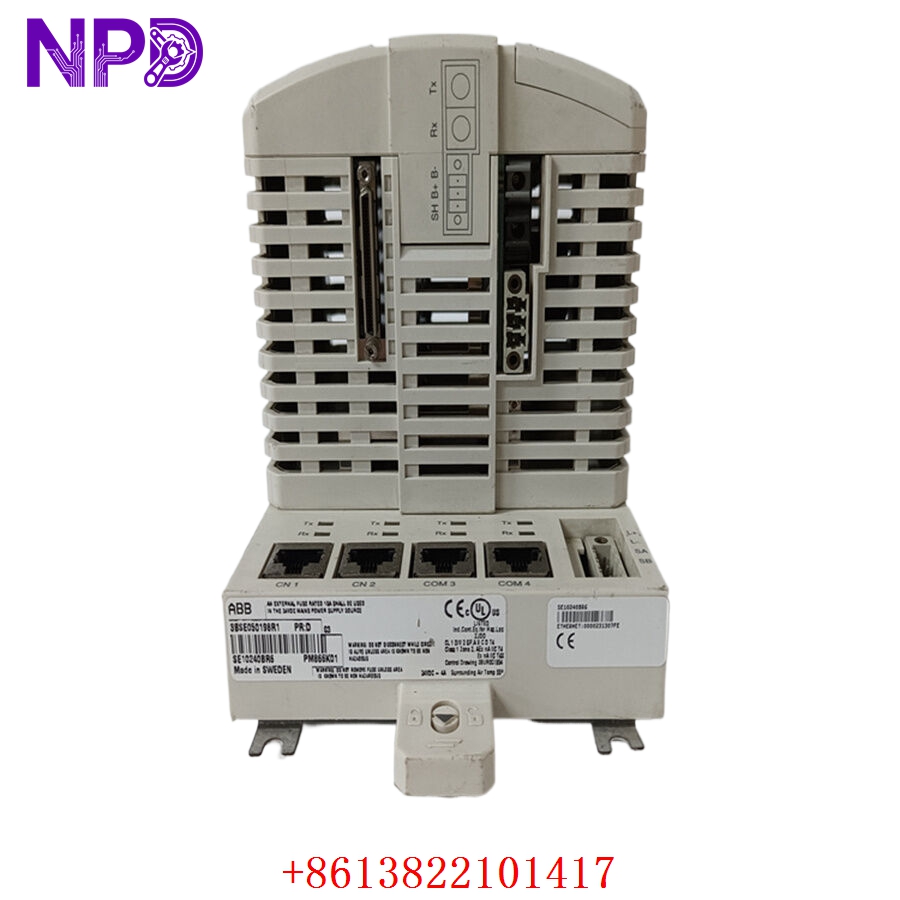

Description
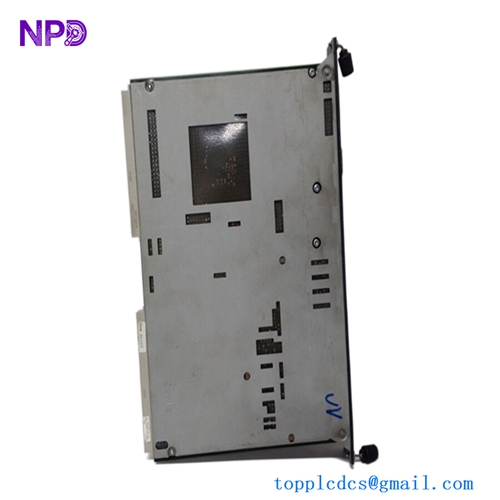
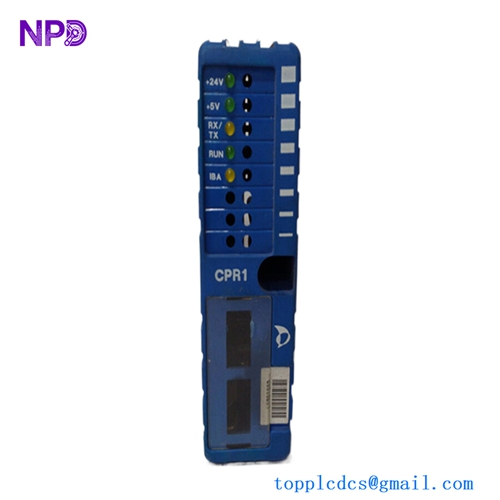
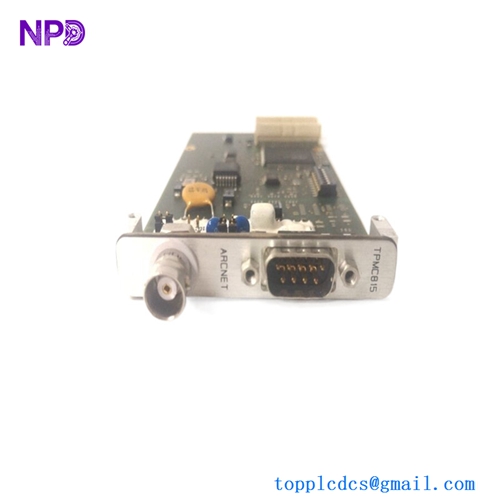
The WOODWARD 5464-333 is a high-precision, isolated thermocouple input module designed for industrial control systems, particularly within Woodward’s MicroNet or NetCon platforms. This module provides critical temperature monitoring capabilities by converting low-voltage signals from various thermocouple types into digital data that the control system can process. Its isolation feature is essential for protecting the sensitive control circuitry from ground loops and electrical noise common in large-scale turbine and engine environments.

⚙️ Technical Specifications
- Dimensions: 280 mm x 245 mm x 30 mm
- Weight: 0.7 kg
- Country of Origin: United States
- Input Channels: 16 isolated channels
- Thermocouple Types Supported: J, K, T, E, R, S, B, N
- Operating Temperature: -20°C to +65°C
- Isolation Voltage: 1500 VDC channel-to-channel and channel-to-earth
🏗️ Application Areas
- Gas and Steam Turbine Exhaust Temperature Monitoring
- Compressor Discharge Temperature Tracking
- Bearing and Lube Oil Temperature Sensing
- Process Control for Power Generation
- Industrial Heat Exchanger Monitoring
📖 Product Usage Instructions
Install the 5464-333 module into an available slot on the Woodward I/O rack. Ensure the module is properly keyed for the specific chassis slot. Use shielded thermocouple extension wires to connect your sensors to the module’s terminal blocks. Always maintain tight connections and ensure that the shield is grounded at the control cabinet end only to prevent ground loops.
🌐 Communication Configuration Steps
- IP Address: As a rack-mounted I/O module, IP addressing is managed by the main CPU module. Configure the channel mapping through the Woodward Service Tool software.
- Station Number: The module ID is determined by the physical slot location within the rack; verify that the hardware configuration file matches the physical layout.
- Baud Rate: Communication timing is managed by the high-speed backplane bus; no manual baud rate adjustment is required for the module itself.
⚡ Power-Up Debugging Flow
- Confirm the I/O rack power supply is active and stable.
- Insert the module and ensure the “Status” LED illuminates (typically green for normal operation).
- Connect the service tool to the CPU to verify that the module is recognized by the configuration software.
- If a “Channel Fault” LED is active, check the thermocouple wiring for open circuits or polarity reversals.
- Verify that the temperature readings in the software match the expected ambient or process values.
✅ Initial Run Checklist
- Perform a “Loop Check” by injecting a known millivolt signal to verify the module’s accuracy.
- Check for “Over-range” or “Under-range” alarms on the input channels.
- Inspect the diagnostic buffer for any intermittent communication errors.
- Ensure cold-junction compensation (CJC) is active and calibrated within the software.
- Confirm that all thermocouple wires are properly connected according to the terminal diagram for the specific type used.
❓ Frequently Asked Questions (Q&A)
Q: Can I mix different types of thermocouples on one module? A: Yes, most Woodward 5464 series modules allow for individual channel configuration within the software, enabling you to mix thermocouple types across the 16 channels.
Q: What is the benefit of the “Isolated” design? A: Isolation prevents electrical noise from the turbine or engine from entering the control system, which could otherwise cause erratic readings or damage to the CPU/processor.
Q: How do I identify a faulty thermocouple? A: If a channel displays an unusually high or low value, or shows an “Open Circuit” diagnostic alarm, the thermocouple or its extension wire is likely damaged. Swap the channel input with a known good one to confirm.
Q: Is calibration required for this module? A: The module is factory-calibrated. If you suspect drift, you can perform a verification test using a precision millivolt source, but field re-calibration is rarely needed for standard operation.