
Description
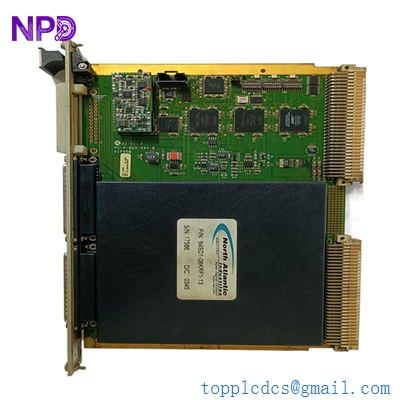
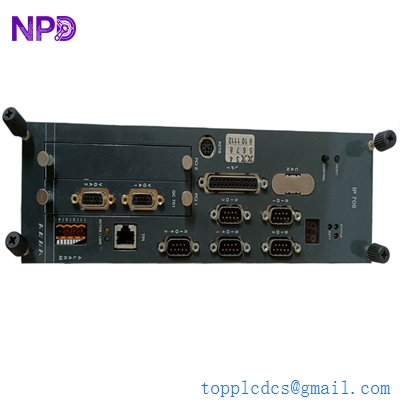
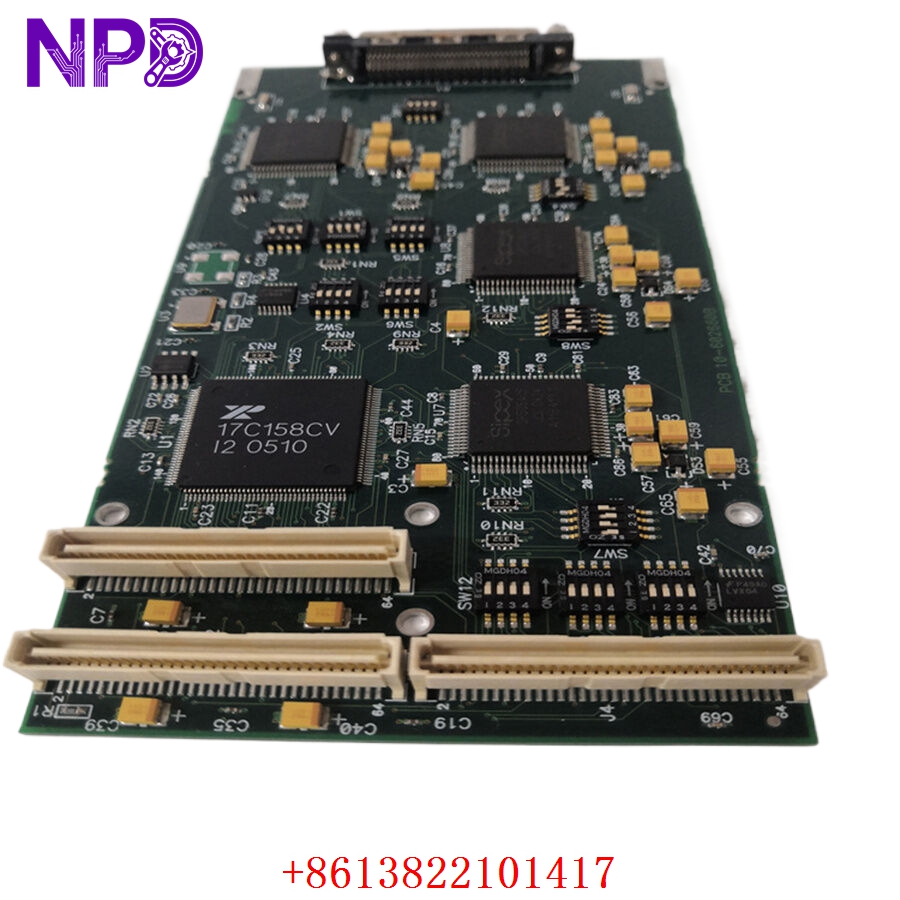
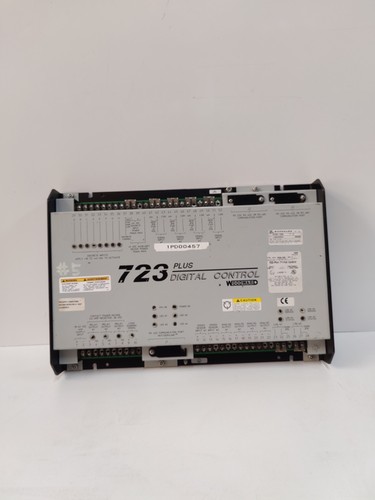
The WOODWARD 723 PLUS (Model 8280-488 REV:D, Part 9906-620) is a high-performance digital control system engineered for the precise management of industrial prime movers, including gas and diesel engines, steam turbines, and hydro turbines. This unit provides comprehensive control functions such as speed governing, load sharing, and synchronization. Designed for mission-critical operations, the 723 PLUS ensures maximum engine efficiency and stability in power generation and marine propulsion applications.
Technical Specifications
| Parameter | Description |
| Model | 723 PLUS (8280-488) |
| Revision | D |
| Part Number | 9906-620 |
| Manufacturer | WOODWARD |
| Control Type | Digital Speed/Load Governing |
| Operating Temp | -40°C to +75°C |
| Weight | Approximately 1.1 kg |
| Origin | USA |
Operational Guidelines & Usage
🔹 Startup Sequence
- Ensure all field wiring (I/O, speed sensor, and actuator lines) is properly terminated at the control housing.
- Verify that the auxiliary power supply matches the unit’s voltage requirements (typically 24VDC).
- Power on the controller and observe the front-panel status LEDs.
- The unit will complete a self-test sequence. Once the “Ready” light is solid, the unit is prepared to receive a start command.
- Initiate the engine start sequence through the plant’s main control system.
🔹 Shutdown Sequence
- Reduce the prime mover load to the minimum operational setpoint.
- Send the “Stop” command through the central control interface to allow for a controlled cooldown period.
- Once the engine speed reaches zero, remove power from the 723 PLUS if the equipment will be idle for an extended duration.
- If the control is to be removed, ensure the unit is stored in a clean, dry, and temperature-controlled environment.
🔹 Normal Operational Flow
- The 723 PLUS continuously monitors engine speed via a MPU (Magnetic Pickup) or digital sensor.
- The internal microprocessor compares the actual speed to the programmed setpoint.
- It outputs a proportional current signal (mA) to the fuel or steam actuator to maintain constant speed regardless of load fluctuations.
- The unit continuously updates real-time data to the system’s monitoring network.
🔹 Parameter Configuration
- Connect the unit to a PC running Woodward’s specific configuration software using a serial or Ethernet interface.
- Use the software to define engine dynamics, PID gain settings, and alarm thresholds.
- Once configured, download the settings file to the control unit and confirm settings by observing the engine’s response under load.
- Always save a backup copy of the configuration file on a secure workstation.
🔹 Mode Switching
- Governing Mode: Standard operational state managing engine speed.
- Standby/Manual Mode: Used for system maintenance. In this state, control signals to the actuator can be manually overridden via the software interface for diagnostic purposes.
Common Questions & Answers (Q&A)
💡 Q: What indicates that the 723 PLUS has detected a fault?
A: A flashing fault light or a system alarm message indicates an issue such as a loss of speed signal, internal watchdog timeout, or an open circuit in the actuator loop. Check the diagnostic logs via the configuration software to pinpoint the specific error code.
💡 Q: Is the 8280-488 REV:D compatible with older revisions?
A: Generally, yes; however, verify that your existing system’s firmware supports the REV:D hardware. Always check the Woodward technical documentation regarding hardware-firmware compatibility before swapping units.
💡 Q: Can the 723 PLUS withstand high-vibration environments?
A: Yes, it is rated for harsh industrial and maritime environments. Ensure it is mounted on vibration isolation dampers if the engine vibration levels exceed the unit’s technical specifications.
💡 Q: What should I do if the unit fails to communicate with the PC?
A: Verify the physical serial cable integrity and ensure the correct COM port settings are used in the software. Ensure that no other software is using the same serial port. If communication is still not established, check the control unit’s power supply status.