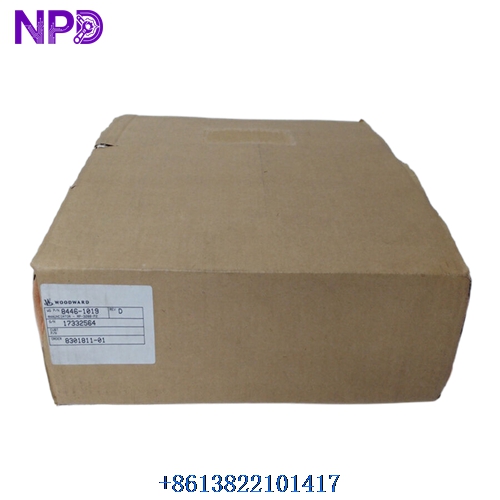

Description
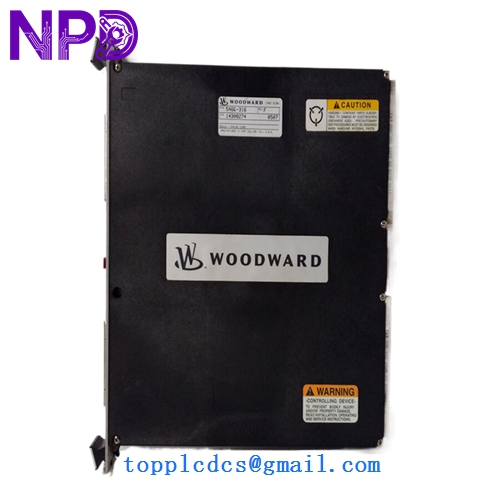
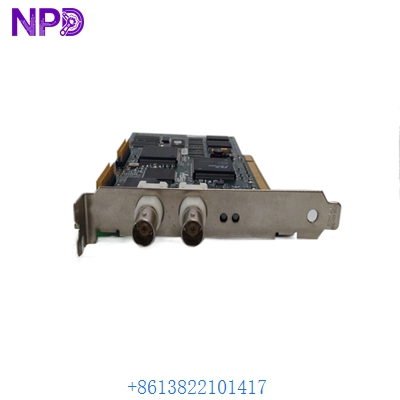
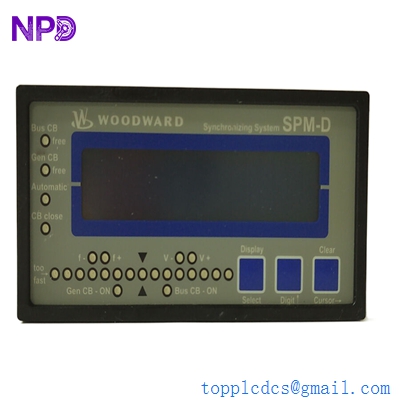
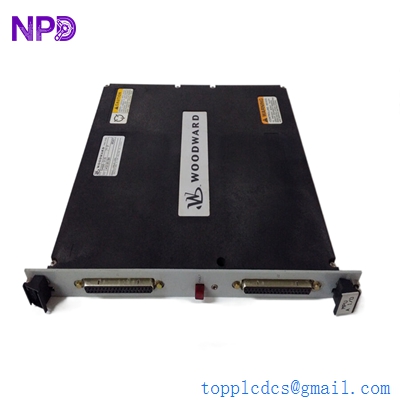
Woodward easYgen-3000 controller model 8440-1937 is engineered for advanced generator set management and multi-unit synchronization. This versatile unit comes outfitted with user-friendly software, enhanced connectivity, and a secure interface for demanding industrial power applications.
Product Specifications
- Model Number: 8440-1937
- Storage Temperature: -25°C to +70°C
- Operating Temperature: -25°C to +70°C
- Operating Voltage Range: 9.0 to 32.0 Vdc
- Dimensions: 219 mm x 171 mm x 61 mm
- Weight: 0.90 kg
- Country of Origin: United States
- Communication Interface: Ethernet, CAN bus, RS485, USB
- Enclosure Protection: Front IP65, Rear IP20
- Mounting Type: Panel mount
Product Overview
The easYgen-3000 8440-1937 genset controller provides comprehensive engine and generator protection, precise load sharing, and sophisticated synchronization capabilities in a robust package. It features an integrated graphical display and intuitive soft keys for straightforward local operation. Equipped with easy-to-install software, enhanced connectivity options, and a secure interface, it ensures reliable and flexible performance for complex power generation systems.
Product Operating Precautions
- Power Supply: Ensure the input DC voltage stays strictly within the 9.0 to 32.0 Vdc range to prevent internal component damage.
- Wiring Integrity: Double-check all high-voltage and communication connections before powering on to avoid signal interference or metering errors.
- Environmental Limits: Install the controller in locations where ambient temperatures remain within the -25°C to +70°C operational limit.
- Interface Security: Verify that network and communication access credentials are properly secured when utilizing enhanced connectivity features.
Frequently Asked Questions
- Q: What should I do if the controller fails to power on? A: Verify that the supply voltage is actively delivering between 9.0 and 32.0 Vdc and check the input power fuses.
- Q: How does the software assist with setup and configuration? A: The unit utilizes an easy-to-use and install software package designed to streamline parameter configuration and system diagnostics.
- Q: How do I update or configure the device parameters? A: Configuration can be performed locally via the front panel interface or remotely using the Ethernet, USB, or RS485 communication ports with authorized software tools.