
Description
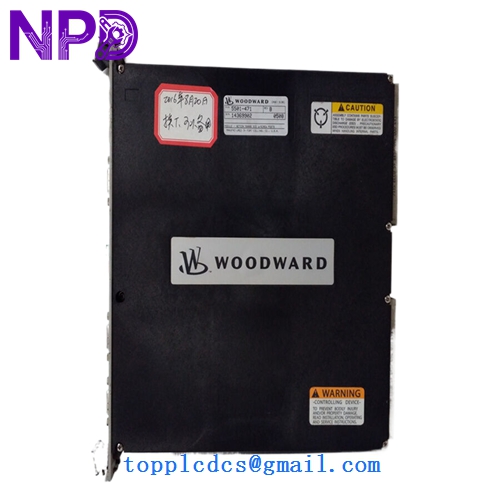
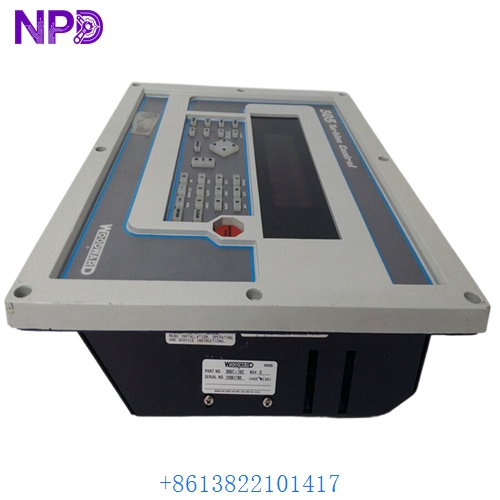
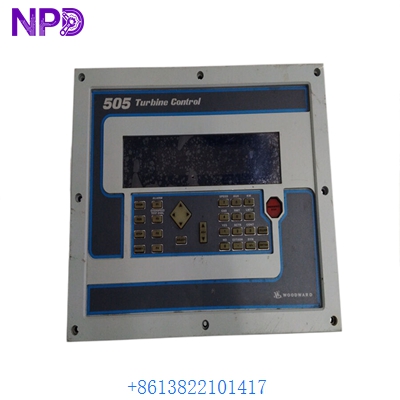
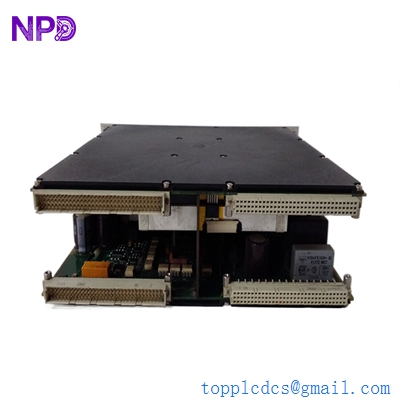
Woodward easYgen-3500 controller model 8440-2047 is engineered for advanced generator set management and multi-unit synchronization. This versatile unit features multilingual HMI capability, soft unload and load generator settings, remote panel support, and reliable stand-by operation for demanding industrial power applications.
Product Specifications
- Model Number: 8440-2047
- Storage Temperature: -25°C to +70°C
- Operating Temperature: -25°C to +70°C
- Operating Voltage Range: 9.0 to 32.0 Vdc
- Interface Capability: Multilingual HMI
- Dimensions: 219 mm x 171 mm x 61 mm
- Weight: 0.90 kg
- Country of Origin: United States
- Communication Interface: Ethernet, CAN bus, RS485, USB
- Enclosure Protection: Front IP65, Rear IP20
Product Overview
The easYgen-3500 8440-2047 genset controller provides comprehensive engine and generator protection, precise load sharing, and sophisticated synchronization capabilities in a robust package. It features an integrated graphical display with multilingual support and intuitive soft keys for straightforward local operation. Designed to handle soft loading and unloading sequences alongside remote panel integration and stand-by operation, it ensures high reliability and seamless power transition control.
Product Operating Precautions
- Power Supply: Ensure the input DC voltage stays strictly within the 9.0 to 32.0 Vdc range to prevent internal component damage.
- Wiring Integrity: Double-check all high-voltage and communication connections before powering on to avoid signal interference or metering errors.
- Environmental Limits: Install the controller in locations where ambient temperatures remain within the -25°C to +70°C operational limit.
- Remote Panel Setup: Verify that remote communication lines and addressing are correctly configured when operating the unit via an external control panel.
Frequently Asked Questions
- Q: What should I do if the controller fails to power on? A: Verify that the supply voltage is actively delivering between 9.0 and 32.0 Vdc and check the input power fuses.
- Q: Does the controller support multiple languages on its display interface? A: Yes, the unit comes equipped with multilingual HMI capability for easier local navigation and monitoring.
- Q: How do I update or configure the device parameters? A: Configuration can be performed locally via the front panel interface or remotely using the Ethernet, USB, or RS485 ports with authorized software tools.