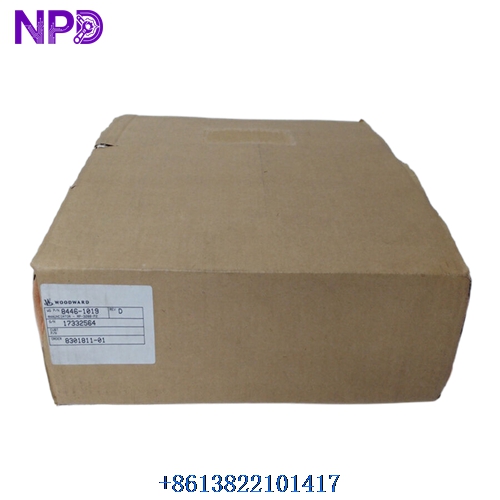

Description
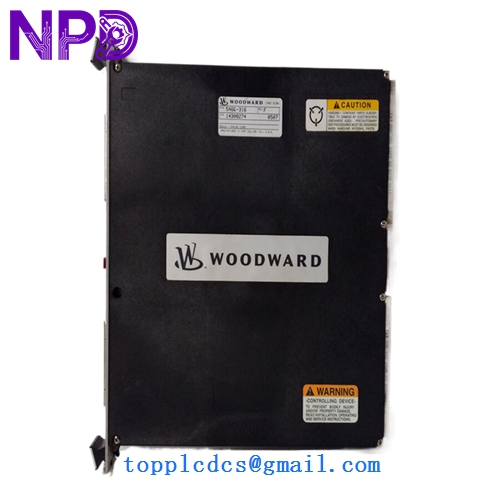
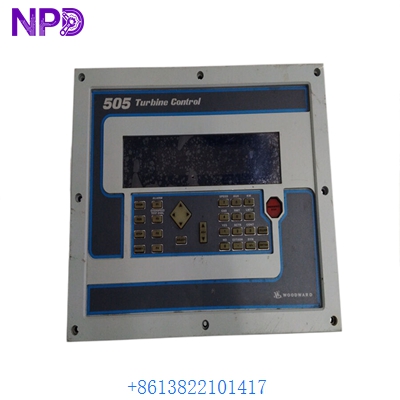
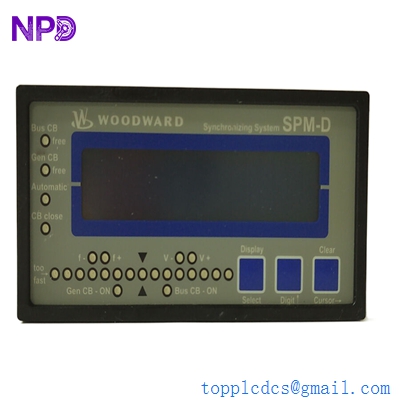
The Woodward model 8440-2095 is a sophisticated genset controller engineered within the widely relied-upon easYgen-3000 series portfolio. This high-performance management unit is built to govern complex power generation parameters, multi-unit breaker coordination, and seamless synchronization tasks. It offers exceptional automation features and comprehensive network compatibility designed to fulfill rigorous industrial standby and continuous power generation demands.
📊 Product Datasheet (Parameters)
- 📐 Back Panel Dimensions: 250 mm W x 227 mm H x 50 mm D
- ⚖️ Weight: Approx. 1,950 g (4.3 lbs)
- 🌍 Country of Origin: United States / Global Manufacturing Facilities
- ⚡ Power Supply: 12/24 VDC (8 to 40 VDC input range)
- 🔌 Power Consumption: Less than 0.15 W per measurement path
- 🖥️ Display Type: Integrated graphical color LCD screen with soft keys
- 🛠️ Enclosure Material: High-grade industrial plastic / robust housing design
- 🛡️ IP Protection Rating: IP66 (Front panel mounting) / IP20 (Rear terminals)
- 🌡️ Operating Temperature Range: -20°C to +70°C
- 🔌 Communication Interfaces: Ethernet (Modbus TCP), CAN bus, and RS-485
📖 Product Operating Instructions
- 🔧 Mounting: Mount the unit securely onto the front cutout panel of the switchgear cabinet, tightening the side clamps evenly to guarantee the integrity of the front-face IP66 seal.
- ⚡ Wiring: Terminate the incoming 12/24 VDC power lines to the appropriate power supply terminals, verifying that voltage levels remain stable within the 8 to 40 VDC bounds.
- 💻 Configuration: Interface directly via the onboard front display soft keys or link a computer using Woodward ToolKit software via the Ethernet port for comprehensive parameter mapping.
- 🔒 Security: Configure multi-level operator passwords directly through the local HMI to restrict sensitive system adjustments and protect runtime configuration files.
❓ Frequently Asked Questions (Q&A)
- 💡 Q: How can display contrast or brightness be adjusted if visibility shifts?
- A: Navigate through the front panel menu to Parameter > Configure display, then use the plus and minus buttons to modify contrast, or hold the STOP button for roughly 10 seconds while the engine is safely halted to restore default settings.
- 💡 Q: Does this controller support multi-generator paralleling?
- A: Yes, it is fully capable of load sharing, load-dependent start/stop sequences, and communication networks scaling up to 32 generators.
- 💡 Q: What software is required to pull event recorder logs?
- A: Event logs, real-time clock data, and alarm classifications can be accessed and downloaded via the Woodward ToolKit service software package.
⭐ Recommended Woodward Series & Models
- 🔹 easYgen-100amp Series
- 🔹 easYgen-1500 Series
- 🔹 easYgen-2000 Series
- 🔹 easYgen-2500 Series
- 🔹 easYgen-3100 Series
- 🔹 easYgen-3200XT Series
- 🔹 easYgen-3400XT Series
- 🔹 easYgen-3500XT Series
- 🔹 LS-5 Series
- 🔹 GCP-30 Series