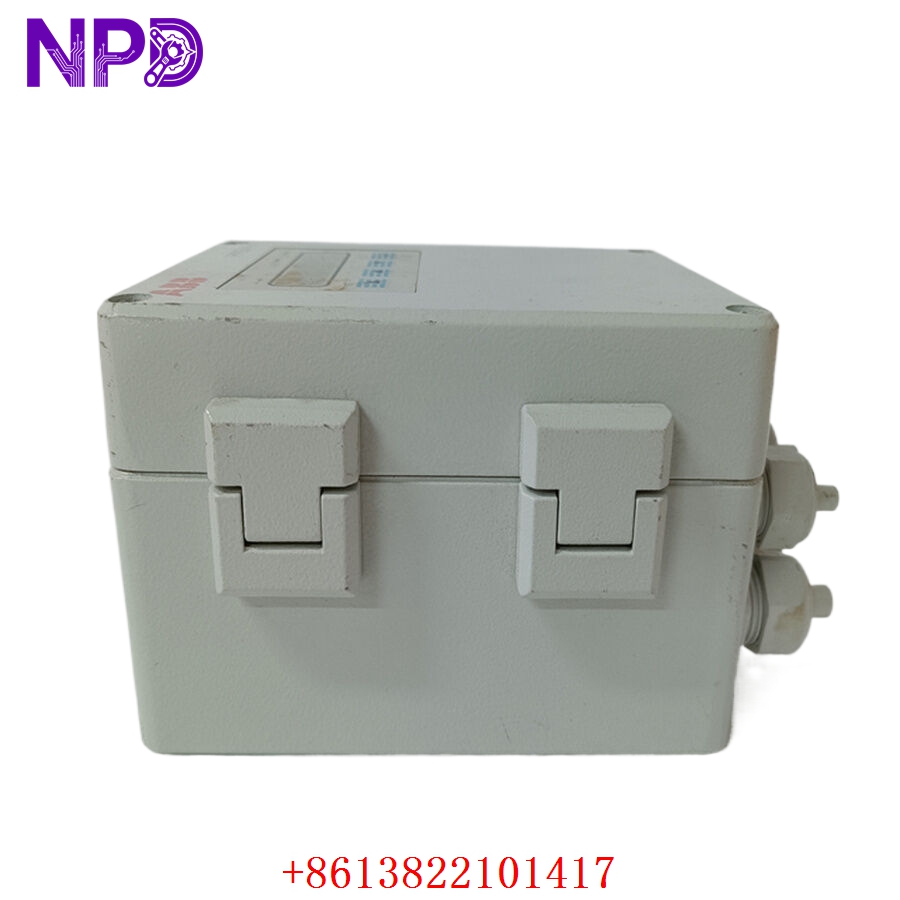

Description
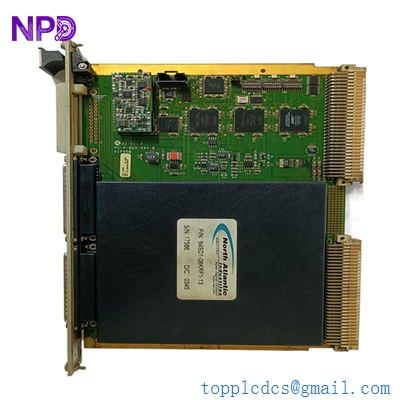
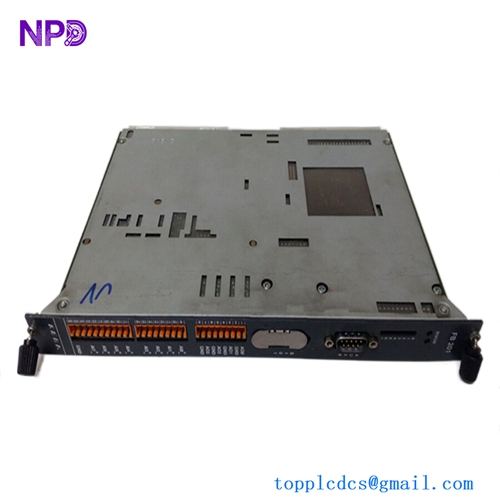
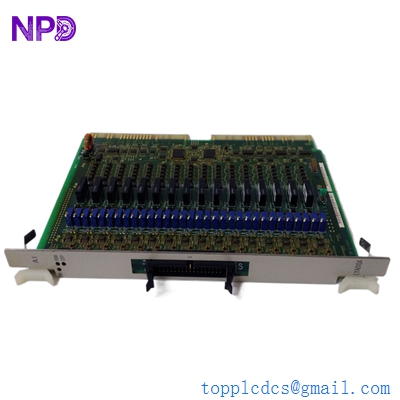
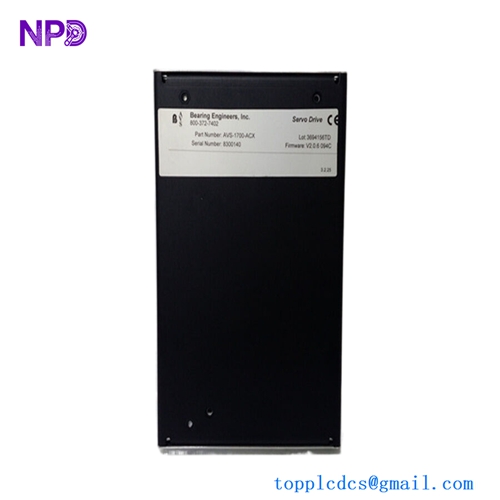
The Woodward 9905-969 is a precision LinkNet 6-Channel Analog Input Module designed for industrial monitoring and control. It acts as a sophisticated data acquisition interface, converting analog sensor signals (such as thermocouples, pressure transducers, or RTDs) into digital data for processing by the host controller. By providing high-resolution signal conversion and isolation, this module ensures the accuracy and reliability required for turbine, engine, and complex process automation systems.

📋 Technical Specifications
- Model Number: 9905-969
- Series: LinkNet Distributed I/O
- Function: 6-Channel Analog Input Acquisition
- Input Types: Configurable (V, mA, RTD, TC)
- Operating Voltage: 24 VDC
- Dimensions: 11.25 x 5.5 x 2.25 inches (Approx.)
- Weight: 1.5 lbs (0.68 kg)
- Country of Origin: United States
⚙️ Application Areas
- Gas and Steam Turbine Monitoring
- Engine Exhaust Temperature Analysis
- Industrial Process Pressure/Flow Sensing
- Distributed I/O Data Acquisition Networks
- Critical Asset Temperature Management
🛠️ Operating Instructions & Guidelines
- Installation: Mount the module on a standard DIN rail. Use shielded, twisted-pair cabling for all analog inputs to minimize signal noise—especially critical for low-level thermocouple or RTD signals. Ensure the LinkNet bus cable is properly terminated at the end of the chain.
- Environmental Requirements: Maintain an operating ambient temperature of -25°C to 70°C. Protect the module from extreme vibration and corrosive chemical vapors, which can oxidize the sensitive input terminals.
- Maintenance: Periodically verify the calibration of input channels. Check all screw terminals for tightness to ensure no high-resistance joints develop, which would lead to inaccurate analog readings.
⚡ Power Sequence & Operation
- Power-On Sequence: 1. Confirm the 24VDC supply is within operating parameters. 2. Connect the LinkNet communication cable. 3. Power up the master controller. 4. Observe the status LED; a solid green light indicates that the module has successfully synchronized with the communication bus and is ready to transmit data.
- Power-Off Sequence: 1. Stop the data acquisition process in the control software. 2. De-energize the 24VDC source. 3. Disconnect communication cabling for maintenance or replacement.
- Step-by-Step Operation: 1. Configure the input type (e.g., 4-20mA or TC) for each channel using the Woodward Service Tool. 2. Wire the field sensors to the appropriate terminals. 3. Establish communication over the LinkNet network. 4. Verify that the raw counts/scaled values appearing in the HMI match the expected physical sensor output.
❓ Frequently Asked Questions (Q&A)
- How can I identify a faulty analog channel? If a channel shows a value at the extreme end of the scale (e.g., 0 or full-scale), perform a “loop check” by substituting the sensor with a known simulator. If the module reads the simulator correctly, the issue is with the field sensor or wiring.
- Does this module require external power for the sensors? It depends on the sensor type. Some sensors (active) provide their own power, while passive sensors like RTDs or certain mA loops may require external excitation or loop power supplied through the terminal block.
- What is the significance of the “LinkNet” series? LinkNet is a proprietary Woodward bus protocol that allows for high-speed, deterministic data exchange between distributed I/O modules and the main processor, reducing wiring complexity and improving signal immunity.
- Can I mix different input types on one module? Yes, the 9905-969 is designed to allow channel-by-channel configuration, meaning you can have a mix of voltage, current, and temperature inputs on a single module, provided the hardware configuration is correctly set in the software.