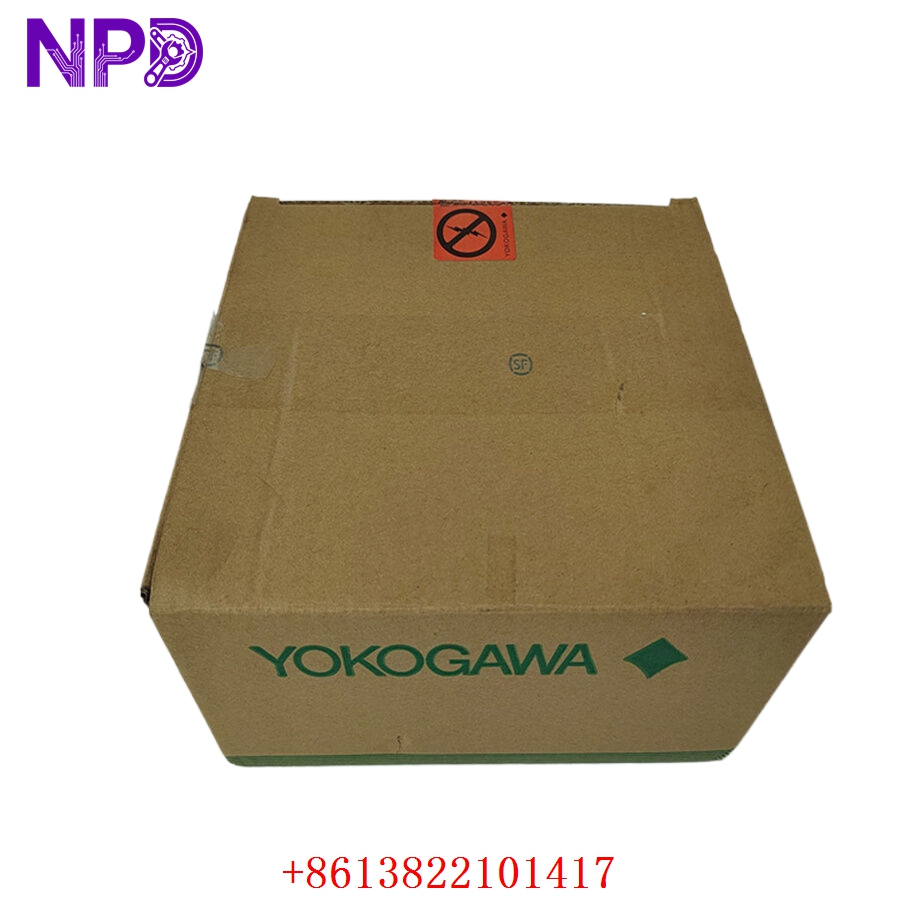

Description
Product Specifications & Datasheet
- Brand: Yokogawa
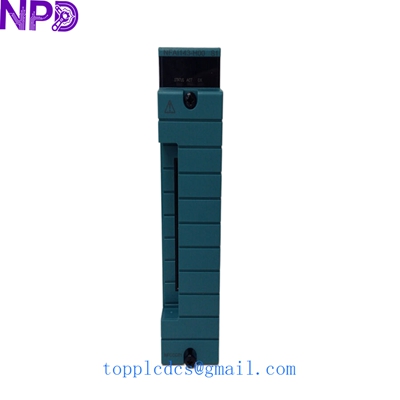
- Model: ADV551-P60 (Style S2)
- Series: CENTUM CS / CENTUM VP Distributed Control System (DCS) Series
- Product Name: 16-Channel Digital Output Module (Transistor Output, 24V DC)
- Place of Origin: Japan
- Lifecycle Status: Active / Industrial Control System Spare Part
- Dimensions: Standard Yokogawa I/O Module Form Factor
- Weight: Approx. 0.30 kg
- Origin Country: Japan
- Power Rating: Internal Bus Powered / External 24V DC Field Power Supply
- Signal Specification: 16 Channels, Voltage-free / Transistor Sink Output, with pressure-clamp or connector-type interface

Operating Procedures & Usage Guidelines
- Pre-Installation Inspection: Ensure that node power and external field loop power are completely turned off, locked out, and tagged out. Follow standard ESD (Electrostatic Discharge) protection protocols before handling the module.
- Module Insertion: Align the ADV551 module carefully with the guide rails of the designated node slot and push evenly until the rear connectors seat completely into the backplane.
- Wiring & Termination: Connect the pre-engineered signal cable (such as an AKB adapter cable) or field termination block securely to the module front connector.
- System Initialization: Restore power to the node rack and verify via the CENTUM engineering station that the module initializes with zero hardware errors and correct channel mapping.
Emergency Shutdown Operation
- Loop De-Energization: In an emergency trip condition, the control system de-energizes the output channels, turning off transistor switches to safely stop connected final elements (such as solenoid valves or motor starters).
- Power Isolation: Open external 24V DC field power distribution breakers to completely isolate output power rails during critical maintenance or plant responses.
Troubleshooting & Common Issues
- Outputs Not Activating: Verify that the external 24V DC field power supply is active and check that control logic signals from the processor are successfully reaching the module.
- Channel Fault Alarms: Check the front-panel status LEDs and system error logs on the CENTUM operator station to identify open-wire conditions or short-circuit faults.
- Intermittent Operation: Ensure the module is pushed fully into its backplane slot and that terminal connectors are securely locked in place.
Routine Maintenance & Care
- ESD Precautions: Always use a grounded wrist strap and anti-static mat when handling or servicing the electronic module.
- Connection Checks: Periodically inspect front-panel connectors and wiring plugs during scheduled maintenance windows to ensure industrial vibration has not loosened contacts.
- Environmental Monitoring: Maintain proper cabinet temperature and filtration to prevent dust accumulation and thermal stress on electronic components.
Frequently Asked Questions (Q&A)
- Q: What is the primary function of the Yokogawa ADV551-P60 module?
- A: It provides 16 channels of digital output control, allowing the CENTUM DCS to switch external field devices like solenoid valves and indicator lamps using 24V DC power.
- Q: What does the ‘Style S2’ suffix indicate?
- A: It represents a specific hardware revision or manufacturing update version, ensuring form, fit, and functional compatibility with designated system architectures.
- Q: Can this digital output module be hot-swapped?
- A: Yes, CENTUM VP systems generally support hot-swaping of I/O modules when configured correctly, though safety precautions and system software prompts should always be followed.