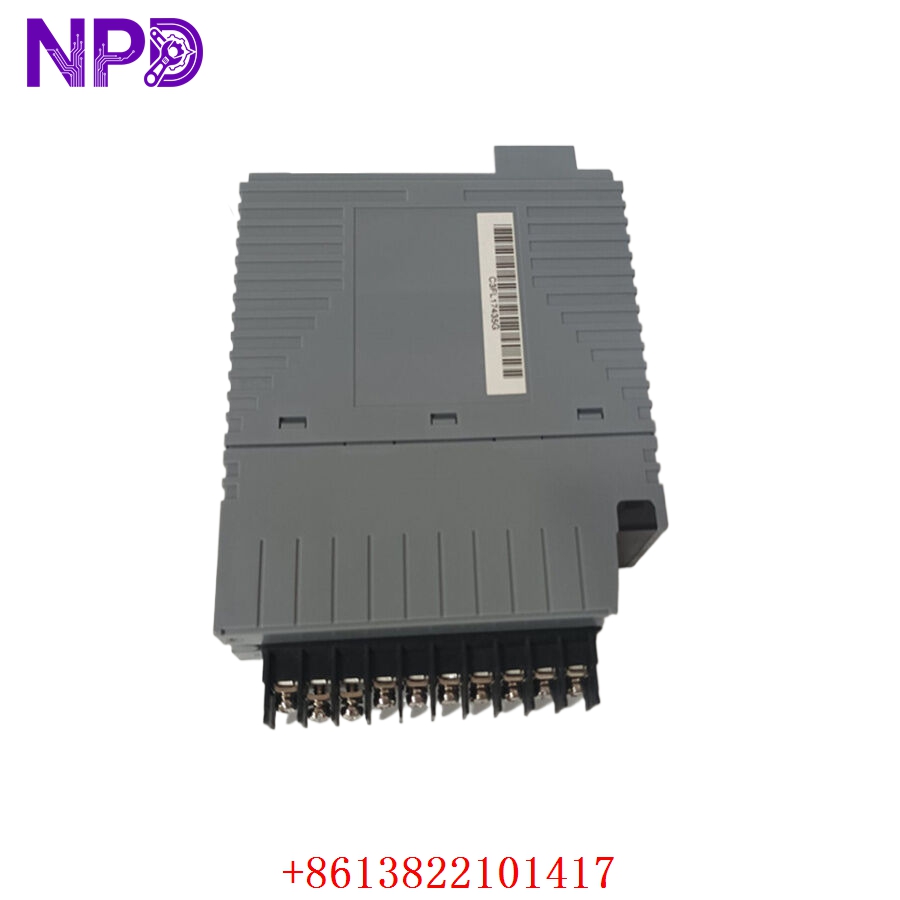

Description
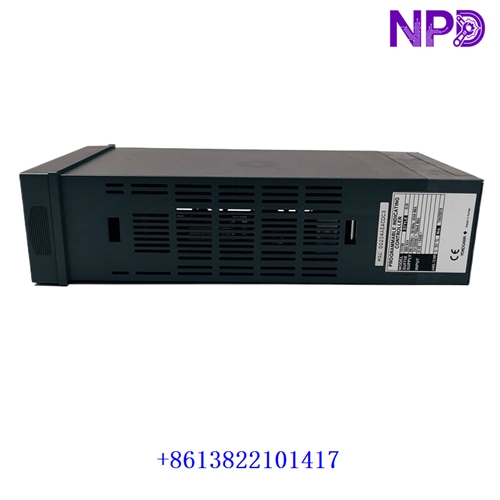
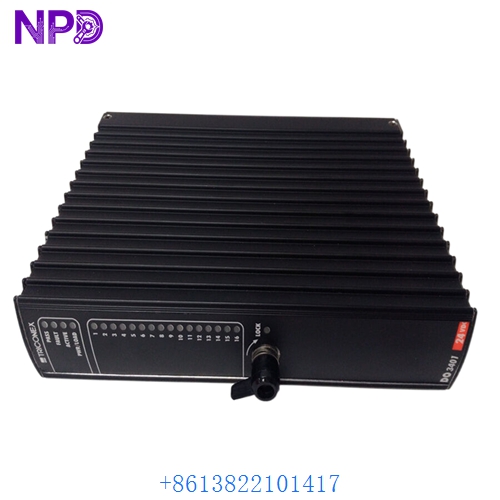
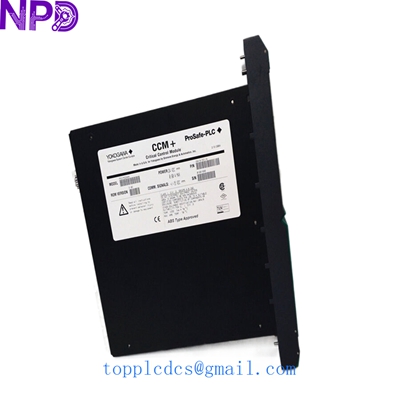
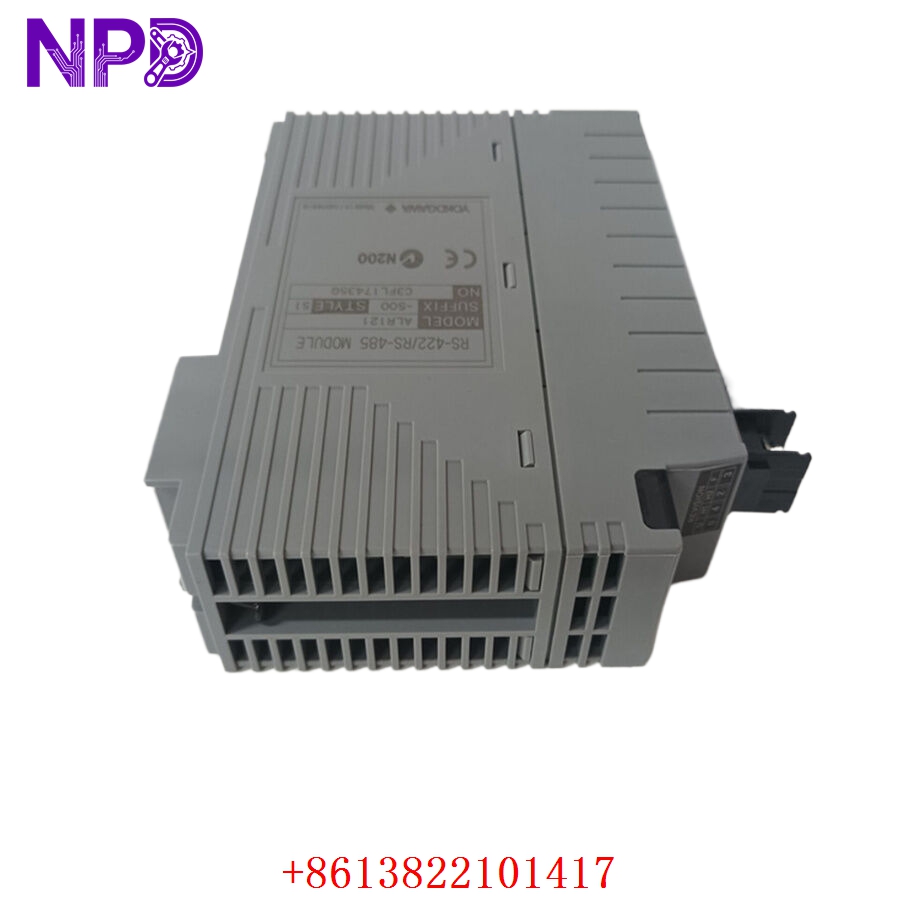
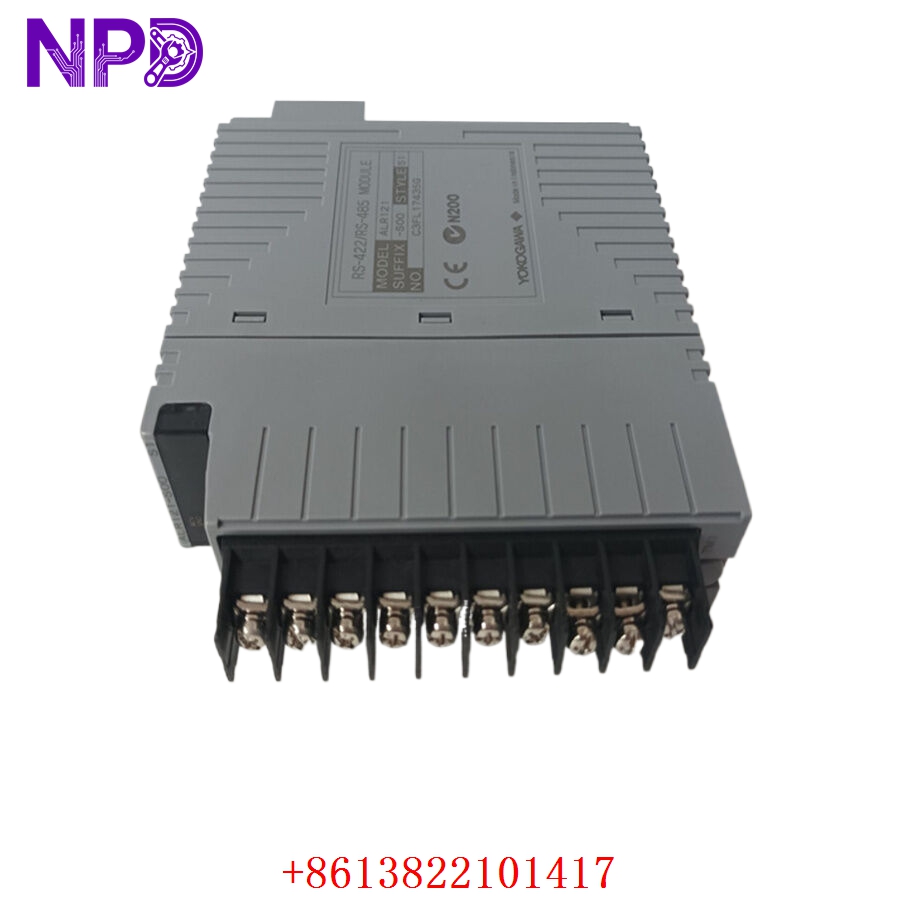
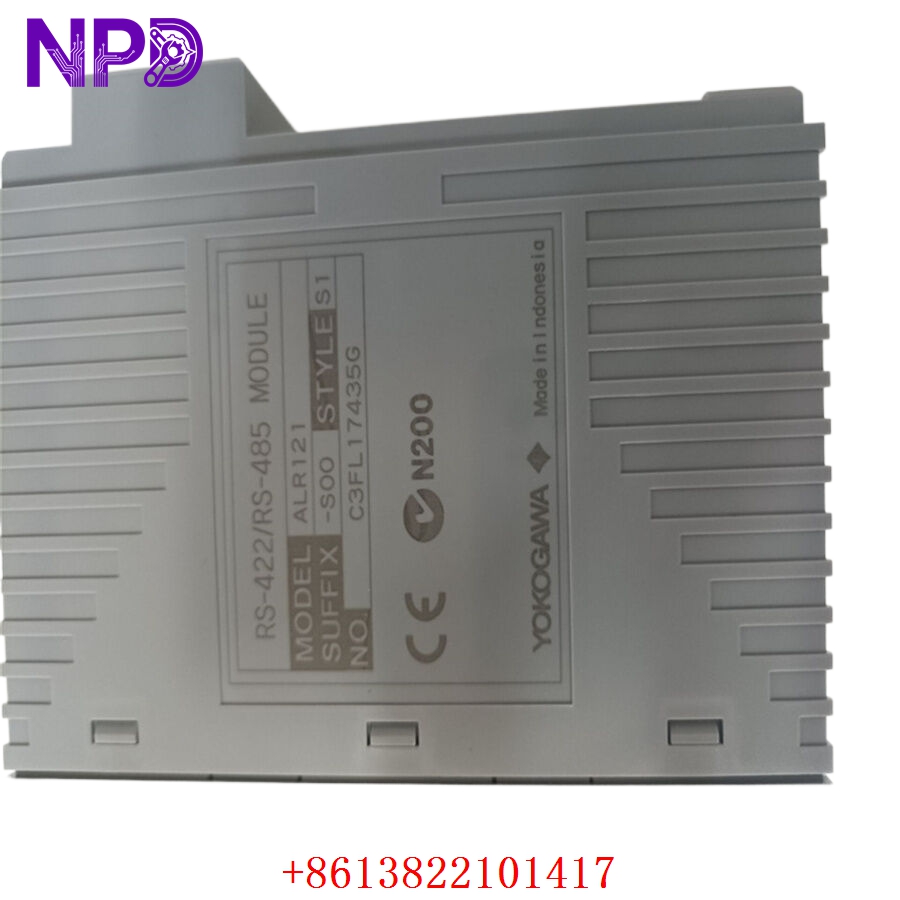
- Model: ALR121-S00
- Brand: YOKOGAWA
- Series: CENTUM VP / CS 3000
- Core Function: Serial communication module for subsystem integration
- Condition: Brand New Surplus (New in original box/packaging)
- Type: Communication Module (Serial Interface)
- Key Specs: 2-port RS-422/RS-485 interface, high-speed data exchange
- Number of Ports: 2 ports
- Communication Standard: RS-422/RS-485
- Transmission Speed: Up to 115.2 kbps
- Isolation: Transformer isolation between lines and system
- Electrical Interface: Terminal block connection
- Power Consumption: 300 mA (at 5 V DC)
- Operating Temperature: 5°C to 40°C
- Mounting: Dedicated Yokogawa field control station (FCS) node unit
- Diagnostic Features: LED status indicators for TX/RX activity
- Standards Compliance: G3 (corrosive gas environment rated)
YOKOGAWA ALR121-S00
YOKOGAWA ALR121-S00
YOKOGAWA ALR121-S00
Installation & Configuration Guide
Phase 1: Preparation (Approx. 10 minutes)
⚠️ Safety First:
- Verify system status; ensure redundancy is active if the FCS is online.
- If replacing a module in a non-redundant configuration, expect a temporary loss of communication with the connected subsystem.
- Use a wrist strap to prevent ESD (Electrostatic Discharge) damage.
Tools: PH1 screwdriver, labeling tape, programming console for configuration verification.
Phase 2: Removal (Approx. 5 minutes)
- Identify the specific slot in the FCS node unit.
- Label the terminal block connectors before detaching to ensure correct mapping.
- Loosen the retaining screws on the front panel of the module.
- Pull the module straight out using the ejector levers.
Phase 3: Installation (Approx. 10 minutes)
- Verify the S00 suffix matches your required environmental specifications.
- Align the module with the slot rails and insert it until the connector engages the backplane.
- Tighten the front panel screws to secure the module.
- Reattach the terminal blocks carefully; verify the wiring orientation matches your pre-removal labels.
Phase 4: Configuration & Testing (Approx. 15 minutes)
- Power on the node unit; verify the “STATUS” LED is solid green.
- Access the Centum VP “System View” or “FCS Engineering” console.
- Check communication status; the “TX/RX” LEDs should blink periodically as data flows.
- Perform a handshake test with the peripheral device (e.g., PLC or analyzer).
- If communication fails, check the port settings (Baud rate, parity, and stop bits) in the system software to ensure they match the subsystem parameters.
Customer Cases & Industry Applications
Case 1: Refinery Subsystem Integration A major refinery in Southeast Asia needed to integrate a third-party gas analyzer into their existing CENTUM VP system. The original ALR121-S00 was damaged by a power spike. We provided a brand-new surplus unit with a matching firmware revision. The installation was completed during a scheduled shift change, and the analyzer communication was restored within 20 minutes, avoiding a manual sampling requirement for the entire unit.
Case 2: Proactive Maintenance in Power Generation A power plant operator in the Middle East recognized that their primary serial communication modules had been in service for over 10 years. To avoid “end-of-life” surprises, they utilized our stock to replace units during their annual maintenance outage. By sourcing verified New Surplus modules, they extended their system’s reliability for another 5-8 years without the massive cost of a full controller migration.
Frequently Asked Questions (FAQ)
Q1: Is the ALR121-S00 compatible with older CS 3000 systems? A: Yes, the ALR121 series is generally compatible with both CENTUM CS 3000 and CENTUM VP systems. However, always verify your system’s hardware definition file in the engineering console to ensure the module is recognized.
Q2: What does the “-S00” suffix mean? A: The “S” signifies standard type, and “00” indicates standard specifications (no special coating or customized environment options). This is the most common version for typical control room environments.
Q3: Can I swap this module while the system is running? A: If the module is part of a redundant pair (Dual-Redundant configuration), you can swap it while the system is running (the standby module will take over). If it is a standalone (non-redundant) module, the connected subsystem will stop communicating until the new module is installed and initialized.
Q4: How do I verify this is not a refurbished module? A: We provide high-resolution photos of the original Yokogawa factory seal, the clean terminal pins (showing no insertion wear), and the internal quality inspection report. You are welcome to request these details before shipment.
Q5: What is the lead time for international shipping? A: We typically ship via DHL or FedEx. It usually takes 5-7 business days to reach most global locations. We provide all necessary documentation, including the commercial invoice and certificate of origin, for customs clearance.