
Description
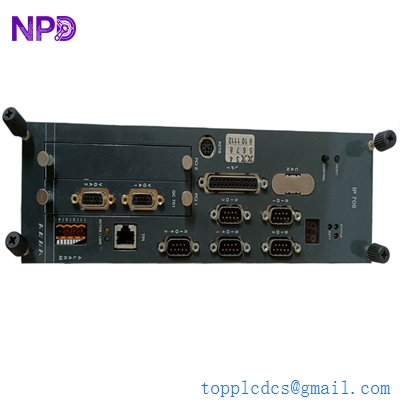
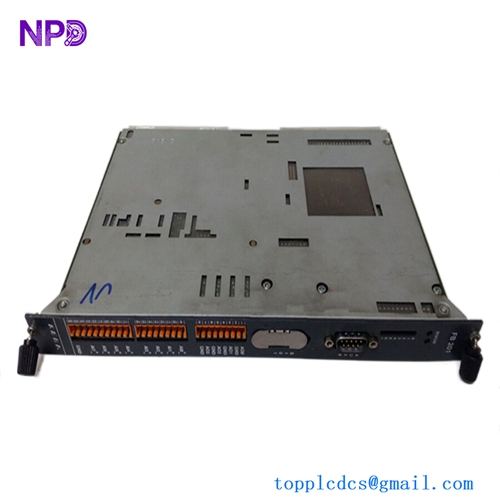
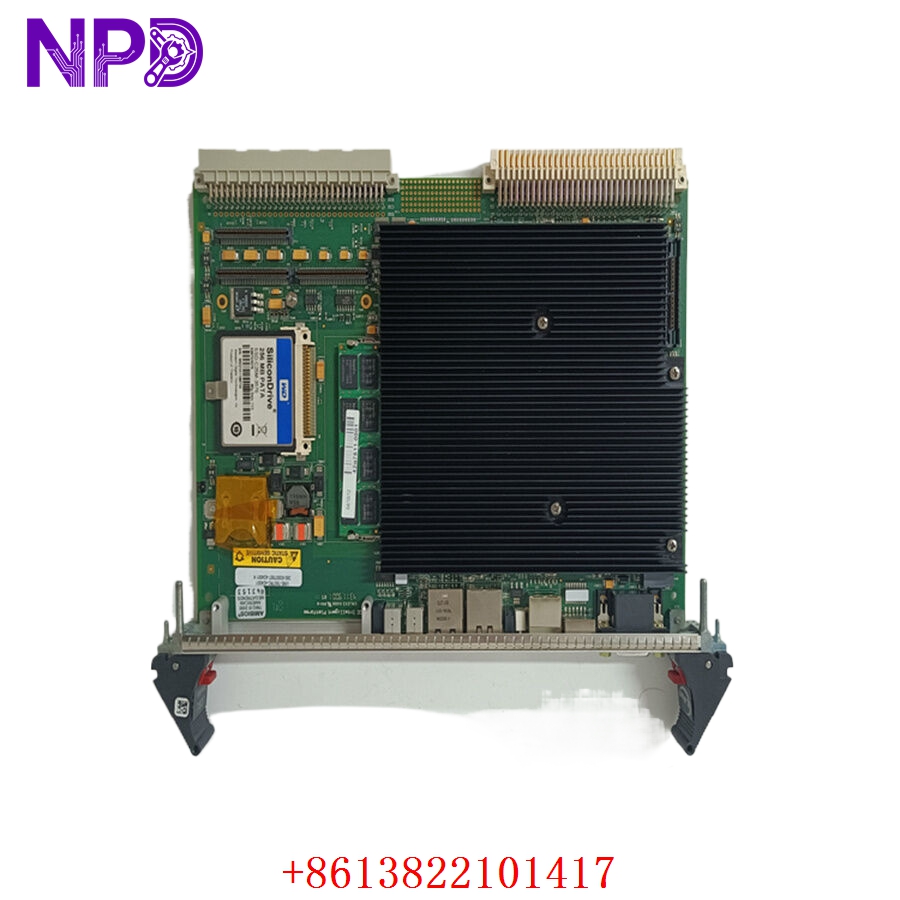
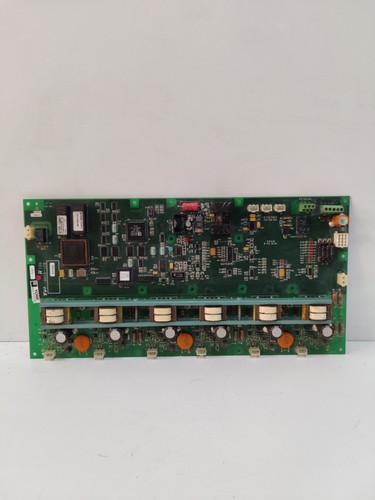
The YORK 031-02001-002 is a microprocessor-based control board designed for Johnson Controls/York HVAC systems. As a critical component in the chiller or rooftop unit control ecosystem, this board manages the sequencing, safety monitoring, and operational logic required to maintain precise temperature control in industrial and commercial building environments.
📋 Technical Specifications
🔹 Part Number: 031-02001-002 🔹 System Series: York Millennium / OptiView Control Series 🔹 Function: Main System Controller / Logic PCB 🔹 Operating Voltage: 24V AC/DC (Control Circuit) 🔹 Weight: Approximately 0.55 kg 🔹 Origin: USA
🚀 Application Fields
⚡ Commercial HVAC Chillers 🏢 Building Management System (BMS) Integration ❄️ Industrial Refrigeration Units ⚙️ Precision Temperature Regulation Systems
🛠️ Product Instructions
The 031-02001-002 board is mounted inside the main electrical control box of the York unit. When handling, always utilize a static-dissipative (ESD) mat and wrist strap to avoid damage to the onboard EPROM/microprocessor. Secure the board using the provided nylon standoffs. Ensure that all electrical harnesses are snapped fully into their designated headers before restoring power to the unit.
⚙️ Communication & Configuration Steps
⚙️ Address Mapping: Configuration is performed via the unit’s onboard keypad or an external service terminal. The address is defined by the specific “Unit ID” set during the commissioning phase. ⚙️ Station Number: The station number is determined by the system architecture; if networked to a building automation system (BAS), this must match the communication gateway’s configuration. ⚙️ Baud Rate: Communication speed is predefined by the York serial protocol (e.g., Y-Talk or BACnet/Modbus integration). Verify that communication cables are shielded and terminated with 120-ohm resistors where required.
🔋 Power-up Debugging Process
✅ Step 1: Confirm the transformer input voltage is consistent (typically 24VAC). ✅ Step 2: Ensure the “Power” LED on the control board illuminates immediately upon power application. ✅ Step 3: Observe the status LEDs; a steady flash typically indicates the “Watchdog” is active and the software is running. ✅ Step 4: Navigate the interface menu to check for “Active Alarms” or “Sensor Faults” that might indicate a sensor disconnect during the board replacement.
📋 First-time Operation Checklist
✔️ Verify the software/firmware version matches the existing unit’s application requirements. ✔️ Ensure the board is firmly seated in the mounting assembly to prevent vibration issues. ✔️ Check the wiring harnesses for bent pins—especially the I/O ribbon cables. ✔️ Conduct a “Self-Test” via the system service menu to ensure all output relays are triggering correctly.
❓ Frequently Asked Questions (Q&A)
❓ Q: Can I use this board for any York chiller model? 💡 A: No. This board is application-specific and usually pre-programmed or configured for specific families of York equipment. Always verify the board part number against your unit’s serial plate before installation.
❓ Q: What is the purpose of the small battery on the PCB? 💡 A: It is a CMOS/RAM battery designed to retain configuration settings and time-stamped alarm logs during power failures. If the unit forgets its settings after a power cycle, this battery likely needs replacement.
❓ Q: What does an “EPROM Fault” on the display mean? 💡 A: This indicates that the board is having trouble reading its own operating software. Ensure the chip is firmly seated in its socket; if it continues to error, the board may be defective.