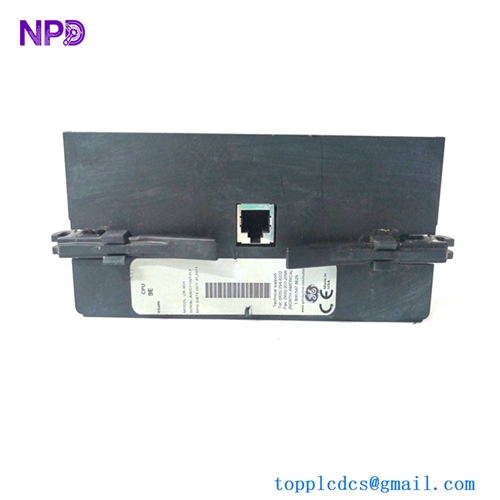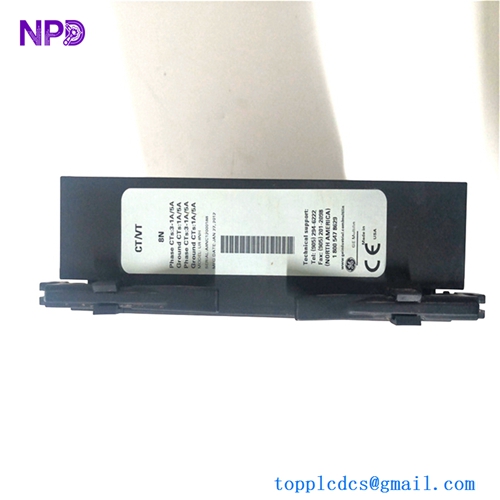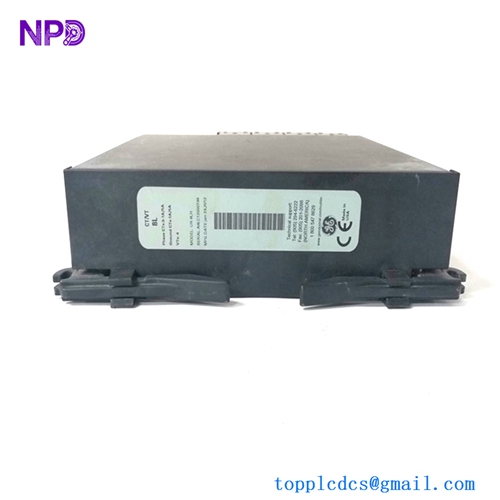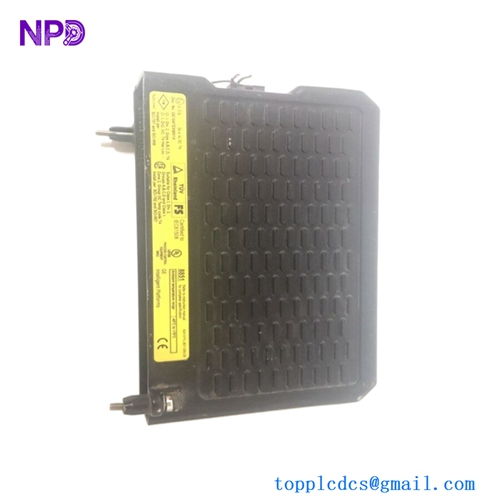

Description
- Models:
- IC660BBD101: 24 VDC Genius I/O Discrete Input/Output Block
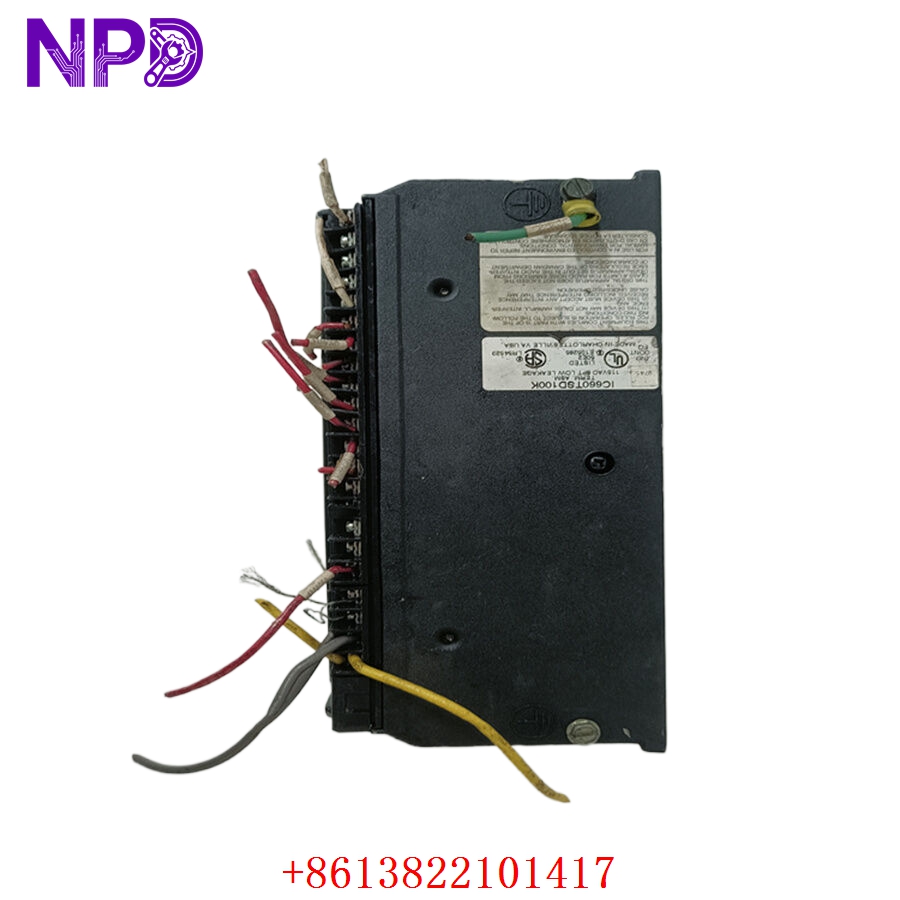
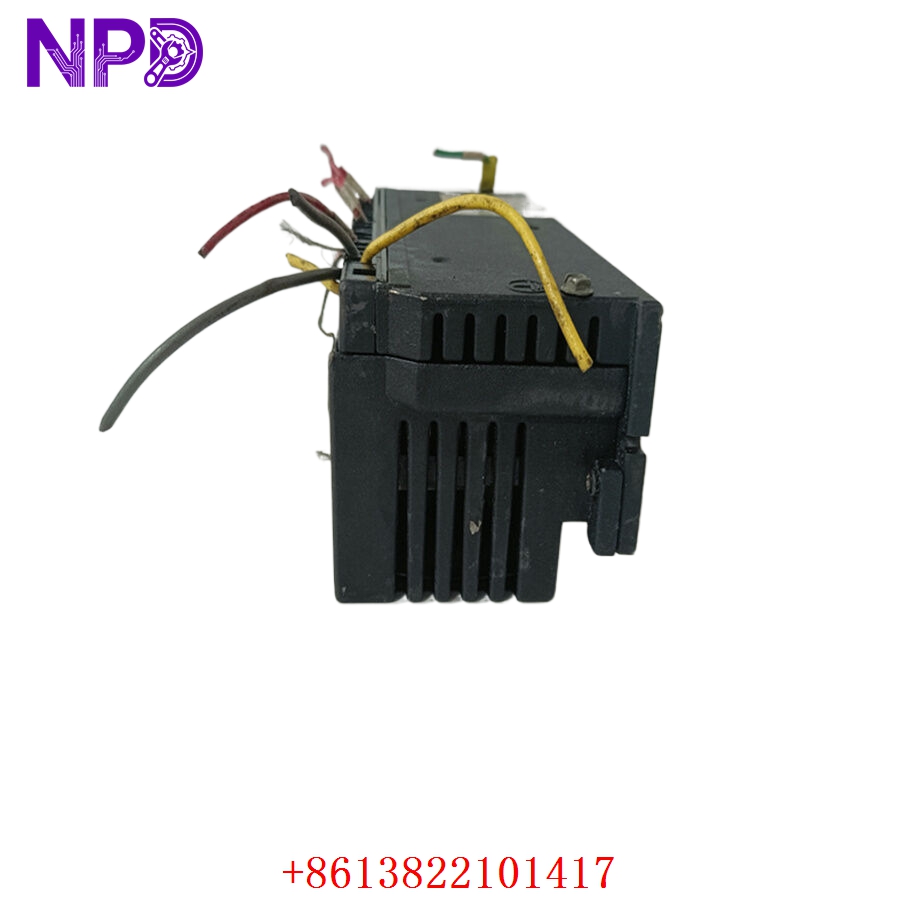
- IC660TSD100: Connector/Terminal Assembly (Base) for Genius I/O blocks
- Brand: GE Fanuc (General Electric)
- Series: Genius I/O System
- Core Function: The BBD101 provides 16 discrete I/O points (configurable as inputs or outputs) for high-speed industrial control, while the TSD100 serves as the necessary field-wiring interface base.
IC660BBD101 (I/O Block)
- Voltage Range: 24 V DC (Nominal).
- Points: 16 discrete points (Electronically configurable as Input or Output).
- Communication: Genius Bus (Dual-redundant serial communication).
- Diagnostics: Built-in fault detection (Loss of communication, load failure, open wire/short circuit reporting).
- Mounting: Attaches to the TSD100 terminal base.
IC660TSD100 (Terminal Assembly)
- Type: Standard terminal assembly for Genius I/O blocks.
- Interface: Provides physical screw terminals for field wiring and a backplane connection to the I/O block.
- Function: Allows for block replacement without disconnecting field wiring (the “Hot-Swap” capability provided the bus is managed).
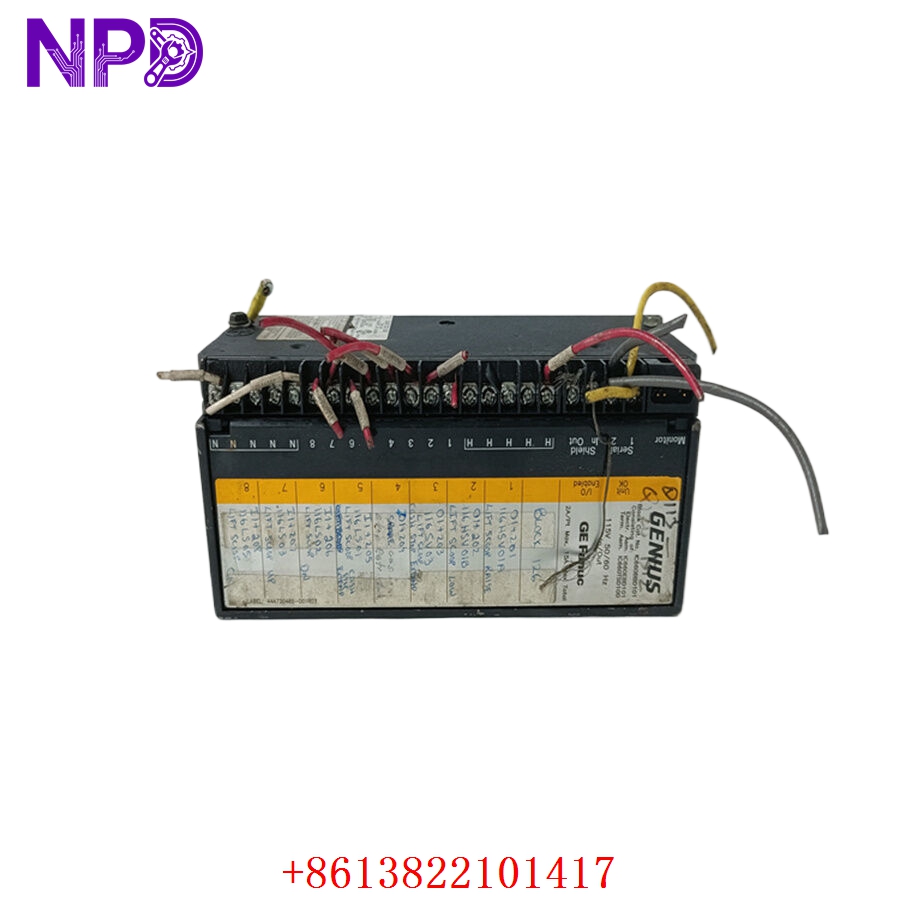
GE IC660BBD101 IC660TSD100
Engineering & Application Context
The On-Site Reality
The Genius I/O system, featuring the IC660BBD101, was designed to reduce cabling complexity by moving the I/O processing closer to the sensors and actuators. The IC660TSD100 base is critical because it stays permanently wired to the control cabinet or field junction box. If the I/O block fails, you simply unlatch the block from the terminal base, replace it, and resume operation, significantly reducing downtime.
Typical Deployment Scenarios
- Distributed Control: Common in water treatment plants, paper mills, and manufacturing lines to consolidate discrete signals.
- Interlock Chains: Managing safety sensors, limit switches, and small motor starter coils.
- Fault Detection: Utilizing the Genius Bus capability to report specific wire breaks or load faults directly to the HMI/PLC.
Troubleshooting Quick Reference
❗ SAFETY FIRST: Always isolate the 24 V DC power source before removing the block from the TSD100 base.
- Block Communication Failure: Check the “Bus OK” LED. If it is off or flashing amber/red, verify the bus cable integrity. Ensure 120-ohm termination resistors are present at both ends of the Genius bus segment.
- I/O Point Not Responding: Ensure the software configuration (in the PLC/Genius Bus Controller) matches the physical address set on the BBD101 rotary switches.
- Terminal Base Issues: If the block is “dead” despite verified power, check the pins on the back of the IC660BBD101 and the corresponding sockets on the IC660TSD100 for oxidation or bent pins caused by improper seating.
- Diagnostics: Use the handheld monitor or the PLC diagnostic port to read the “Fault Type.” Genius blocks are excellent at distinguishing between a loss of field power and a block-internal failure.
Migration & Replacement Strategy
- Rotary Switch Settings: Before installing the new IC660BBD101, ensure the rotary switches (Address and Baud Rate) exactly mirror the settings of the removed unit.
- Terminal Base Inspection: When swapping the block, take a moment to look at the IC660TSD100. If the screw terminals are loose or if there is dust/corrosion inside the connector pins, use a contact cleaner before mounting the new block.
- Firmware Compatibility: While most Genius I/O blocks are backward compatible, ensure that your Bus Controller supports the configuration version of the block you are installing.