Description
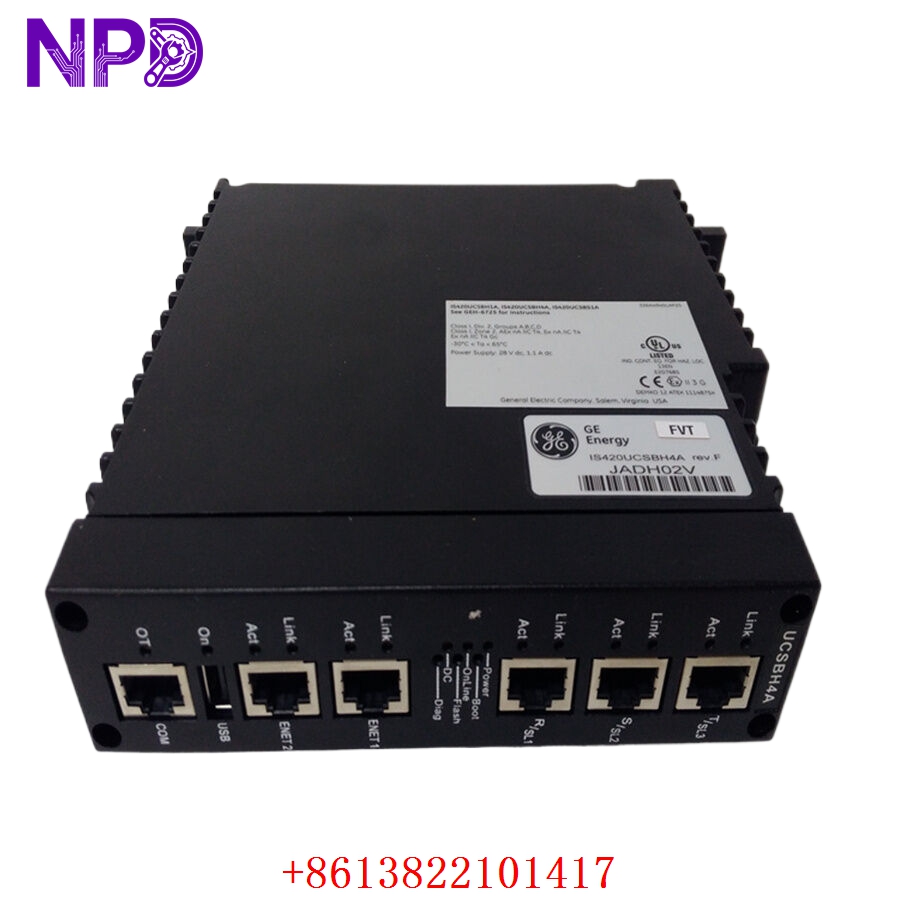
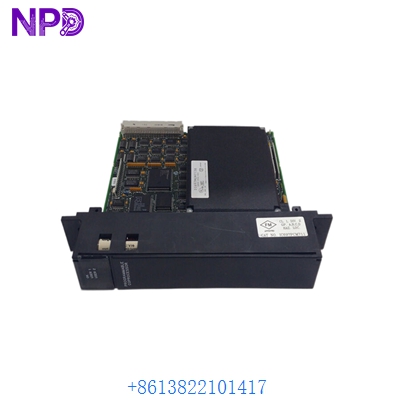
- 🔢 Model: IC693DNM200
- 🏢 Brand: GE Fanuc (GE Intelligent Platforms)
- ⛓️ Series: 90-30 PLC Series
- 💡 Core Function: DeviceNet Master scanner module for high-speed industrial networking
- 🛠️ Type: Communications Module
- ⚡ Key Specs: Supports up to 63 DeviceNet nodes, 500 kbps data rate
- 📡 Network: DeviceNet Master (Scanner)
- 🔌 Bus Power: 24 V DC (for module and network power requirements)
- ⏱️ Scan Rate: Configurable via PLC logic
- 🌡️ Operating Temp: 0°C to 60°C
- 🔩 Mounting Type: GE 90-30 PLC Baseplate
- 🛡️ Protection Rating: IP20
- 💡 Status Indicators: Network Status, Module Status, I/O LEDs
- 🛠️ Configuration: GE Logic Developer / VersaPro software compatible
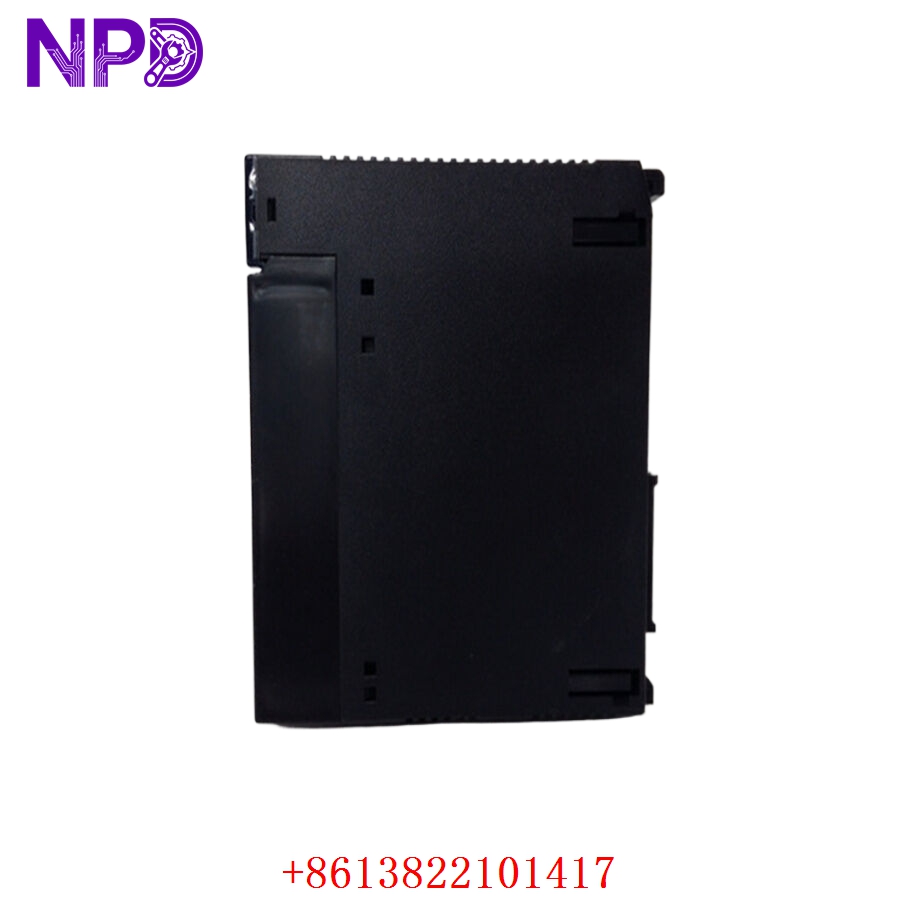
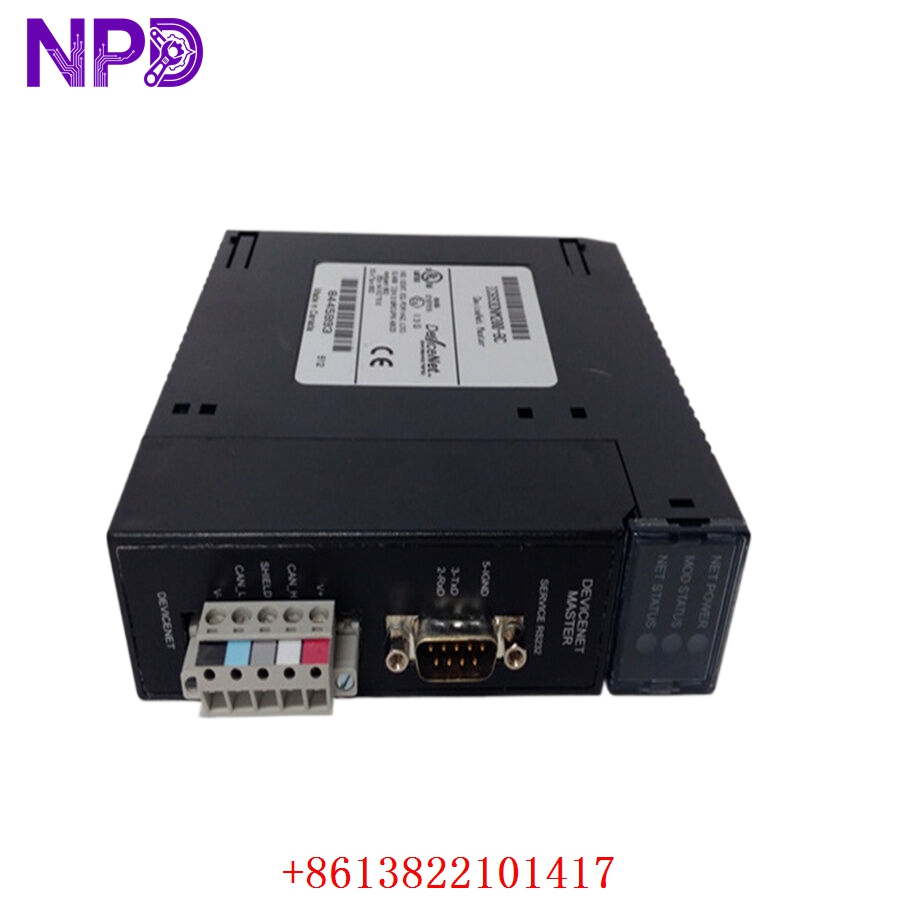
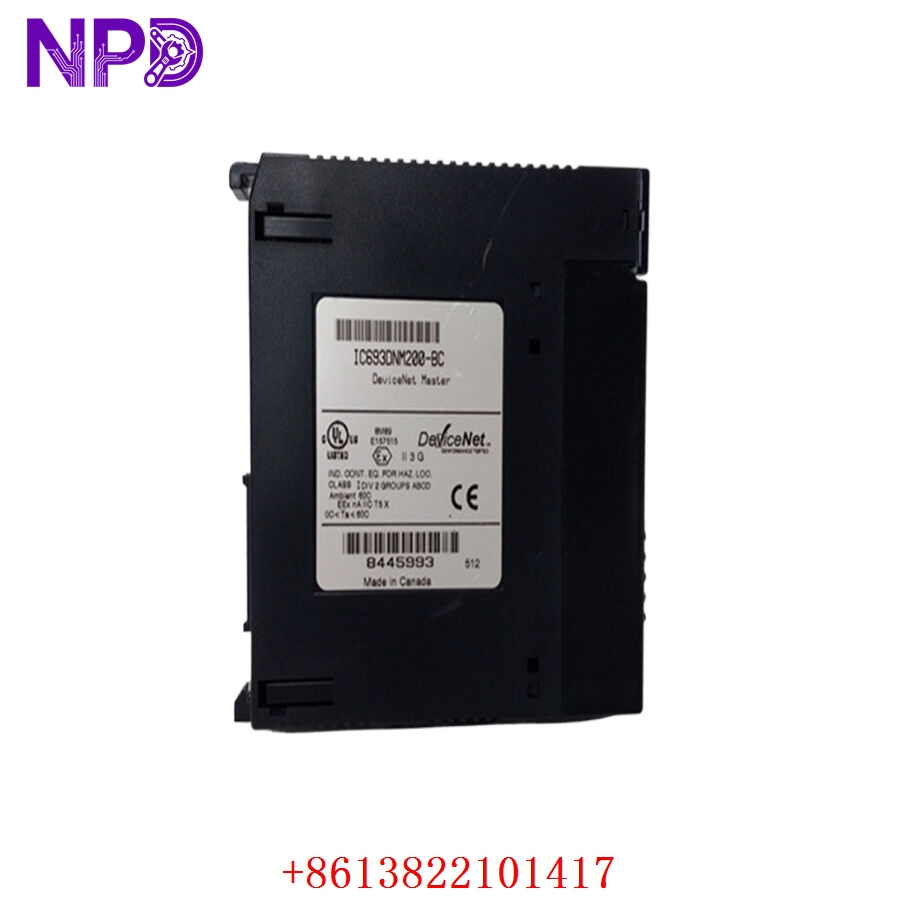
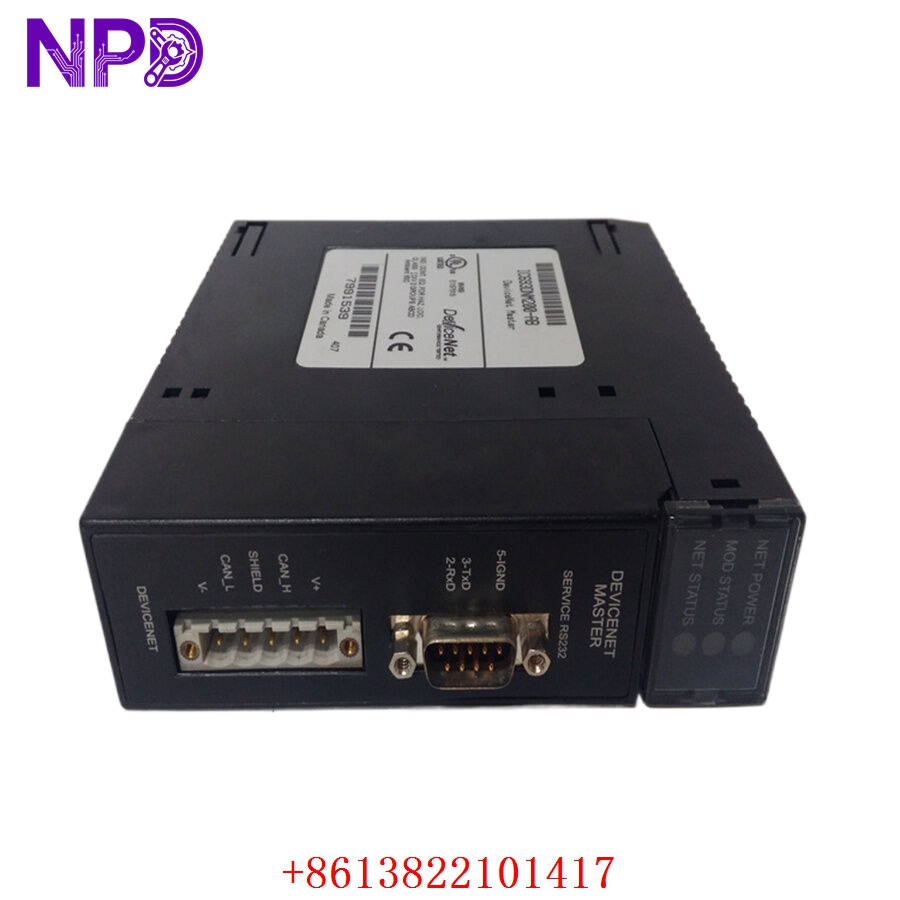
GE IC693DNM200
Installation & Configuration Guide
Phase 1: Preparation (15 mins)
⚠️ Safety First:
- Power down the 90-30 PLC rack. Never insert or remove modules while the backplane is energized to avoid shorting the bus.
- 🧤 Use an anti-static wrist strap; DeviceNet interface circuitry is sensitive to ESD.
- Verify the DeviceNet cable trunk line has 120 Ω termination resistors at both ends.
Phase 2: Installation (20 mins)
- 📸 Record Settings: Before removing an existing module, ensure you have a backup of your PLC project containing the I/O configuration for this slot.
- 🔩 Detachment: Release the top and bottom locking levers on the module. Pull the unit straight out of the 90-30 slot.
- 📥 Insertion: Align the module in the guide rails of the designated PLC slot. Push firmly until the backplane connector is fully seated. Lock the levers.
- 🔌 Wiring: Connect the 5-pin DeviceNet “Phoenix” style connector. Ensure the shield (drain wire) is grounded correctly according to your network topology.
Phase 3: Testing & Commissioning (15 mins)
- 🟢 Power-Up: Apply power to the rack. The Module Status LED should be solid green after the boot cycle.
- 📡 Network Handshake: If the Network Status LED is blinking or red, verify that the DeviceNet baud rate (125k, 250k, or 500k) matches your network nodes.
- 🔄 Mapping: Use your configuration software to verify the I/O mapping. Ensure the PLC memory addresses assigned to the scanner match your field device requirements.
- 🩺 Diagnostics: If communication fails, check for duplicate node addresses (MAC IDs) on the network.
Customer Cases & Industry Applications
Case: Legacy DeviceNet Network Recovery
- Situation: A beverage bottling plant utilized the IC693DNM200 to manage over 30 sensor nodes on a high-speed conveyor system.
- Task: An internal module failure caused a network-wide “Bus Off” error, halting production.
- Action: We supplied a New Surplus unit that had been factory-tested for DeviceNet protocol stability.
- Result: Because the hardware was a direct match, the maintenance team swapped the module and restored the PLC configuration in under 30 minutes. Avoiding a system-wide upgrade saved the plant an estimated 3 days of downtime and significant integration labor.
Frequently Asked Questions (FAQ)
Q: Is the IC693DNM200 compatible with newer PLC racks? A: This module is specifically designed for the GE 90-30 series. It will not function in 90-70 or RX3i series backplanes.
Q: What if the “Module Status” LED is red? A: A red Module Status light indicates an internal hardware failure. Try re-seating the module in the backplane. If the light remains red after a power cycle, the internal processor has likely failed and requires replacement.
Q: Can I use this for non-GE devices? A: Yes. The IC693DNM200 is a standard DeviceNet Master. It can communicate with any DeviceNet-compliant slave device (VFDs, sensors, valves) regardless of the manufacturer, provided the correct EDS (Electronic Data Sheet) files are used in your project.
Q: Is the unit new? A: We provide New Surplus modules. These are original GE Fanuc production units, not repaired or refurbished. Given the role of a network master, we prioritize hardware integrity to prevent intermittent communication drops that are notoriously difficult to troubleshoot.