Description
The GE IS230SNIDH1A is a high-density Discrete Input (SNID) pack utilized within the GE Mark VIe Distributed Control System. This module acts as an intelligent interface between field-level digital devices and the Mark VIe I/O network, designed to capture 24 discrete input signals. The SNID pack is optimized for industrial applications where precise, reliable binary status monitoring is required, such as detecting the state of limit switches, emergency shutdown buttons, or relay contactors. It features advanced diagnostic capabilities, providing real-time feedback on input health and network communication status, ensuring maximum uptime for complex turbine and power generation controls.
Product Specifications
- Model Number: IS230SNIDH1A
- Manufacturer: GE (General Electric / Emerson)
- Product Series: Mark VIe Control System
- Function: Discrete Input Pack (SNID)
- Dimensions: 130 mm x 100 mm x 45 mm
- Weight: 0.48 kg (1.06 lbs)
- Country of Origin: United States (USA)
- Number of Channels: 24 discrete input channels
- Input Voltage: 24V DC (nominal)
- Communication: Ethernet (I/O Network / IONet)
- Diagnostic Features: Ground fault detection, input state verification, and loop health monitoring
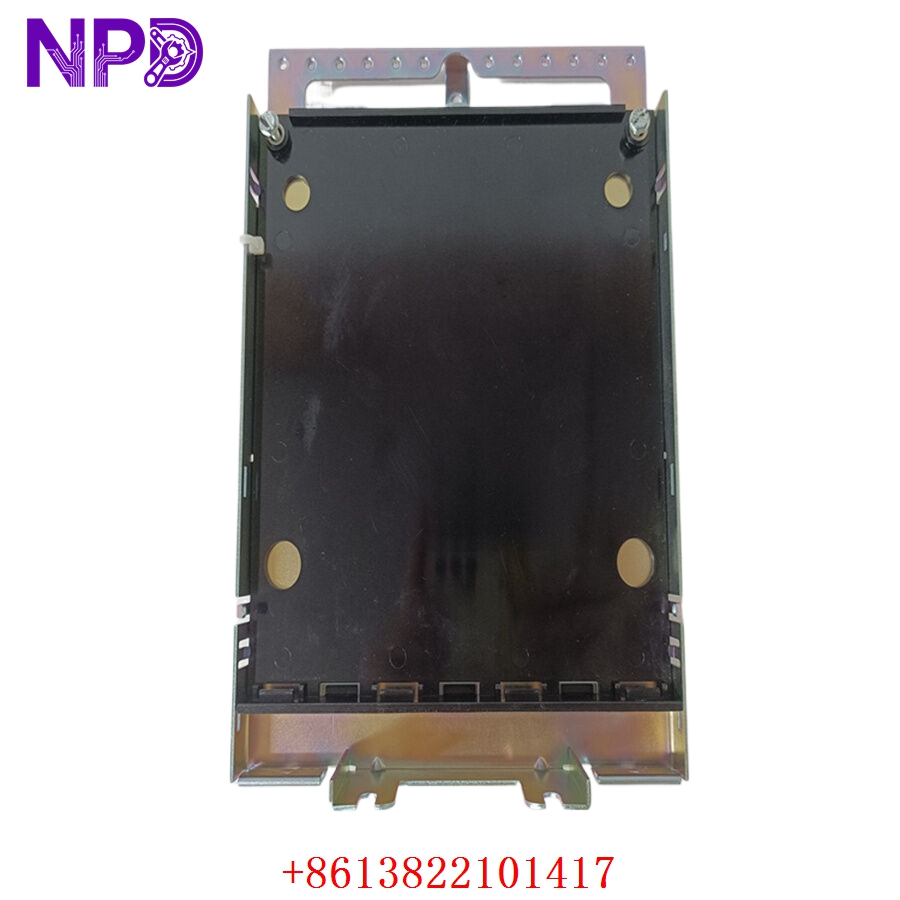
GE IS230SNIDH1A
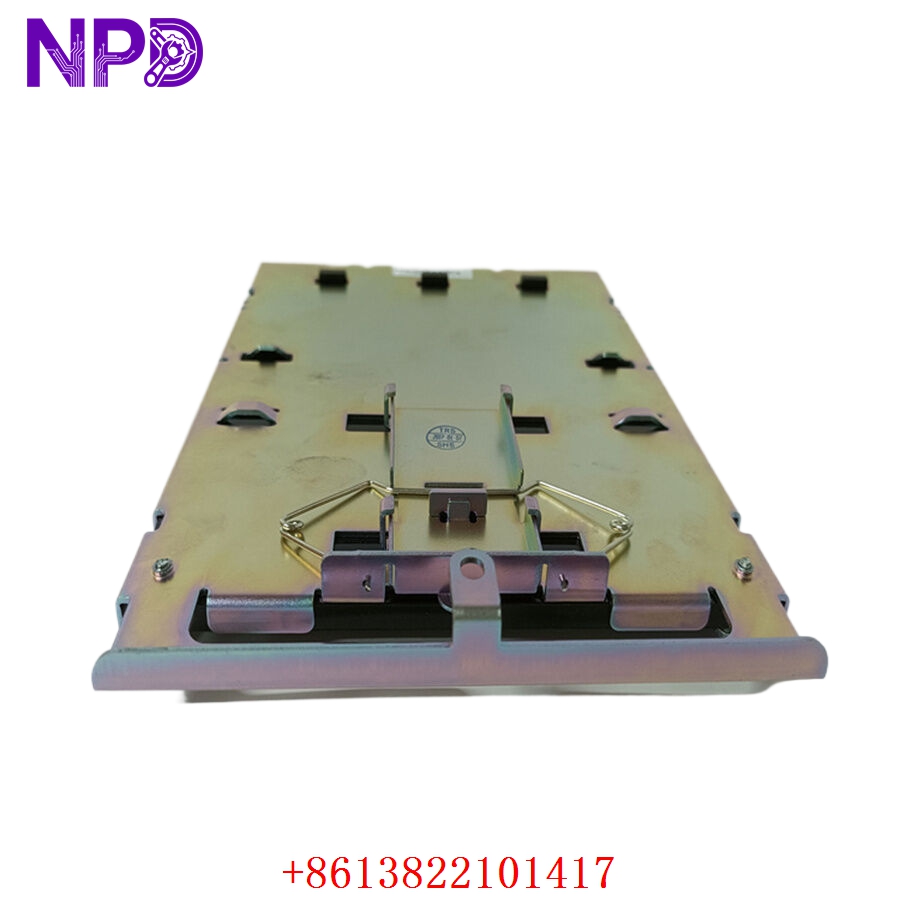
GE IS230SNIDH1A
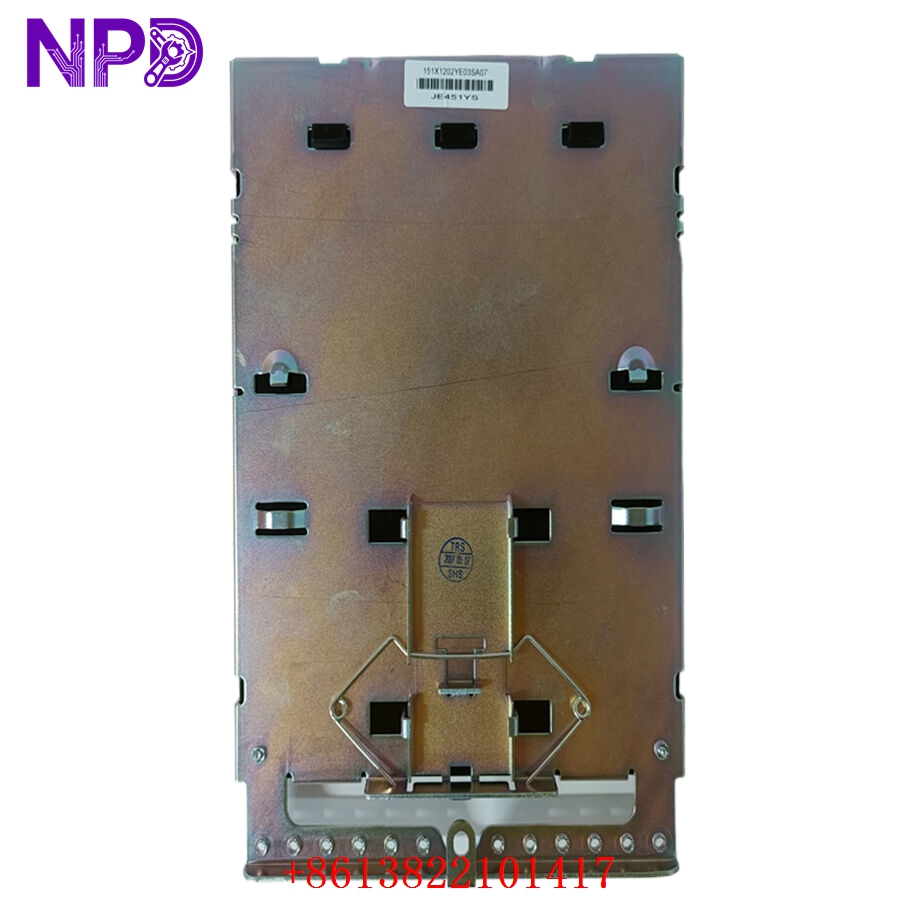
GE IS230SNIDH1A
Applications
- Turbine Governing Systems: Monitors critical valve positions, trip signal feedbacks, and system interlock status in steam and gas turbine operations.
- Power Plant Sequence Control: Aggregates status signals from auxiliary support equipment, ensuring correct startup/shutdown sequencing of pumps, fans, and compressors.
- Safety Instrumented Systems (SIS): Provides reliable input state detection for emergency stop loops and protective relay status monitoring.
- Industrial Monitoring: Used in high-availability manufacturing environments to interface with extensive arrays of proximity and mechanical switches.
Product Usage Instructions
- Installation: Ensure the associated terminal board is properly mounted and wired. Align the IS230SNIDH1A pack with the terminal board connectors and press it securely into place. Fasten the captive screws to ensure a vibration-proof connection and maintain the module’s ground continuity.
- Wiring and Termination: Field signals should be wired to the associated terminal board (e.g., STBN or STBA). Since the SNID is a 24V DC input module, ensure the field power source is properly regulated and that input polarity is observed to avoid signal misreadings.
- Software Integration: Use the ControlST (ToolboxST) configuration suite to map the module. Once added to the I/O tree, assign signal names to each of the 24 channels and define the required debounce timing—the time an input must remain in a specific state before the processor registers the change—to filter out contact chatter.
- Status Monitoring: The module faceplate includes LED indicators for network connectivity (Link) and module status (Status). Green indicates normal operation, while red or flashing yellow signals typically indicate an internal fault, configuration mismatch, or lost Ethernet heartbeat.
Frequently Asked Questions (Q&A)
- Q: Is the IS230SNIDH1A module hot-swappable? A: Yes, it is fully hot-swappable. You can replace the module while the system is powered and running, provided the control configuration supports the specific I/O mapping. Always follow your facility’s safety protocols before removing any module.
- Q: What is the main difference between the SNIDH1A and other discrete input modules? A: The SNID (Discrete Input Pack) is part of the newer generation of Mark VIe I/O packs. It offers integrated diagnostic intelligence, such as improved ground fault detection and higher channel density compared to some legacy Mark VI or older Mark VIe input modules.
- Q: Can this module detect ground faults in the field wiring? A: Yes, the SNID pack features integrated ground fault monitoring. If a field circuit experiences a short to ground, the module can flag this as a diagnostic alarm in the ToolboxST system, significantly speeding up troubleshooting for field cabling issues.
- Q: What should I do if my module indicates a “Configuration Mismatch”? A: This usually happens after a module replacement. In ToolboxST, verify that the version of the replacement pack matches the firmware requirements of your controller’s project. You may need to perform a “Download” operation to sync the current project settings with the new module’s non-volatile memory.