Description
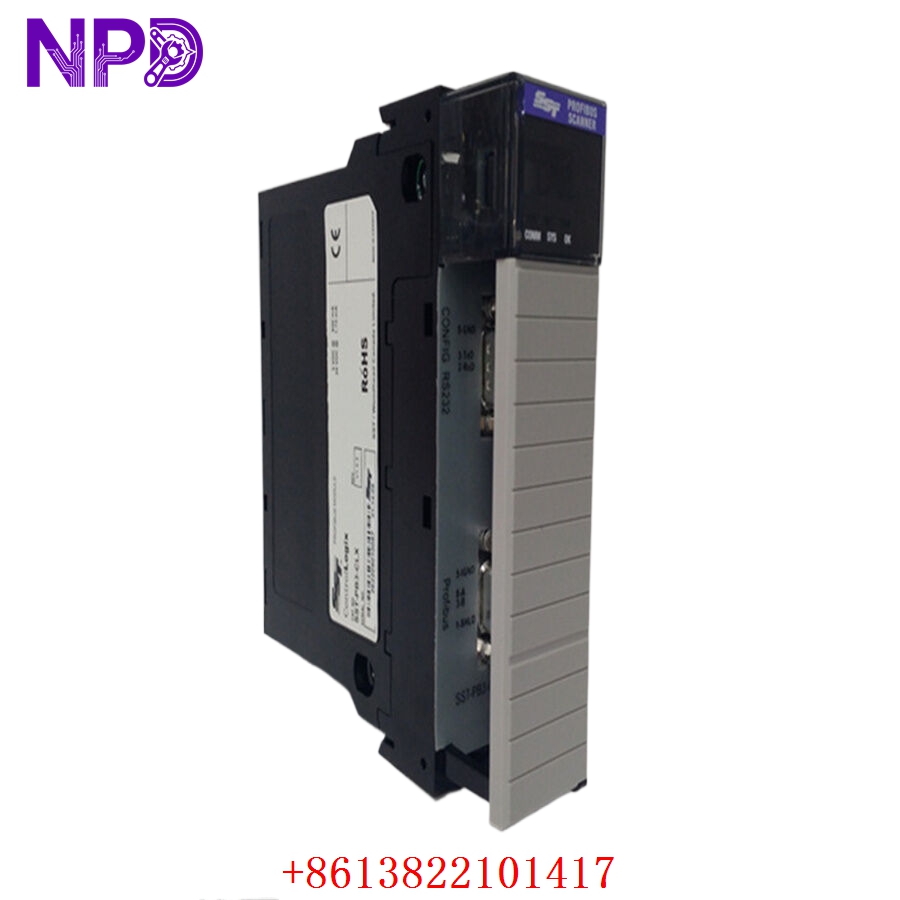
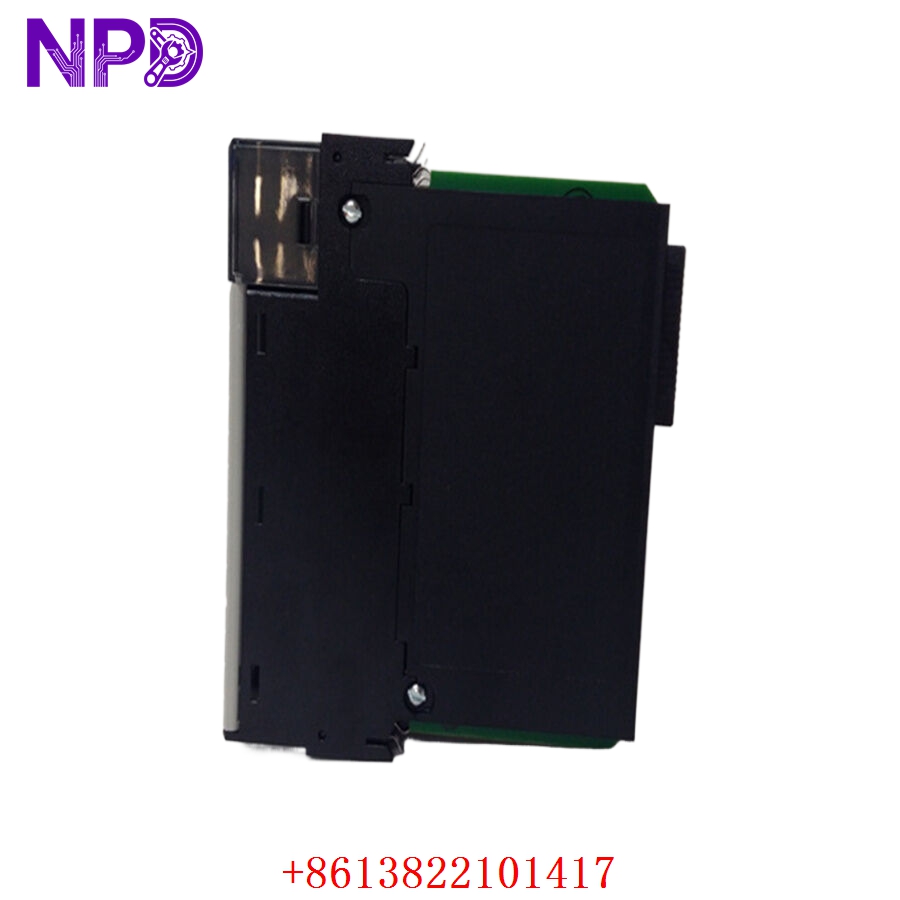
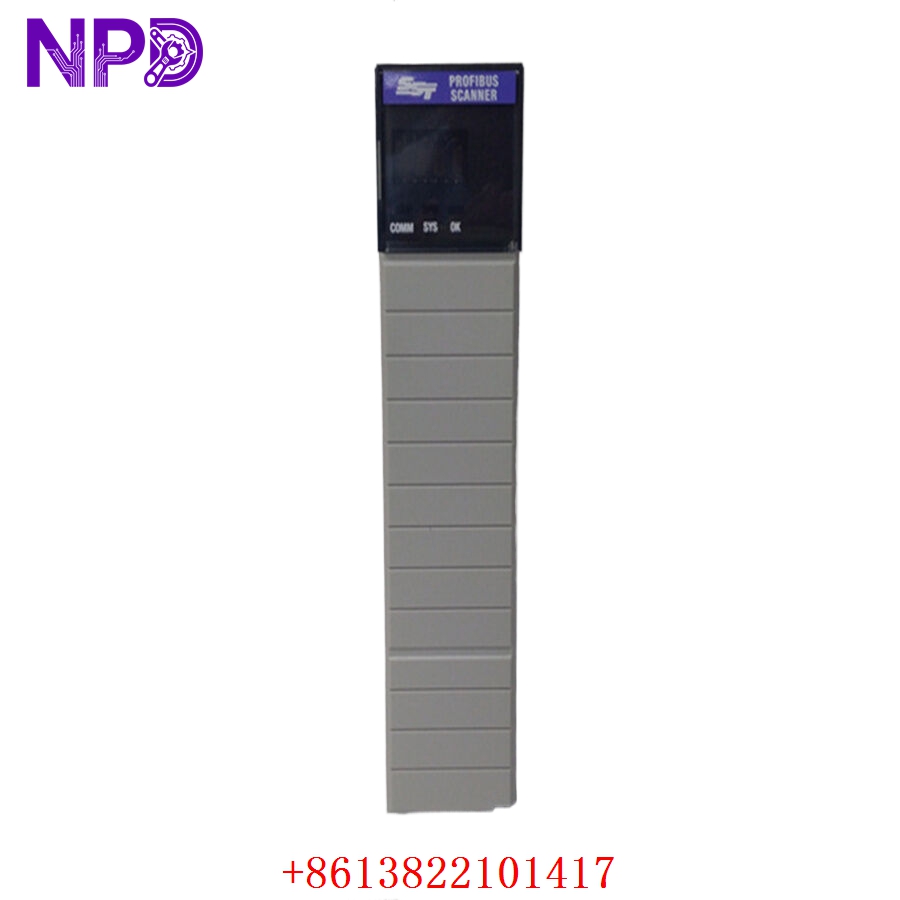
- 🔢 Model: SST-PB3-CLX
- 🏢 Brand: Molex (formerly SST)
- ⛓️ Series: SST™ Profibus Communication Module
- 💡 Core Function: High-performance Profibus DP Master/Slave scanner for Allen-Bradley ControlLogix platforms
- 🛠️ Type: Communication Module (ControlLogix In-Rack)
- ⚡ Key Specs: Supports PROFIBUS DP-V0 and DP-V1, dual-port capability
- 🖥️ Platform: Allen-Bradley ControlLogix (Fits into standard 1756 Chassis)
- 📡 Network: Profibus DP (Master/Slave)
- ⚡ Power Consumption: 1.2 A @ 5 V DC (backplane powered)
- 🌡️ Operating Temp: 0°C to 60°C
- 🛡️ Protection Rating: IP20
- 💡 Status Indicators: Network, Module, and Comm LEDs for real-time diagnostics
- 🛠️ Configuration: Compatible with Molex SST Profibus Configuration Software
- 🔩 Connector: 9-pin D-sub (Profibus)
Installation & Configuration Guide
Phase 1: Preparation (20 mins)
⚠️ Safety First:
- Power down the ControlLogix chassis before installation.
- 🧤 Use an anti-static wrist strap; the backplane connector pins are sensitive to ESD.
- Verify the Profibus network termination (120 Ω resistors at both ends of the segment) is intact.
Phase 2: Installation (20 mins)
- 📥 Mounting: Align the SST-PB3-CLX with the 1756 chassis guide rails. Slide the module in until it clicks into the backplane.
- 🔩 Secure: Tighten the front panel mounting screws to ensure the module is fully seated and properly grounded.
- 🔌 Wiring: Connect the Profibus cable to the D-sub connector. Use high-quality, shielded Profibus cable to avoid interference.
Phase 3: Testing & Configuration (30 mins)
- 🟢 Power-Up: Apply power to the chassis. The “Module” LED should flash and then turn solid green.
- 💻 Software Integration:
- Install the SST Profibus Configuration Tool.
- Create a new project, select the PB3-CLX module, and import the GSD files for your Profibus slave devices.
- 🔄 Mapping: Map the Profibus I/O data to the ControlLogix tag database.
- 🩺 Validation: Check the “Network” LED. Solid green indicates communication with slaves is active. If blinking, verify your node addresses and baud rate settings.
Customer Cases & Industry Applications
Case: ControlLogix Network Integration
- Situation: An automotive parts manufacturer needed to connect legacy Profibus-based robotics to a modern Rockwell ControlLogix controller.
- Task: Seamlessly integrate the Profibus fieldbus into the existing PLC architecture without replacing the robots.
- Action: We supplied the SST-PB3-CLX module. Because the module is designed specifically for the 1756 backplane, it appeared as an “I/O module” to the ControlLogix processor.
- Result: The engineering team successfully mapped the Profibus data directly into their PLC tags. This avoided a total control system rip-and-replace, keeping the production line budget-neutral while modernizing the main processor.
Frequently Asked Questions (FAQ)
Q: Can I use this in an 1756-A17 chassis? A: Yes, the SST-PB3-CLX is mechanically and electrically compatible with all standard 1756-A Series ControlLogix chassis.
Q: Is the SST Profibus Configuration Tool free? A: Yes, it is typically provided by Molex/SST to support the hardware. You can download it from the official Molex support portal.
Q: My “Module” LED is solid red—what does that mean? A: This usually indicates an internal hardware fault or a backplane communication error. Try re-seating the module. If it persists, ensure your ControlLogix backplane power supply has sufficient current capacity (the PB3-CLX consumes 1.2 A).
Q: Can this act as a Profibus Slave? A: Yes, the module supports both Profibus Master and Slave modes. You can configure this selection within the SST Profibus Configuration Tool.
Q: Is this unit new? A: We provide New Surplus modules. These are unused, factory-original parts. We avoid refurbished units for communication modules to ensure the signal integrity and bus stability required by industrial automation systems.