Description
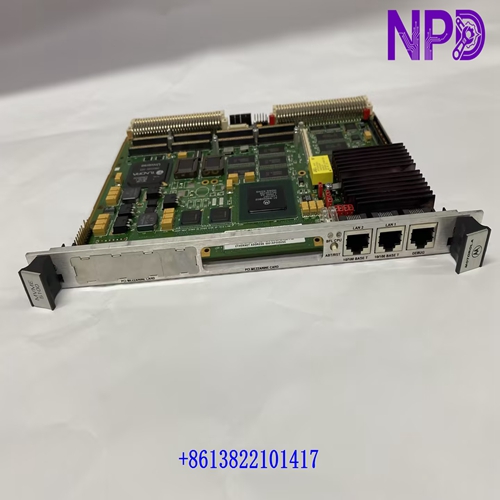
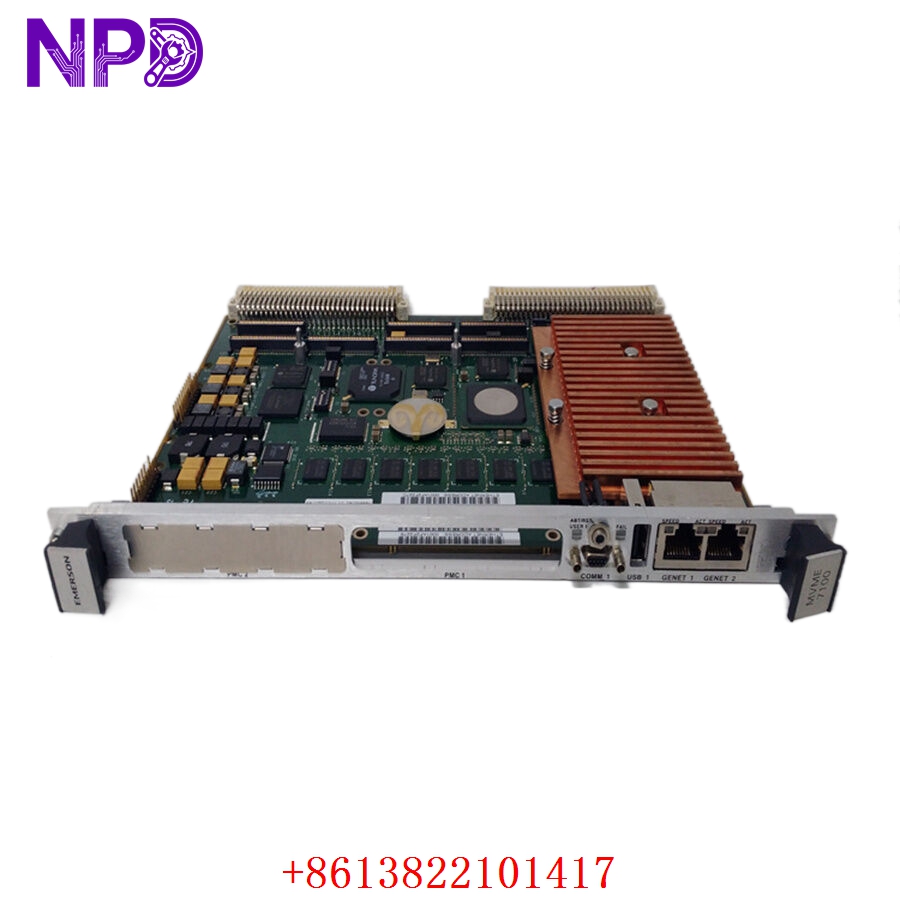
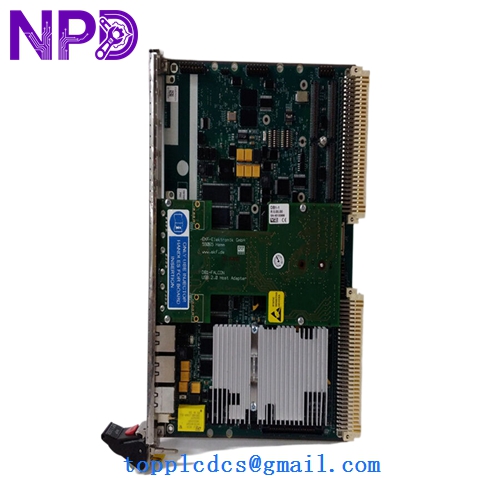
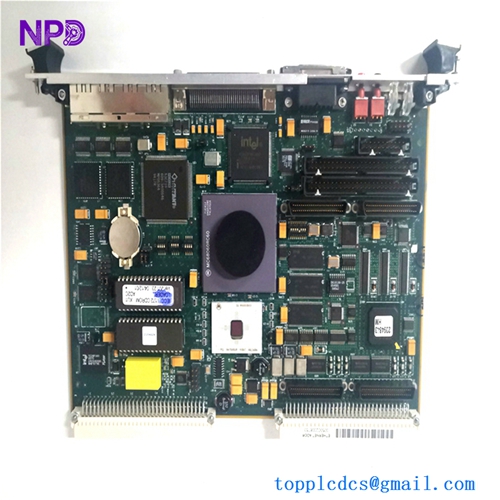
Model: MVME5500
· Brand: Motorola (now Artesyn/Advanced Energy)
· Series: VMEbus Single Board Computer (SBC)
· Core Function: ⚙️ High-performance processing and control for VME-based industrial/military systems
· Product Type: 📟 VME Single Board Computer (CPU)
· Key Specs: 🛠️ PowerPC MPC7457 processor, dual Gigabit Ethernet, PCI-X expansion, PMC slots
- Processor: PowerPC MPC7457 @ 1.0 GHz (high-performance G4 core)
- Memory: Up to 1 GB DDR ECC SDRAM
- Communication: Dual 10/100/1000 Mbps Ethernet ports
- Expansion: Two PMC (PCI Mezzanine Card) sites for custom I/O
- Bus Interface: VME64 Extensions (VME64x)
- OS Support: VxWorks, Linux, QNX, and LynxOS
- Operating Temp: Standard 0 °C to 55 °C (Rugged versions available)
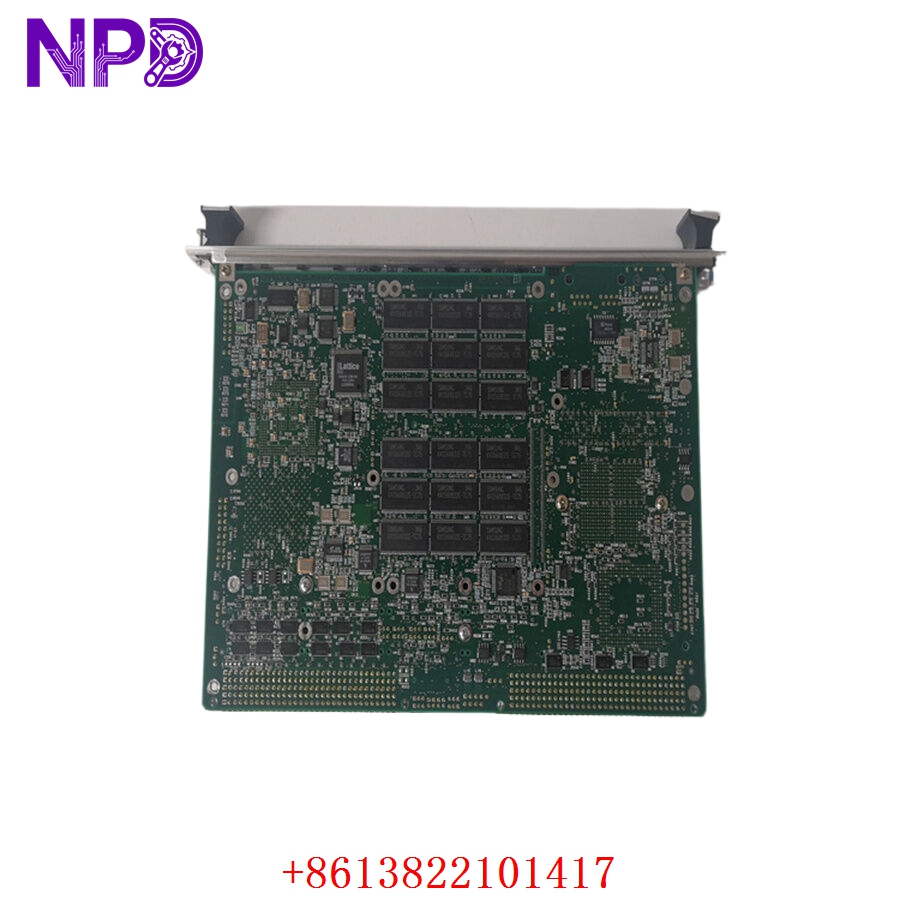
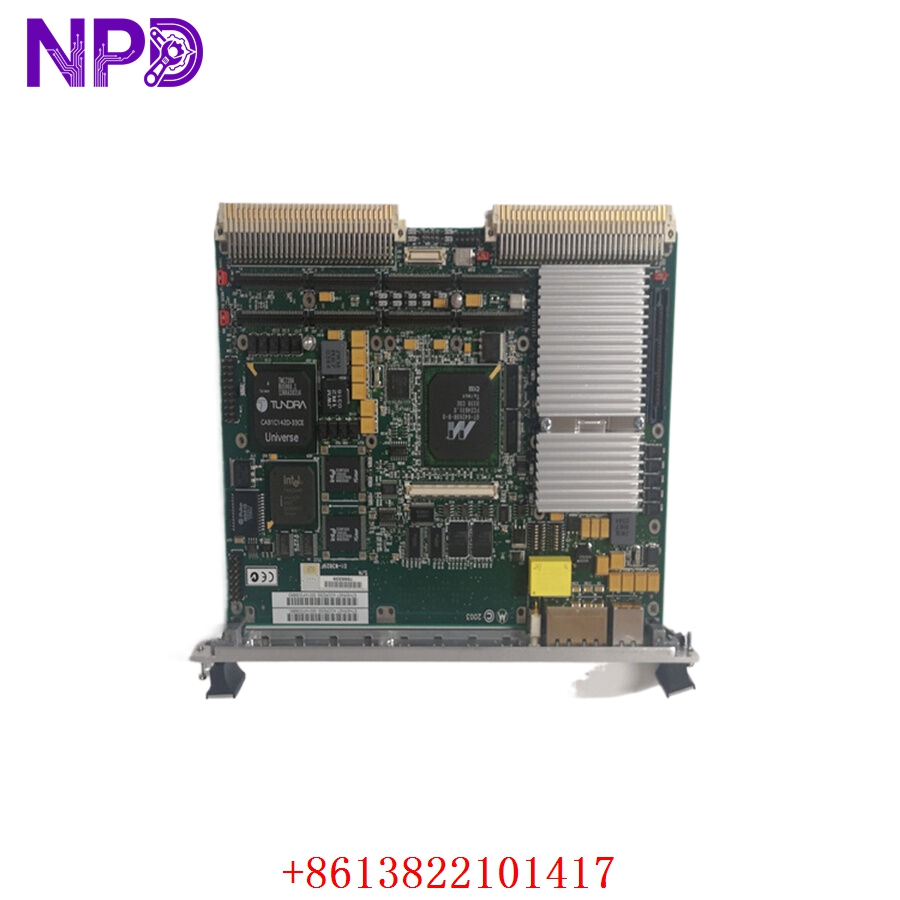
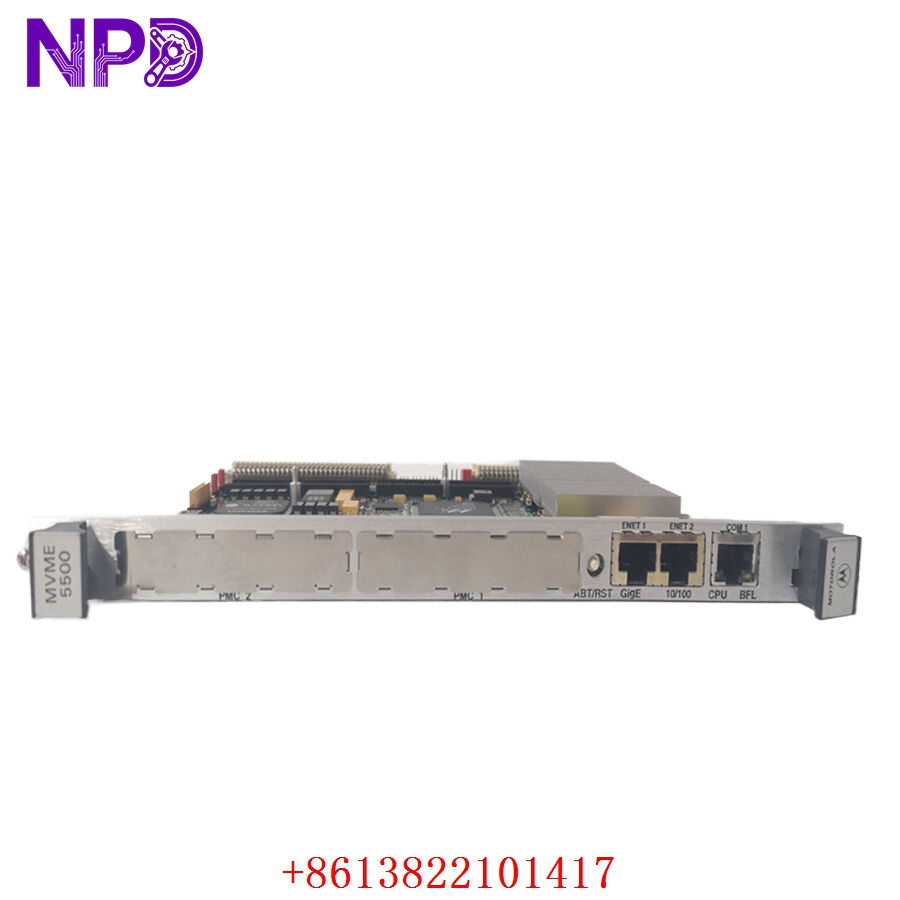
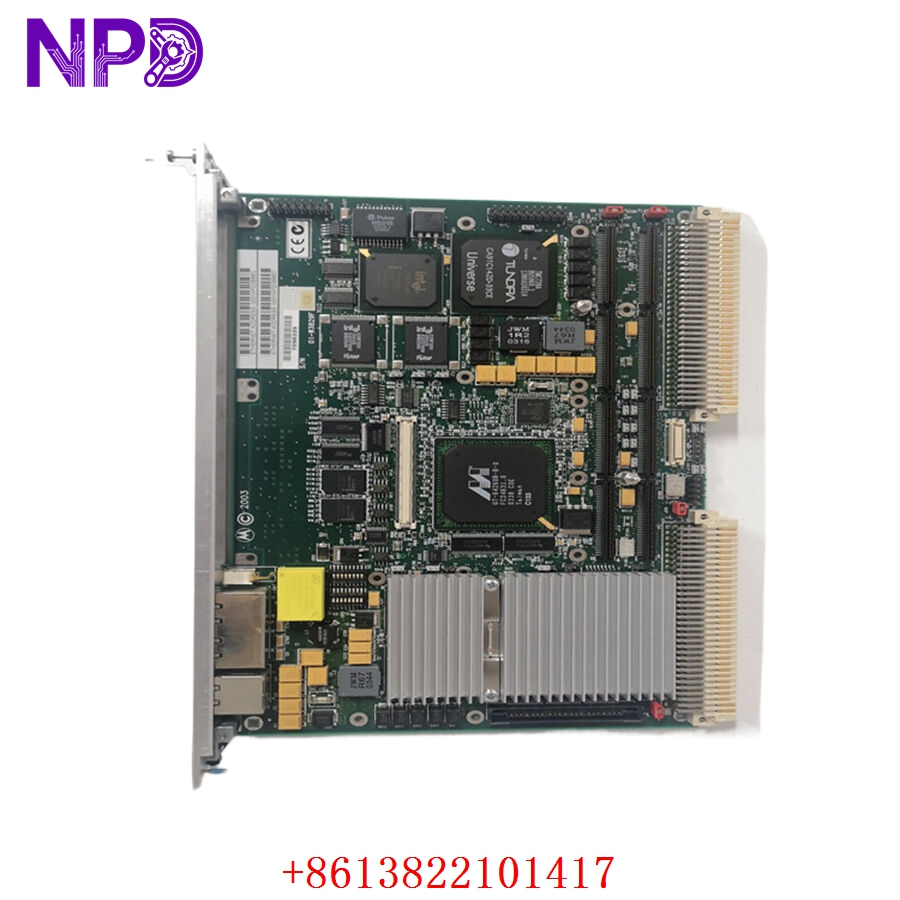
Application Scenarios & Engineering Insights
The MVME5500 is a legendary VME board, famous for its reliability in mission-critical applications. Because these boards are often running legacy real-time operating systems (RTOS), the primary challenge is component aging. Specifically, the electrolytic capacitors and the real-time clock (RTC) battery. If your system is failing to retain BIOS settings or “hanging” during boot, check the RTC battery voltage—if it drops below 2.8 V, the board may default to a configuration that is incompatible with your system setup.
Typical Use Cases:
- Defense & Aerospace – Radar/Sonar Processing
Handling high-speed signal processing tasks in legacy defense platforms.
- Scientific Research – Particle Accelerators
Providing robust timing and control logic for beamline diagnostic hardware.
- Heavy Industrial – Automated Test Equipment (ATE)
Coordinating complex, high-speed automated testing sequences where VMEbus remains the backbone.
Troubleshooting Pro-Tip:
When upgrading or replacing, ensure the Jumper/Switch settings on the new board are identical to the old one. The MVME5500 uses a complex set of onboard jumpers to configure VME system controller functions, baud rates, and boot device priorities. An incorrect jumper setting is the most common cause of a “silent” boot failure.
Compatible Replacement Models
| Original Model | Replacement | Compatibility | Difference |
| MVME5500 | MVME5500-0163 | ✅ Direct | Standard variant; check RAM/PMC config |
| MVME5500 | MVME6100 | ⚠️ Migration | Faster; may require kernel rebuild |
| MVME5500 | Modern VME SBC | ❌ Modification | Requires software/BSP porting |
Note: Since the software (BSP) for the MVME5500 is often highly customized, the most cost-effective path is always to source the exact MVME5500 variant. A “drop-in” upgrade to a newer board usually involves weeks of software re-engineering.
Troubleshooting Quick Reference
| Symptom | Probable Cause | Action |
| No “Power” LED | VME backplane power issue | Verify +5V / +3.3V power on the VME rack |
| Board “Hangs” at Boot | RTC battery failure / BIOS loss | Replace battery; reset BIOS defaults |
| Ethernet Link Down | Driver/Link mismatch | Check boot-loader settings; verify network cable |
| PCI/PMC Timeout | Seating issue | Reseat board; clean edge connectors |
Safety Warning: VMEbus cards are sensitive to ESD. Always use a wrist strap and ensure the board is handled by the edges when installing into a rack. Ensure the VME rack power is OFF before insertion to prevent shorting the backplane pins during the seating process.