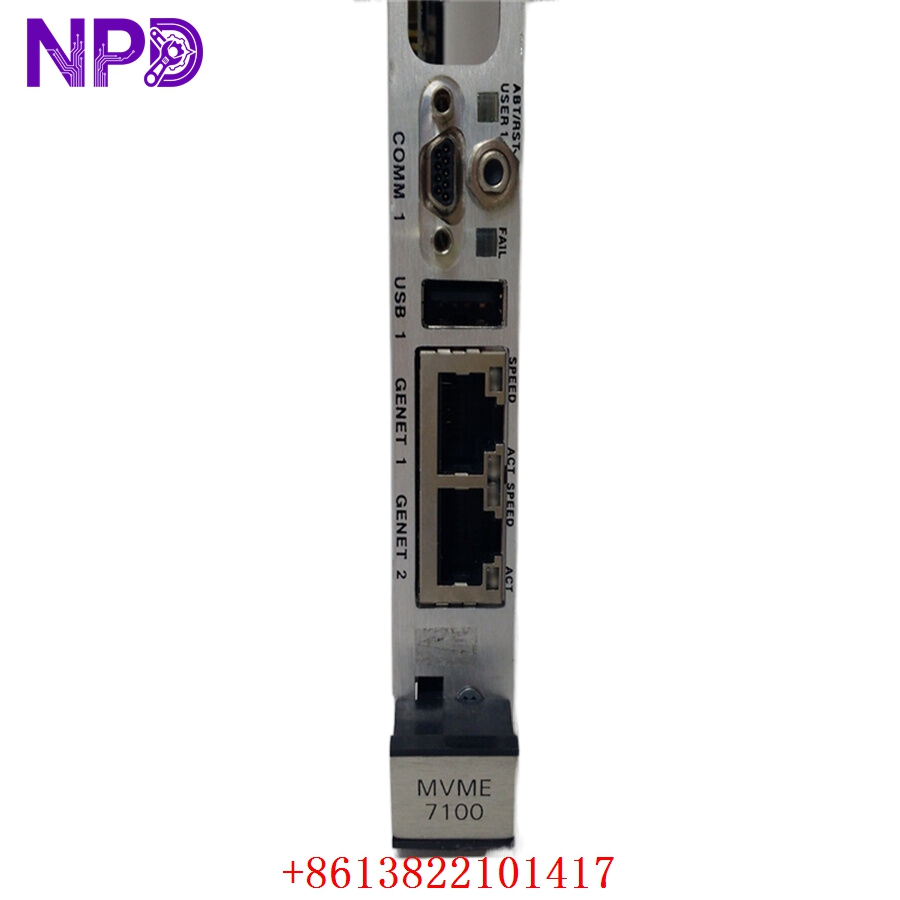

Description
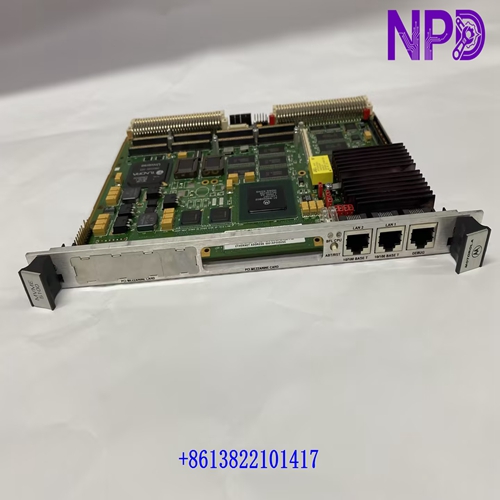
- Model: MVME7100 (Specifically variants like -0161, -0163)
- Brand: Motorola / Emerson / Artesyn / SMART Embedded (Product lineage)
- Series: MVME7100 High-Performance VMEbus SBC
- Core Function: High-end System-on-Chip (SoC) computing for VME64 systems
- Product Type: Single Board Computer (SBC)
- Key Specs: PowerPC MPC8548 1.3GHz Up to 2GB DDR2 RAM Dual PMC/XMC slots
- Processor: Freescale (NXP) MPC8548 Dual-Core PowerPC at 1.3 GHz
- Memory: 1 GB or 2 GB ECC DDR2-533 RAM (Model dependent)
- Flash: 512 MB NAND Flash + 8 MB NOR Flash
- VME Interface: Tsi148 VME-to-PCI-X Bridge (Supports VME64 & 2eSST)
- Ethernet: 3x 10/100/1000Base-T ports (Front panel or P2)
- I/O Ports: 2x RS-232/450 Serial ports, 1x USB 2.0 port
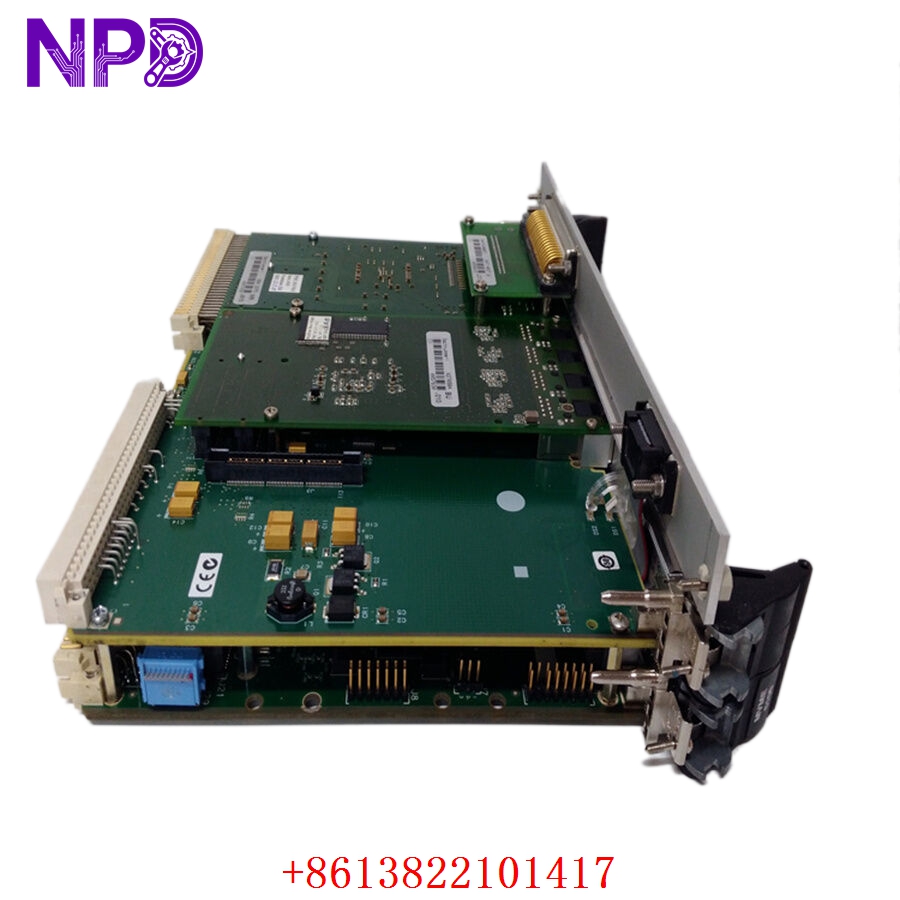
- Expansion: 2x PMC/XMC slots (PCI-X 133MHz or PCIe x4)
- Timers: 4x Real-time timers, 1x Watchdog timer
- Operating System Support: VxWorks, LynxOS, and Linux (Red Hat/Fedora)
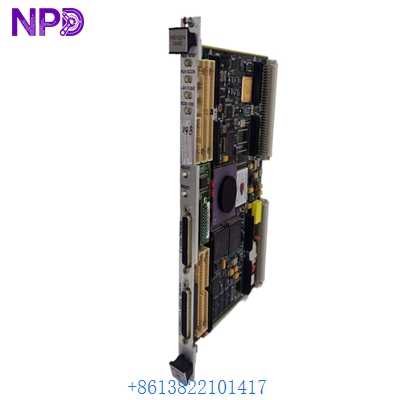
- Form Factor: 6U VMEbus, single-slot width
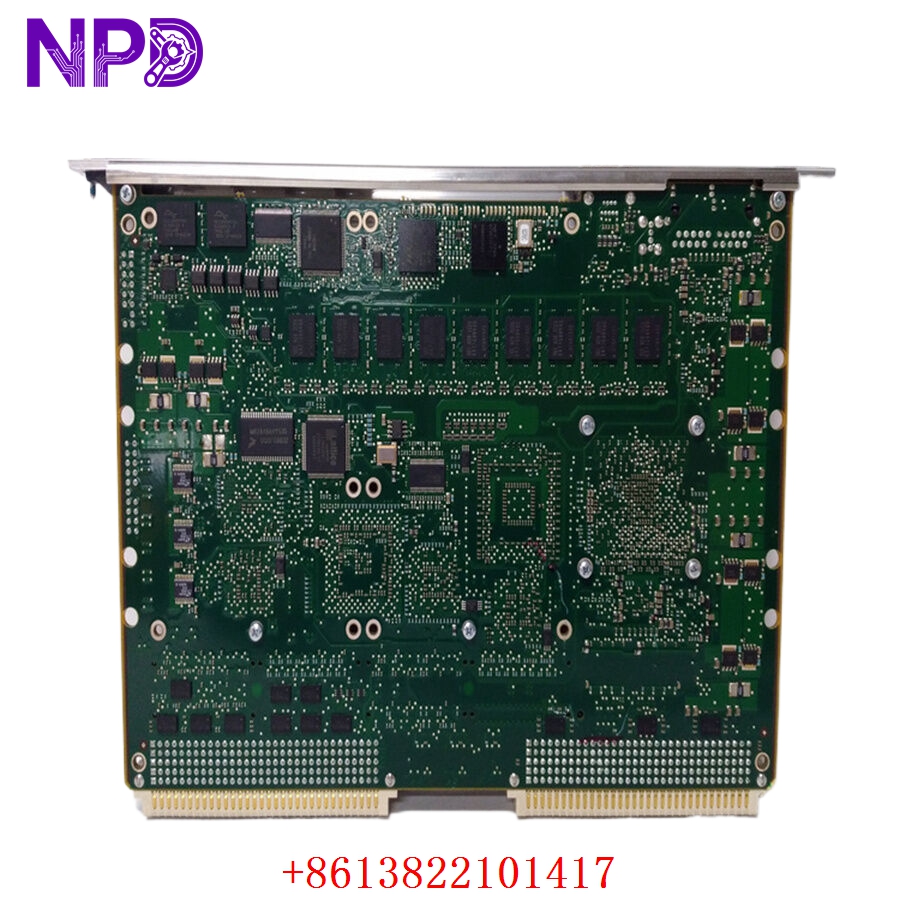
MOTOROLA MVME7100
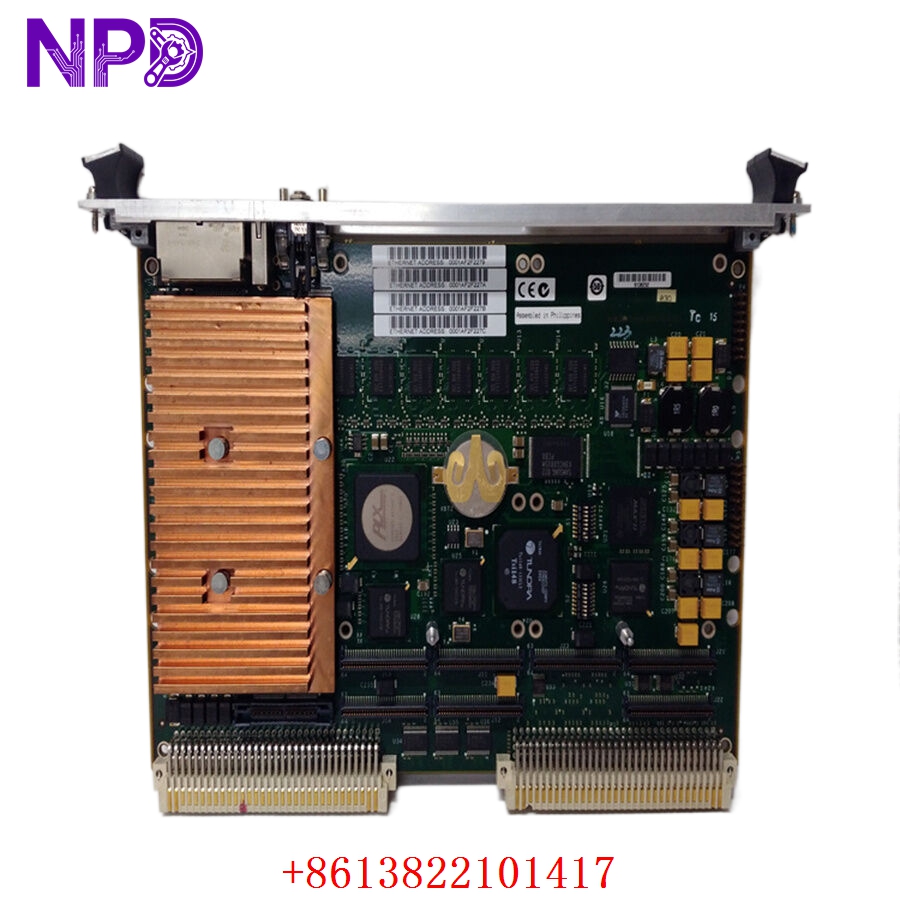
MOTOROLA MVME7100
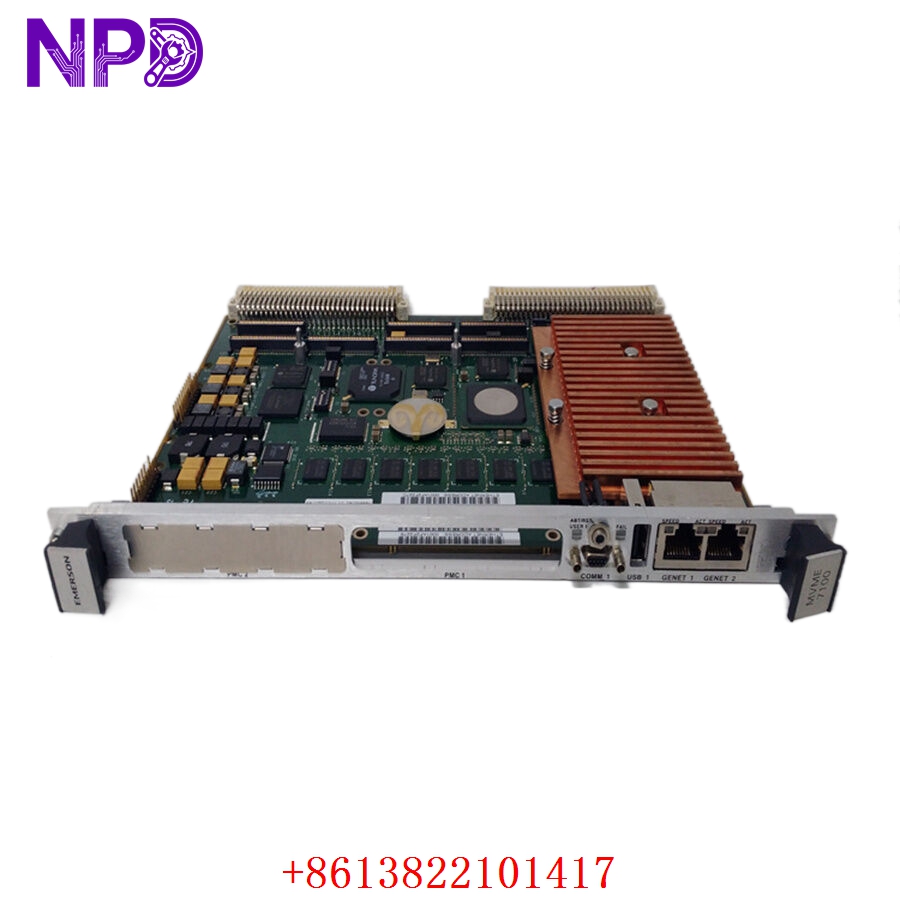
MOTOROLA MVME7100
Application Scenarios & Pain Points
The MVME7100 represents the pinnacle of the “classic” VME computing era. It was designed to help defense and industrial clients migrate from older PowerPC boards (like the MVME5100 or 5500) without rewriting their entire software stack. The core challenge for engineers using this board today is thermal management and hardware revision matching. Because it runs a high-clock-speed SoC, it generates significant heat. If your cabinet ventilation is failing, this board will throttle or “ghost reset,” leading to data corruption in mission-critical applications like radar processing or grid monitoring.
Typical Application Scenarios:
- Defense & Aerospace – Radar/Sonar Processing
Handling high-speed signal processing where deterministic timing and low latency are non-negotiable.
- Industrial Automation – Semiconductor Manufacturing
Acting as the central master controller for complex lithography or wafer-handling machines.
- Medical Imaging – MRI/CT Data Reconstruction
Processing large volumes of raw sensor data into 3D images in real-time.
- Transportation – Train Control & Management Systems (TCMS)
Managing vital safety logic and communication bridges between train subsystems.
Case Study: The “Lagging” Radar Array
Background:
A coastal surveillance facility was running an aging MVME5100 system. As the radar software was updated to handle more targets, the CPU hit 95% utilization, causing the tracking display to lag by several seconds.
The Problem:
A full system upgrade to VPX architecture was quoted at $1.5M and a 2-year timeline. The facility needed an immediate performance boost while staying within the existing 6U VME rack.
The Solution:
We provided the MVME7100-0163 (2GB RAM variant). Since the Tsi148 bridge supports the faster 2eSST protocol, we were able to increase the backplane bandwidth significantly. We performed a full stress test at 1.3GHz for 72 hours before shipping.
The Result:
The swap took less than an hour. The CPU load dropped to 40%, the lag disappeared, and the facility extended the life of their existing VME investment by another 10 years for a fraction of the cost of a new system.
SOP Quality Transparency
High-performance SBCs are complex. We treat the MVME7100 as a precision instrument, not just a circuit board.
- Hardware Integrity Audit:
We inspect the BGA (Ball Grid Array) solder joints under X-ray or high-power thermal imaging to ensure no “cold joints” exist from years of thermal cycling. We also check for any “bulging” solid-state capacitors.
- Boot & Diagnostic Testing:
- Firmware Verification: We boot the board into MOTLoad (the Motorola diagnostics monitor) to check for RAM errors.
- Full Memory Scan: We run a 10-pass ECC memory test to ensure all 2GB of RAM is perfectly stable.
- I/O Loopback: We test all three Gigabit Ethernet ports and both serial ports using loopback plugs.
- VME Backplane Stress Test:
We seat the board in a Schroff VME64x Chassis and perform a high-speed data burst test across the Tsi148 bridge to ensure it can hit maximum VME transfer rates without parity errors.
- Real-Time OS Load:
If requested, we can load a test kernel of VxWorks or Linux to verify the onboard Flash and the interrupt controller functionality under a real workload.
- Packaging:
The board is placed in a Faraday-cage ESD bag and secured in a custom-fit “static-dissipative” foam shipper.
Technical “Pitfall” Guide
The MVME7100 is a powerhouse, but it’s more complex than its predecessors. Here is how to avoid “bricking” your system.
- The “Wait for the Bridge” Trap ❗
Unlike older boards that used the Universe II bridge, the MVME7100 uses the Tsi148. While it is backward compatible, some legacy VME drivers that access registers directly will fail.
The Fix: Ensure your software drivers are updated for the Tsi148 register map. If you are migrating from an MVME2400 or 5100, you cannot just copy the binary; you must recompile with the correct BSP (Board Support Package).
- PMC/XMC Alignment & Power:
The MVME7100 supports both PMC (PCI) and XMC (PCIe) daughtercards.
The Fix: Check the “Keying” of your daughtercards. If you try to force a 3.3V PMC into a slot configured for 5V (or vice versa), you will smoke the board. Check the jumpers (J12/J13) before power-up!
- Thermal Management (The “Hot” CPU) ❗
The MPC8548 at 1.3GHz runs hot. In a standard VME rack, the airflow must be at least 400 LFM (Linear Feet per Minute).
The Fix: If your rack fans are dusty or slow, this board will fail. I’ve seen boards survive for years, then die in a week because a $5 fan filter was clogged. Clean your filters!
- Battery-Backed SRAM:
If your system stores critical “Retain” variables in the NVRAM, remember that the battery on these boards is often 5-10 years old.
The Fix: We replace the battery by default, but always check the
datein MOTLoad. If the clock is wrong, your variables are at risk.
Troubleshooting Quick Reference
| Symptom | Possible Cause | Relevance | Quick Check | Recommendation |
| “FAIL” LED Red | Power-on Self Test (POST) failed | ✅ High | Connect to the Console Serial port at 9600 baud. | Read the MOTLoad error code. |
| Board Reboots Randomly | Overheating / Power Ripple | ✅ High | Check CPU temp in MOTLoad; check 5V rail. | Increase airflow; check PSU. |
| VME Bus Errors | Tsi148 Bridge Config | ⚠️ Med | Verify VME address jumpers and software offset. | Match VME map to old board. |
| PMC Card Not Found | Jumper / Voltage Mismatch | ✅ High | Check PMC VIO jumpers (J12/J13). | Set jumper to match card spec. |
| No Ethernet Link | PHY Config / Auto-neg | ❌ Low | Check if the switch port is set to Auto. | Force 1000Mbps in software. |
Pro Tip: If the board won’t boot and the “FAIL” LED is on, the first thing I do is check the Console port. The MVME7100 is very “chatty” during boot-up and will usually tell you exactly which RAM bank or Flash sector is failing. Don’t fly blind—get a serial cable!