Description
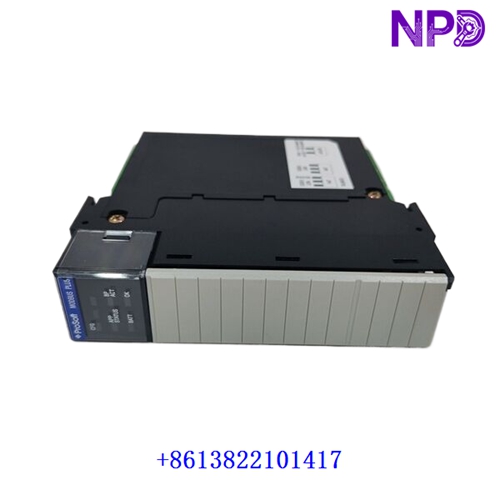
- Model: ProSoft MVI56-MNETC
- Brand: ProSoft Technology (USA)
- Series: ControlLogix Platform Communication Modules
- Core Function: Allows Allen-Bradley ControlLogix processors to interface seamlessly as an Enhanced Modbus TCP/IP Client (Master) to multiple remote Modbus server devices over Ethernet, New Surplus / Clean Used condition
- Type: Modbus TCP/IP Enhanced Client Communication Module
- Key Specs: Single slot ControlLogix backplane compatible, supports up to 30 server connections, up to 160 fully independent command routing profiles, 5,000 words of internal database memory allocation
- Backplane Compatibility: Occupies a single slot in standard Allen-Bradley ControlLogix (1756 series) chassis
- Processor Local Slot Interfacing: Standard I/O interrupts used for high-speed block transfers between module database and the ControlLogix processor memory tags
- Modbus Connections: Operates as an Enhanced Client, supporting up to 30 simultaneous, independent Modbus TCP/IP server connections
- Command Routing Engine: Handles up to 160 user-defined polling command lines. Supports Modbus Functions 1, 2, 3, 4, 5, 6, 15, and 16
- Ethernet Communications Interface: One 10/100 Base-T RJ45 Ethernet port with automated crossover sensing (MDI/MDI-X parsing)
- Configuration Port: One RS-232 serial RJ45 port dedicated to terminal connection utilities and configuration adjustments
- Internal Memory Database Allocation: 5,000 registers total for data storage (user-configurable data mapping vectors)
- Backplane Power Current Consumption: 800 mA maximum at 5 V DC; 3 mA maximum at 24 V DC
- Local Visual Status Indicators: LED panel arrays indicating Backplane status, Module Run state, App active status, Configuration port links, and Ethernet Link/Activity profiling
- Isolation Barriers: 1500 V RMS galvanic isolation rating protecting network ports from backplane circuits
- Operating Ambient Temperature Limits: 0 °C to +60 °C
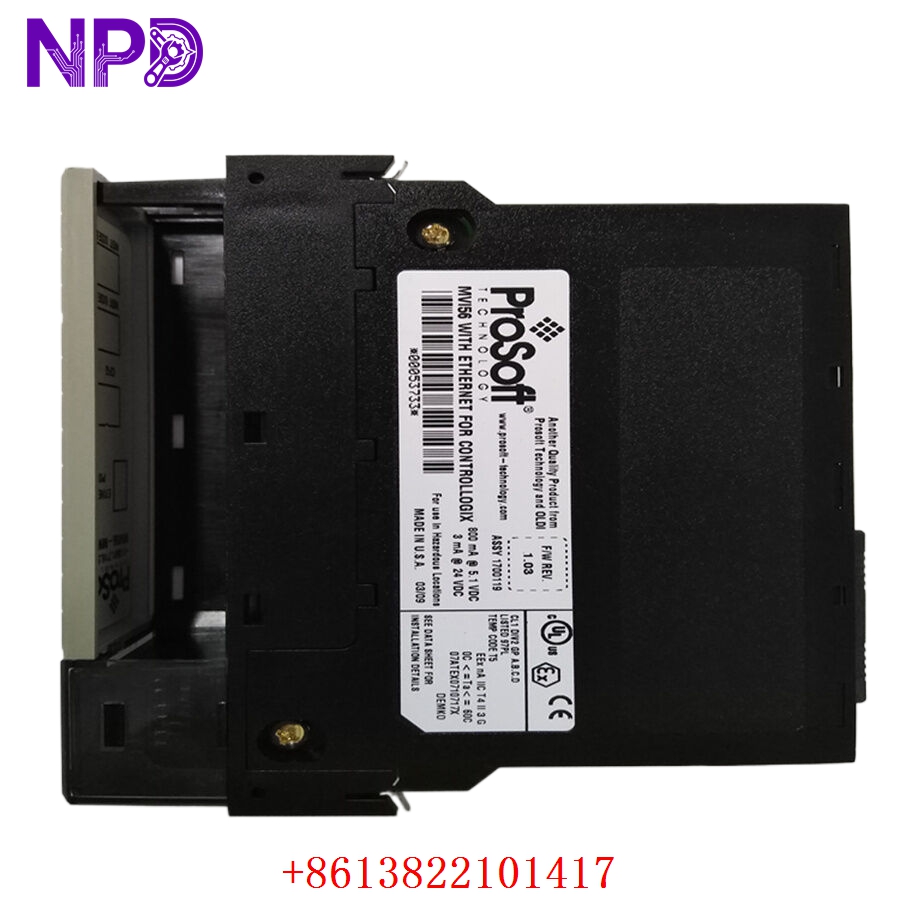
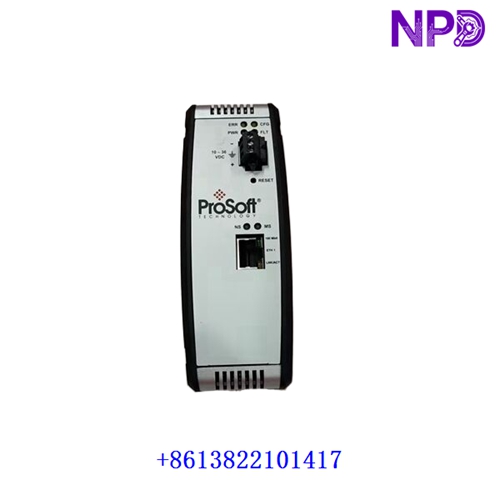
PROSOFT MVI56-MNETC
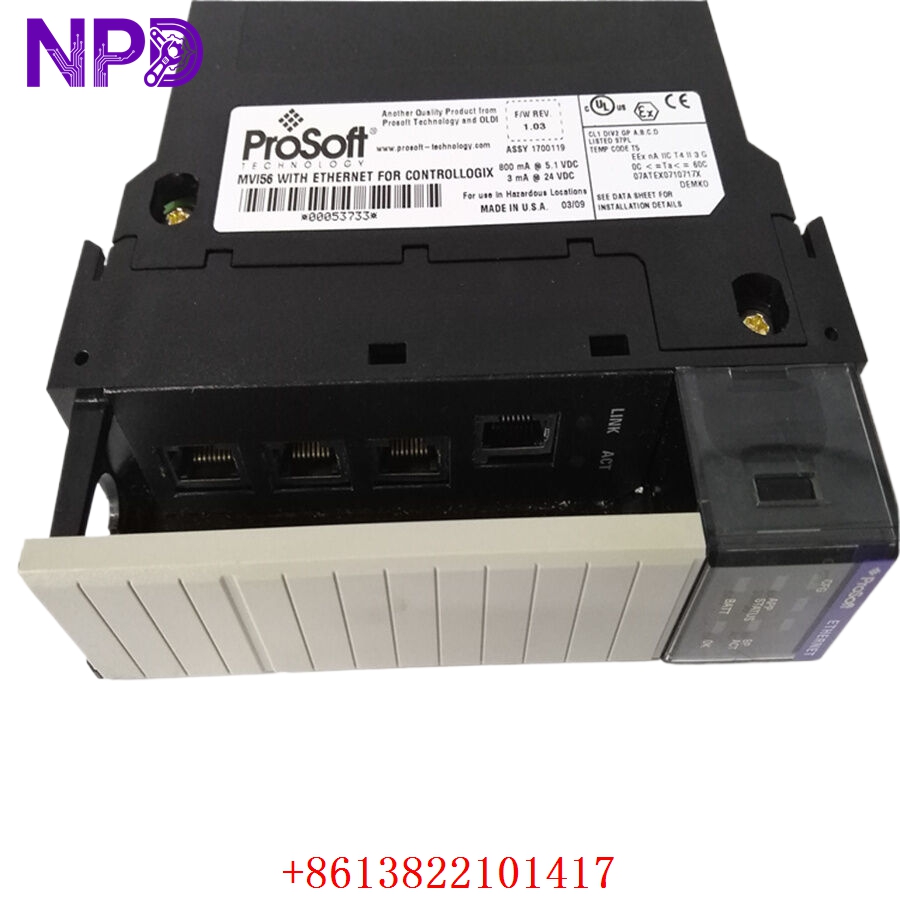
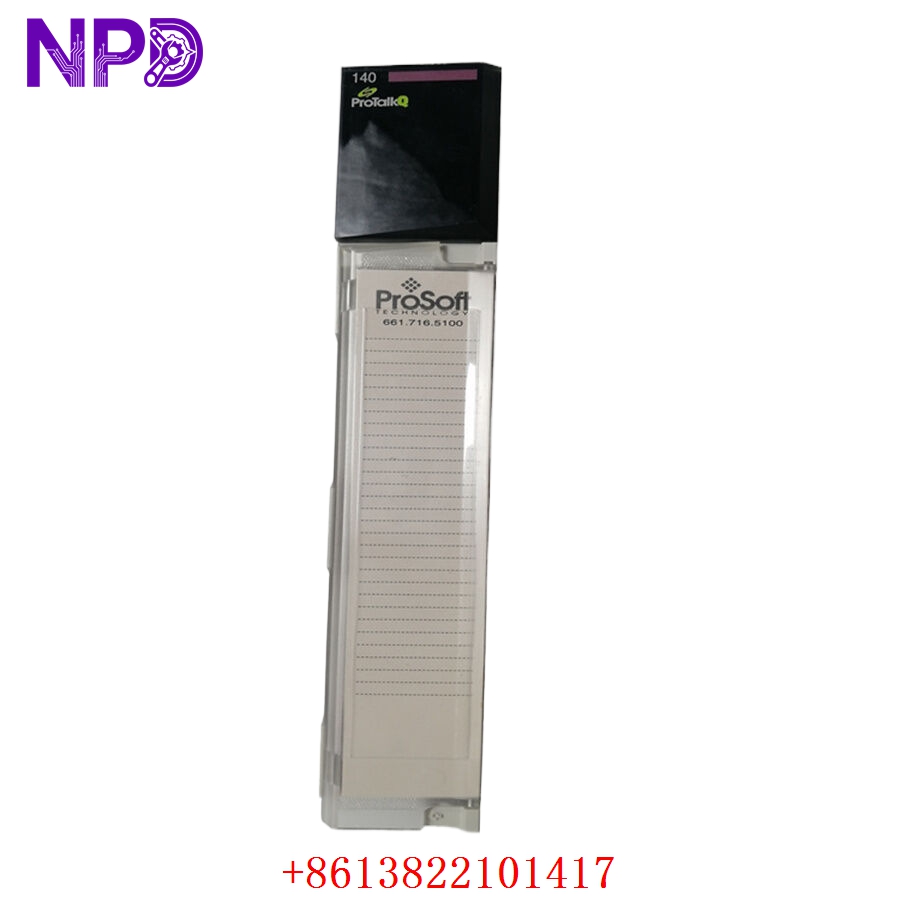
PROSOFT MVI56-MNETC
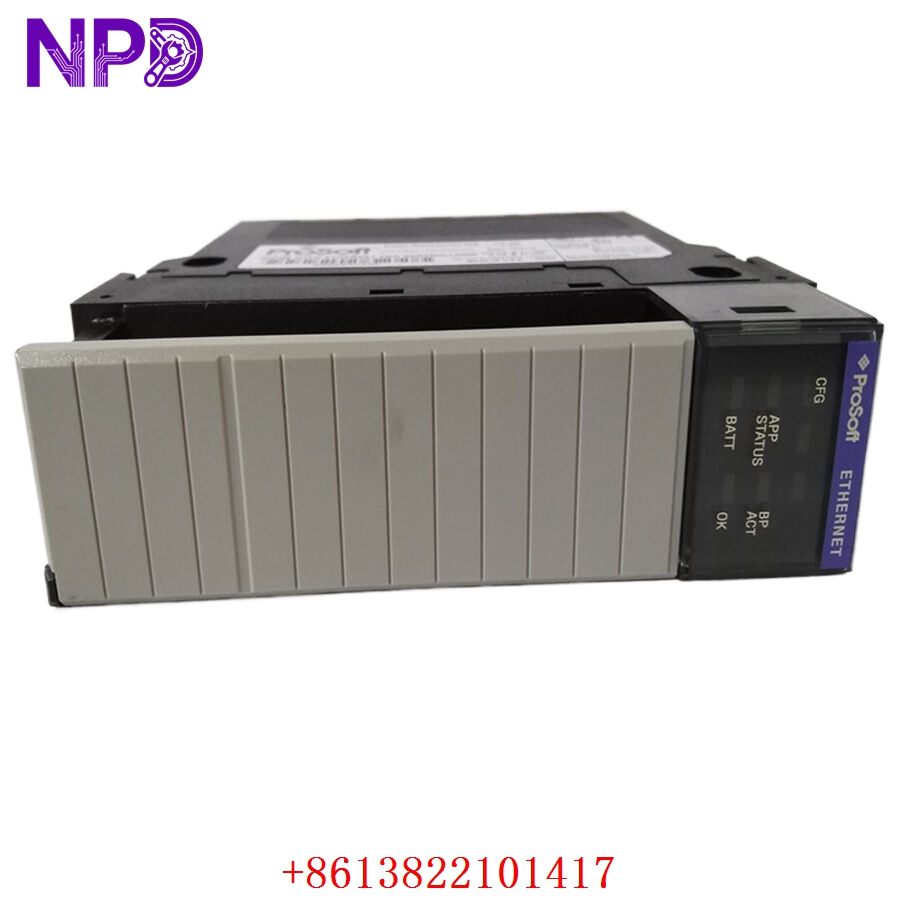
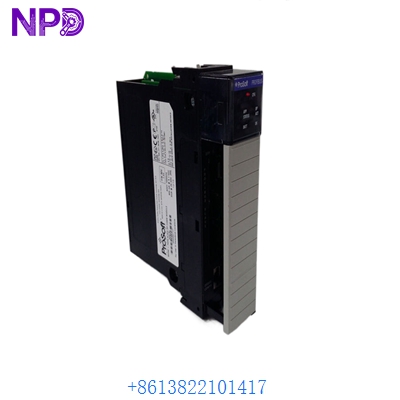
PROSOFT MVI56-MNETC
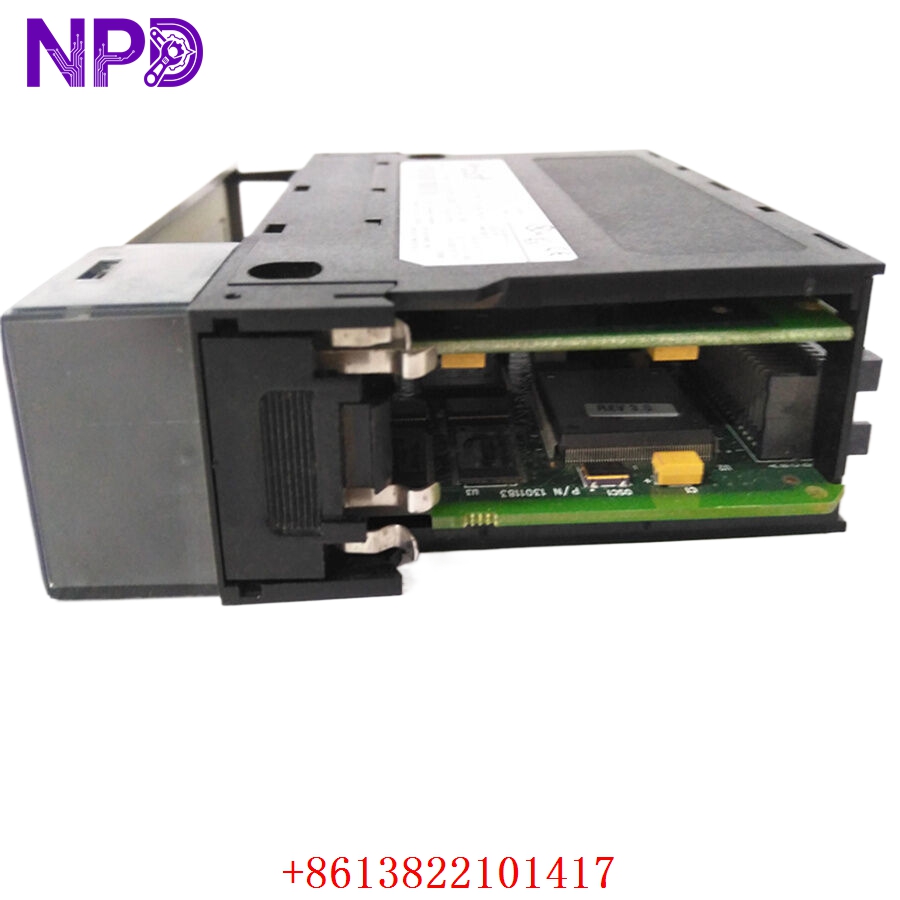
PROSOFT MVI56-MNETC
Application Scenarios & Pain Points
In process manufacturing, mining, and water treatment plants built on Rockwell Automation systems, the ProSoft MVI56-MNETC serves as the critical communication bridge between ControlLogix PLCs and external third-party field devices like variable frequency drives (VFDs), power monitors, and gas analyzers that communicate exclusively via Modbus TCP.
Because the standard ControlLogix processors do not natively support Modbus TCP commands without massive, complex custom ladder logic routines that strain CPU overhead, this module does all the heavy protocol handling independently in its own onboard memory. If an old MVI56-MNETC module fails due to backplane voltage ripples or network chip damage from localized grounding issues, your core PLC loses its entire data view of the substation or plant floor, leading to blind control loops and immediate system trips. Finding an exact legacy replacement is crucial because upgrading to the newer “E” (Enhanced) version requires migrating configuration files and editing specific I/O configuration structures inside RSLogix 5000 / Studio 5000.
Typical Application Scenarios
- Substation Automation – Integration of Power Monitoring Networks
Polls operational data registers from multi-circuit power monitors and protective relays, delivering voltage, current, and fault metrics into the central ControlLogix processor tags.
- Oil & Gas Operations – Flow Computer Data Aggragation
Acts as the master client continuously gathering custody-transfer flow totals and piping thermal measurements from a cluster of remote Modbus TCP flow computers.
- Water & Wastewater Treatment – High-Power VFD Interfacing
Handles high-frequency speed controls, torque references, and error code feedback tracking across large pumping arrays driven by third-party VFD systems.
Real-World Field Case: Remediation of a Blind Water Extraction Facility Gateway
Background: A municipal water reclamation plant in southern China was running a legacy Allen-Bradley ControlLogix 1756 rack handling main distribution pump commands. Communication to a long line of remote chemical dosing loops depended entirely on a ProSoft MVI56-MNETC gateway card.
The Problem: Following a lightning strike near the external fiber transceivers, the RJ45 Ethernet port on the active MVI56-MNETC card locked up completely. The “ERR” indicator illuminated a hard solid red, and data transfer blocks ceased. The central PLC could no longer read chlorine residual values or dosing flow rates. This broke the automated dosing verification scripts, triggering a safety-level alarm that threatened a full plant shutdown to prevent unmonitored water extraction.
The Solution: The lead plant automation team contacted our inventory depot. We pulled an original MVI56-MNETC card from our stock room, ran it through an active 1756 backplane data transfer simulation loop to verify block-transfer stability, checked port handshakes, and dispatched the module using a premium regional priority courier.
The Result:
- Response Execution: The module reached the water facility within 14 hours of the inquiry.
- Implementation: The instrument technician transferred the configuration parameters from the backup .CFG file via ProSoft Configuration Builder (PCB), inserted the module into the original chassis slot, and reconnected the Ethernet trunk.
- System Recovery: The block transfers re-initialized instantly. The PLC re-established clean communication pathways to all 12 dosing nodes, clearing the open-circuit errors and avoiding a costly municipal service outage.
Compatible Replacement Models
When tracking down replacements for your communication framework, map out the mechanical differences across generations carefully.
- ProSoft MVI56-MNETC (Exact Model Match) → Direct Drop-in Replacement
- Configuration: Standard network card architecture matching your exact legacy firmware profile.
- Action: Transfer the network connections, import your saved configuration file through the PCB tool, and plug it directly into the exact slot. No modifications required in RSLogix 5000.
- ProSoft MVI56E-MNETC (Next-Generation Upgrade Variant) → Configuration and I/O Tree Adjustment Needed
- Differences: The “E” version adds an on-board scrollable text display, supports updated configuration utilities via an internal web server, and changes how configuration parameters are stored (saved directly to an SD card).
- Action Required: While functionally backwards-compatible in terms of Modbus mapping, you may need to modify the electronic keying definitions or download an updated Add-On Profile (AOP) inside Studio 5000 to accept the newer hardware ID code.
Troubleshooting Quick Reference
Use this specialized guide on the factory floor to diagnose issues with the MVI56-MNETC gateway module.
| Front Panel Observation | Potential Root Cause | Module Component Relevancy | Field Diagnostic Test Steps | Action / Fix Protocol |
| “OK” LED turns Solid Red | Processor self-test failed or internal firmware corruption | ✅ High | Remove module from rack, clean the backplane contacts, and re-seat it. Attempt a basic firmware flash. | If the red error light stays lit after power cycling on a clean slot, the internal CPU is damaged. Replace the module. |
| “ERR” LED flashes amber or remains solid red | One or more Modbus TCP commands are timing out | ⚠️ Medium | Connect a laptop to the configuration port, launch the diagnostic menu, and view the error codes for each command line. | Verify target server IP addresses match. Check for network physical breaks or loose switch couplings down the line. |
| “BP ACT” LED stays dark while the PLC is running | The module is not configured correctly in the RSLogix I/O tree | ✅ High | Check the PLC’s controller organizer tree. Verify the slot allocation and that the module is not faulted inside RSLogix. | Ensure the block transfer size configurations inside your ladder logic match the module’s database definitions. |
| “Link” LED on the RJ45 port stays completely OFF | Physical layer failure on the network segment | ⚠️ Medium | Test the patch cable on an adjacent device port or swap out network switch connectors. | Replace damaged or crimped network cables. If a known good cable fails to light the port, the internal transceiver has blown out. Replace the module. |
❗ BACKPLANE CURRENT CAPABILITY CHECK: When replacing or adding an MVI56-MNETC communication card, double-check that your existing 1756 power supply module (e.g., 1756-PA72 or PB72) has enough remaining overhead amperage. This card draws up to 800 mA from the 5V DC backplane rail — adding it to an already heavily loaded chassis can drop rail voltages and cause adjacent processor or analog cards to trip.
If your plant floor technicians need to verify our current inventory’s exact firmware compatibility profiles or require a detailed walkthrough of our automated validation processes before placing a shipment block, connect with our support desk today. We will deliver the data you need within two hours.