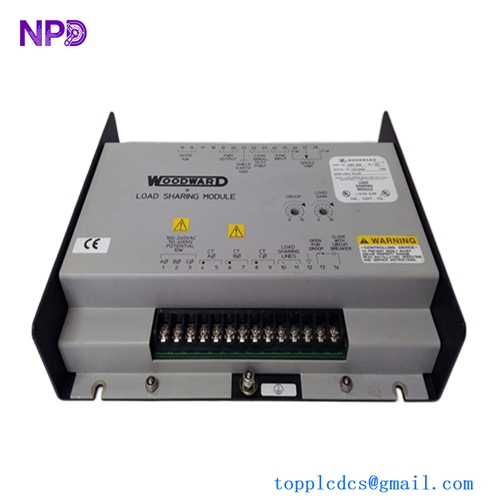

Description
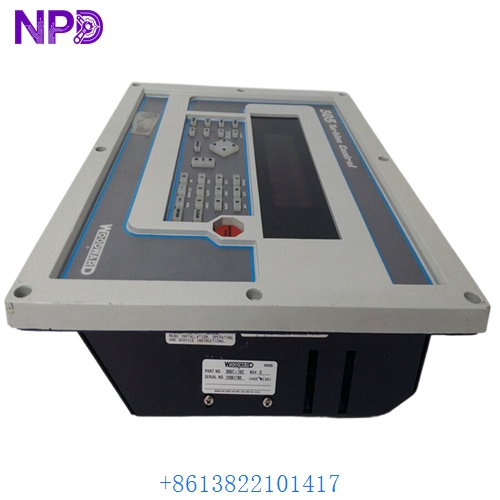
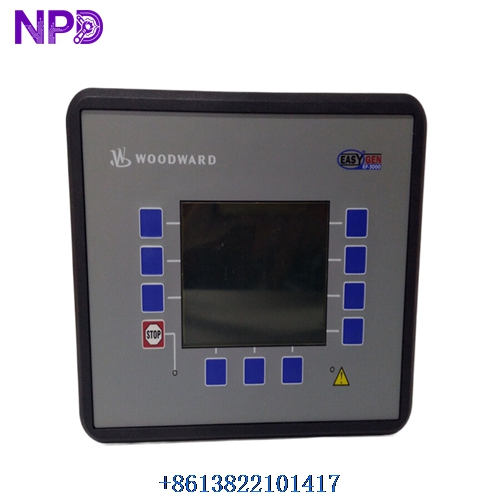
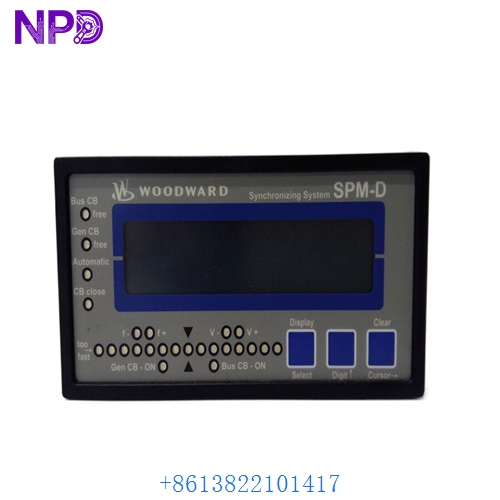
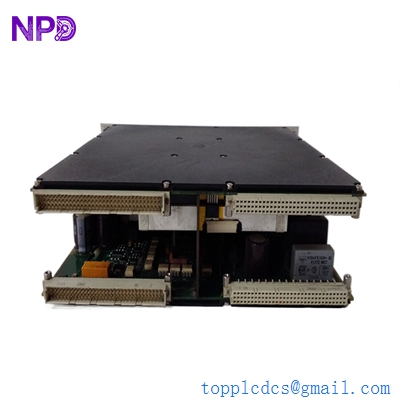
The Woodward model 8440-2250 series easYgen-100 genset controller (also compatible within the broader easYgen-400 architecture) delivers robust engine-generator monitoring and protection. Equipped with a clear monochromatic LCD screen, this compact unit ensures reliable operation for standard diesel and gas generator sets in industrial and commercial backup power applications.
⚙️ Product Parameters
- Manufacturer: Woodward
- Series: easYgen-100 (8440-2250)
- Display Type: Monochromatic LCD screen
- Operating Voltage: 12/24 VDC nominal
- Dimensions: 135 mm \times 115 mm \times 45 mm
- Weight: Approximately 0.4 kg
- Country of Origin: United States / Germany (depending on manufacturing plant)
- Operating Temperature: -20°C to +70°C
- Communication Interface: RS485 / Modbus RTU
- Enclosure Rating: Front panel IP65 protection
📋 Product Introduction
Designed for intuitive operation, the controller handles essential start/stop sequencing, alarm management, and electrical measurement. The monochromatic display provides real-time data regarding voltage, frequency, and running hours. It serves as an economical solution for single-set applications requiring dependable core controls without complex networking overhead.
⚠️ Product Usage Precautions
- Ensure power is completely disconnected before wiring or servicing the controller to prevent electrical shock.
- Verify correct DC supply polarity (12/24 VDC) prior to initial power-up to avoid internal component damage.
- Mount the unit securely in a vibration-damped cabinet away from direct moisture and extreme heat sources.
- Keep communication cables shielded and routed away from high-voltage power lines to minimize signal interference.
❓ Frequently Asked Questions (Q&A)
- Q: Can this controller be used for parallel generator applications?
A: No, the easYgen-100 series is specifically engineered for single genset operation and standalone monitoring.
- Q: How do I adjust the configuration settings?
A: Parameters can be adjusted directly via the front panel buttons or using Woodward ToolKit software via the communication port.
- Q: What should I do if the LCD screen fails to turn on?
A: Check the incoming DC power supply voltage, verify fuse integrity, and ensure the terminal wiring is secure.