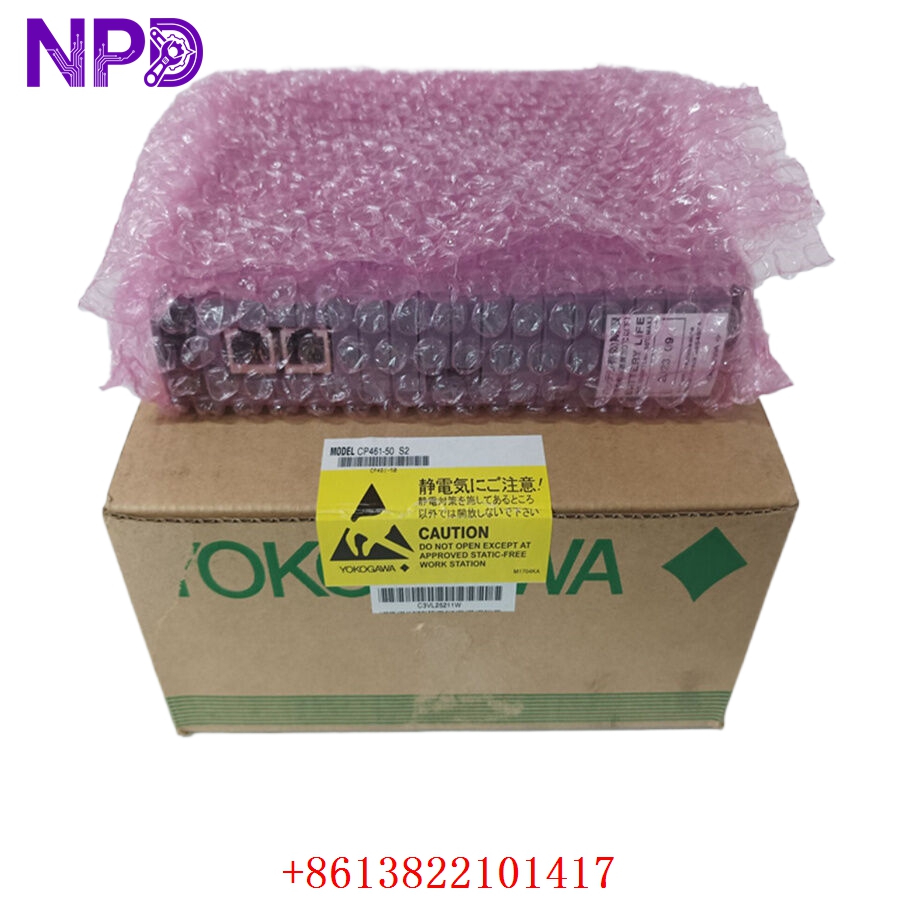

Description
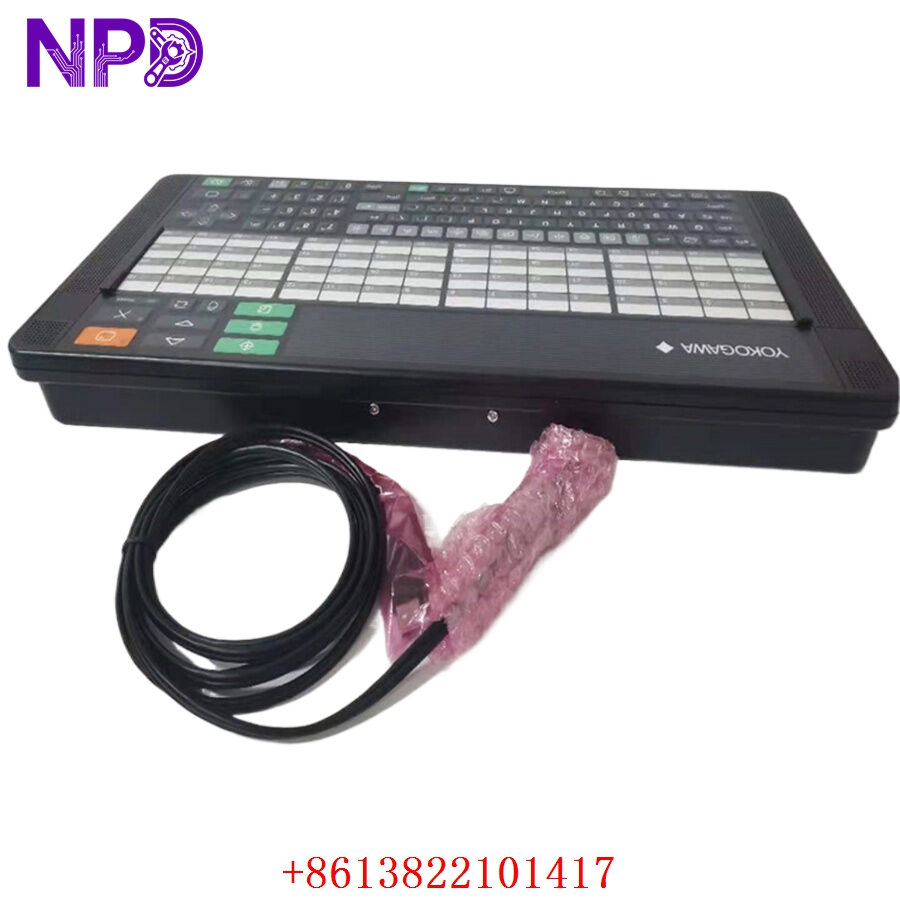
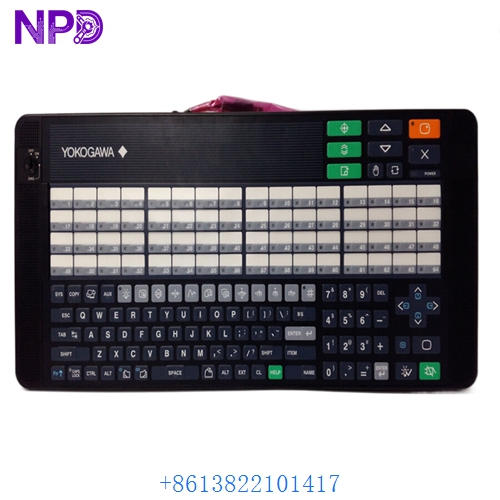
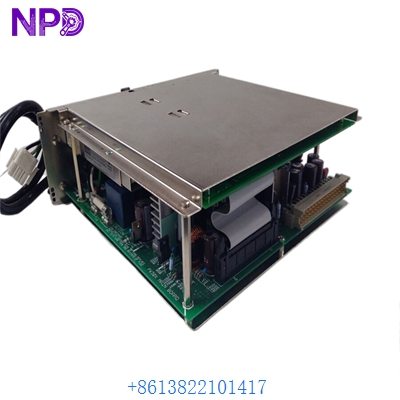
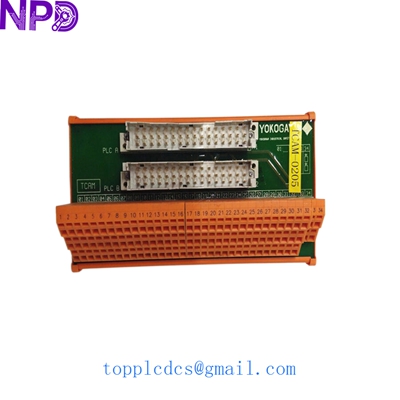
The Yokogawa AIP578-S1 (associated with part/drawing number S9390DH-00) is a specialized optical link transceiver and remote I/O (RIO) communication module designed for industrial process control networks. It provides high-speed optical signal conversion and transmission capabilities to bridge distributed control nodes in demanding plant automation environments.
- Brand: Yokogawa
- Model / Part Number: AIP578-S1
- Manufacturing / Drawing Code: S9390DH-00
- Series: CENTUM / ProSafe-RS / RIO Communication Line
- Product Name: Optical Link Transceiver / Board Module
- Origin Country: Japan
- Physical State: Solid-State Printed Circuit Board Assembly (PCB) with optical interface ports
- Weight: Approx. 0.2 kg – 0.5 kg
- Communication Interface: Optical fiber interface (designed for long-distance, noise-immune data exchange across V-net or remote node networks)
- Power Supply: Internal node rack bus powered (nominal DC rail voltages)

► Operation Specifications & Usage Methods
Proper integration and alignment ensure stable optical communication and prevent data packet loss across distributed loops:
- Ensure that all node rack power feeds and optical laser sources are completely de-energized and locked out before handling or installing the module.
- Carefully inspect optical connectors for dust or contamination, cleaning them with approved fiber-optic cleaning tools prior to plugging them into the transceiver ports.
- Securely seat the module into its designated slot within the Yokogawa control node rack or repeater housing, ensuring proper backplane connector engagement.
⚠ Emergency Shutdown Operation
In the event of a critical system fault, network loop failure, or plant-wide emergency, execute the following protocol:
- System-level network redundancy automatically reroutes traffic to secondary communication channels if configured in dual-optical layouts.
- For physical hardware isolation, disconnect node rack power supplies using upstream circuit breakers or panel switches.
- Allow internal components to discharge fully before executing any physical card extraction or fiber inspection.
⚙ Troubleshooting & Common Issues
System diagnostics and status indicators help isolate optical link failures efficiently:
- If communication is lost or intermittent, check the module’s front-panel LED indicators to verify link status and optical signal strength.
- Inspect fiber-optic patch cables for tight bending radii, micro-bends, or physical damage that could attenuate the optical signal.
- Verify that transceiver wavelengths and optical drop configurations match network design specifications.
🛠 Routine Maintenance & Servicing
Preventative maintenance ensures maximum network reliability and prevents unexpected communication dropouts:
- Perform periodic visual inspections of optical ports and use optical time-domain reflectometers (OTDR) or power meters if troubleshooting backbone fiber integrity.
- Keep node cabinets clean and ensure dust caps are placed on any unused optical ports to protect sensitive optical surfaces.
- Handle replacement boards strictly under Electrostatic Discharge (ESD) safe protocols utilizing grounded wrist straps and anti-static packaging.
❓ Frequently Asked Questions (Q&A)
- Q1: What is the primary function of the AIP578-S1 module?
- A1: It functions as an optical link transceiver module designed to convert and transmit control data over optical fiber links, extending communication distance and providing electrical isolation between remote nodes.
- Q2: What does the S9390DH-00 code signify?
- A2: It represents the specific factory manufacturing, hardware revision, or drawing identification sub-code associated with this particular optical module configuration.
- Q3: Is the module hot-swappable?
- A3: Standard operating guidelines recommend powering down the respective node rack prior to inserting or removing optical transceiver boards to prevent bus glitches or optical port damage.