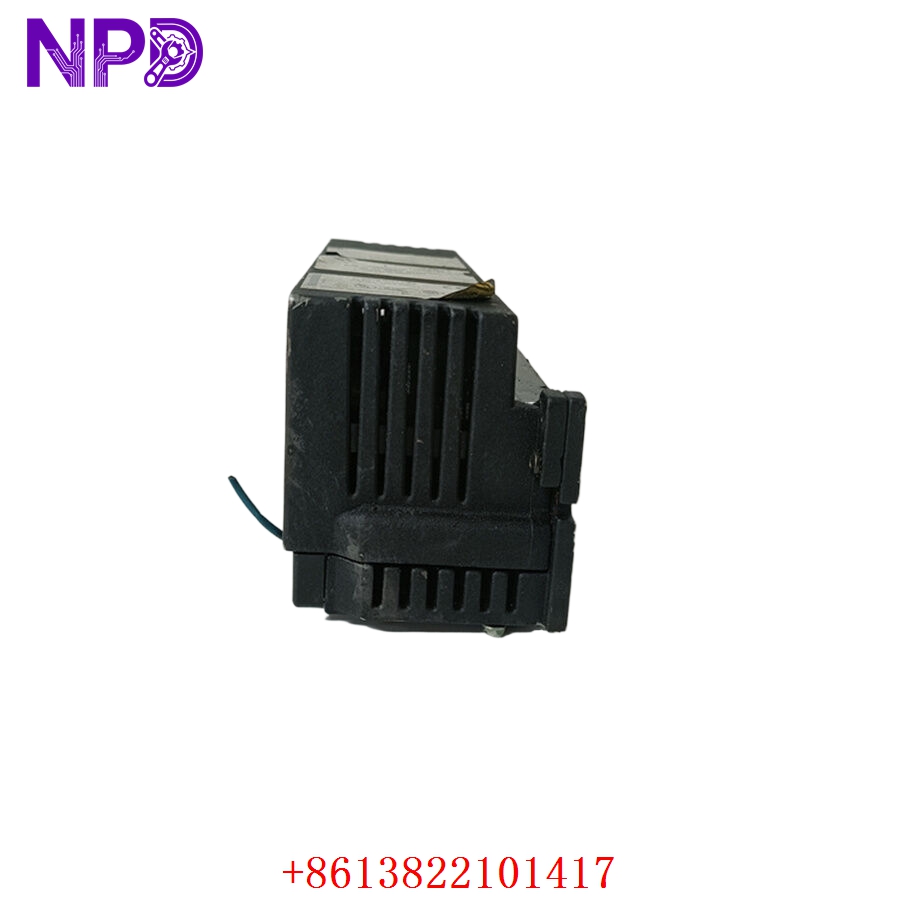

Description
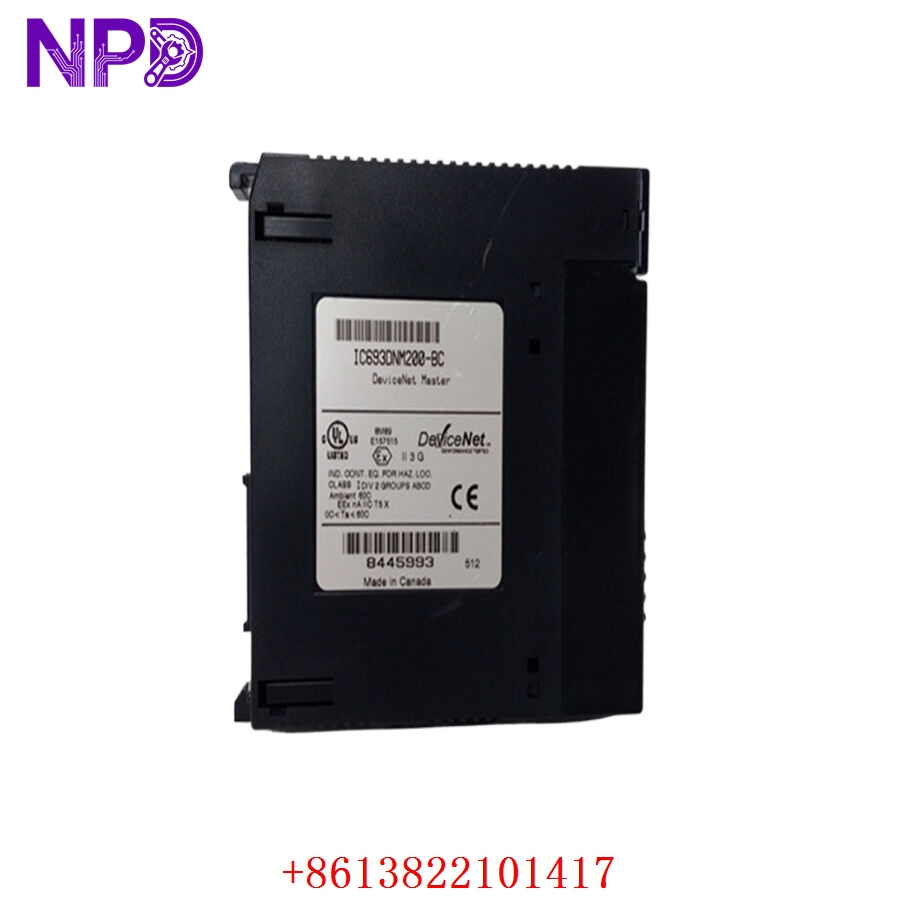
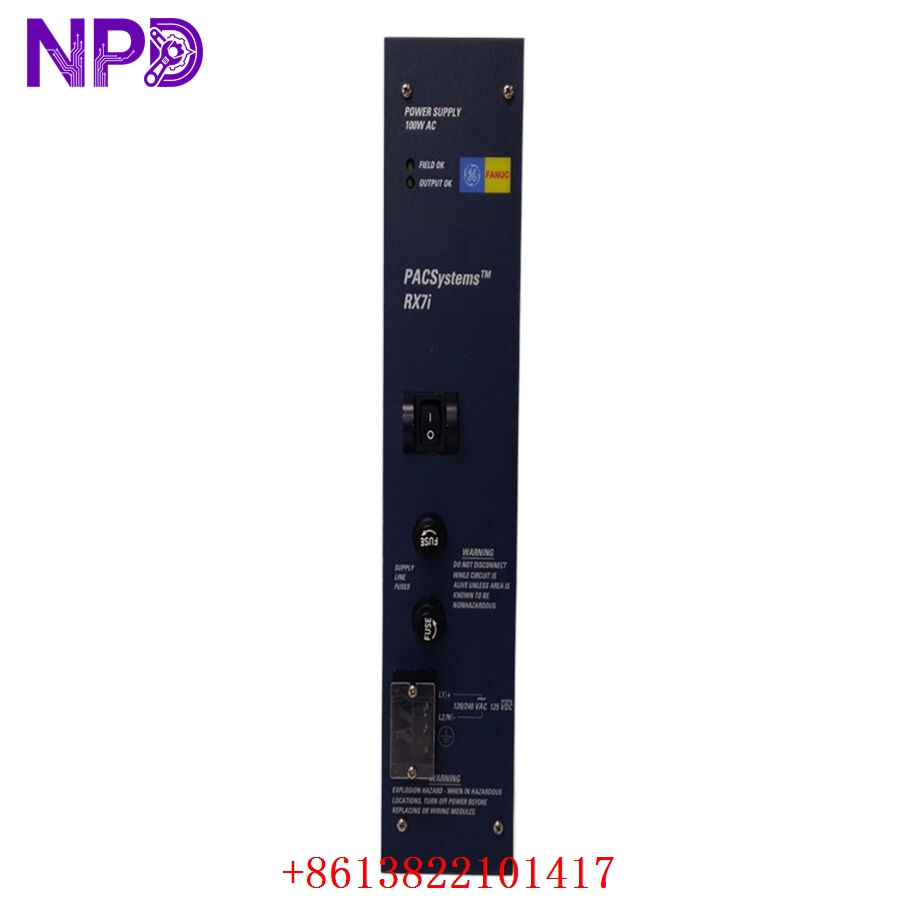
- Model: GE Fanuc IC660BBD110 (Also cross-references to IC660EBD110 as part of the Genius I/O family)
- Brand: GE Intelligent Platforms (now Emerson / GE)
- Series: Genius I/O System
- Core Function: 16-Channel 24VDC Discrete Output Block designed for harsh industrial environments, Original New Surplus condition
- Type: Remote I/O Output Block
- Key Specs: 16 Output channels | 24VDC Operating voltage | Genius I/O bus communication
- Output Points: 16 discrete output points, grouped into two 8-point sections
- Voltage Range: 18-30VDC operation
- Output Current: Up to 2.0 Amps per point (sourcing)
- Communication: Genius I/O Bus (serial communication, 153.6 KBaud standard)
- Isolation: Optical isolation between the logic-side and field-side circuits
- Diagnostics: Onboard diagnostic monitoring for “No Load,” “Short Circuit,” and “Open Wire” conditions
- Environmental: NEMA 1 enclosure rating, resistant to high vibration and industrial temperature ranges (-40 °C to +60 °C)
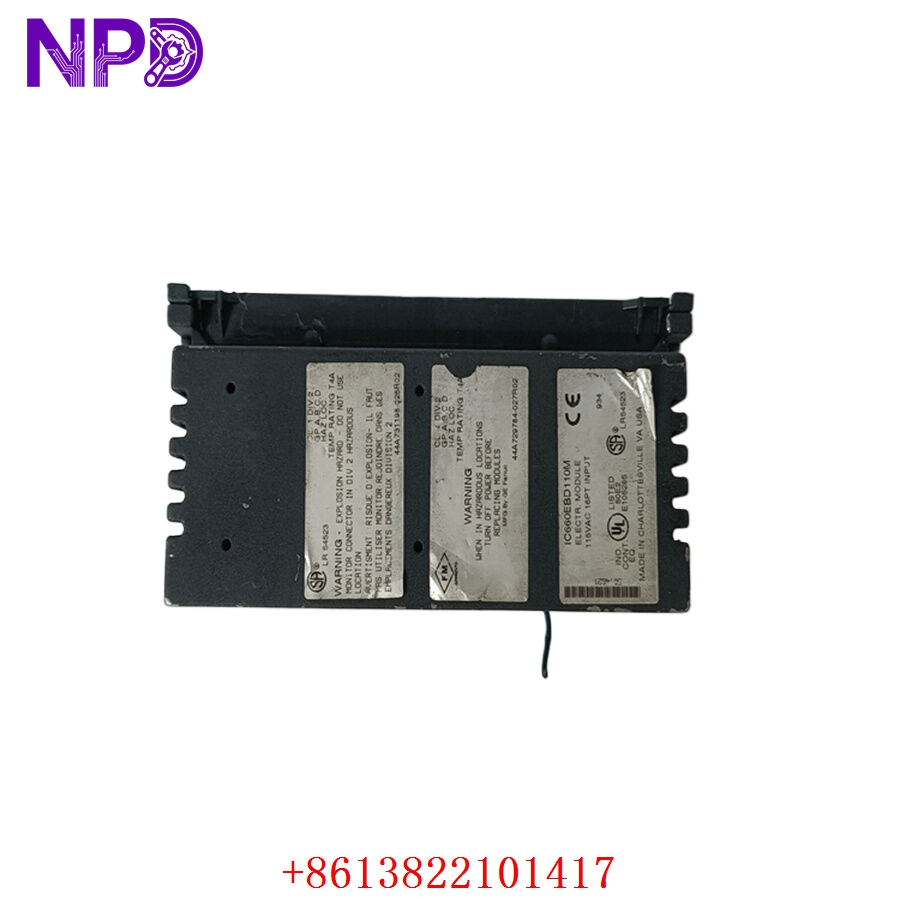
GE IC660BBD110 IC660EBD110
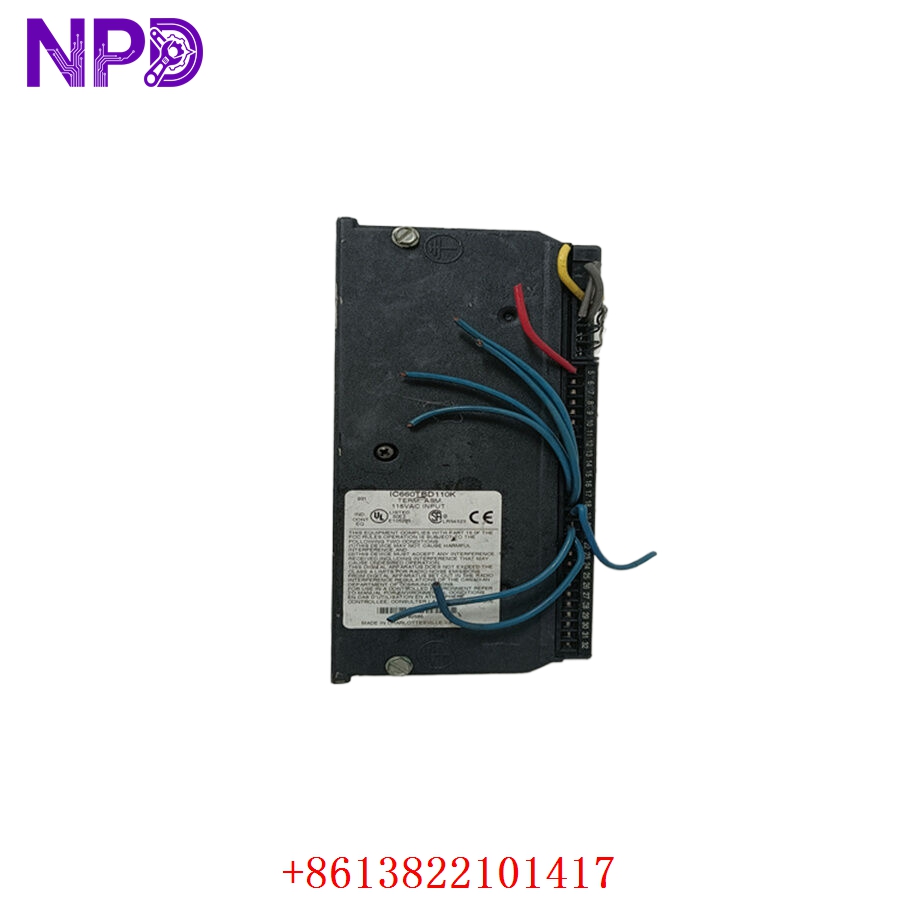
GE IC660BBD110 IC660EBD110
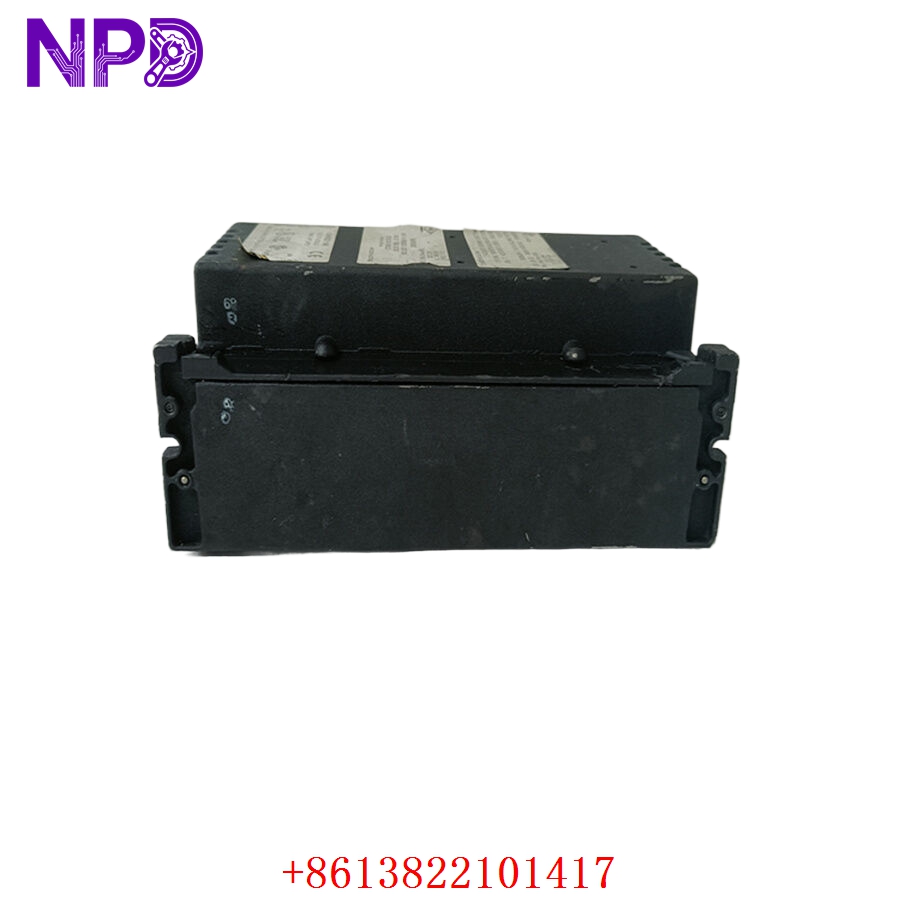
GE IC660BBD110 IC660EBD110
Part 4: Installation & Configuration Guide
Phase 1: Pre-Installation (Estimated Time: 10 minutes)
⚠️ Safety First:
- Ensure all field power is disconnected from the I/O block before handling.
- Verify the Genius bus cable is not powered or actively communicating during the physical replacement to prevent bus errors.
Tool Preparation:
- Screwdriver set (Slotted/Phillips) for terminal blocks
- Wire strippers/crimpers
- Multimeter for continuity and voltage checks
Phase 2: Removal & Installation (Estimated Time: 15 minutes)
- Labeling: Mark all field wires connected to the terminal block.
- Disconnect: Unplug the terminal block connector from the IC660BBD110/EBD110 unit.
- Removal: Release the module from the mounting rail or base assembly.
- Install: Slide the new unit onto the mounting rail.
- Reconnect: Seat the terminal block and tighten all terminal screws to ensure secure connections.
Phase 3: Configuration (Estimated Time: 15 minutes)
- Block Address: Use the handheld monitor or software tool to set the Device Address to match the original unit.
- Baud Rate: Ensure the baud rate matches the existing Genius bus (usually 153.6 KBaud).
- Diagnostics: Configure output parameters (e.g., “Hold last state” vs “Turn off” on bus communication loss).
- Verification: Observe the front panel status LEDs:
- I/O Enabled: Solid Green (Normal communication).
- Fault: Red (Requires diagnostic check via bus software).
Part 5: Industry Applications
Case 1: Industrial Conveyor Control
A packaging facility uses Genius I/O blocks to manage motor start/stop sequences. When an IC660BBD110 failed due to a localized power spike, the replacement restored all 16 output channels, allowing the conveyor system to resume high-speed operation without needing to re-wire the entire control panel.
Case 2: Legacy Plant Retrofit
An automated manufacturing plant needed a replacement for an IC660EBD110 to keep their legacy controller running during a planned transition period. Sourcing an original, un-used unit provided the reliability required for critical production zones without needing to upgrade the entire I/O infrastructure.
Part 6: Frequently Asked Questions (FAQ)
Q1: What is the difference between IC660BBD110 and IC660EBD110?
A: These are part of the same product series and are often used interchangeably in documentation. The B-prefix and E-prefix indicate different manufacturing phases, but functionally, they provide identical 16-channel, 24VDC discrete output performance.
Q2: Why are these Genius I/O blocks being phased out?
A: While they were industry leaders for remote I/O, newer communication protocols (like PROFINET or Ethernet/IP) have superseded the Genius I/O bus. However, for existing legacy systems, finding “New Surplus” units is essential for maintaining production without costly system overhauls.
Q3: How do I handle diagnostic “Short Circuit” alerts?
A: If the output block signals a short circuit, check your field devices (relays or actuators) connected to the specific output channel. A damaged field device often causes the Genius block to trip its internal protection to prevent damage to the module.