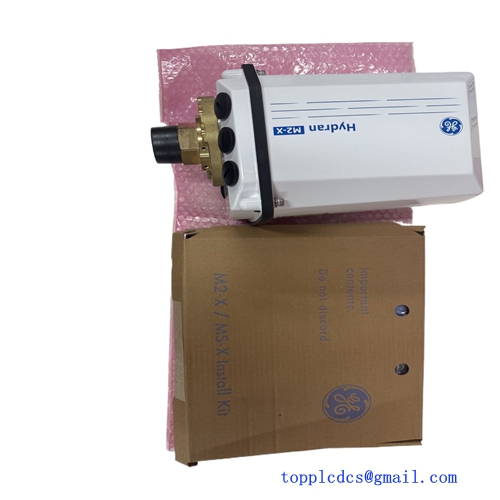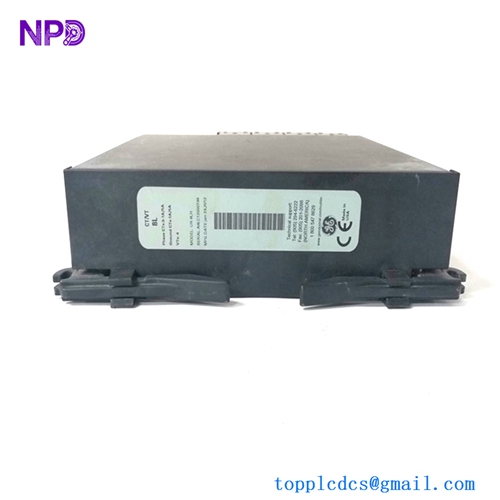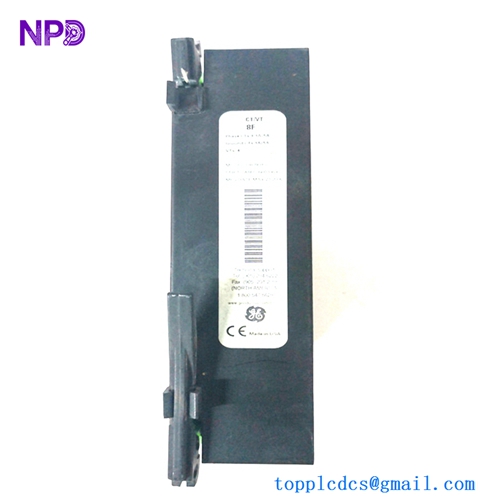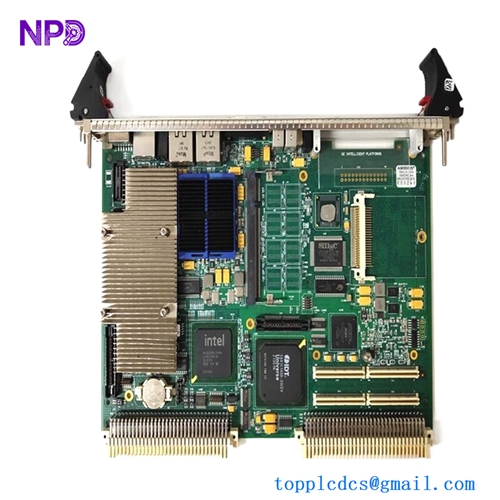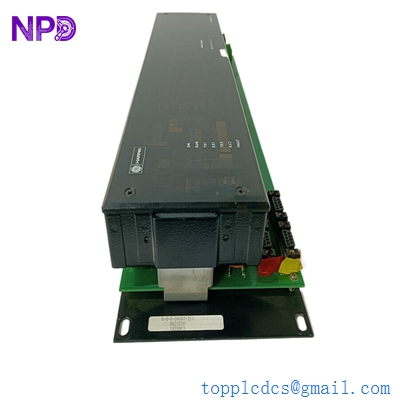
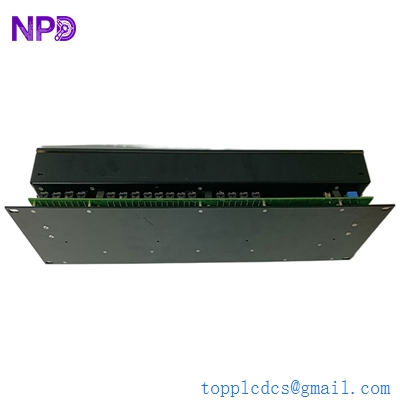

Description
- Model: GE WESDAC D20 C (often referred to as the D20C or D20C+)
- Brand: GE (formerly GE Harris)
- Series: WESDAC D20 Substation Automation System
- Core Function: Central processing unit and communication hub for the D20 Remote Terminal Unit (RTU).
- Product Type: Main Processor Module
- Key Specs: 32-bit processing Multi-protocol support (DNP3, Modbus) VME-based architecture
- Processor: 32-bit high-speed RISC processor.
- Communication Ports: Typically includes RS-232, RS-485, and Ethernet (depending on the daughterboard/configuration).
- Memory: High-capacity Flash memory for application code and Battery-backed RAM for data retention.
- Protocol Capability: DNP 3.0 (Serial/IP), Modbus, IEC 60870-5-101/104, and many legacy protocols.
- Operating System: Real-time multi-tasking OS optimized for substation environments.
- Diagnostics: Extensive self-diagnostics and system health monitoring LEDs.
- Compatibility: Designed to fit into the D20 universal chassis, managing peripheral I/O modules (D20 S, D20 K, D20 A).
- Environmental: Rated for high EMI/RFI environments (IEEE 1613 / IEC 61850-3 compliance).
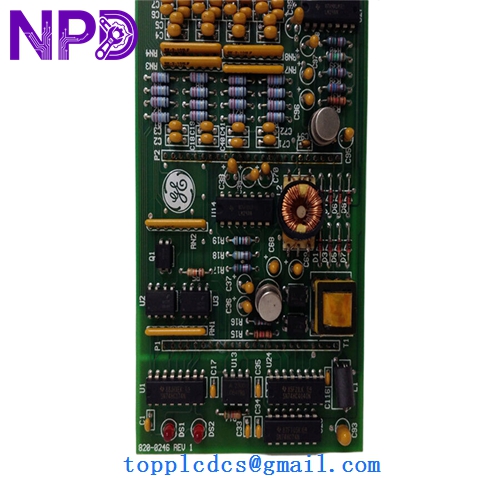
GE WESDAC D20 C
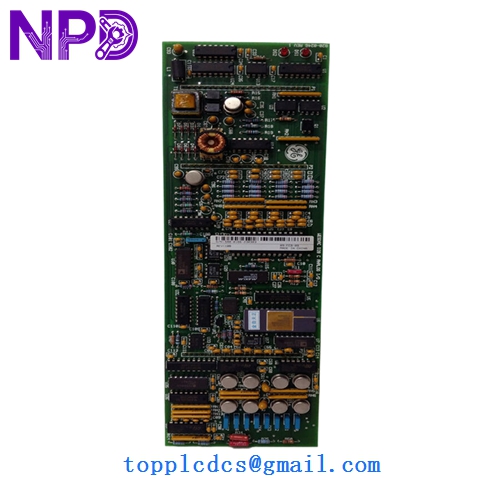
GE WESDAC D20 C
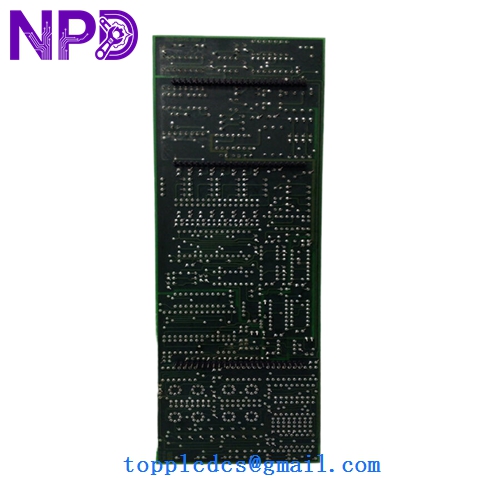
GE WESDAC D20 C
Installation & Configuration Guide
Phase 1: Preparation (Pre-Installation)
Estimated time: 15 minutes
⚠️ Safety Warning:
- Power Isolation: Ensure the D20 chassis power supply is turned off before inserting the module.
- Firmware Check: The D20 C must have the correct firmware version to communicate with your specific peripheral modules (e.g., WESTERM or D20 I/O).
- ESD Protection: Use a grounded wrist strap. The VME backplane connectors are sensitive to static.
Required Items:
- D20 Config Pro or SG Config software.
- Serial maintenance cable (DB9 or RJ45 depending on the port).
- System backup file (e.g., .cfg or .xml).
Phase 2: Hardware Configuration (Jumpers & Switches)
Estimated time: 10 minutes
Step 1: Address Settings If you are using multiple processors in a single chassis, ensure the hardware address jumpers on the D20 C board are set correctly to avoid bus conflicts.
Step 2: Battery Enable Ensure the onboard lithium battery is enabled/connected. This preserves the real-time clock and volatile event logs during power cycles.
Phase 3: Module Insertion & Commissioning
Estimated time: 20 minutes
- Insertion: Slide the D20 C into its designated slot. Ensure the ejector handles click firmly, indicating a solid connection to the VME backplane.
- Power Up: Turn on the chassis. The “Run” LED should blink initially and then turn solid or follow the configured heartbeat pattern.
- Software Integration:
- Connect your PC to the maintenance port.
- Upload the configuration file.
- Verify communication with downstream I/O modules.
- Tip: Check the “System Statistics” in the diagnostic menu to ensure there are no buffer overflows or CRC errors on the comm ports.
Customer Cases & Industry Applications
Case 1: Electrical Utility Grid Modernization A regional utility in North America was struggling with legacy RTUs that couldn’t support DNP3 over IP. By upgrading their central units to the WESDAC D20 C, they were able to maintain their existing D20 I/O infrastructure while gaining high-speed Ethernet connectivity to their SCADA master. We provided New Surplus units that allowed for a phased rollout, saving the utility millions in total hardware replacement costs.
Case 2: Solar Farm SCADA Integration A large-scale solar project needed a reliable data concentrator to aggregate data from 50+ inverters and weather stations. The D20 C was chosen for its ability to handle multiple protocols simultaneously and its ruggedness in desert heat. Our ability to provide tested, “New-in-Box” hardware from stock ensured the project hit its commissioning deadline, avoiding late-delivery penalties from the grid operator.
Frequently Asked Questions (FAQ)
Q: Can a D20 C replace an older D20 M++? A: Yes, the D20 C is the logical successor to the M++. It offers more processing power and memory. However, you will likely need to migrate your configuration file using GE’s configuration tools, as the hardware mappings may differ slightly.
Q: Does the module come with a communication daughterboard? A: The D20 C main board is often sold as the base processor. Depending on your order, it may come with a D20MEME (Ethernet) or serial expansion board. Please verify the full part number with us so we can confirm the exact port configuration.
Q: How do I recover a D20 C that has a “Red Light” error? A: A solid red “Fail” LED usually indicates a firmware crash or hardware fault. Try connecting via the maintenance port to see if you can reach the bootloader. In many cases, it’s a corrupted configuration file that can be cleared by a factory reset.
Q: Is “New Surplus” reliable for a main grid controller? A: Absolutely. “New Surplus” units are original factory parts that have never been put into service. They are often “Insurance Spares” from large utility projects. They offer the same reliability as a factory-direct part but are available immediately—which is critical when your main substation controller fails and you’re facing a blackout.
Q: Does it support IEC 61850? A: The D20 C hardware is capable of supporting IEC 61850 through specific software licenses and the use of an Ethernet-capable daughterboard. Check your firmware version to ensure the protocol stack is included.