
Description
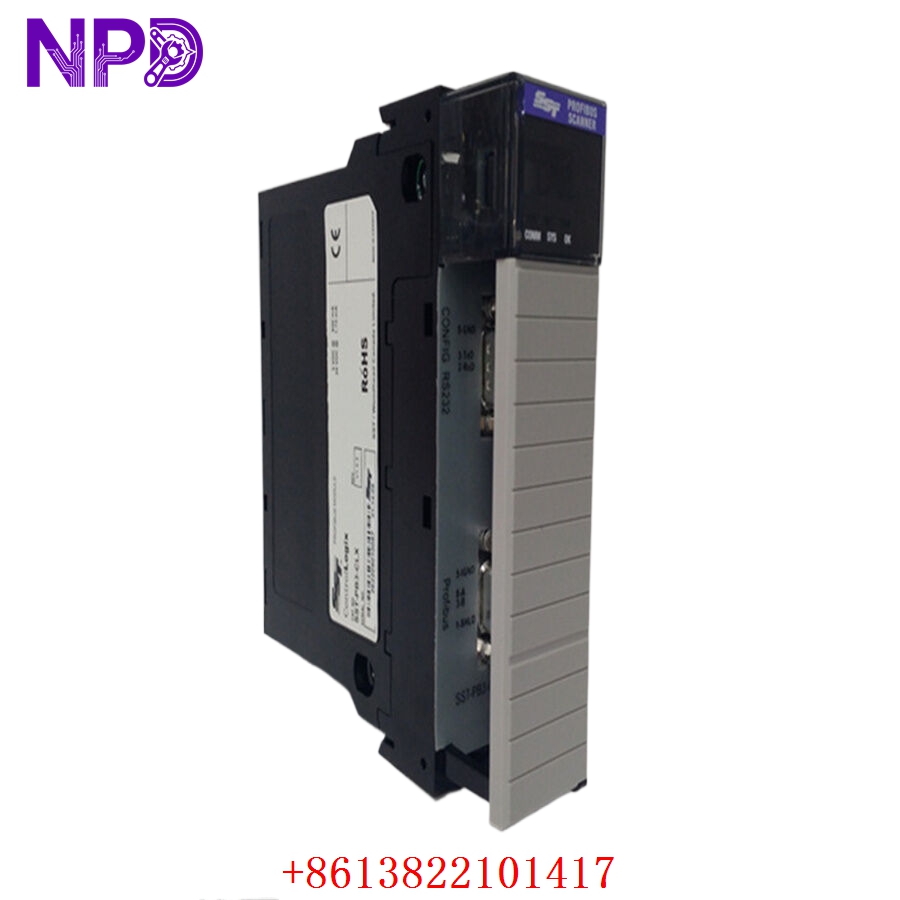
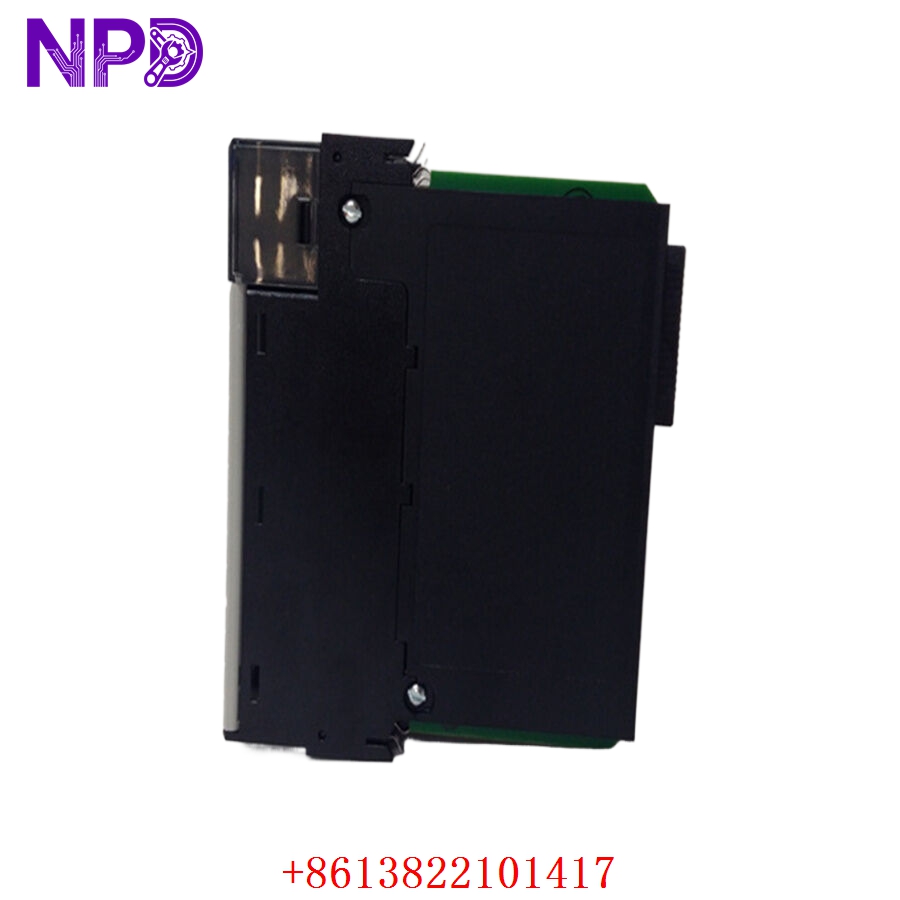
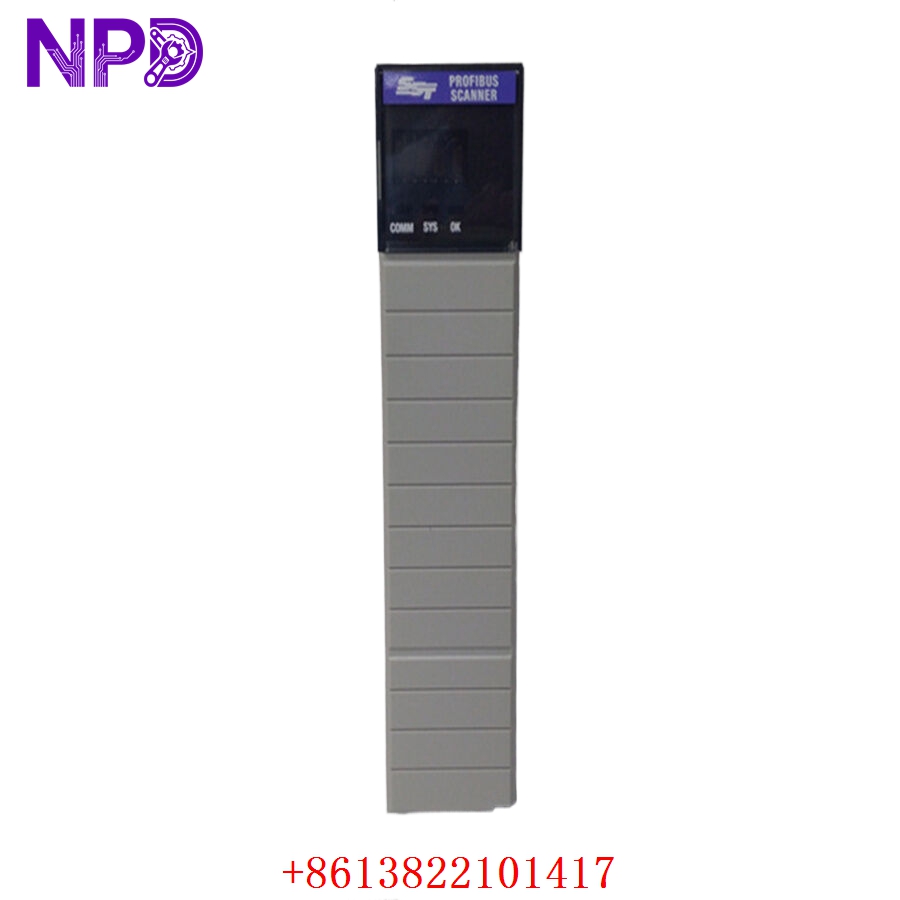
The Molex SST-PB3-CLX-RLL is a high-performance communication module designed for the Rockwell Automation ControlLogix platform. It enables seamless integration between a ControlLogix system and a PROFIBUS network. Serving as a PROFIBUS DP Master/Slave scanner, this module allows industrial controllers to exchange data with a wide variety of third-party PROFIBUS-enabled field devices, such as drives, sensors, and remote I/O stations.
Technical Specifications
| Parameter | Detail |
| Model | SST-PB3-CLX-RLL |
| Manufacturer | Molex (Brad/SST) |
| System Compatibility | Rockwell Automation ControlLogix |
| Protocol | PROFIBUS DP (Master and Slave) |
| Connectivity | Single-channel PROFIBUS interface |
| Physical Layer | RS-485 (Sub-D 9-pin connector) |
| Mounting | ControlLogix Chassis (In-chassis module) |
| Operating Temperature | 0°C to 60°C |
Fields of Application
This module is essential in complex industrial automation environments where multi-vendor equipment must communicate on a unified PROFIBUS network:
- Automotive Manufacturing: Integrating PROFIBUS-based robotic controllers with ControlLogix PLCs.
- Packaging and Assembly: Managing high-speed I/O and variable frequency drives (VFDs) on a common bus.
- Process Industries: Interfacing with analytical instrumentation and complex flow/level sensors.
- Large-Scale Material Handling: Coordinating distributed nodes across a production line.
Product Introduction
The SST-PB3-CLX-RLL acts as a dedicated co-processor for PROFIBUS traffic. By performing the protocol-intensive tasks of managing the PROFIBUS master/slave cycle, it offloads the ControlLogix processor, ensuring that the system’s scan time remains unaffected by heavy communication loads. It is a robust, field-proven solution for migrating or expanding legacy PROFIBUS networks into a modern Allen-Bradley ecosystem.
Product Use Instructions
- Chassis Installation: With the ControlLogix rack de-energized, insert the module into a spare slot in the chassis.
- Configuration: Use the Molex “SST PROFIBUS Configuration Tool” or Rockwell’s Studio 5000 (with the appropriate AOP—Add-On Profile) to map your I/O and define the PROFIBUS network parameters.
- Wiring: Use standard PROFIBUS purple shielded cable and DB9 connectors. Ensure the PROFIBUS segment is properly terminated at both ends.
- Addressing: Assign a unique PROFIBUS address to the module and configure the scan list to match your field devices.
- Download: Push the configuration to the module and verify the status LEDs; a solid green “OK” indicator signifies active communication with the backplane.
Product Use Precautions
The PROFIBUS network requires precise termination to prevent signal reflections; always ensure that the first and last devices on the segment have the termination resistors switched “ON.” Avoid routing PROFIBUS cables in the same conduit as high-voltage motor power lines, as inductive noise will cause cyclic communication drops. Ensure that the module is firmly seated in the chassis to prevent backplane connection faults caused by vibrations.
Frequently Asked Questions (Q&A)
Q: Does this module support both Master and Slave modes?
A: Yes, it is fully configurable as a PROFIBUS DP Master, Slave, or even both simultaneously, depending on your system requirements.
Q: How do I troubleshoot PROFIBUS communication timeouts?
A: First, check the diagnostic LEDs on the module faceplate. Second, use the SST configuration software to perform a “Bus Diagnostics” scan to identify which device on the network is failing to respond.
Q: Is this module compatible with all ControlLogix backplanes?
A: It is compatible with standard 1756 ControlLogix chassis. Always check the revision compatibility between your Studio 5000 project and the module’s firmware.
Product Operation Methods
The SST-PB3-CLX-RLL operates as an intelligent I/O scanner. Once configured, it autonomously manages the cyclic exchange of process data between the ControlLogix memory and the PROFIBUS network. It handles the low-level handshake and token-passing logic, requiring no active intervention from the PLC code for standard data updates. When a device fault occurs, the module automatically updates its status registers, allowing the ControlLogix logic to trigger appropriate machine alarms.