Description
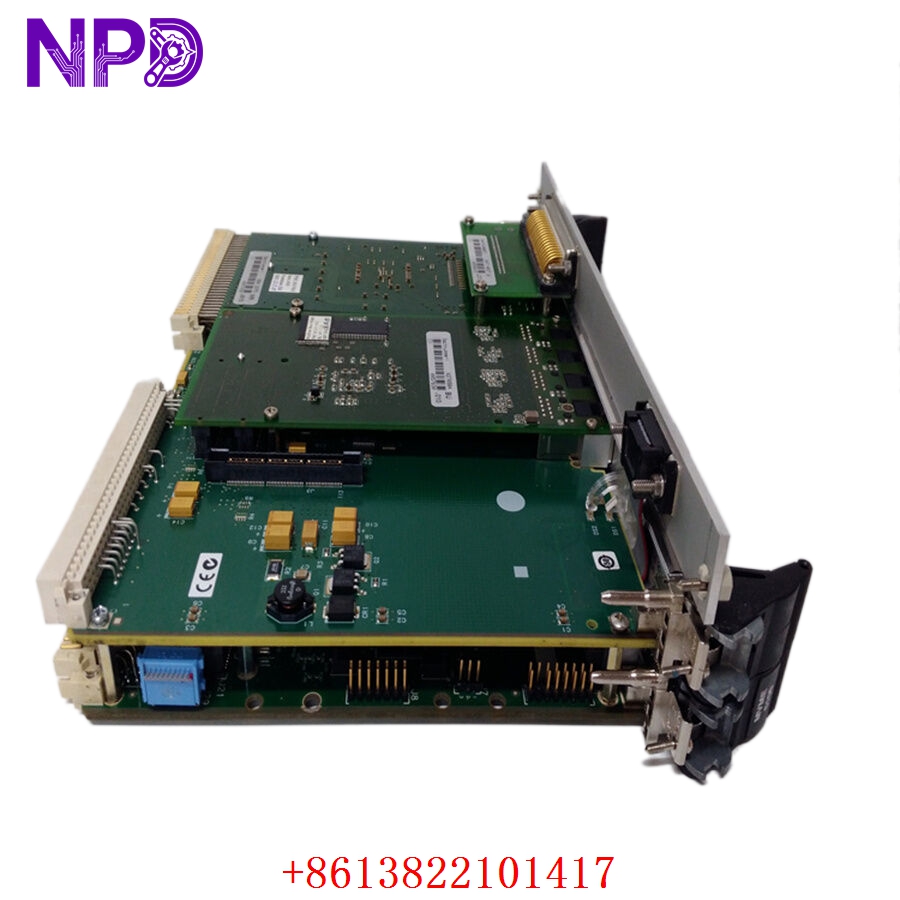
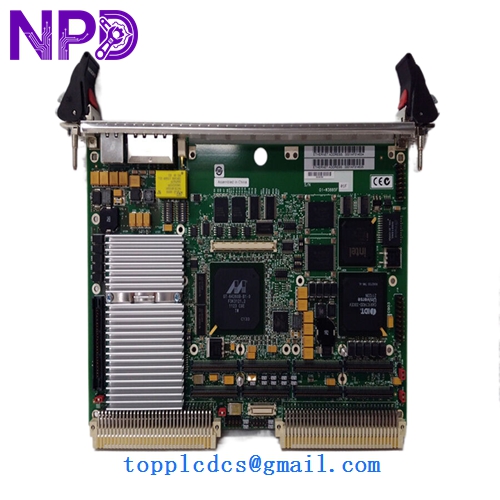
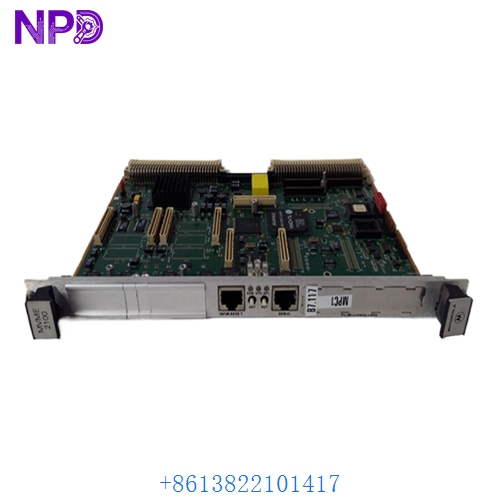
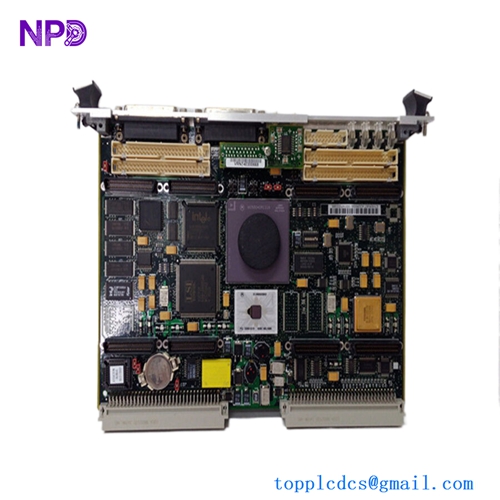
- Model: Motorola VME172PA-652SE
- Brand: Motorola (Embedded Communications Computing)
- Series: VME 172 Series (PowerPC Architecture)
- Core Function: High-speed computing and I/O management within a VMEbus chassis, typically used in real-time control, aerospace, or telecommunications applications.
- Product Type: Single Board Computer (SBC) / Processor Module
- Key Specs: PowerPC processor, VMEbus interface, onboard memory, integrated I/O
- Processor Architecture: Motorola PowerPC (highly reliable for deterministic tasks)
- Bus Interface: VMEbus (VME64 compatible)
- Memory: Onboard RAM/Flash (config-dependent for the -652SE suffix)
- Connectivity: Ethernet, Serial (RS-232/422), and VME backplane I/O
- Form Factor: 6U VMEbus standard
- Environment: Rated for industrial/ruggedized chassis deployment
- Software: Compatible with real-time operating systems (RTOS) like VxWorks or LynxOS
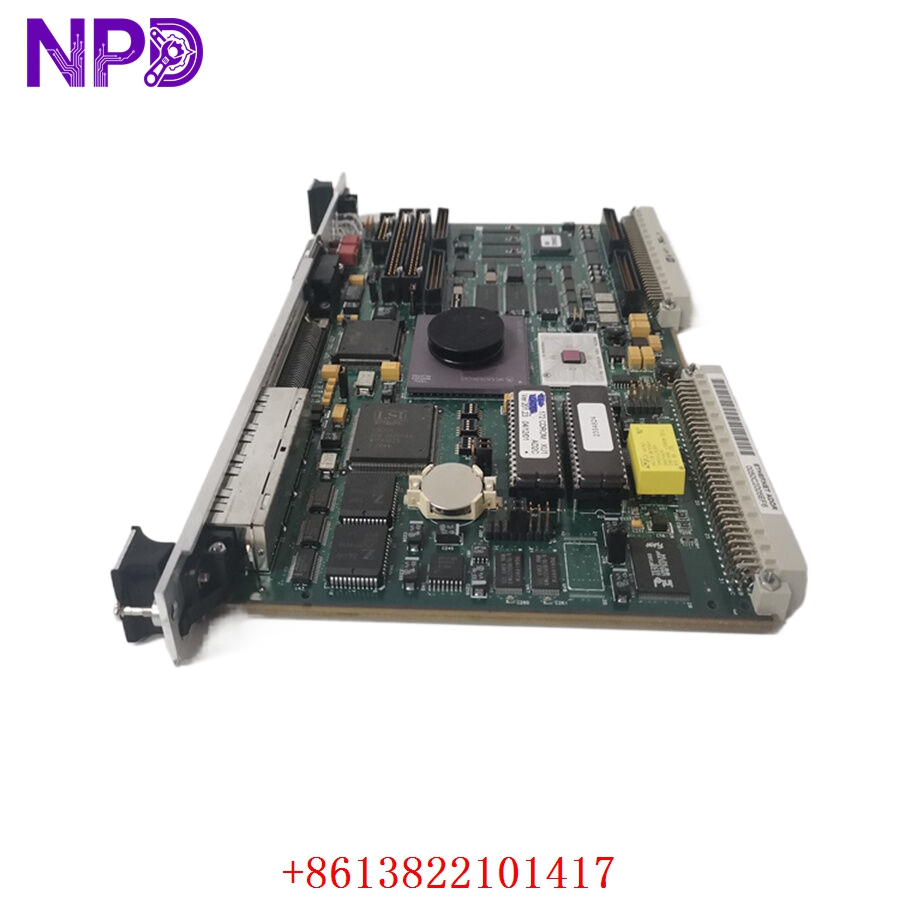
MOTOROLA VME172PA-652SE
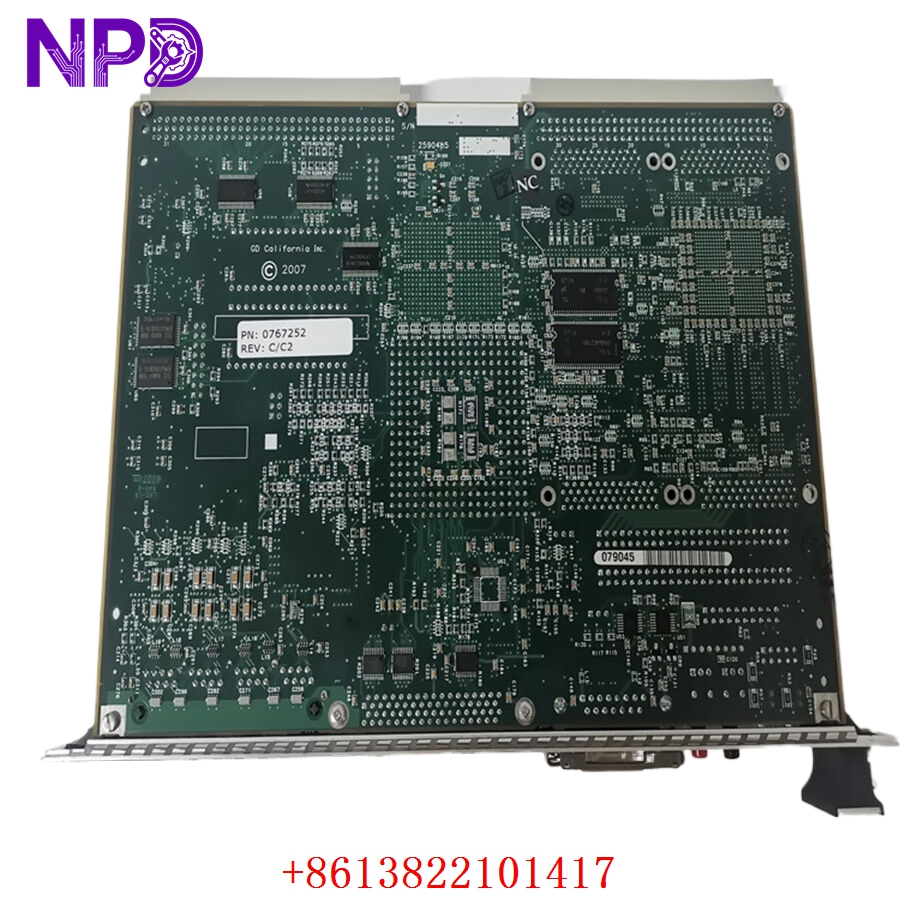
MOTOROLA VME172PA-652SE
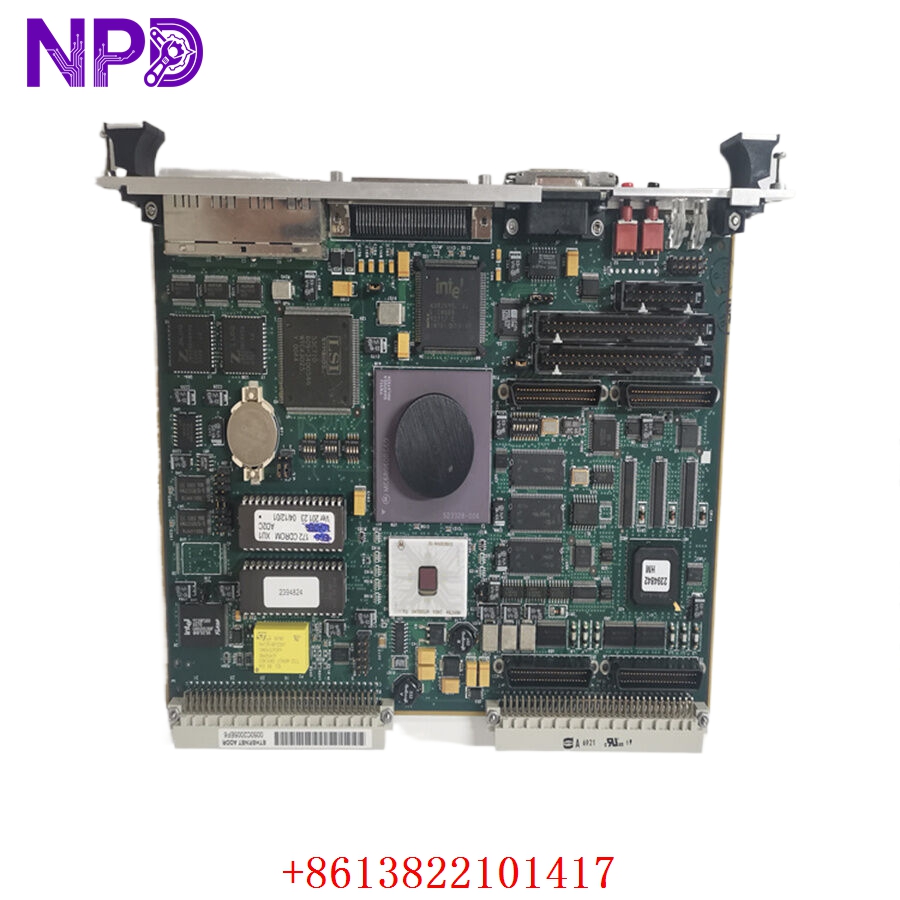
MOTOROLA VME172PA-652SE
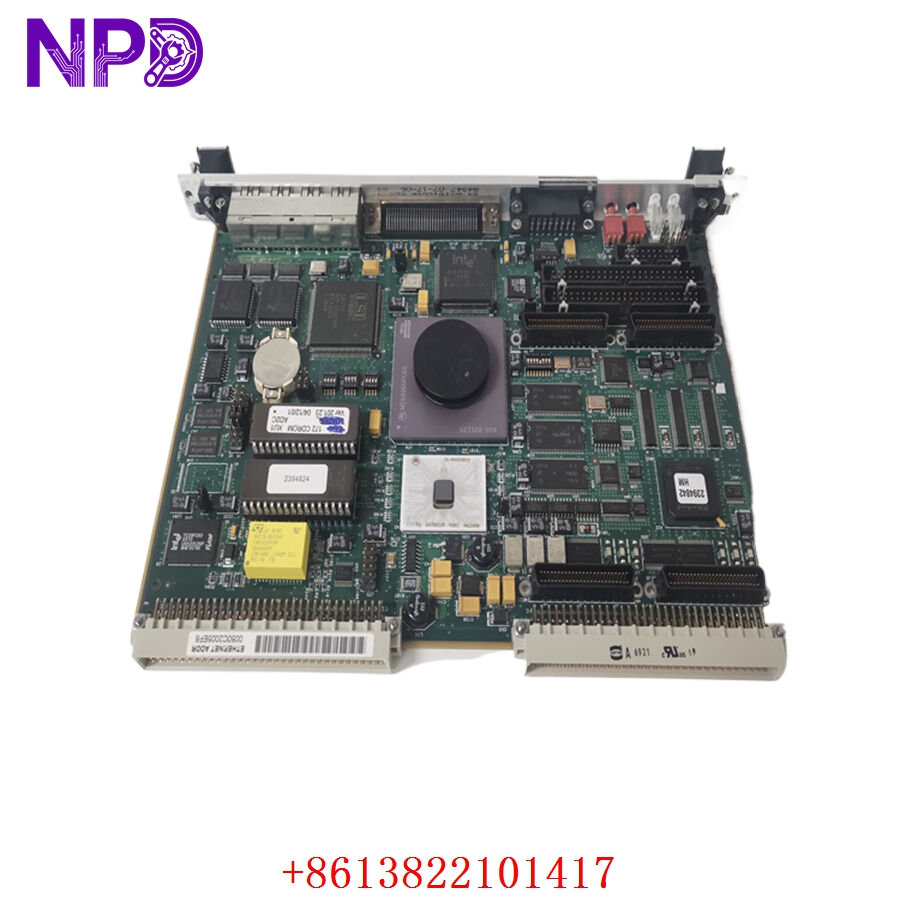
MOTOROLA VME172PA-652SE
Application Scenarios & Engineering Pain Points
The VME172PA series is a classic component in “long-lifecycle” industries where the hardware must remain operational for 20+ years. The primary engineering challenge for these boards is “Backplane Pin Aging.” VMEbus systems rely on a physical multi-pin backplane connection to pass signals. Over decades of operation, these pins can develop microscopic corrosion or oxidation, leading to “ghost” system crashes that are extremely difficult to diagnose.
Typical Application Scenarios:
- Defense/Aerospace – Radar Processing Provides high-throughput signal processing for time-critical tracking data.
- Industrial Automation – High-Speed Test Stands Controls complex automated testing sequences with sub-millisecond precision.
- Telecommunications – Central Office Switching Manages routing logic in legacy infrastructure environments.
Case Study: Legacy System Recovery A test-stand manufacturer had a legacy unit fail in a critical test environment. The VME chassis was the heart of the system. We provided a tested VME172PA-652SE replacement. The critical step in the recovery was the “NVRAM Configuration Transfer.” Because these boards store calibration constants and network parameters in battery-backed RAM (NVRAM), we performed a data migration from the customer’s failed board to the replacement to ensure the system booted with identical machine constants, avoiding an entire re-calibration cycle.
Troubleshooting Quick Reference
If the board isn’t booting (no link lights or console output), focus on the physical interface before assuming the board has failed.
Failure Symptom Possible Cause Quick Check Method Recommended Action No “Ready” LED Power/Voltage Dip Measure 5 V / 12 V on VME bus Check chassis power supply modules System Hang at Boot NVRAM Corruption Check battery voltage (3.6 V) Replace CMOS battery; re-load config VME Bus Timeout Bus Arbiter/Slot Issue Move module to a known good slot Verify VME bus master settings No Console Output Terminal Setting Mismatch Verify Serial baud rate (typically 9600) Check serial cable wiring (null modem) Engineer’s Note: ❗ Crucial Advice: Always verify the VME bus slot configuration. The VME172PA can be configured as a “Bus Master” or “Slave.” If you insert the replacement board into a chassis where the bus arbitration logic doesn’t match the new board’s jumpers or software configuration, you will cause a “Bus Error” that can hang the entire backplane.