Description
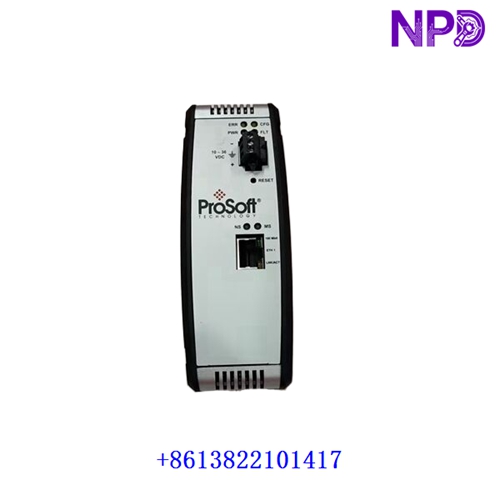
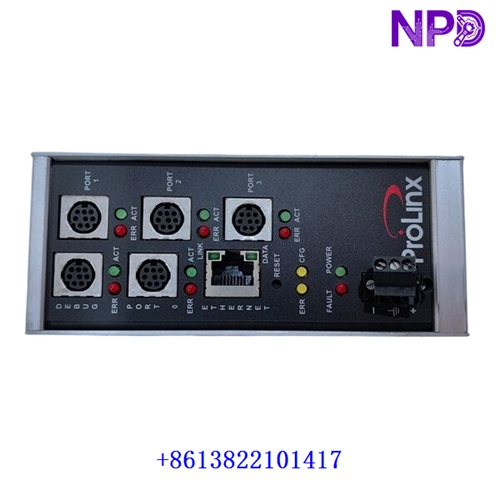
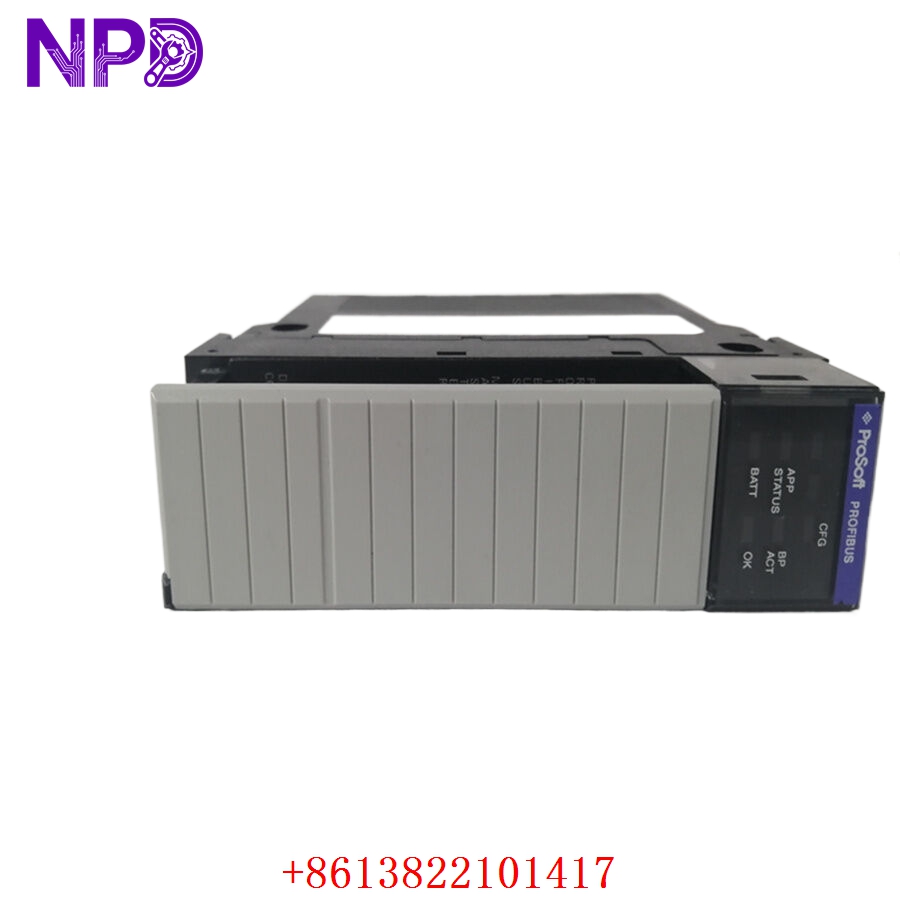
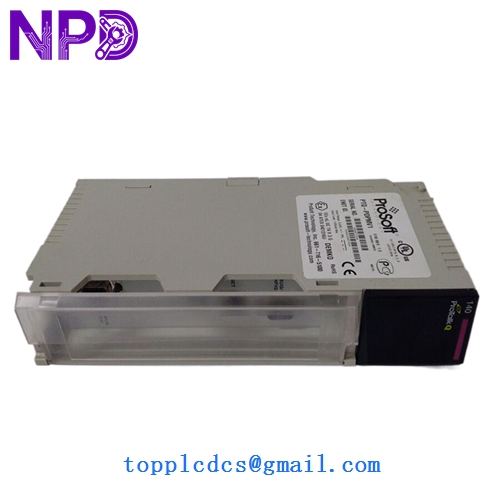
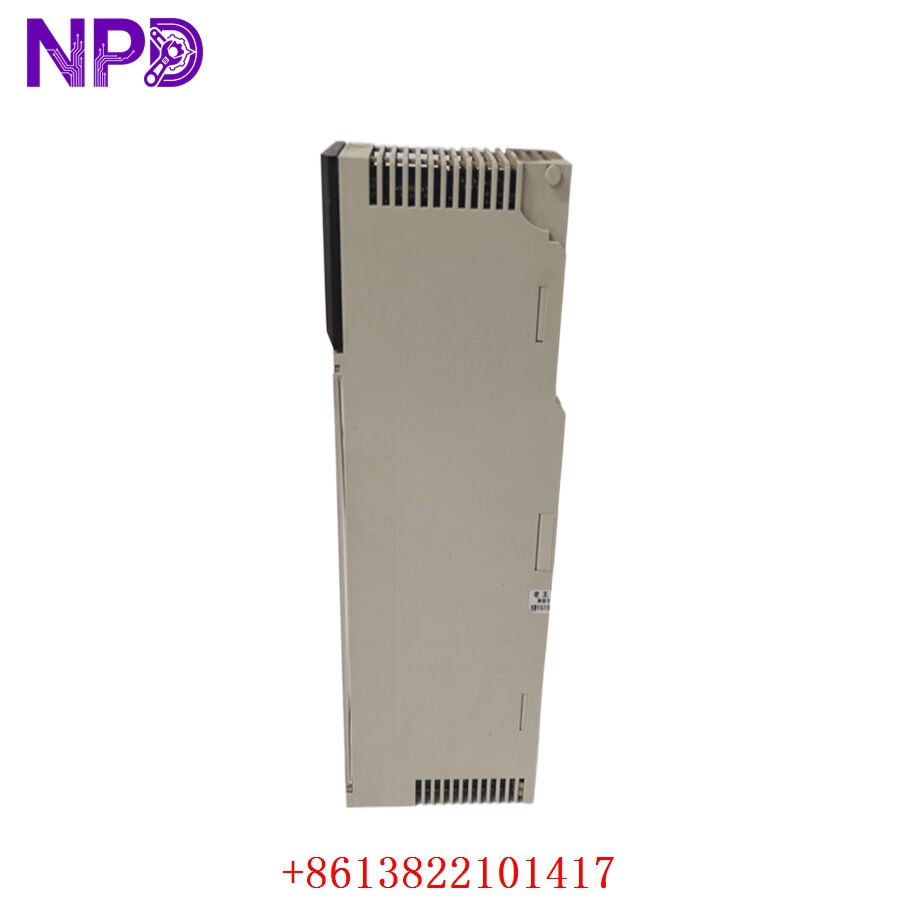
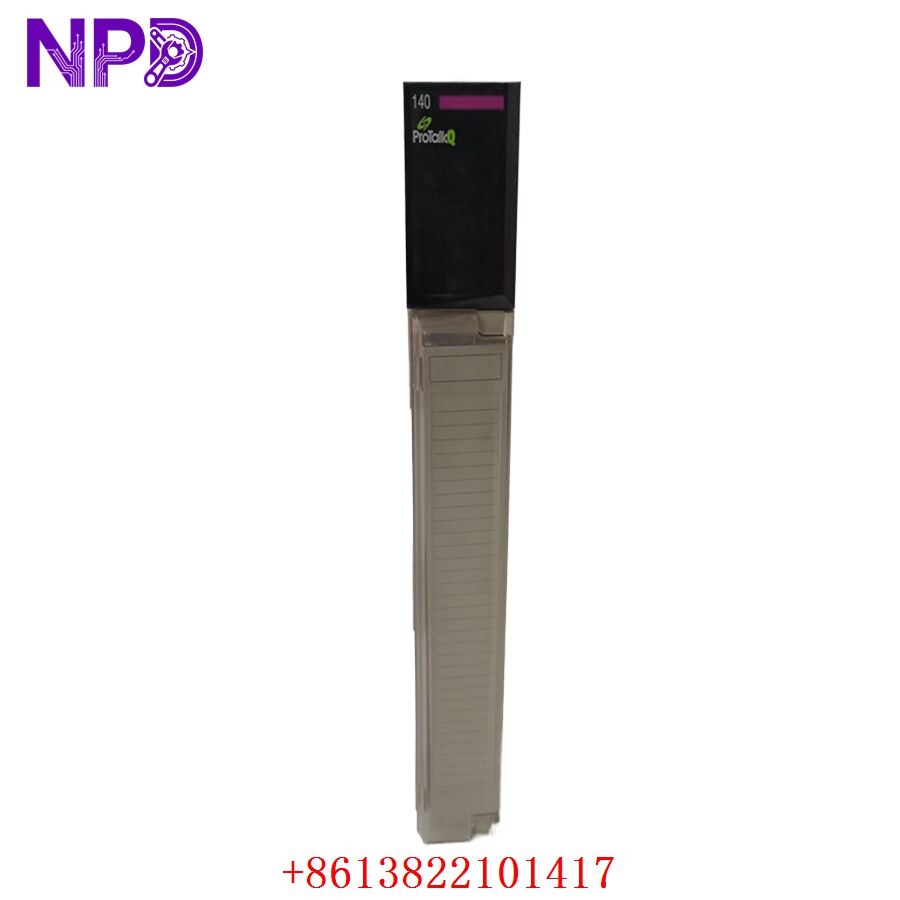
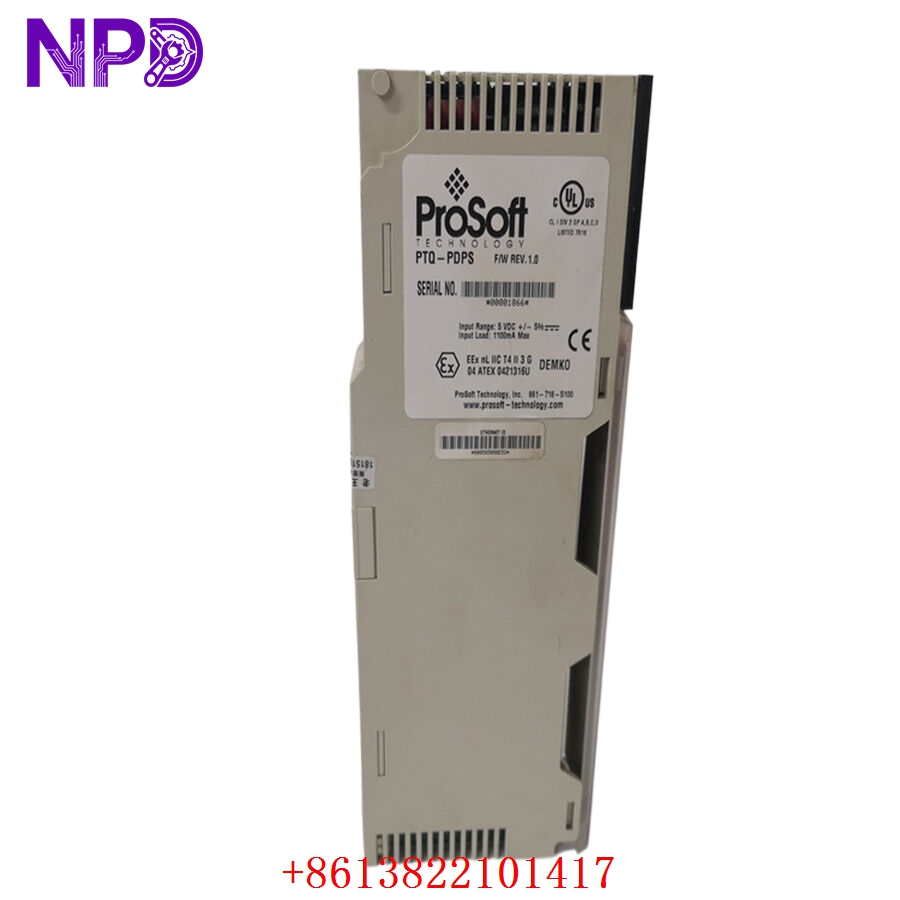
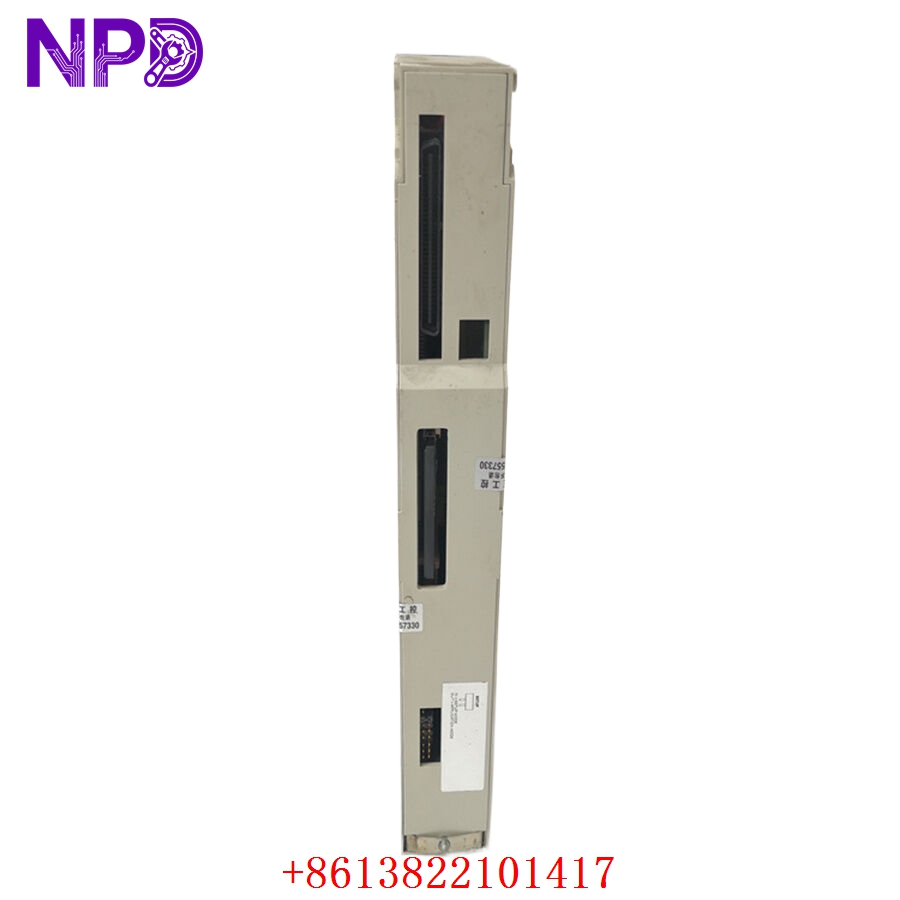
Model: PTQ-PDPS
· Brand: ProSoft Technology
· Series: PTQ (ProSoft Technology Quick-start) Interface Module for Schneider Electric Quantum PLCs
· Core Function: ⚙️ Enables a Schneider Quantum PLC to act as a PROFIBUS DP Slave device
· Product Type: 📟 In-Chassis Communication Module
· Key Specs: 🛠️ PROFIBUS DP V0/V1 Slave protocol, high-speed data transfer via backplane
- Bus Interface: Schneider Electric Quantum PLC backplane
- Protocol: PROFIBUS DP Slave (EN 50170)
- Configuration: Configurable via ProSoft Configuration Builder (PCB)
- Status LEDs: Module, Network (PROFIBUS), and Activity status
- Isolation: Optically isolated PROFIBUS port
- Data Throughput: Direct backplane data transfer between PLC and module
- Environment: Operating temperature 0 °C to 60 °C (32 °F to 140 °F)
Application Scenarios & Engineering Insights
The PTQ-PDPS is a specialized module used when a Quantum PLC needs to act as a “slave” device on a larger PROFIBUS network (e.g., reporting data to a Siemens S7-based master controller). A common “pain point” is the GSD file integration. If your PROFIBUS Master controller doesn’t have the correct GSD file for the PTQ-PDPS, the network will simply report a “Configuration Error.” Always ensure you have the latest GSD file from ProSoft’s support portal, as older versions may not support newer PROFIBUS DP V1 diagnostic features.
Typical Use Cases:
- Automotive – Multi-Vendor Integration
Linking a Schneider Electric control system into an existing PROFIBUS-based conveyor network.
- Petrochemical – Distributed Control
Allowing a local PLC to act as a data node for a centralized PROFIBUS-based plant monitoring system.
- Manufacturing – Legacy System Retrofit
Adding PROFIBUS connectivity to an existing Quantum PLC setup without replacing the main processor.
Troubleshooting Pro-Tip:
Before assuming a module fault, verify the PROFIBUS cable termination. Because PROFIBUS is a high-speed serial network, it is extremely sensitive to signal reflections. Ensure that the 9-pin D-sub connector on the PTQ-PDPS has active termination resistors enabled if it is at the physical end of the PROFIBUS segment.
Compatible Replacement Models
| Original Model | Replacement | Compatibility | Difference |
| PTQ-PDPS | PTQ-PDPS | ✅ Direct | Identical hardware revision |
| PTQ-PDPS | PTQ-PDPMV1 | ⚠️ Function | PDPMV1 is a Master module; not a drop-in replacement |
| PTQ-PDPS | Gateway Converter | ❌ System Modification | Requires external hardware; not in-chassis |
Note: Since the PTQ-PDPS is an in-chassis module for the Quantum PLC backplane, there is no generic replacement. If this module fails, you must source a functional PTQ-PDPS or consider upgrading the PLC infrastructure entirely.
Troubleshooting Quick Reference
| Symptom | Probable Cause | Action |
| “ERR” LED Red | PROFIBUS configuration error | Verify GSD file; check slave address settings |
| Module Not Detected | Backplane seating issue | Reseat the module; inspect Quantum rack slots |
| Data Not Updating | PLC logic mapping issue | Check register mapping in configuration |
| Network Timeout | Baud rate mismatch | Verify PROFIBUS master/slave baud rate settings |
Safety Warning: Never attempt to configure the module while the PROFIBUS network is active and running process-critical equipment. Changing configuration registers on an active PTQ module can cause a momentary loss of data, which may trigger a fault in the PROFIBUS Master controller.