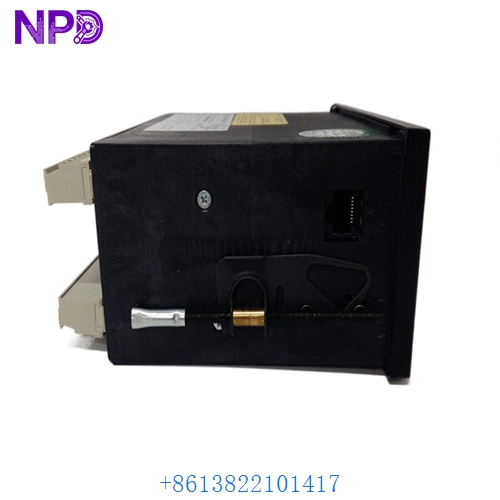

Description
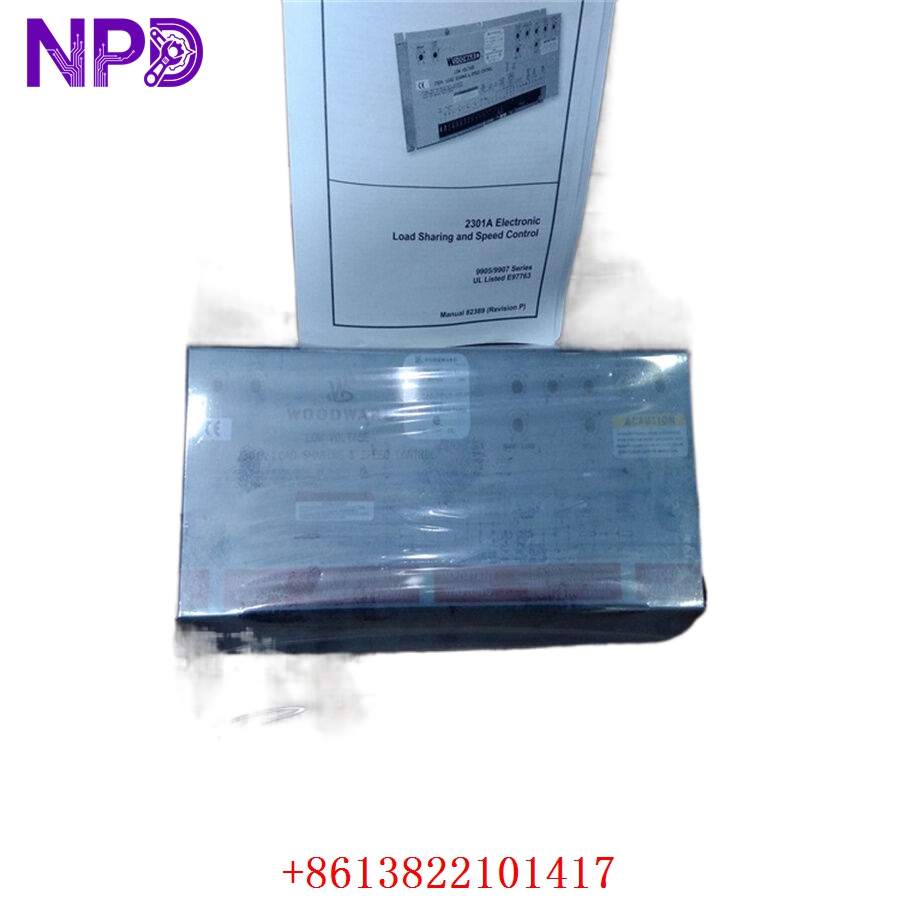
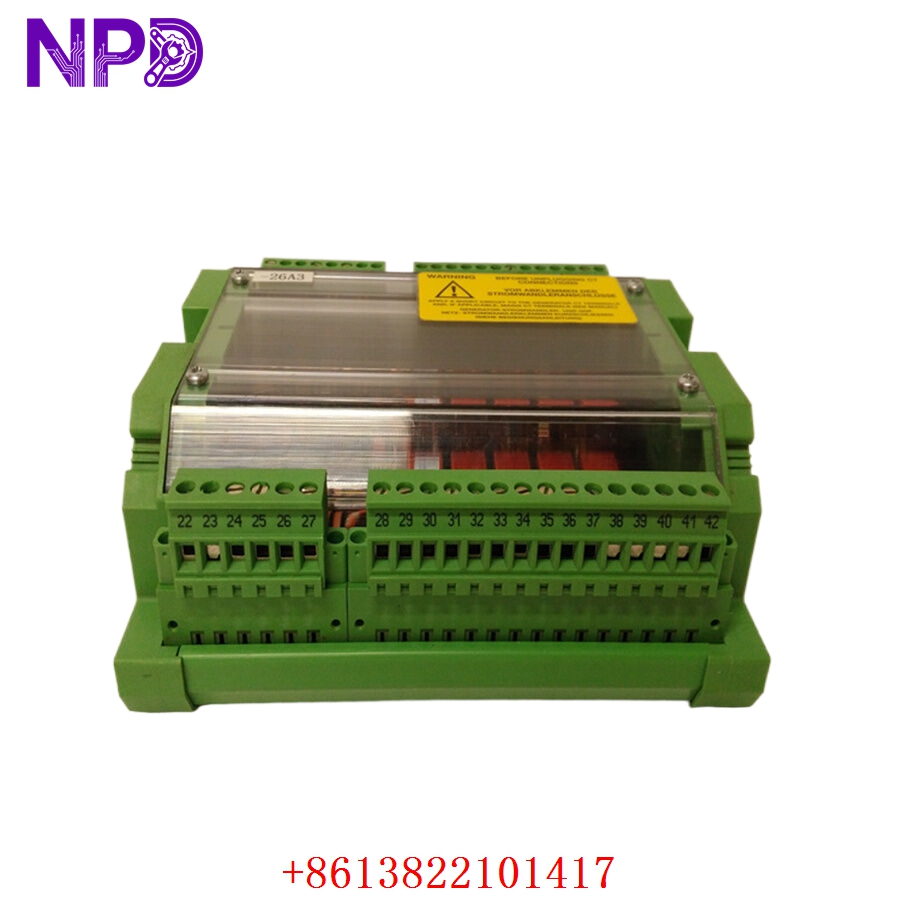
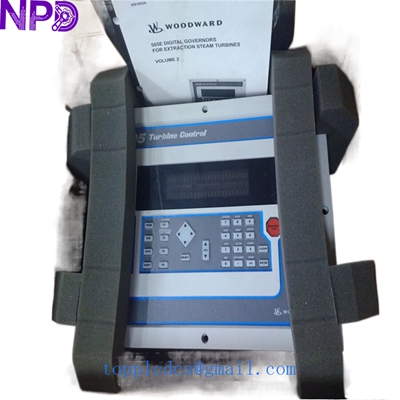
WOODWARD 8200-1310 is a highly reliable and advanced digital governor engineered for precision control in power generation and industrial turbine management. Designed to meet strict industry standards, this unit provides exceptional operational stability, rapid response times, and enhanced safety for complex prime mover applications.
Product Introduction
📌 The WOODWARD 8200-1310 digital governor represents the forefront of turbine control technology. It is specifically designed to manage steam, gas, and hydro turbines or industrial engines by precisely controlling fuel or steam flow. By leveraging digital microprocessor architecture, it ensures superior loop tuning, advanced self-diagnostics, and seamless integration into plant control networks. Its rugged construction allows it to perform reliably in harsh industrial environments where vibration, temperature fluctuations, and electrical noise are common.
Product Parameters and Datasheet Overview
🔹 Dimensions: Compact modular design, typically measuring approximately 250 mm x 180 mm x 90 mm, optimized for standard cabinet or panel mounting.
🔹 Weight: Approximately 3.5 kg, ensuring a balanced structure that minimizes stress on mounting rails while housing robust internal electronics.
🔹 Country of Origin: United States / Manufactured to stringent international quality standards.
🔹 Operating Voltage: Low Voltage Direct Current (LVDC) compatibility, typically designed for standard industrial 24VDC control power supplies.
🔹 Communication Interfaces: Equipped with multiple communication ports including Ethernet and serial interfaces for remote monitoring and SCADA integration.
Application Fields
⚙️ The WOODWARD 8200-1310 is widely deployed across critical infrastructure sectors. Primary applications include electrical power generation plants, petrochemical refineries, marine propulsion systems, and heavy industrial manufacturing facilities. It is ideal for driving synchronous generators, industrial compressors, and large mechanical pumps that demand continuous, high-precision speed and load control.
Product Operation Instructions
🛠️ Before commissioning the WOODWARD 8200-1310, ensure that all power sources are disconnected and verify that the mounting environment is free from excessive moisture and corrosive gases. Connect the LVDC power supply to the designated terminals, observing correct polarity. Interface the actuator and feedback sensors according to the schematic wiring diagram provided in the user manual. Power on the system and use the configuration software or local interface to input specific turbine parameters, PID tuning values, and safety trip limits. Perform a dry-run calibration test to verify actuator response before initiating actual prime mover startup.
Product Precautions
⚠️ Always ensure the control cabinet is properly grounded to prevent electrical interference and protect internal components from voltage surges. Never service or disconnect wiring while the unit is energized under LVDC power to avoid electrical arcing or system faults. Regularly inspect terminal connections for tightness and check diagnostic LED indicators for any warning codes. Exceeding the specified operating temperature range or voltage thresholds may result in permanent hardware damage and loss of turbine control.
Frequently Asked Questions Q&A
❓ Q1: What is the primary function of the WOODWARD 8200-1310 governor?
💡 A1: It regulates the speed and load of industrial turbines and engines by precisely controlling the fuel or steam admission valve based on real-time operational feedback.
❓ Q2: How is the unit powered during operation?
💡 A2: It operates on a Low Voltage Direct Current (LVDC) power supply, commonly configured for standard industrial 24VDC inputs with integrated power filtering.
❓ Q3: Can the WOODWARD 8200-1310 integrate with existing plant automation systems?
💡 A3: Yes, it features standard communication protocols and digital/analog I/O ports that allow seamless integration with distributed control systems (DCS) and supervisory control and data acquisition (SCADA) networks.
❓ Q4: What should I do if a fault indicator LED illuminates on the unit?
💡 A4: Immediately consult the error code diagnostic manual via the software interface, check external sensor connections, verify power stability, and contact qualified technical support if internal hardware failure is suspected.