Description
- Model: 8444-1067 (Easygen-2500 Series)
- Brand: Woodward (USA)
- Series: Easygen-2000/2500 Compact Genset Control
- Core Function: Comprehensive generator set control, protection, and engine-generator monitoring
- Type: Genset Control & Management Module
- Key Specs: CANopen/J1939 Communication 12/24 VDC Power Graphical LCD Display
Key Technical Specifications
- Power Supply: 12/24 VDC (8 to 40 VDC continuous)
- Power Consumption: Max 10 W
- Measuring Inputs: 3-phase generator voltage, 3-phase mains voltage, 3-phase generator current
- Voltage Range: 100 to 480 VAC (True RMS)
- Current Range: 1 A or 5 A (Secondary)
- Engine Communication: CAN bus (J1939, CANopen, or Woodward External I/O)
- Discrete Inputs: 8 Configurable inputs (Negative/Positive switching)
- Relay Outputs: 8 Configurable relays (Dry contacts)
- Analog Inputs: 3 Configurable inputs (Resistive or 0/4-20 mA)
- Operating Temperature: -20°C to +70°C (-4°F to 158°F)
- Protection Rating: IP65 (Front panel with gasket)
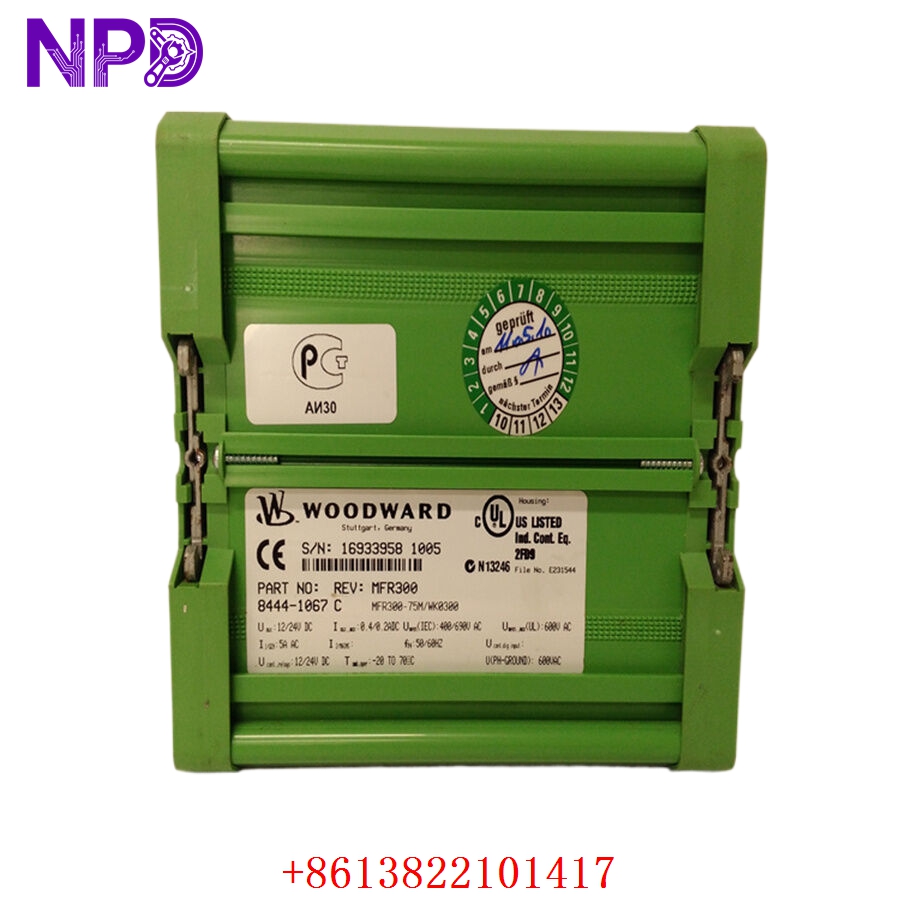
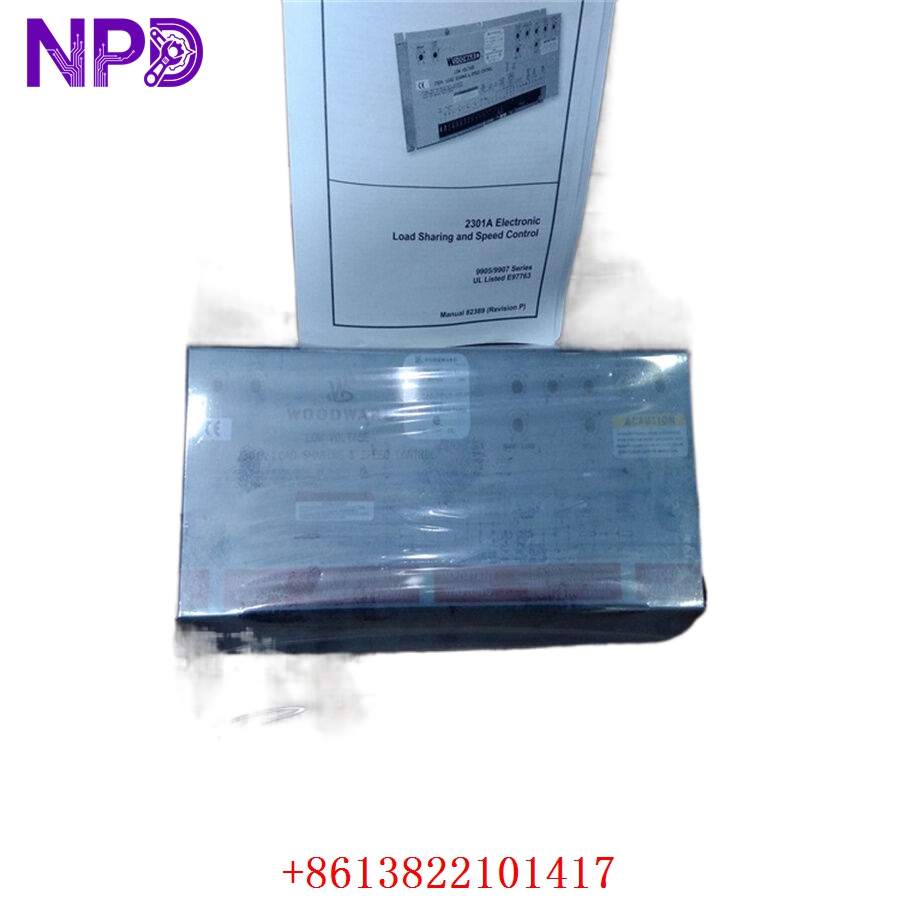
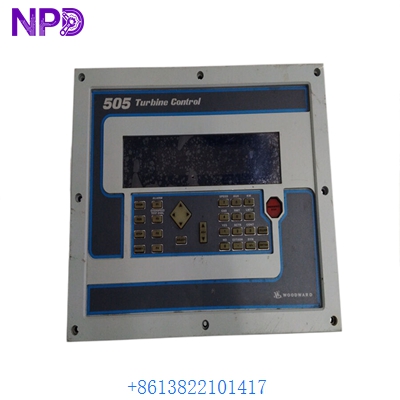
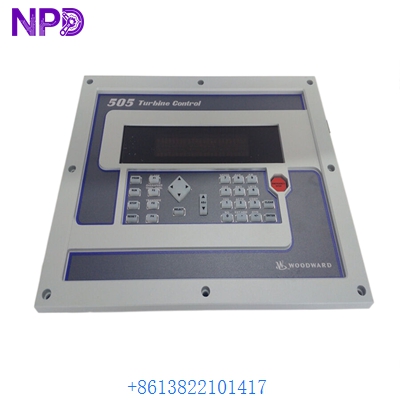
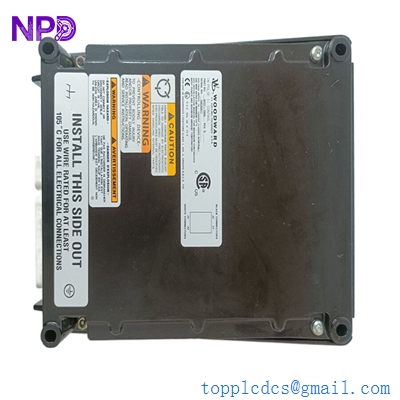
WOODWARD 8444-1067
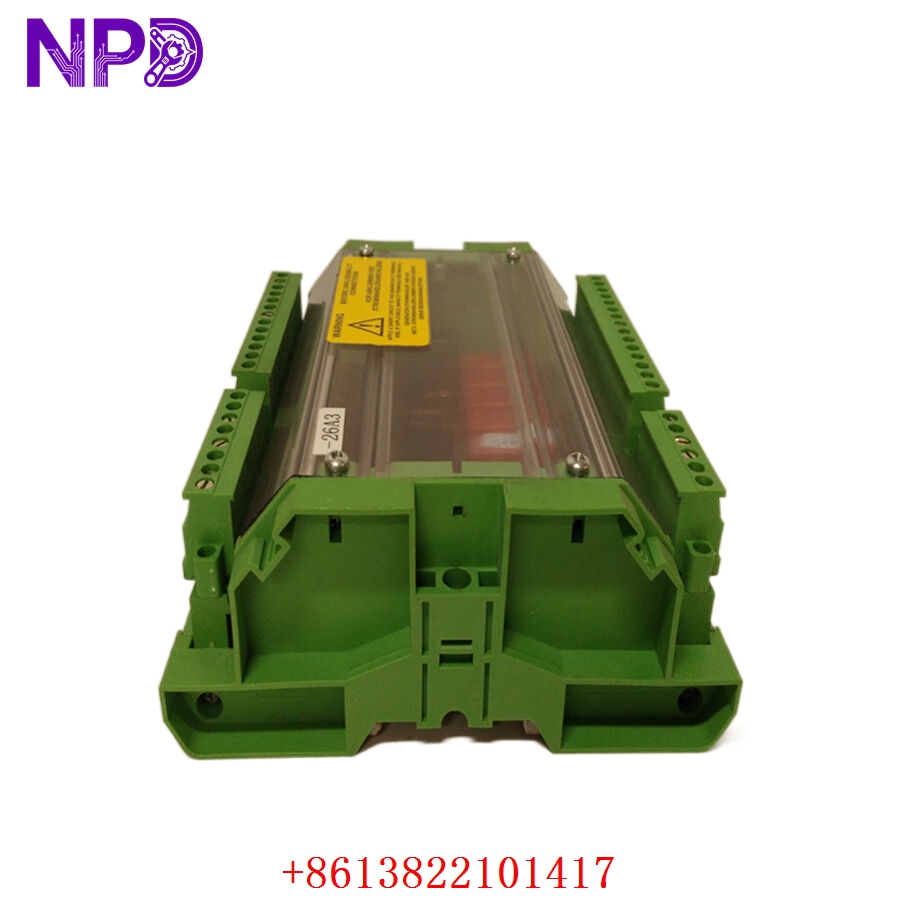
WOODWARD 8444-1067
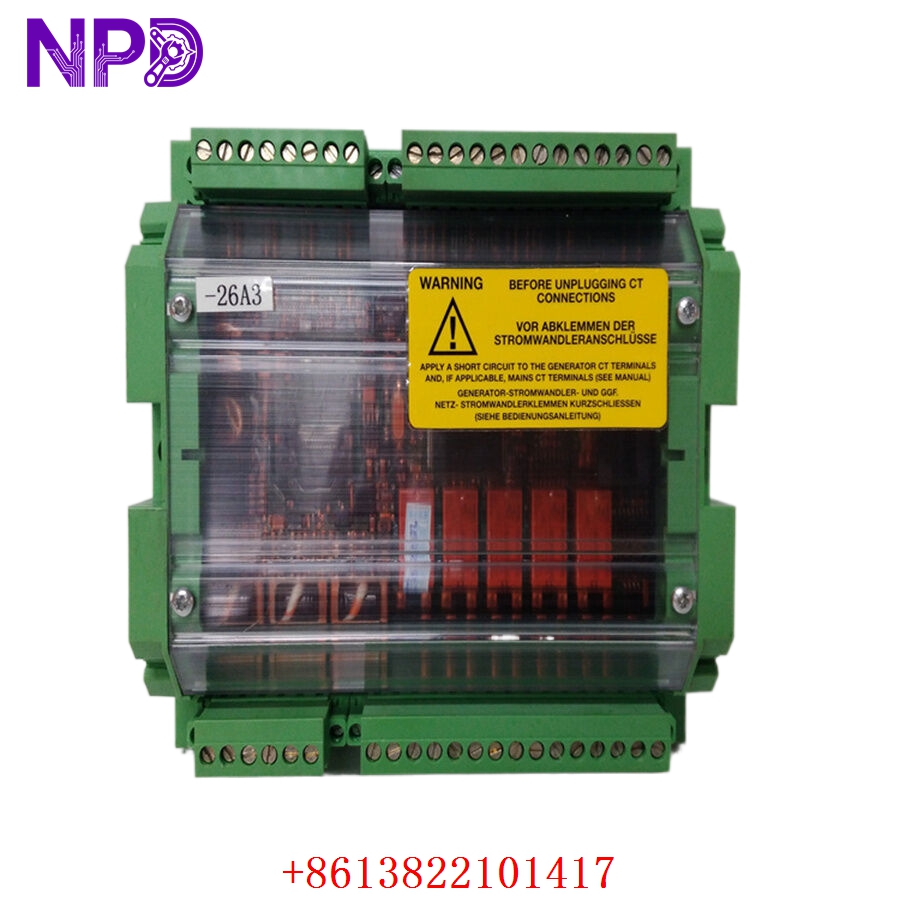
WOODWARD 8444-1067
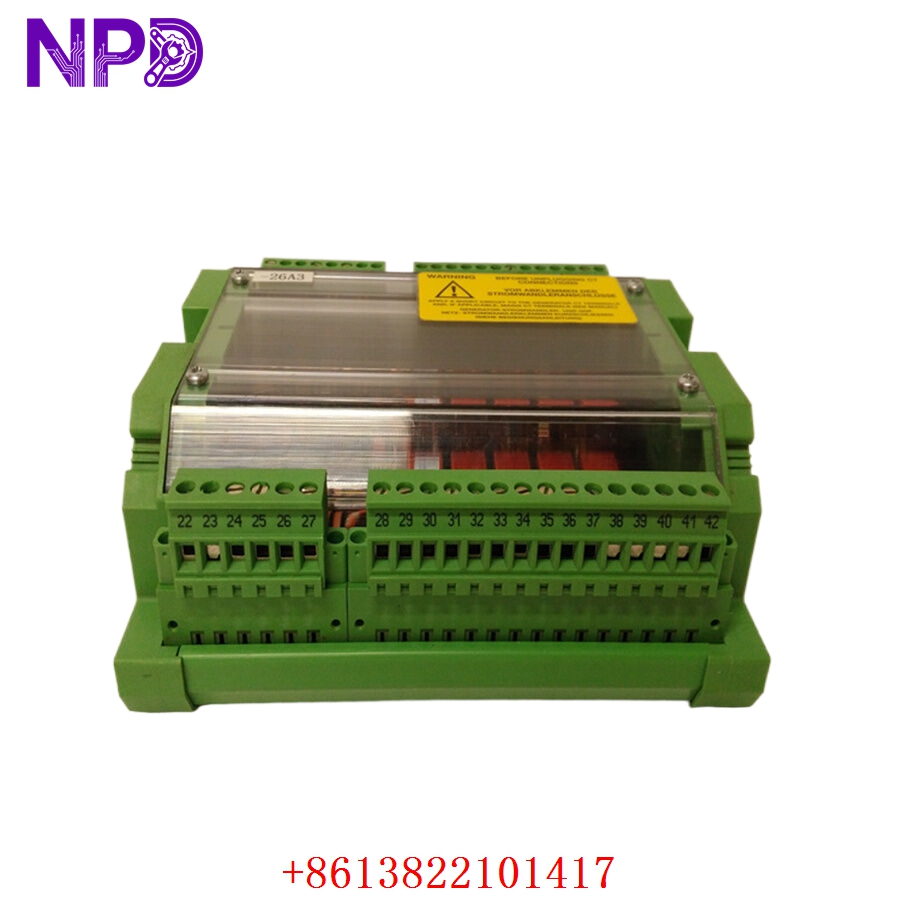
WOODWARD 8444-1067
Installation & Configuration Guide
Phase 1: Pre-Installation (Estimated time: 15 minutes)
⚠️ Safety Protocol:
- Ensure the generator is in “OFF” or “Locked Out” mode. Unexpected engine cranking can be fatal.
- Disconnect the negative terminal of the starting battery.
- Verify that your Current Transformer (CT) ratios match the settings in the new 8444-1067. Incorrect CT settings can lead to catastrophic over-current trips or lack of protection.
Phase 2: Removal (Estimated time: 10 minutes)
- Labeling: Use masking tape to label every wire connected to the back of the module. The Easygen series has high-density terminal blocks; mixing up a fuel solenoid wire with a sensor wire is an easy mistake to make.
- Unplugging: Most 8444-1067 units use pluggable terminal strips. Simply pull the strips out rather than unscrewing every individual wire.
- Mounting: Unscrew the four plastic mounting clamps from the rear and slide the module out through the front of the panel.
Phase 3: Configuration (Estimated time: 25 minutes)
- Software Tool: Use the Woodward ToolKit software for configuration. It’s much faster than using the front panel buttons.
- Password: You will likely need the default password (often ‘0000’ or ‘1234’) to access the “Configuration” menu.
- Firmware Sync: If you are replacing an older unit, check the firmware version. If the new 8444-1067 has newer firmware, some parameter addresses might have shifted. Double-check your CAN bus baud rate (usually 250 kbps for J1939).
Phase 4: Commissioning (Estimated time: 30 minutes)
- Static Test: Reconnect the battery. Check if the LCD lights up and no “Emergency Stop” or “Internal Fault” alarms are present.
- Crank Test: With the fuel supply disabled, try a manual crank to ensure the starter solenoid engages.
- Live Run: Start the engine. Check the RMS voltage and frequency readings against a handheld meter like a Fluke 115.
- Load Test: Apply load gradually and monitor the kW/kVAR sharing if this unit is part of a paralleling system.
Customer Cases & Industry Applications
Case 1: Data Center Backup Power Restoration
Situation: A tier-3 data center in Singapore had a display failure on their 8444-1067 controller for a 1500kVA standby generator. Task: The facility was technically “at risk” because they couldn’t verify the generator’s health or manually start it. The OEM lead time was 8 weeks. Action: We supplied a New Surplus 8444-1067 from our stock. I provided the customer with the specific Woodward .SID file template to ensure they could migrate their settings without starting from scratch. Result: The unit arrived via 24-hour courier. The on-site tech swapped the unit and restored the backup system’s availability within 48 hours of the initial fault.
Case 2: Marine Vessel Generator Synchronization
Situation: A cargo vessel’s auxiliary engine controller (8444-1067) was damaged by a saltwater leak in the engine control room. Task: The ship could not synchronize its two generators, meaning it couldn’t operate heavy deck cranes at the next port. Action: We delivered a replacement unit to the ship’s agent in Hong Kong. Since this was a marine application, I reminded the engineer to check the J1939 CAN termination resistor (120Ω), which is often the culprit for communication errors after a swap. Result: The vessel’s crew installed the controller while at sea. By the time they reached port, the power management system was fully functional, avoiding thousands of dollars in port delay penalties.
Frequently Asked Questions (FAQ)
Q: Can I replace an 8444-1067 with an Easygen-3000 series? A: Not directly. While the Easygen-3000 has more features, the cut-out size and wiring harness are different. The 8444-1067 is an Easygen-2500-P1, which is a more compact “value” version. Stick to the 8444-1067 to avoid extensive panel modifications.
Q: Why does the screen say “Access Denied” when I try to change the voltage? A: You are likely in “Read-Only” mode. You need to enter the Level 2 or Level 3 password to change control parameters. Woodward controllers are very protective of safety settings to prevent unauthorized changes that could damage the alternator.
Q: Is “New Surplus” reliable for a critical generator? A: To be honest, New Surplus is often better than buying used/refurbished because the internal relays and the LCD backlight haven’t been “on” for 50,000 hours. We verify every 8444-1067 on our Woodward simulator rack to ensure the I/O and display are 100% functional before it leaves our warehouse.
Q: Does it support remote monitoring? A: Yes, via the RS-485 port or the CAN bus using Modbus RTU protocol. Many of our customers link these to a ComAp or HMS gateway for remote cloud monitoring.
Q: Can I copy the configuration from the old unit if the screen is dead? A: Yes! As long as the internal processor is still alive, you can connect via the USB/Serial interface using Woodward ToolKit and “Read from Device” even if the LCD is completely black. This saves hours of manual data entry.